Mosquitto Pub Tls Example MQTT TLS Configuration Guide With Mosquitto Examples Cedalo Added TLS Secured MQTT Example For ESP32 And Mosquitto Communication Mosquitto pub Status Info Discussion 16260 Arendst Tasmota GitHub MQTT Publish Subscribe With Mosquitto Pub sub Examples Cedalo Using The Mosquitto pub And Mosquitto sub MQTT Client Tools Examples Aug 16 2023 nbsp 0183 32 How do I make it so a specific camera has its own aspect ratio separate from other camera s resolutions Changing the resolution in the output tab changes it for all cameras I
Apr 19 2024 nbsp 0183 32 Change Camera Resolution and Aspect ratio without changing camera posistion zoom focal length Mar 17 2025 nbsp 0183 32 Advanced Aspect Ratio Manager A Blender addon for managing aspect ratios and camera settings with an intuitive interface and quick access pie menu
Using The Mosquitto pub And Mosquitto sub MQTT Client Tools Examples MQTT Topic Alias Solved Mosquitto pub Error While Loading Shared 9to5Answer Ubuntu18 04 mqtt tls mosquitto ubuntu Mqtt Ssl Tls Using The Mosquitto pub And Mosquitto sub MQTT Client Tools Examples How Configure TLS In Gateway Bridge Network server 4 By Iegomez Publishing Subscribing To Mqtt Topics Using Mosquitto Client Tools Tls Mosquitto SSL Configuration MQTT TLS Security Mosquitto
Mosquitto Pub Tls Example
 Mosquitto Pub Tls Example
https://cedalo.com/wp-content/uploads/2022/07/7-process_flow_mqtt_mosquitto_certificate_authentification-3-scaled.jpg
Need to adjust your render dimensions in Blender The camera aspect ratio determines the shape and framing of your final render which is crucial for anim
Pre-crafted templates offer a time-saving solution for creating a varied series of files and files. These pre-designed formats and designs can be used for various individual and professional projects, consisting of resumes, invites, leaflets, newsletters, reports, presentations, and more, enhancing the content production process.
Mosquitto Pub Tls Example

Baby Eclipse Mosquitto

MQTT Topic Alias

Solved Mosquitto pub Error While Loading Shared 9to5Answer
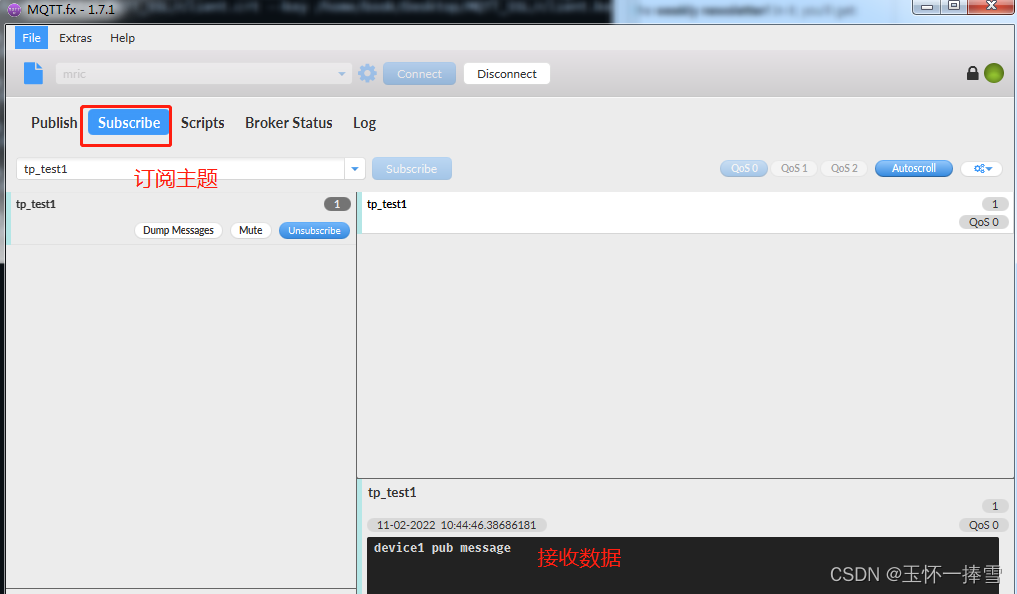
Ubuntu18 04 mqtt tls mosquitto ubuntu Mqtt Ssl Tls
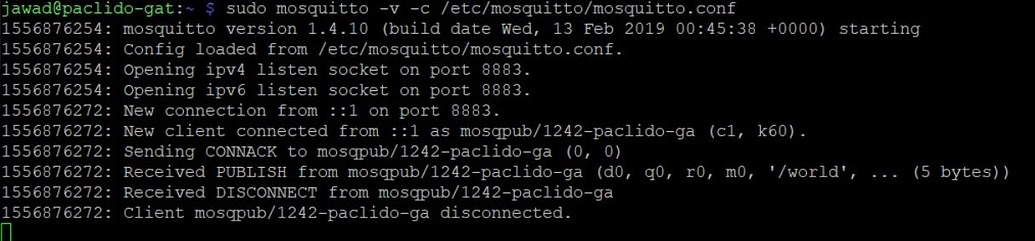
How Configure TLS In Gateway Bridge Network server 4 By Iegomez

Publishing Subscribing To Mqtt Topics Using Mosquitto Client Tools Tls

Go to the Properties Panel and open the Output Tab Locate the Dimensions Panel You can set the aspect ratio by setting the X and Y resultion of the image source blender For a 16 10
Blender tutorial shows how to change camera aspect ratio camera view size for rendering uses In this video we will use the default camera and set this as render camera view
Aug 6 2024 nbsp 0183 32 Blender tutorial shows how to change camera view size camera aspect ratio view frame size for animation and 3D rendering

Jan 10 2025 nbsp 0183 32 Learn how to adjust the camera aspect ratio in Blender for cinematic social media and game renders Optimize composition and framing for any project
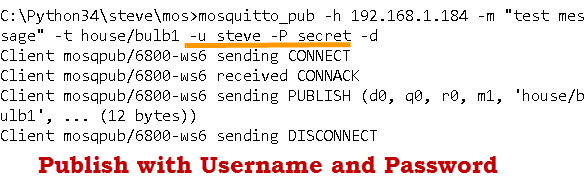
Feb 9 2023 nbsp 0183 32 The aspect ratio in Blender can be changed manually by changing the X Resolution the Y Resolution or both to a desired resolution ie 4096 x 2160 in the Output Properties Panel
[desc-11] [desc-12]
[desc-13]