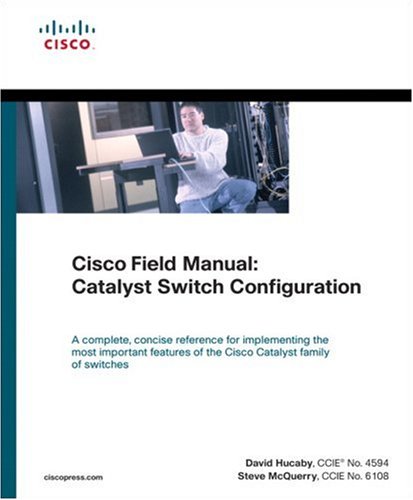
Mikrotik Switch Configuration Pdf Ele tirmen Uymak Arama Mikrotik Switch Configuration Keman K sa Yast k MIKROTIK SWITCH LACP CONFIGURATION YouTube Book Cisco Field Manual Catalyst Switch Configuration Pdf Epub Mobi Configuring Xcp Ng Vlans Using Pfsense Unifi Mikrotik Switches Otosection Ele tirmen Uymak Arama Mikrotik Switch Configuration Keman K sa Yast k Many MikroTik devices come with built in switch chips that usually have an option to do VLAN switching on a hardware level this means that you can achieve wire speed performance using VLANs if a proper configuration method is used
For CRS3xx series switches it is possible to limit ingress traffic that matches certain parameters and it is possible to limit ingress egress traffic per port basis For ingress traffic QoS policer is used for egress traffic QoS shaper is used Port Based Traffic Shaping interface ethernet switch port set ether1 ingress rate 10M egress rate 5M 3 Configuring router 3 1 Logging into the router 3 2 Router user accounts 3 3 Configure access to internet 3 3 1 DHCP Client 3 3 2 Static IP Address 3 3 3 Configuring network address translation NAT 3 3 4 Default gateway 3 3 5 Domain name resolution 3 3 6 SNTP Client 3 4 Setting up Wireless 3 4 1 Check Ethernet interface state
Ele tirmen Uymak Arama Mikrotik Switch Configuration Keman K sa Yast k How To Trunking And Add VLAN VLAN Untagged On Mikrotik To Mikrotik Mikrotik Router Configuration Mikrotik Cloud Router Switch CRS106 1C 5S Complete 5 SFP Ports Plus 1 Cisco LAN Switch Configuration PDF Network Switch Ethernet My Techie Guy Vlan Trunking Configuration On A Mikrotik Switch Lab 08 Ethernet Switch Configuration PDF Document Jakub Kulesza Junior IT Applications Administrator E ON Polska Cisco Switch Configuration Commands Pdf
Mikrotik Switch Configuration Pdf
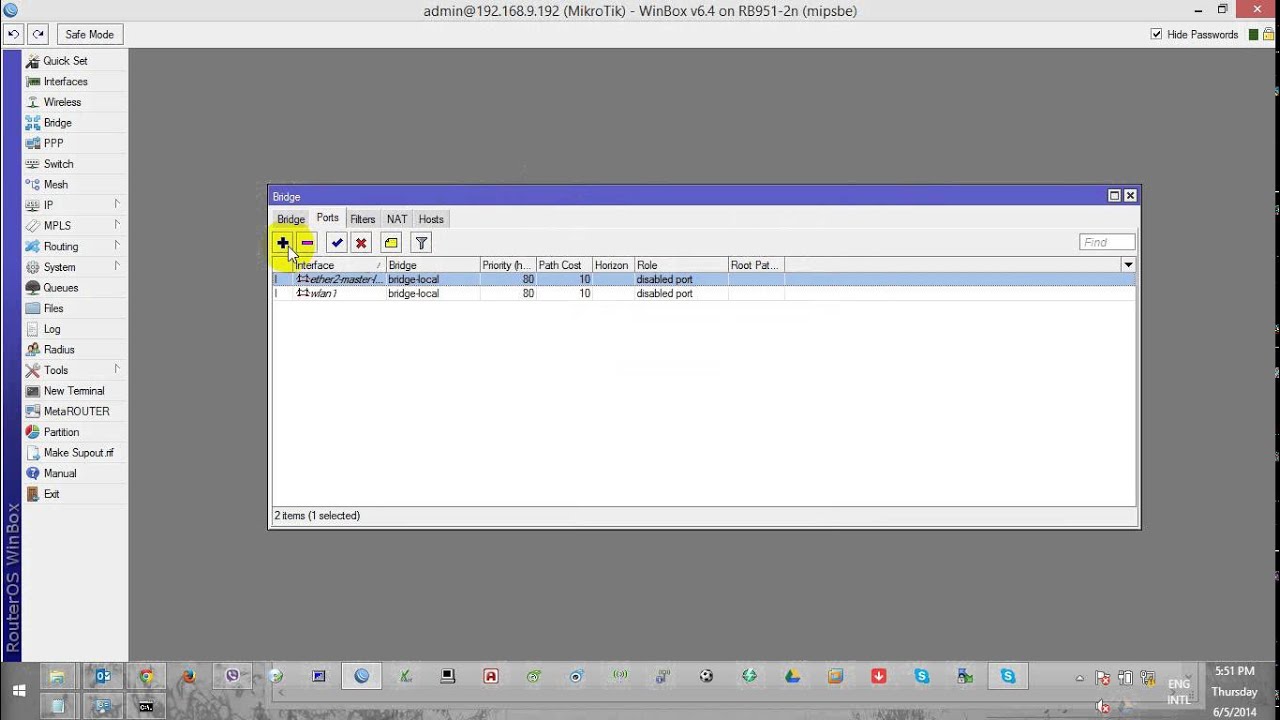 Mikrotik Switch Configuration Pdf
https://i.ytimg.com/vi/IZoVnazGHOg/maxresdefault.jpg
IP Addressing 31 Address Resolution Protocol 33
Templates are pre-designed documents or files that can be used for numerous functions. They can save time and effort by supplying a ready-made format and layout for creating various sort of content. Templates can be utilized for individual or expert tasks, such as resumes, invitations, leaflets, newsletters, reports, discussions, and more.
Mikrotik Switch Configuration Pdf

Ele tirmen Uymak Arama Mikrotik Switch Configuration Keman K sa Yast k
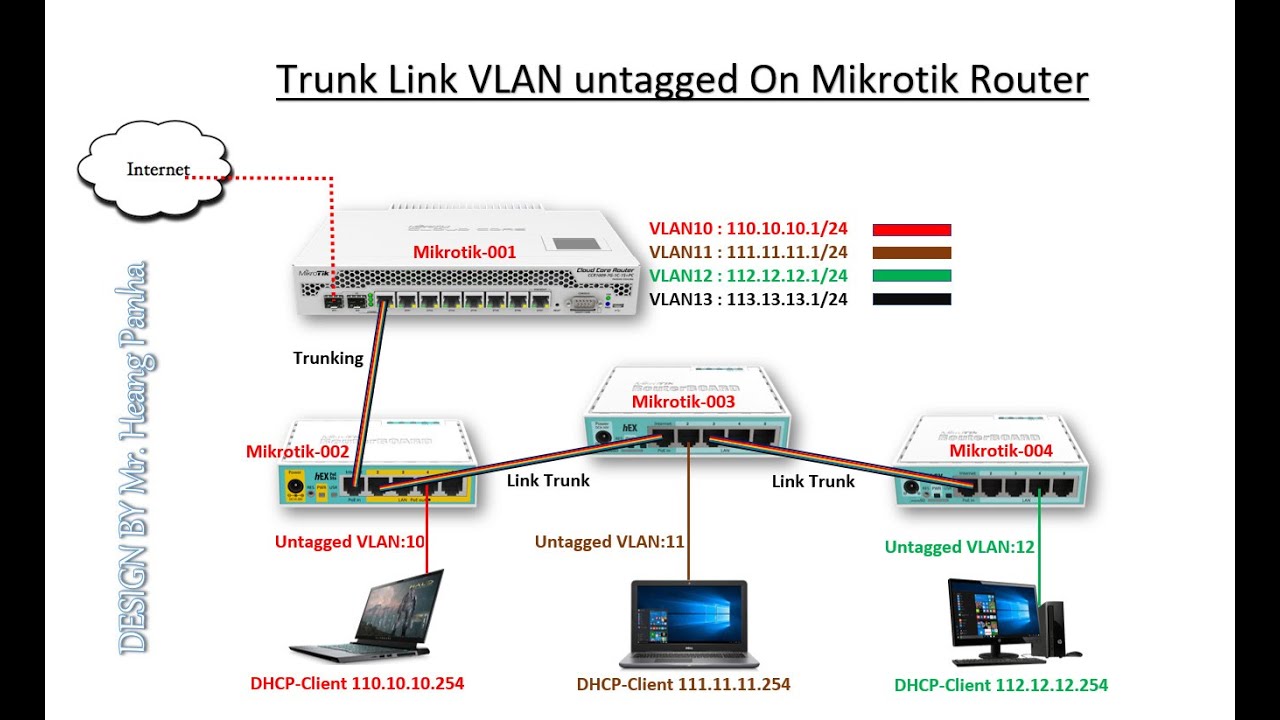
How To Trunking And Add VLAN VLAN Untagged On Mikrotik To Mikrotik
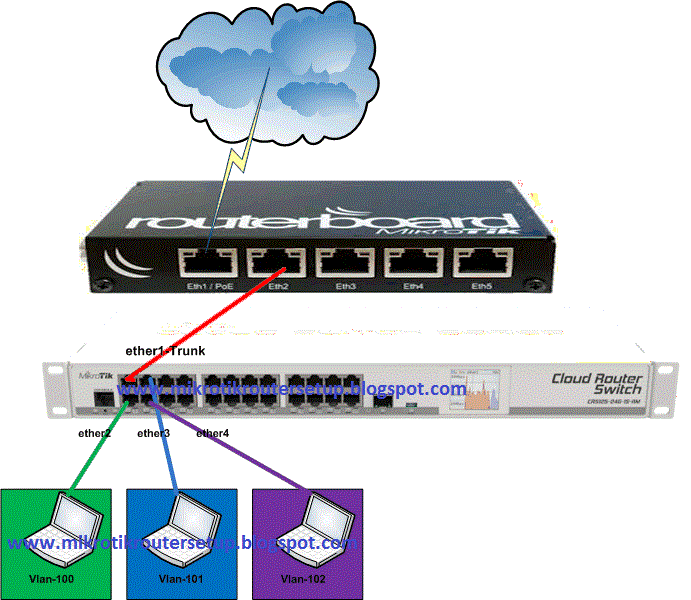
Mikrotik Router Configuration
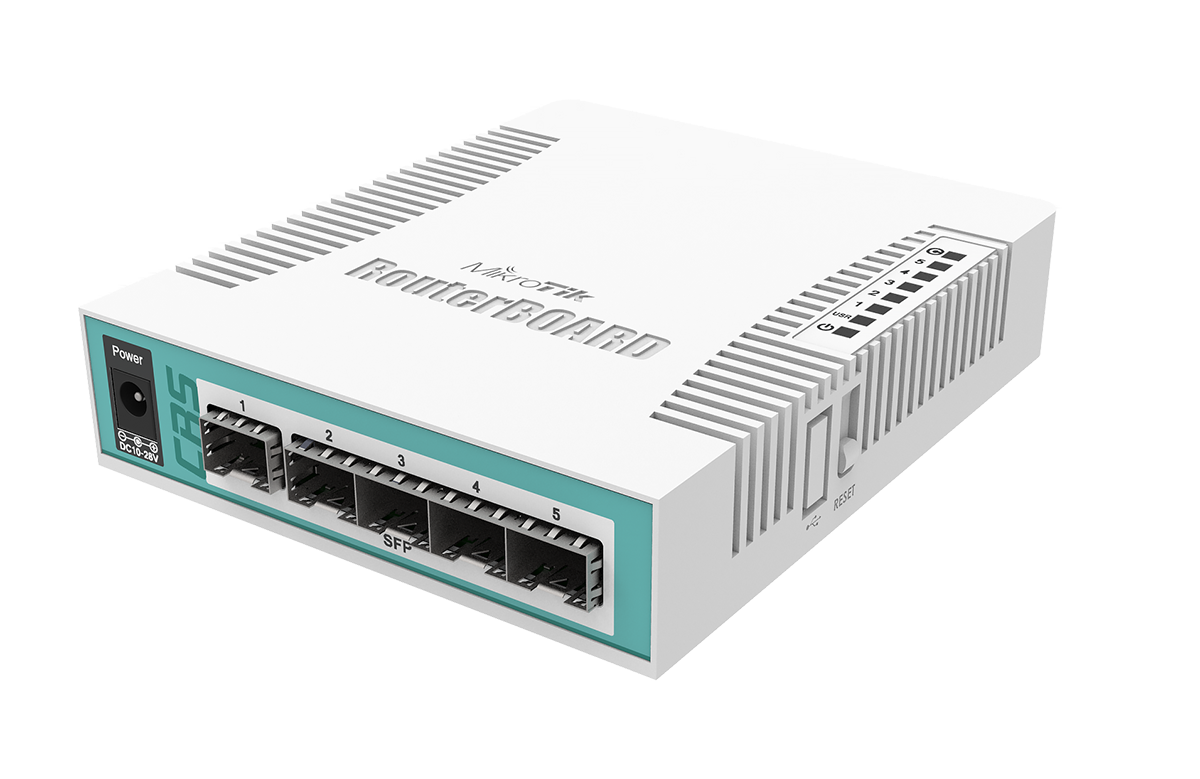
Mikrotik Cloud Router Switch CRS106 1C 5S Complete 5 SFP Ports Plus 1

My Techie Guy Vlan Trunking Configuration On A Mikrotik Switch

Lab 08 Ethernet Switch Configuration PDF Document

RouterOS Manual Choose language translations Child pages User Manuals

Many MikroTik s devices come with a built in switch chip that can be used to greatly improve overall throughput when configured properly Devices with a switch chip can be used as a router and a switch at the same time this gives you the possibility to use a single device instead of multiple devices for your network Switch router topology
Switches CRS series 8 port device series models CRS109 8G 1S 2HnD IN CRS212 1G 10S 1S IN The CRS is a highly configurable switch powered by RouterOS Several models are available in the 8 Gigabit port series CloudRouterSwitch 109 8G 1S 2HnD IN CloudRouterSwitch 112 8G 4S IN CloudRouterSwitch 210 8G 2S IN CloudRouterSwitch 212 1G 10S 1S IN

When connecting the first time to the router with the default username admin and no password for some models check user password on the sticker you will be asked to reset or keep the default configuration even if the default config has only an IP address

Enter the name of the product located on the case label to find user manual Or browse the product tree on the left Ethernet routers Switches Wireless systems Wireless for home and office LTE products Data over Powerlines IoT products
Instructions To access the Mikrotik please change your network settings to be able to access 192 168 88 1 which is the default IP address of the Mikrotik Once the network settings have been updated please connect to ETH2 or port 2 to access the LAN connection Please note that ETH1 or port 1 is for the WAN connection MikroTik
2023 12 Pages 10 66 MB April 21 BIBLE STUDY GUIDE 8 Living with Hope bible study 2013 12 Pages 72 KB Networking with MikroTik MTCNA Study Guide Free PDF Download Tyler Hart 350 Pages Year 2017 study guide Read Online PDF Room