Microsoft Wireless Keyboard Usb Not Recognized Microsoft Wireless Keyboard Desktop 2000 Download Instruction Manual Pdf Microsoft Wireless Keyboard 5000 Components Brosgarry Logitech Mouse Not Working 11 Fixes To Try Usb And Keyboard Not Working YouTube Memperbaiki Keyboard Mati Total Usb Not Recognized YouTube Web Jun 17 2022 nbsp 0183 32 Wireless Keyboard Not Working Try these solutions A wireless keyboard might not work on Windows due to hardware issues with the keyboard or issues in the
Web Aug 2 2022 nbsp 0183 32 Click Power Options gt Choose what the power button does gt Change settings that are currently available Finally restart your PC and hopefully it will recognize your Web Feb 10 2021 nbsp 0183 32 For some reason it stopped recognizing USB Mouse and or keyboard However it does recognize USB connected hard drives using the same USB ports 1
Memperbaiki Keyboard Mati Total Usb Not Recognized YouTube Lost Dongle Of Wireless Mouse Keyboard Dell Different Replacement How To Fix USB Device Not Recognized USB Not Working Windows 10 8 1 Microsoft Wireless Keyboard 800 Mouse 1000 Wifi Dongle In Hove How To Fix Usb Not Recognized In Windows 10 Or 7 Fix Usb Device Not Logitech Mk850 Wireless Keyboard Mouse Not Recognized Windows 10 Logitech K270 Wireless USB Keyboard 920 003051 B H Photo Video How To Fix USB Device Not Recognized Error On Galaxy S8 S9 While Dane Elec Usb Not Recognized Serrepussy
Microsoft Wireless Keyboard Usb Not Recognized
 Microsoft Wireless Keyboard Usb Not Recognized
https://mans.io/images/1136603/1333783.jpg
Web Method 1 Reinstall USB controllers This method resolves steps where the currently loaded USB driver has become unstable or corrupted Select Start then type device manager in
Pre-crafted templates offer a time-saving service for creating a varied series of files and files. These pre-designed formats and designs can be utilized for various personal and professional tasks, consisting of resumes, invitations, leaflets, newsletters, reports, presentations, and more, improving the content production procedure.
Microsoft Wireless Keyboard Usb Not Recognized

Audiobox Usb Windows 10 Usb Not Recognized Chmserl

Lost Dongle Of Wireless Mouse Keyboard Dell Different Replacement
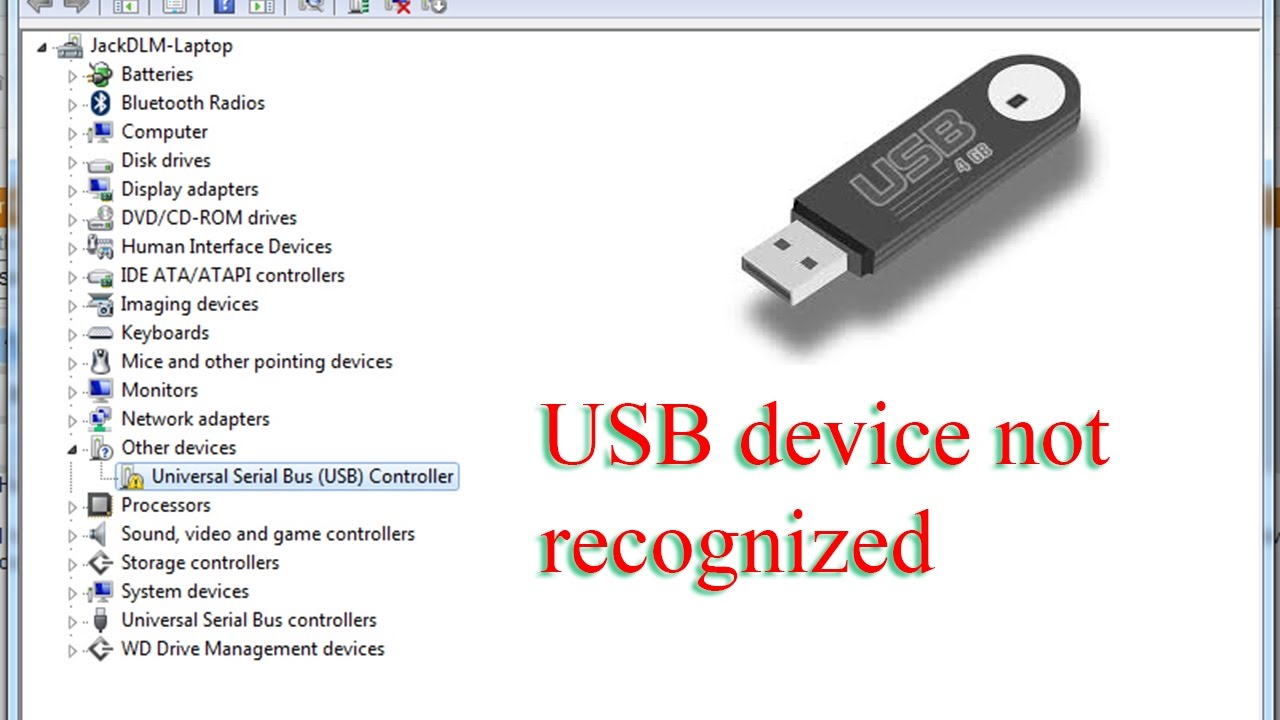
How To Fix USB Device Not Recognized USB Not Working Windows 10 8 1

Microsoft Wireless Keyboard 800 Mouse 1000 Wifi Dongle In Hove

Logitech Mk850 Wireless Keyboard Mouse Not Recognized Windows 10

Logitech K270 Wireless USB Keyboard 920 003051 B H Photo Video

Web First try checking your hardware Unplug USB cables and wait for a little while for the device driver to be unloaded by Windows and then plug the device back in Try using a different
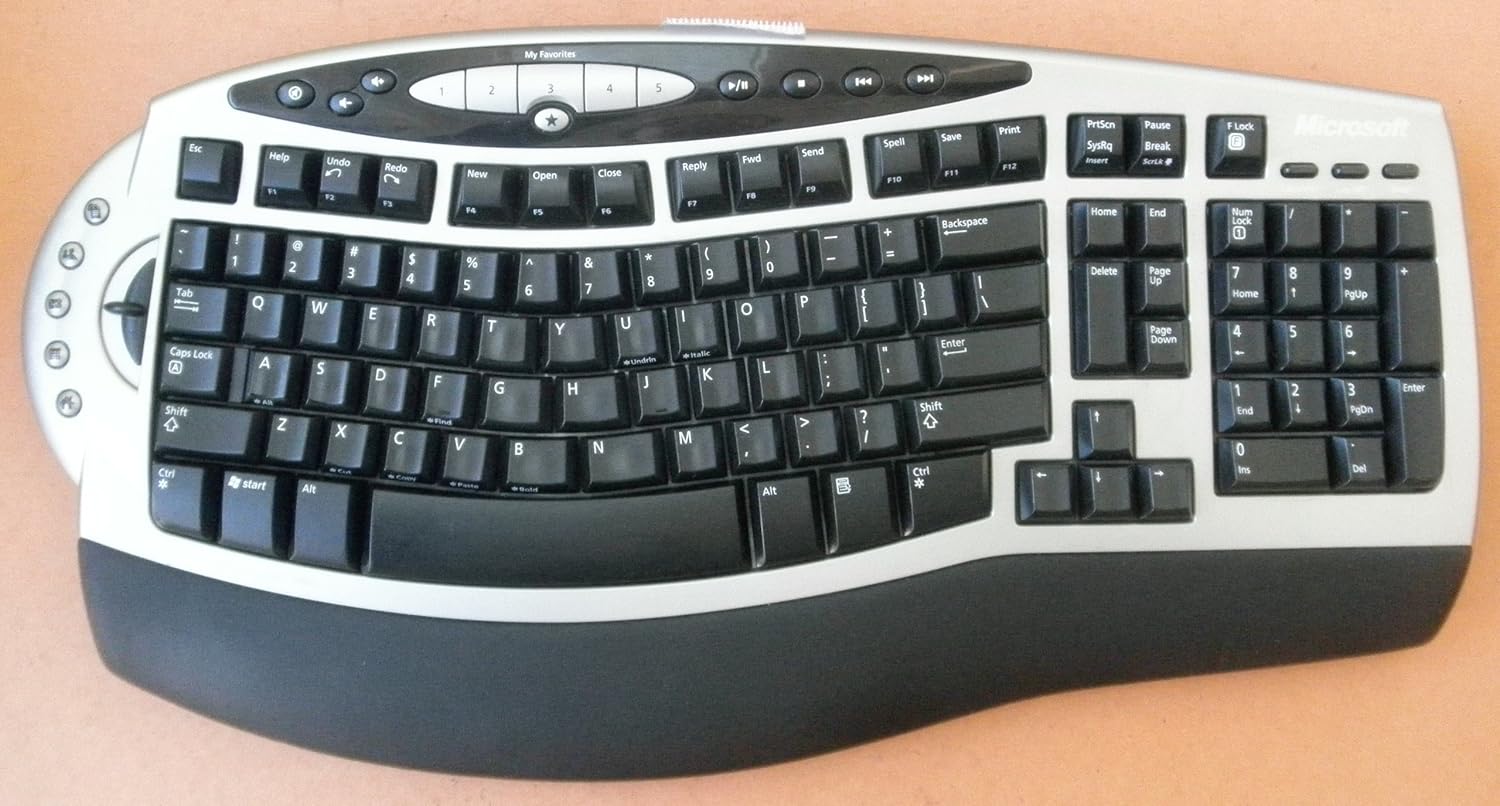
Web Keys When I type certain keys on my wireless keyboard double characters appear on the screen When I hold down some keys they repeat until I release them Where are the
Web Resolution To troubleshoot problems that affect Microsoft wireless keyboards and wireless mouse devices use the following methods in the order in which they appear
Web Sep 2 2022 1 31 PM Hi Ahmed Mostafa as far as I know the wireless keyboard and the dongle are paired by default and are always sold together This makes a

Web The keyboard no longer works The receiver is fine as the mouse still works The keyboard is still detected by Windows when the receiver is plugged in The batteries have been
Web Mar 30 2017 nbsp 0183 32 Step 1 Check Keyboard Power or Possible Interference 1 Remove the batteries from your keyboard and then insert them back on again If the problem persists Web Feb 12 2020 nbsp 0183 32 While restarting unplug re plug the mouse and the keyboard from and to your laptop Note Make sure to install all the updates and clean the USB port of your
Web Dec 24 2023 nbsp 0183 32 Thank you so much for posting in Microsoft Community I appreciate you raising this concern to us and I understand the need to replace the USB receiver or the