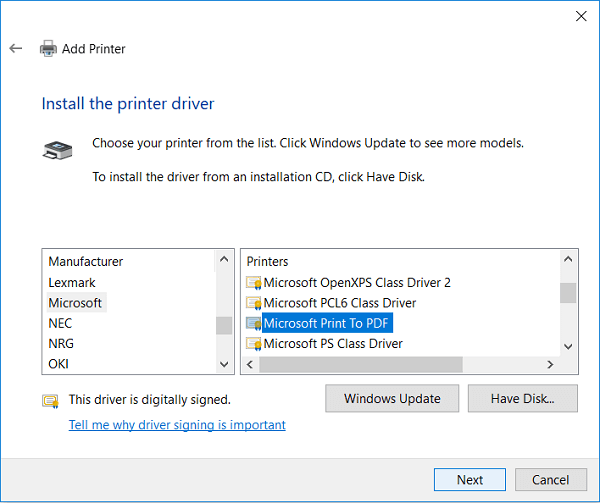
Microsoft Print To Pdf Install Driver Microsoft Print To PDF Windows 11 Troubleshooting Guide Fix Microsoft Print To PDF Not Working How To Fix Print To PDF Not Working In Windows Top 6 Solutions To Fix Microsoft Print To PDF Not Working On Windows 10 Solved If Microsoft Print To PDF Missing On Windows 10 7 Bang2sutara Web Jul 12 2022 nbsp 0183 32 To install the Microsoft Print to PDF printer driver please follow the steps below Step 1 Open a Run box Press the Windows key R Step 2 In the input box
Web Sep 12 2018 nbsp 0183 32 Sadly the Microsoft Print to PDF Driver is missing in this list Windows Update couldn t bring it back and I didn t find any useful information on google regarding Web Tom 1 Aug 4 2022 10 36 AM Hello how are you The Microsoft to Print driver is accidentally deleted I couldn t find the printer driver from Control Panel gt gt Devices and
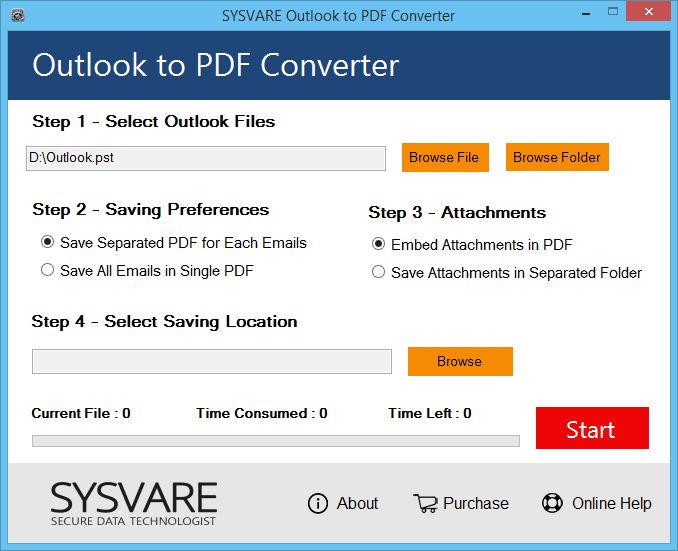
Solved If Microsoft Print To PDF Missing On Windows 10 7 Bang2sutara Microsoft Print To PDF 2 0 Now Print PST To PDF With Attachments Download Gifs Microsoft Print To Pdf Windows 7 Download Free Here s How To Add Microsoft Print To PDF Printer Driver In Windows 10 Top 6 Solutions To Fix Microsoft Print To PDF Not Working On Windows 10 Software Contable Comercial Microsoft Print To Pdf Windows 10 Fix Microsoft Print To PDF Not Working Or Missing On Windows 10 8 7 Pdf Windows 7 Sieprofinmab s Blog Microsoft Print To PDF Stops Working Requiring Windows Re install
Microsoft Print To Pdf Install Driver
 Microsoft Print To Pdf Install Driver
https://images.wondershare.com/pdfelement/images2021/other/reinstall-microsoft-print-to-pdf.png
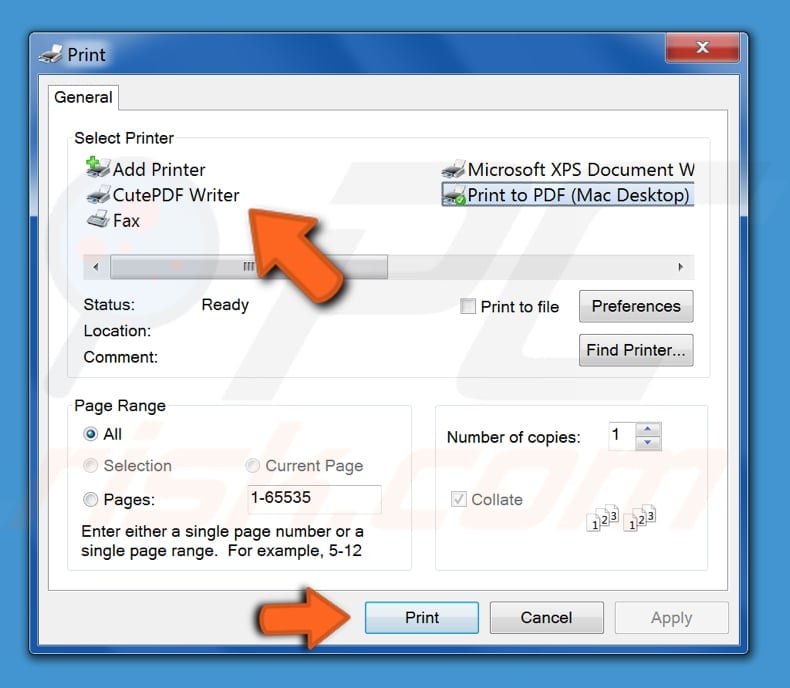
Web Jul 5 2023 nbsp 0183 32 To do that first open your document with the Word app Then open the print section by pressing Ctrl P or navigating to File gt Print Click the quot Printer quot drop down
Templates are pre-designed files or files that can be utilized for various purposes. They can conserve effort and time by offering a ready-made format and layout for producing various type of content. Templates can be utilized for personal or professional jobs, such as resumes, invitations, flyers, newsletters, reports, discussions, and more.
Microsoft Print To Pdf Install Driver
Microsoft Print To PDF Repair Tool Windows 11
Microsoft Print To PDF 2 0 Now Print PST To PDF With Attachments
Download Gifs Microsoft Print To Pdf Windows 7 Download Free
Here s How To Add Microsoft Print To PDF Printer Driver In Windows 10
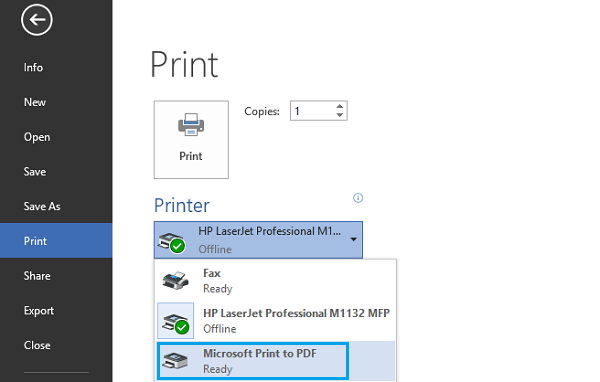
Software Contable Comercial Microsoft Print To Pdf Windows 10
Fix Microsoft Print To PDF Not Working Or Missing On Windows 10 8 7
Web Windows 11 Windows 10 Most printers require that you install the latest printer driver to help the printer work well Your driver could also be damaged if you ve experienced

Web Apr 27 2021 nbsp 0183 32 1 Open Settings and click tap on the Devices icon 2 Click tap on Printers amp scanners on the left side click tap on Microsoft Print to PDF under Printers amp scanners on the right side and click tap

Web Feb 3 2017 nbsp 0183 32 Microsoft Print to PDF driver is not listed under Manufactuer or in Windows features In Windows 10 The Microsoft Print to PDF driver is not listed under the
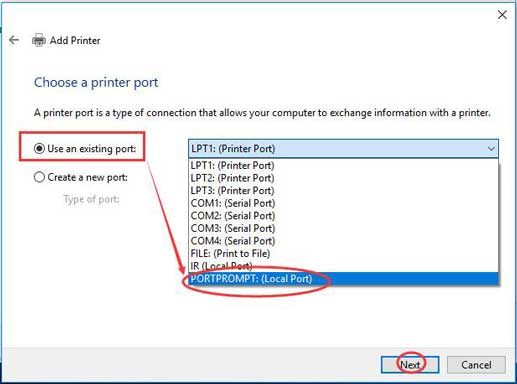
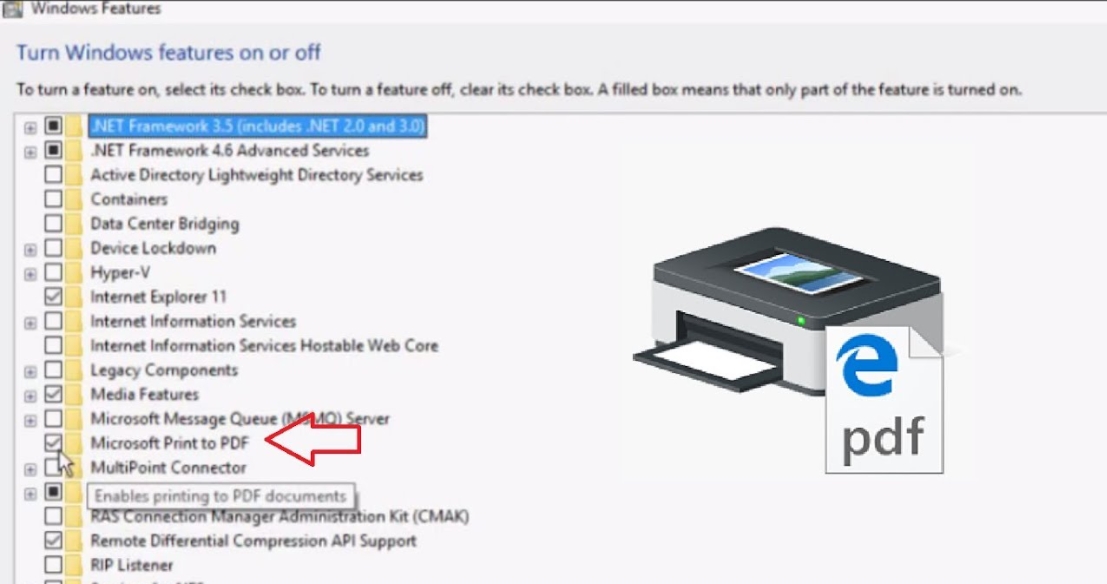
Web Jul 7 2020 nbsp 0183 32 You might need to turn the Microsoft Print to PDF feature on Please follow the steps in the link below 1 Open a Run box Windows key R 2 Type in this command and click OK optionalfeatures exe 3 In the
Web Select Start gt Settings gt Windows Update Select Check for updates at the top of the page After the system is done checking for updates select Advanced options Select Optional
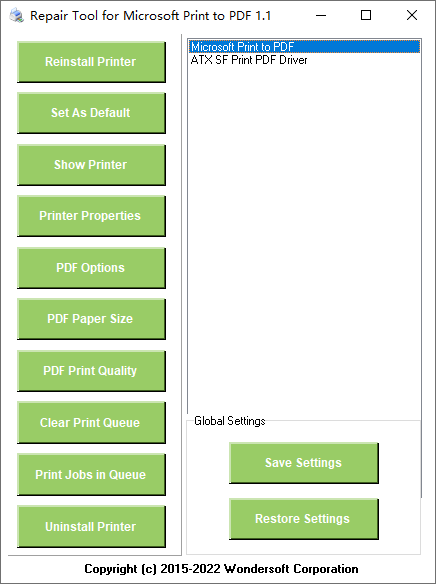
Web Oct 4 2023 nbsp 0183 32 Re add it manually Hit the Windows key and click on Settings Navigate to Bluetooth amp devices then click on Printers amp scanners Click on Add a printer or Web Nov 17 2022 nbsp 0183 32 How to Reinstall Microsoft Print to PDF in Windows 10 11 Please follow one of these methods to reinstall the Microsoft Print to PDF driver in Windows If you
Web Jan 25 2023 nbsp 0183 32 1 contributor Feedback Important We recommend that you use Microsoft s IPP inbox class driver along with Print Support Apps PSA to customize the print