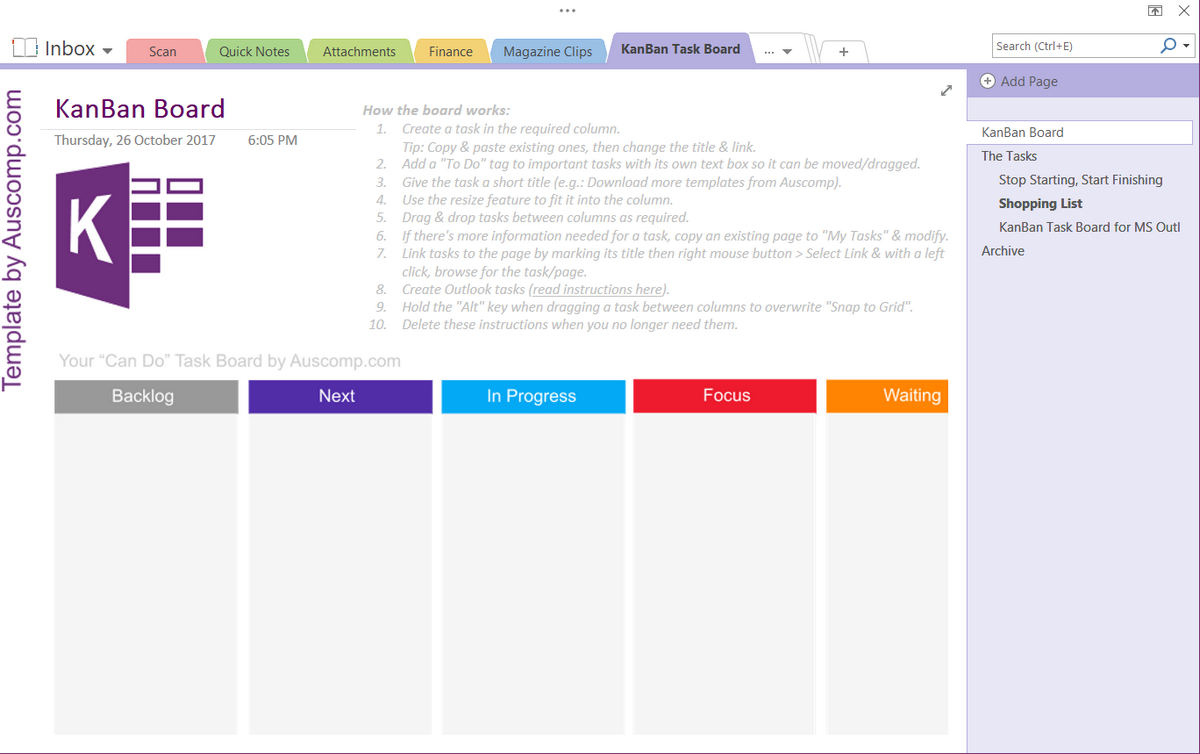
Microsoft Onenote To Do List Template Onenote Kanban Template Calendar Template For Onenote Printable Blank Calendar Template Onenote To Do List Template 6 Tips For Using Microsoft OneNote As Your To Do List One Note 8 Microsoft Excel To Do List Template Excel Templates Web Mar 20 2023 nbsp 0183 32 Use a OneNote template OneNote also supports the ability to apply templates which can streamline the design of your list While OneNote comes with its own templates there are thousands of additional designs and formats available online A digital grocery list template is no exception either
Web Apr 1 2023 nbsp 0183 32 Productivity The 7 Best Sites to Download Microsoft OneNote Templates By Jowi Morales Updated Apr 1 2023 Microsoft OneNote templates help you organize your notes Here are the best sites for getting Microsoft OneNote templates Readers like you help support MUO When you make a purchase using links on our site we may earn an Web Dec 7 2021 nbsp 0183 32 1 Auscomp 2 OneNote Gem 3 Onetastic 4 Notegram 5 Simplify Days Getting Organized How to Install Templates In OneNote Installing a template in OneNote is incredibly easy If you re using OneNote 2016 simply double click the template file if it s inside a zip file open this first and then double click the template
8 Microsoft Excel To Do List Template Excel Templates Onenote To Do List Template Onenote Task List Template Onenote To Do How To Use Onenote For Journal Dadgen Microsoft Onenote To Do List Template Rytecompany OneNote Template For Your Top Fav s Trinity Chi s Blog Get Things Done Stop Starting Start Finishing Templates For Onenote To Do List Template Collection Effective One Note Track In Calandar Format Get Your Calendar Printable Onenote To Do List Template
Microsoft Onenote To Do List Template
 Microsoft Onenote To Do List Template
https://thebetterparent.com/blog/wp-content/uploads/2019/01/kanban-template-by-auscomp.png
Web Add files to your notes OneNote can keep all of your information about any subject or project together in one place including copies of related files and documents In your notes go to the page where you want to insert a file or document Choose Insert gt File Attachment In the Choose a file or a set of files to insert dialog box select
Pre-crafted templates use a time-saving solution for creating a diverse variety of documents and files. These pre-designed formats and designs can be made use of for different personal and expert projects, including resumes, invites, flyers, newsletters, reports, presentations, and more, streamlining the content production process.
Microsoft Onenote To Do List Template

Gem For OneNote 2016 2013 2010 V27 1 2 153 One Note Microsoft

Onenote To Do List Template Onenote Task List Template Onenote To Do

How To Use Onenote For Journal Dadgen
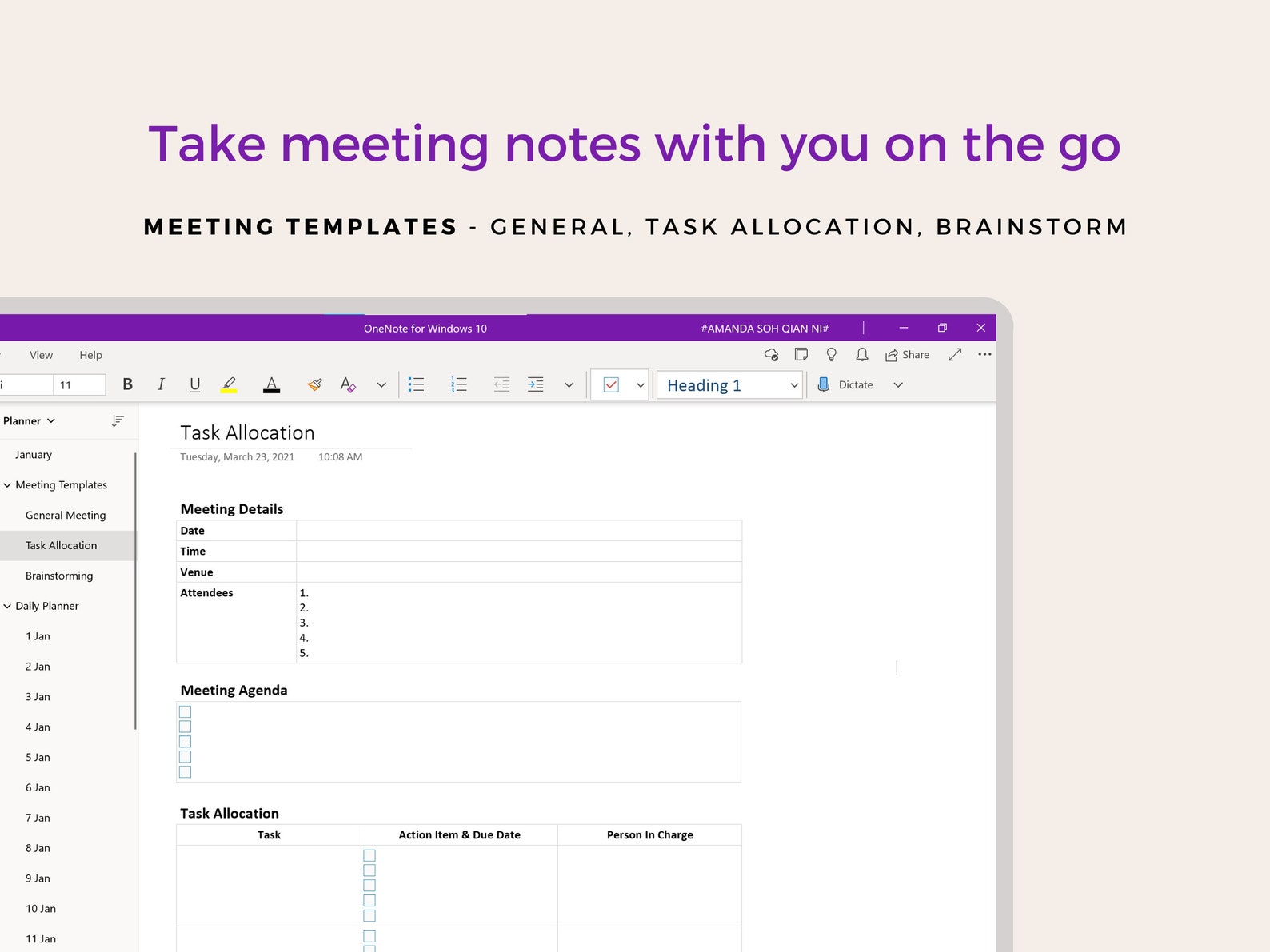
Microsoft Onenote To Do List Template Rytecompany

Get Things Done Stop Starting Start Finishing Templates For
Onenote To Do List Template Collection

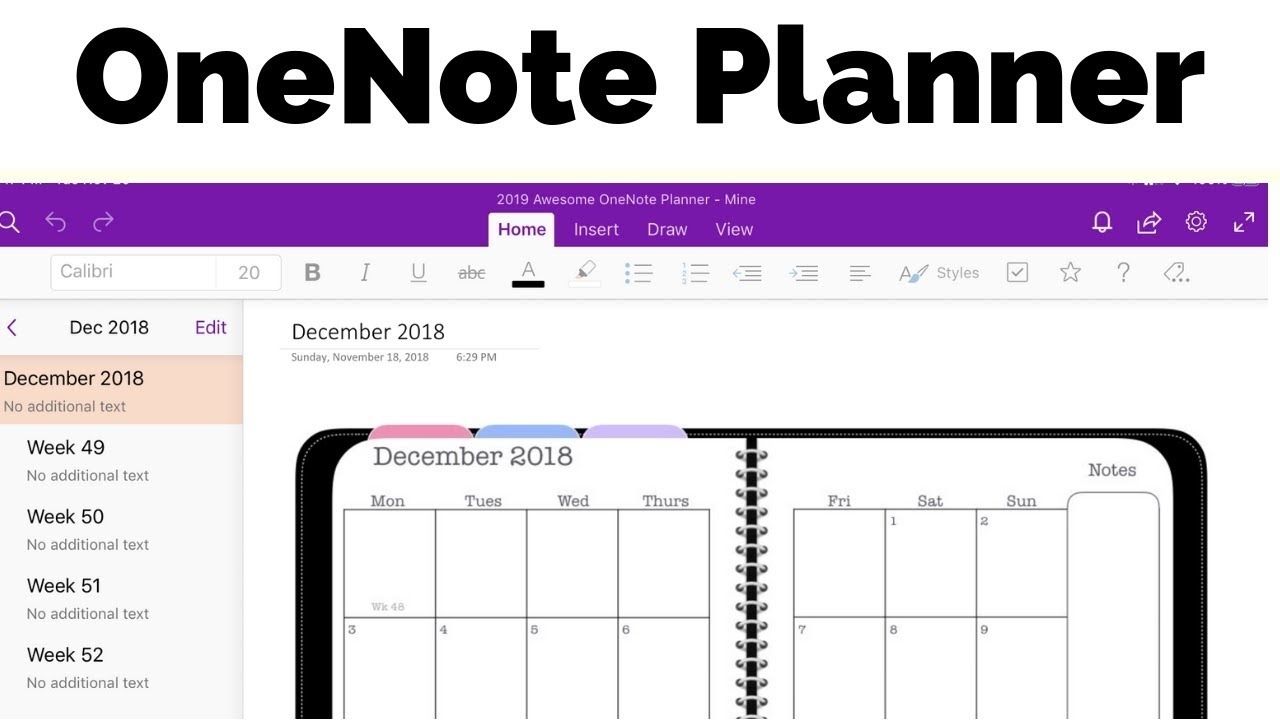
Web Visit Etsy and type OneNote template into the search or check out some of these affordable options OneNote Digital Planner daily weekly and monthly interlinked planners with both Sunday and Monday versions OneNote Work Planner calendar to do list travel planner timesheet and trackers for expenses inventory and passwords
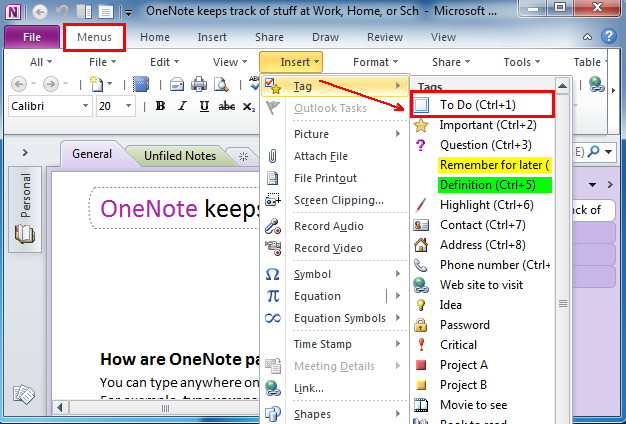
Web Jun 9 2023 nbsp 0183 32 1 Use Shortcuts to Make Checklists a Breeze A to do tag adds a checkbox next to the note You can use it to mark pending tasks and create a checklist such as errands to run and daily tasks you need to accomplish Once they re complete check them off OneNote lets you easily create a to do list
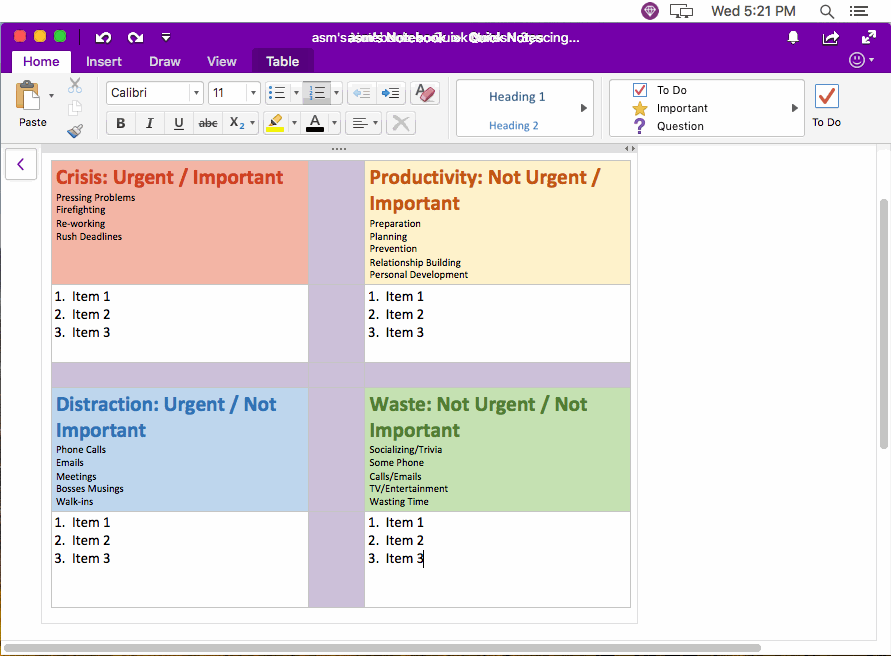
Web Create a To Do Checklist in OneNote Take notes by typing text on a OneNote page Select the text that you want to mark as a to do item click the Home tab then click To Do Tag Each selected item now has a check box next to it To find all tags on the Home tab click Find Tags As you complete

Web Oct 24 2021 nbsp 0183 32 In the next step we ll define the title template for your tasks in Microsoft To Do You can follow a pattern like section page todo wherein page is your OneNote page and todo is the OneNote todo tag Now you need to specify the list wherein Pleexy will create tasks

Web On the ribbon choose Insert gt Page Templates In the Templates task pane click the small arrows next to the category names to expand them To apply a template to a new page select its name in the list If you don t like your selection select another template to replace your previous selection
Web Category Color Create from scratch Show all Get your lists down with customizable templates Who doesn t love a list Lists can keep you organized or help you collect your ideas or propel you forward on a plan Take your list making to the next level with easy to use templates that you can customize for your exact listing needs Web You can download free pre built document templates with useful and creative themes from Office when you click File gt New in your Office app Templates can include calendars business cards letters cards brochures newsletters resumes cover letters presentations social media and much more
Web Power Automate Desktop Process Mining AI Builder Power Automate Mobile App Translation Quality Feedback Connector Development Power Platform Integration Better Together Power Platform Integrations Power Platform and Dynamics 365 Integrations