Microsoft Lists Cannot Delete Column Try Microsoft Lists MSA Preview For IOS Microsoft Community Hub D couvrez Microsoft Lists Le Concurent De Trello Par Microsoft Microsoft Lists First Column Doesn t Work When Duplicating A List How To Make Microsoft Lists More Useful YouTube What Are Microsoft Lists SharePoint Maven Web Jun 15 2020 nbsp 0183 32 1 Answer Sorted by In order to delete or edit the column details follow below steps Go to the List or Library Select Settings button from SharePoint Online Click on the List Settings option which will open a settings page for that particular list Then click on the column that you want to edit the formula of delete it
Web Deleting a column in Microsoft Lists may seem difficult But with these instructions managing your list becomes easier Just a few clicks and you can remove unwanted columns Your information stays organized and easy to access in Microsoft Lists Step 1 Accessing Microsoft Lists Ready to delete a column in Microsoft Lists Web May 19 2020 01 44 PM DejanL when you re in the list click on the gear icon in the top right and select List settings On the settings page scroll down until you see the columns Click on Grad Old and when the column info screen is displayed scroll to the bottom of the page and click Delete Rob Los Gallardos
What Are Microsoft Lists SharePoint Maven Microsoft Lists Microsoft 365 Westwood Associates How To Delete Pages In Word Blank Or Not Software Accountant Riset Why You Should Be Using Microsoft Lists Digital Industry Microsoft Lists Easier Better Faster Stronger TheWindowsUpdate Microsoft Lists Tab In Teams APP Not Pulling List Microsoft Community Hub Solved Undo Delete Column Microsoft Power BI Community Update Message Recall In Microsoft Exchange Online Recall Working With Rules In Microsoft Lists
Microsoft Lists Cannot Delete Column

https://techcommunity.microsoft.com/t5/image/serverpage/image-id/408489iE457D65468096E33?v=v2
Web Firstly navigate to the settings page of the list There you can find the option to manage the columns Select the column you want to delete and the delete option This will erase it from the list forever Deleting a column can be useful if it s not needed anymore It can make the list look neat and organized
Templates are pre-designed files or files that can be used for different functions. They can save time and effort by offering a ready-made format and layout for producing various type of content. Templates can be used for individual or expert jobs, such as resumes, invites, leaflets, newsletters, reports, presentations, and more.
Microsoft Lists Cannot Delete Column

Microsoft List Editing The Column Microsoft Community

Microsoft Lists Microsoft 365 Westwood Associates
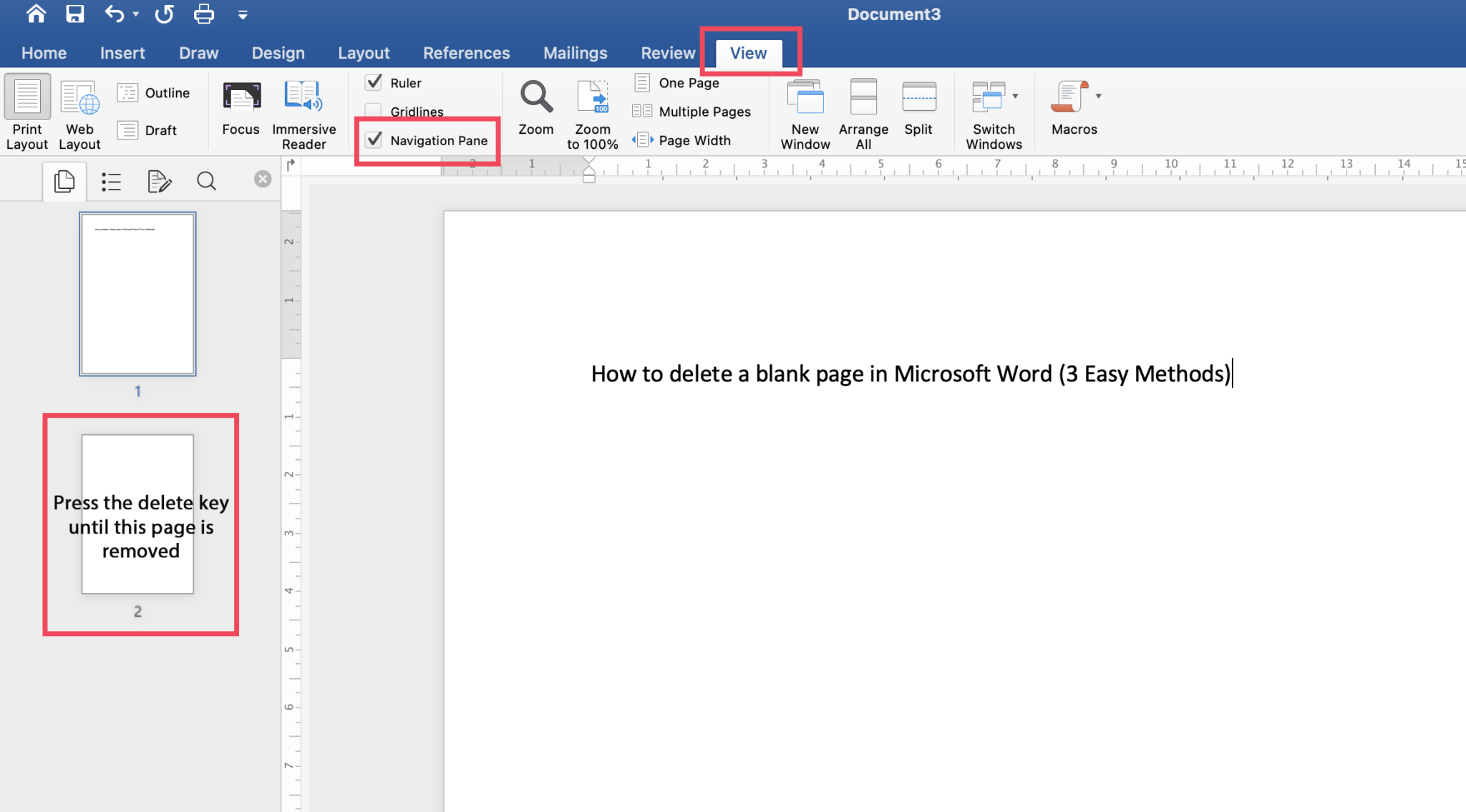
How To Delete Pages In Word Blank Or Not Software Accountant Riset

Why You Should Be Using Microsoft Lists Digital Industry

Microsoft Lists Tab In Teams APP Not Pulling List Microsoft Community Hub

Solved Undo Delete Column Microsoft Power BI Community

Web Format a column Select the column header and then select Column settings gt Format this column Hide columns Select any column header and then select Column settings gt Show hide columns Delete a column Select the column header you want to delete and select Column settings gt Edit gt Delete Delete is at the bottom of the menu

Web 1 day ago nbsp 0183 32 If so we would like to explain that you can go to the Settings gt List Settings gt Columns gt fin the column and click on its name it will redirect you to the column edit page and you can edit the column there for more details you can see Can t edit delete calculated column from sharepoint list

Web Feb 21 2019 nbsp 0183 32 If we cannot find the columns there are not entry to eidt them or delete them So currently the options left for us is hide those columns and migrate the list to a new list Maybe you can use a workflow to do this for you Introduction to SharePoint workflow

Web Note Lists and libraries contain required columns that can t be deleted such as the Title or Name If the column can t be deleted the Delete button is not available To hide the column select the column header then Column settings and then Hide this column

Web Feb 28 2022 nbsp 0183 32 Why Can t I Delete a Column When you go on to delete some columns you ll find that there is no option to delete them Lists have certain columns such as Title Name Issue etc that are essential As such you can t delete these columns If you want to be rid of these columns you can instead hide them
Web Jul 4 2021 nbsp 0183 32 According to this article Delete a site column from SharePoint Office Support microsoft We noticed the following information To delete a site column you must remove the column from any content types referencing it Web Format a column Select the column header and then select Column settings gt Format this column Hide columns Select any column header and then select Column settings gt Show hide columns Delete a column Select the column header you want to delete and select Column settings gt Edit gt Delete Delete is at the bottom of the menu
Web Jan 26 2024 nbsp 0183 32 Unable to delete a list column Hello In a sharepoint list I added a column from existing site columns with the Add to all content types and Add to default display options checked But I realize that I don t need this column So I hidden it in the default display mode but it still appears in the element properties fields