Microsoft Excel Tutorials For Beginners Free Microsoft Excel Tutorial For Beginners Excel Tutorial For Beginners YouTube Microsoft Excel Tutorial Beginner Basics Excel Tutorials Microsoft Excel Tutorial For Beginners PART 1 YouTube Microsoft Excel Tutorials For Beginners Introduction NairaPoint Tech Blog These Excel tutorials for beginners include screenshots and examples with detailed step by step instructions Follow the links below to learn everything you need to get up and running with Microsoft s popular spreadsheet software This article applies to Excel 2019 Excel 2016 Excel 2013 Excel 2010 Excel for Mac and Excel for Android
1 Opening a spreadsheet 2 Working with the Ribbon 3 Managing your worksheets 4 Entering data 5 Basic calculations 6 Unlocking the power of functions 7 Saving and sharing your work 8 Welcome to Excel Opening an Excel spreadsheet Let s go through the basic steps to get you started Create a new workbook Enter your data Apply cell borders Apply cell shading Use AutoSum to add your data Create a simple formula Apply a number format Put your data in a table Show totals for your numbers using Quick Analysis Add meaning to your data using Quick Analysis
Microsoft Excel Tutorials For Beginners Introduction NairaPoint Tech Blog Microsoft Excel Tutorial For Beginners 1 YouTube Excel Tutorial Videos For Beginners Excel Tutorials Microsoft Excel Microsoft Excel Tutorial For Beginners 35 Multiple Workbooks Pt 2 Microsoft Excel Tutorial For Beginners Gambaran Excel Tutorials For Beginners Gambaran Microsoft Excel Tutorial For Beginners Day 4 YouTube Microsoft Excel Tutorial For Beginners 27 Database Pt 3 Sorting Microsoft Excel Lessons Microsoft Excel Formulas Learning Microsoft
Microsoft Excel Tutorials For Beginners
 Microsoft Excel Tutorials For Beginners
https://kajabi-storefronts-production.kajabi-cdn.com/kajabi-storefronts-production/blogs/2147485268/images/rtNTkqShSjtG4RY04X6g_excel_tutorials.png
Excel is the most powerful tool to manage and analyze various types of Data This Microsoft
Pre-crafted templates offer a time-saving service for producing a varied variety of documents and files. These pre-designed formats and designs can be used for various personal and professional jobs, consisting of resumes, invitations, leaflets, newsletters, reports, discussions, and more, streamlining the material creation procedure.
Microsoft Excel Tutorials For Beginners
Learn Excel Beginner Course In Excel YouTube
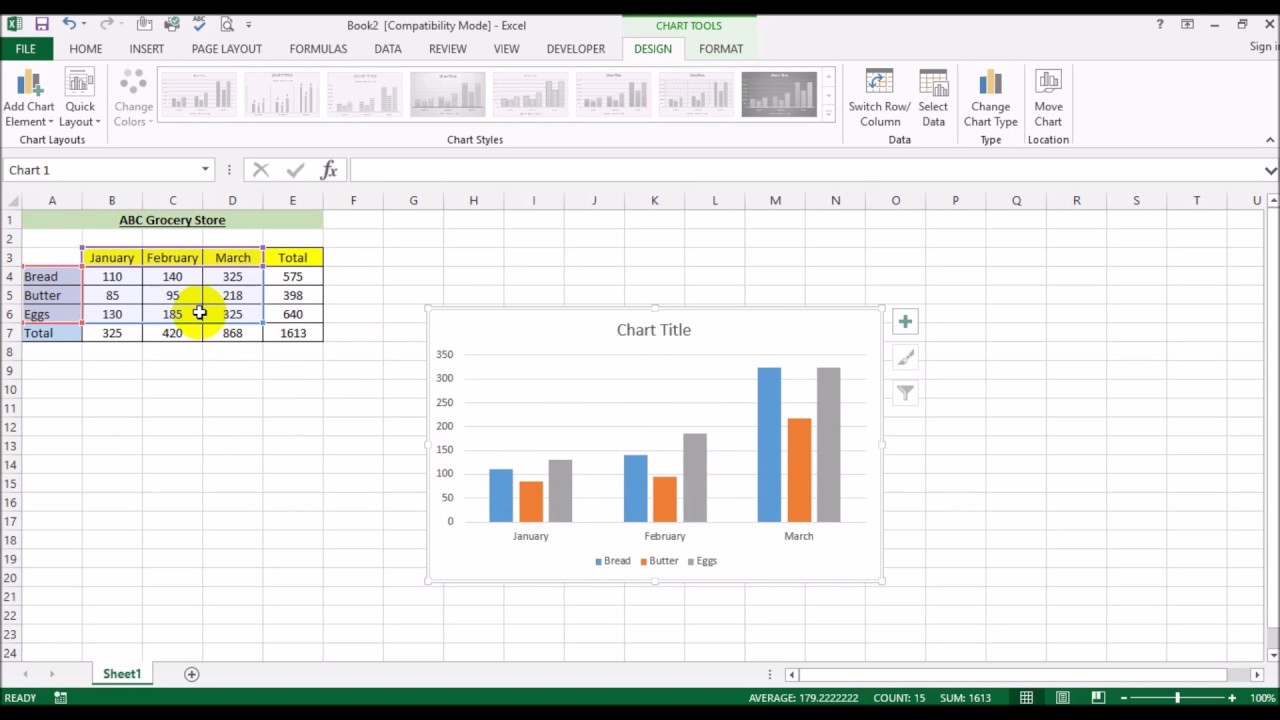
Microsoft Excel Tutorial For Beginners 1 YouTube

Excel Tutorial Videos For Beginners Excel Tutorials Microsoft Excel
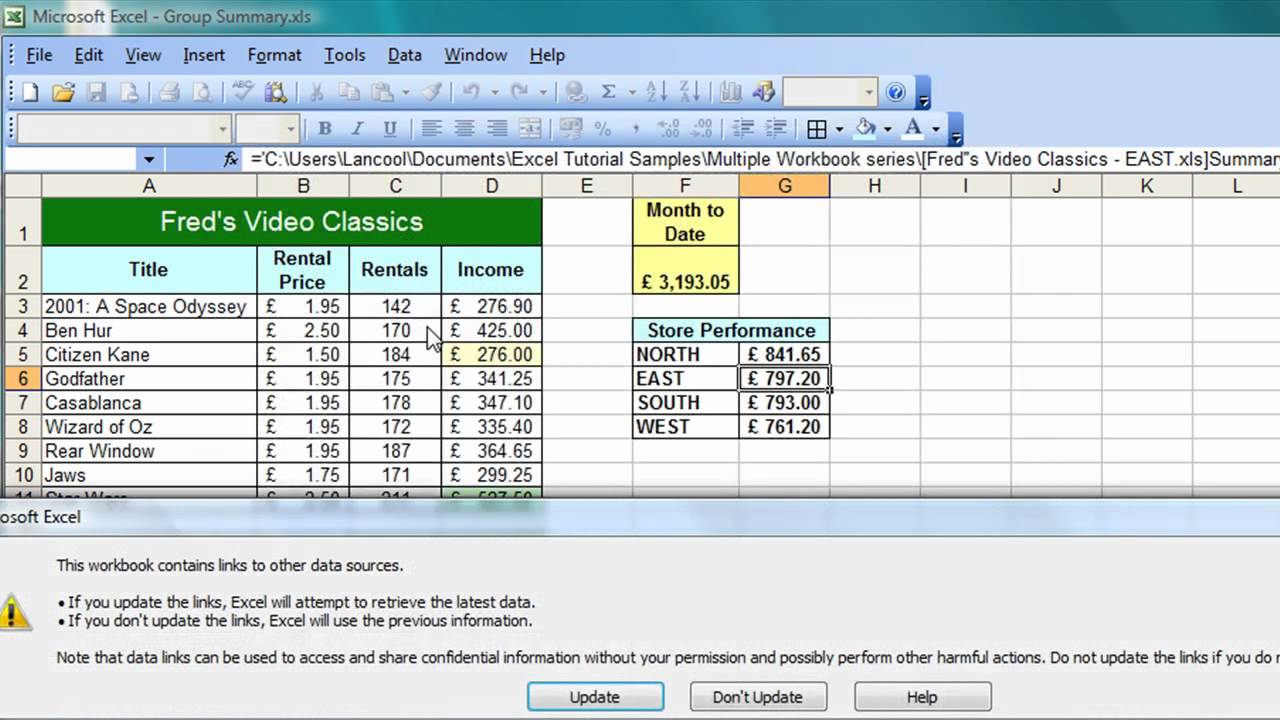
Microsoft Excel Tutorial For Beginners 35 Multiple Workbooks Pt 2

Excel Tutorials For Beginners Gambaran

Microsoft Excel Tutorial For Beginners Day 4 YouTube

Excel Tutorial Home Next Excel is the world s most used spreadsheet program Excel is a powerful tool to use for mathematical functions Start learning Excel now Examples in Each Chapter We use practical examples to give the user a better understanding of the concepts Copy Values Tool

Learn the basics of using Microsoft Excel including the anatomy of a spreadsheet how to enter data how to make your data look good so it s easier to read

This wikiHow tutorial will introduce you to the most important features and functions you ll need to know when starting out with Excel from entering and sorting basic data to writing your first formulas
Microsoft Excel Tutorial Beginners Level 1 YouTube 0 00 32 48 Want more Excel videos Here s my Excel playlist
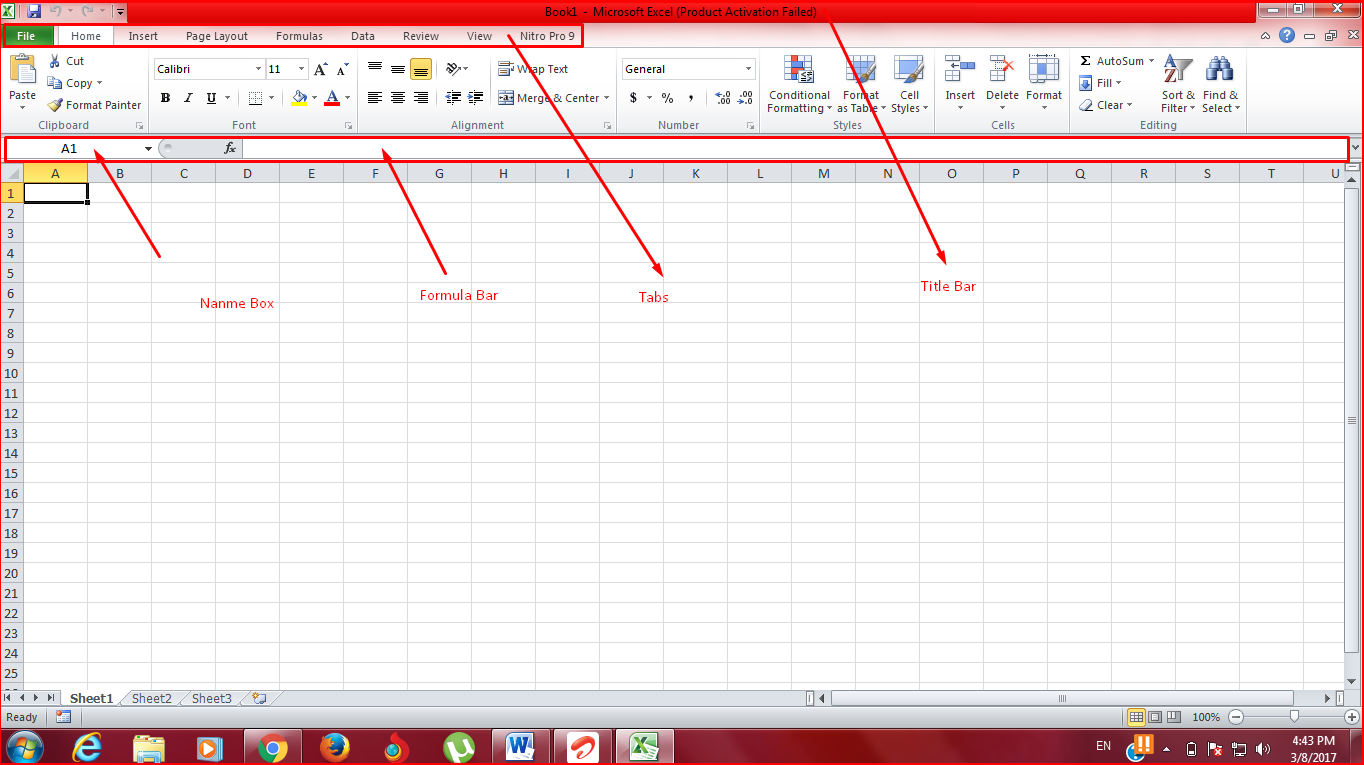
1 7M views 2 years ago Excel Introduction Learn Excel Basics Join 400 000 professionals in our courses https www xelplus courses Learn the basics of using Microsoft Excel How a
[desc-11] [desc-12]
[desc-13]