Microsoft Authenticator No Qr Code Option Nummerkoppeling Vanaf Februari 2023 Standaard In Microsoft Microsoft Authenticator App Gets A UI Update And GDPR Compliance The Microsoft Authenticator App Is Now Available But Only For Those On Microsoft Authenticator Now Doubles As A Free Password Manager Review How To Setup Microsoft Authenticator Learn Solve IT Open the Authenticator app select the plus icon and select Add account and then select Work or school account followed by Scan a QR Code If you don t have an account set up in the Authenticator app you ll see a large blue button that says Add account
Go to the Security info page using the steps above Select Add sign in method Select Choose a method and then Authenticator app Follow the on screen instructions including using your mobile device to scan the QR code and then select Next A Authenticator collects your GPS information to determine what country you are located in The country name and location coordinates are sent back to the system to determine if you are allowed to access the protected resource
How To Setup Microsoft Authenticator Learn Solve IT Microsoft Authenticator App Now Available For Windows 10 Devices Microsoft Authenticator For IOS Beta Now Lets You Tweak Account New Microsoft Authenticator Features For Organizations GHacks Tech News Microsoft Adds More Password Options To The Authenticator App For How To Reset Your Microsoft Password Using Authenticator YouTube How To Scan Qr Code Iphone Microsoft Authenticator Nda or ug Microsoft Authenticator App now Sends Security Notifications Regenerate QR Code For My Microsoft Authenticator Microsoft Community
Microsoft Authenticator No Qr Code Option
 Microsoft Authenticator No Qr Code Option
https://www.allesoverdigitaalwerken.nl/wp-content/uploads/2022/12/2022-04-20_23-46-09.png
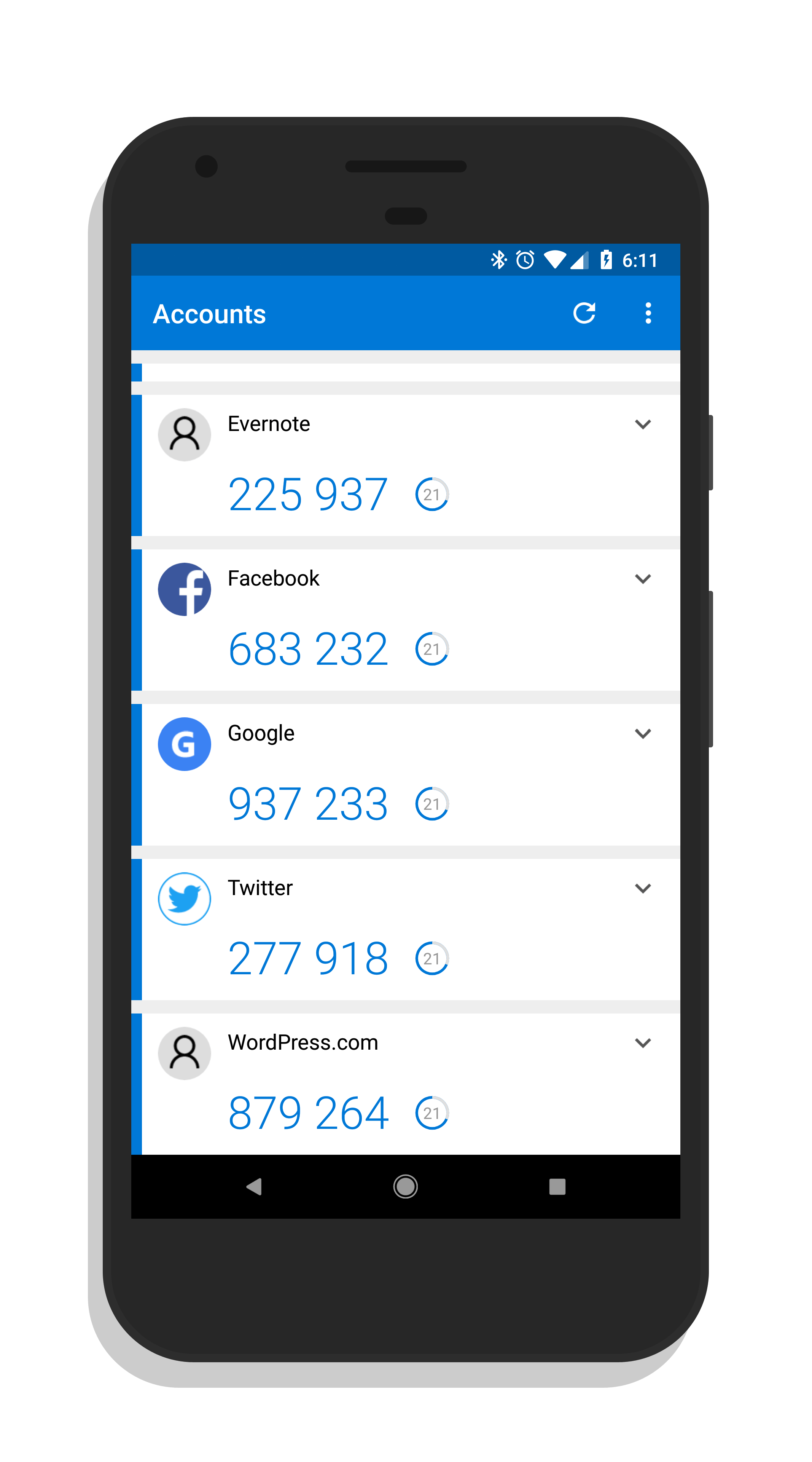
The authenticator app asks for a verification code as a test From the Microsoft Authenticator app scroll down to your work or school account copy and paste the 6 digit code from the app into the Step 2 Enter the verification code from the mobile app box on your computer and then select Verify
Templates are pre-designed documents or files that can be used for numerous functions. They can save effort and time by offering a ready-made format and layout for creating different sort of material. Templates can be used for personal or expert projects, such as resumes, invites, leaflets, newsletters, reports, presentations, and more.
Microsoft Authenticator No Qr Code Option

Microsoft Authenticator Beta Now Lets You Import Passwords From Chrome
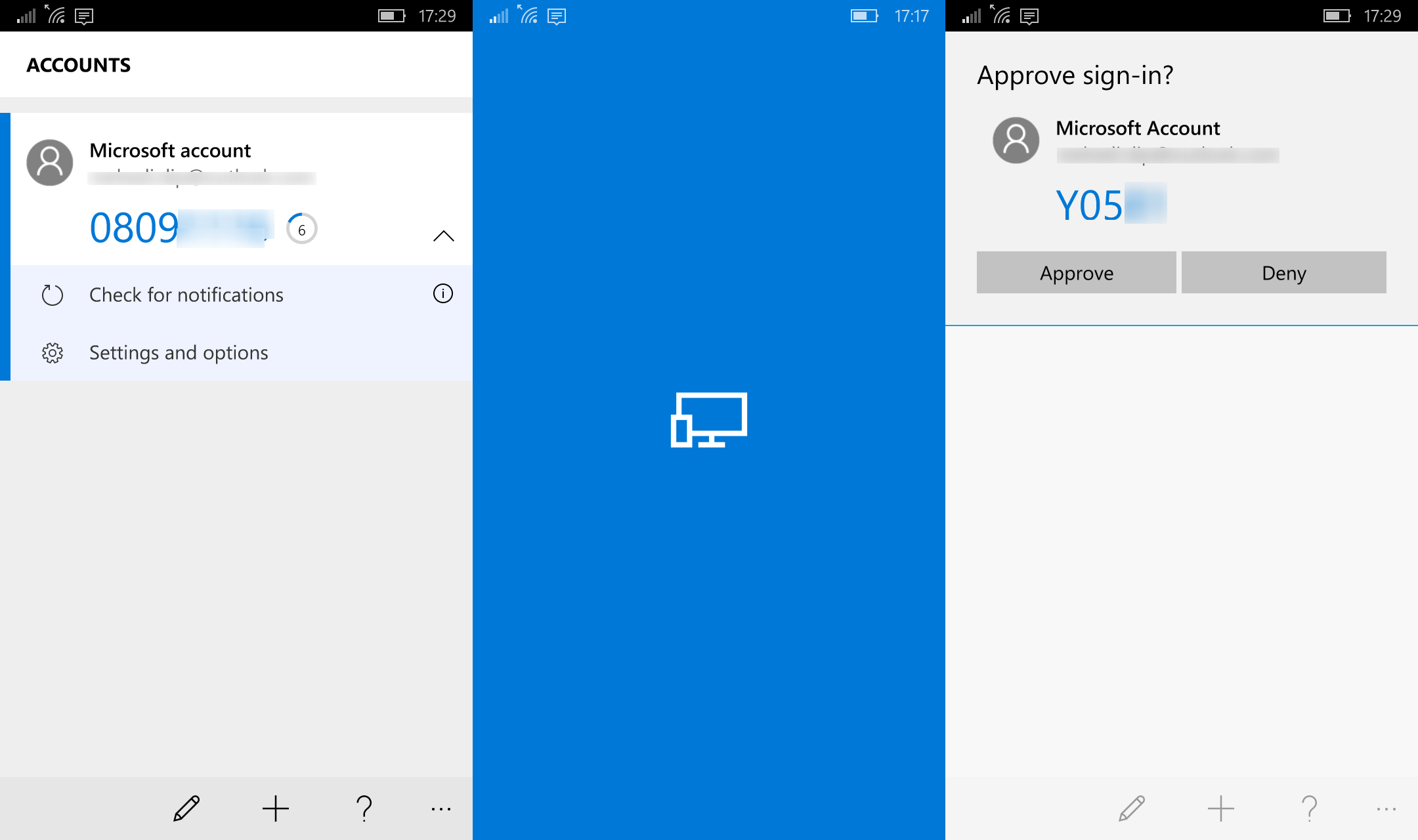
Microsoft Authenticator App Now Available For Windows 10 Devices

Microsoft Authenticator For IOS Beta Now Lets You Tweak Account
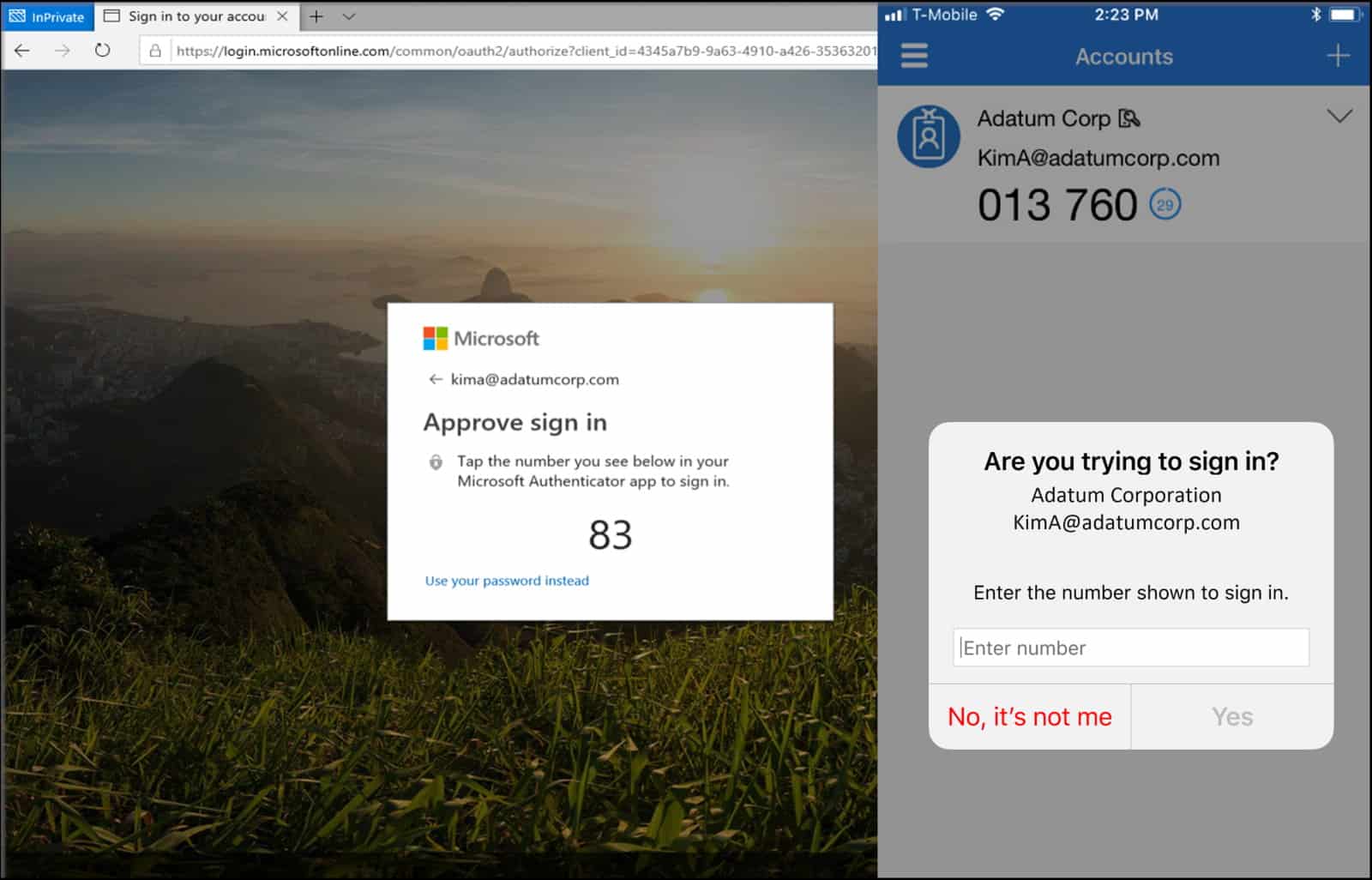
New Microsoft Authenticator Features For Organizations GHacks Tech News
How To Reset Your Microsoft Password Using Authenticator YouTube
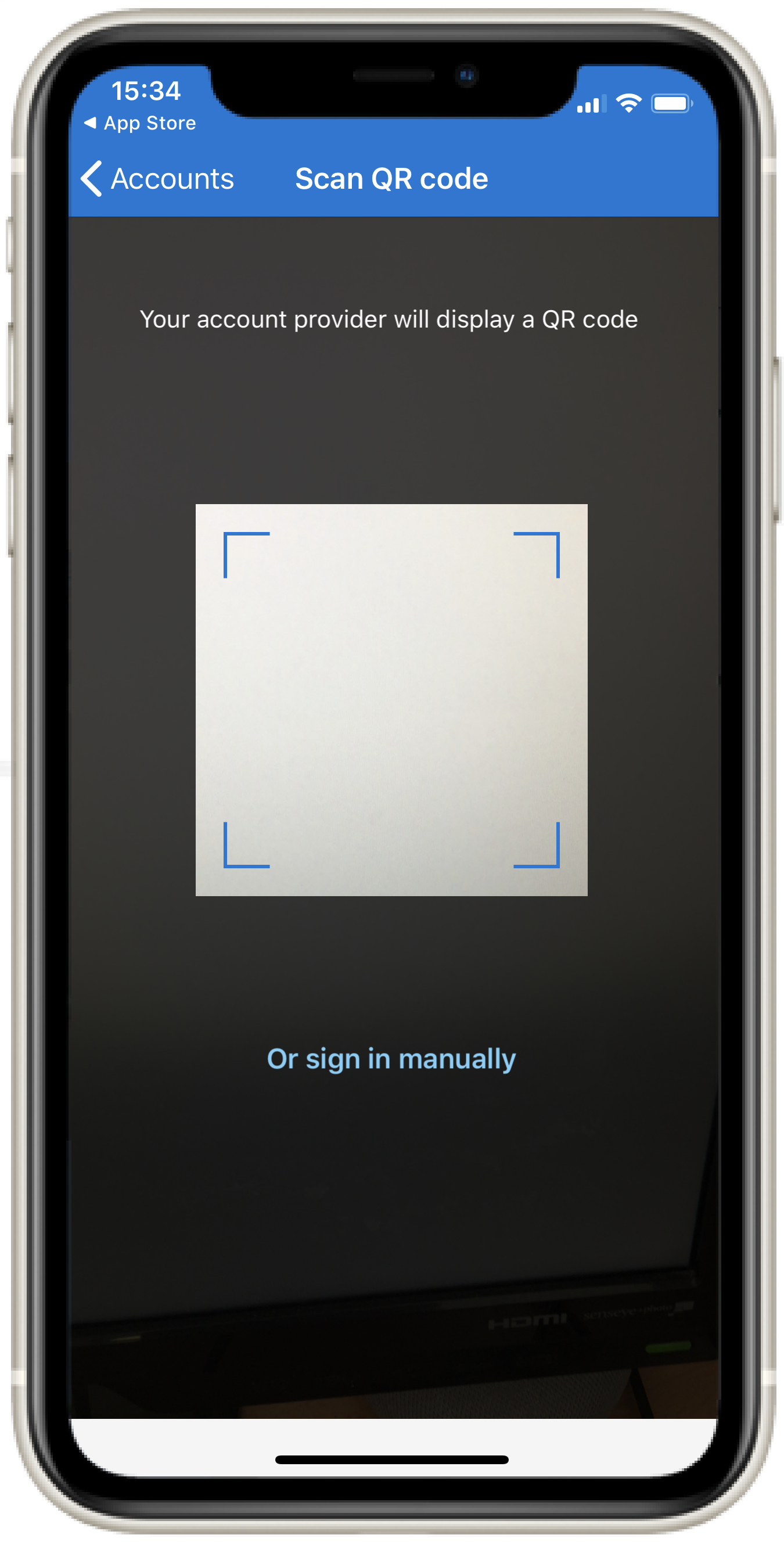
How To Scan Qr Code Iphone Microsoft Authenticator Nda or ug

1 risolis 8 696 May 10 2022 9 40 PM Hello Bharat Suthar Welcome to Microsoft Q A community I might say that there could be several reason for this issue It could be that the admin for the Azure AD Active directory server on premises has a user conditional policy enabled
The Scan the QR code page appears Scan the provided code with the Microsoft Authenticator app QR code reader which appeared on your mobile device after you created your work or school account in Step 6 The authenticator app should successfully add your work or school account without requiring any additional information from you

Open the Authenticator app select Add account from the Customize and control icon in the upper right select Other account Google Facebook etc and then select OR ENTER CODE MANUALLY Enter an Account name for example Facebook and type the Secret key from Step 1 and then select Finish

On an Android device tap Settings Notifications App settings and make sure Authenticator is turned on If you get an expired notification make sure the device s Date time are correct Tap Settings System Date and time and make sure Automatic time and date and Automatic time zone are turned on

The Microsoft Authenticator app is not displaying code Possible causes Time synchronization issues The Microsoft Authenticator App generates the TOTPs based on time sensitive algorithms
Hello I am trying to activate Microsoft Authenticator on my phone and when I go to add a school or google mail account I am asked to enter a QR code instead of being asked for the email address and To set up Microsoft Authenticator with security key 1 Log in to your Microsoft account 2 Go to Security tab choose Security settings and select Additional Security Options 3 Choose the option to Set up a security key 4 Follow the prompts to complete setting up your security key
Dec 10 2023 4 59 PM My old phone used Authenticator to scan the QR code and log in to the quip account After changing to a new phone I accidentally deleted the QR password saved on the old phone resulting in the inability to log in to quip what should I do Autnenticator should give people the ability to retrieve their passwords on their