Microsoft Authenticator App Not Scanning Qr Code How To Scan QR Code On Microsoft Authenticator 2025 Easy Tutorial How To Scan QR Code With Google Authenticator YouTube How To Fix Microsoft Authenticator App Not Working YouTube Microsoft Authenticator App Not Working How To Fix Authenticator App How To Fix Microsoft Authenticator App Not Working Problem Solve YouTube With this free app you can sign in to your personal or work school Microsoft account without using a password You ll use a fingerprint face recognition or a PIN for security Why use the Microsoft Authenticator app How to set up the Microsoft Authenticator app Using Authenticator account backup and restore Learn more
Open the Authenticator app and select to the button and tap Add work or school account Select Sign in Enter your work or school account credentials If you have a Temporary Access Pass TAP you can use that to sign in At this point you could potentially be blocked from proceeding by one of the following conditions You can set up an authenticator app to send a notification to your mobile device or to send you a verification code as your security verification method You aren t required to use the Microsoft Authenticator app and you can select a different app during the set up process However this article uses the Microsoft Authenticator app
How To Fix Microsoft Authenticator App Not Working Problem Solve YouTube Google Authenticator App Not Working Scan A QR Code Not Working In How To Add QR Codes To The Microsoft Authenticator App 42 OFF Ercurrent Blog Issue Credentials To Microsoft Authenticator Decentralized Identity Mensentertainment Blog Setting Up Microsoft Multi Factor Authentication Utah Tech IT Helpdesk Setup Ms Authenticator Ageose Major Event 2 Factor Authentication
Microsoft Authenticator App Not Scanning Qr Code
 Microsoft Authenticator App Not Scanning Qr Code
https://i.ytimg.com/vi/lq699Ffwzgw/maxresdefault.jpg
Ask to install Microsoft Authenticator App and scan the QR code But after I scan the QR code on mobile I get the below error Unable to add the account We couldn t add the account Please verify that the activation code is correct and push notification are enable on your device for this app
Pre-crafted templates use a time-saving solution for producing a varied variety of documents and files. These pre-designed formats and designs can be utilized for various personal and professional tasks, consisting of resumes, invitations, flyers, newsletters, reports, discussions, and more, streamlining the content creation procedure.
Microsoft Authenticator App Not Scanning Qr Code

Microsoft Authenticator App Not Working How To Fix Microsoft
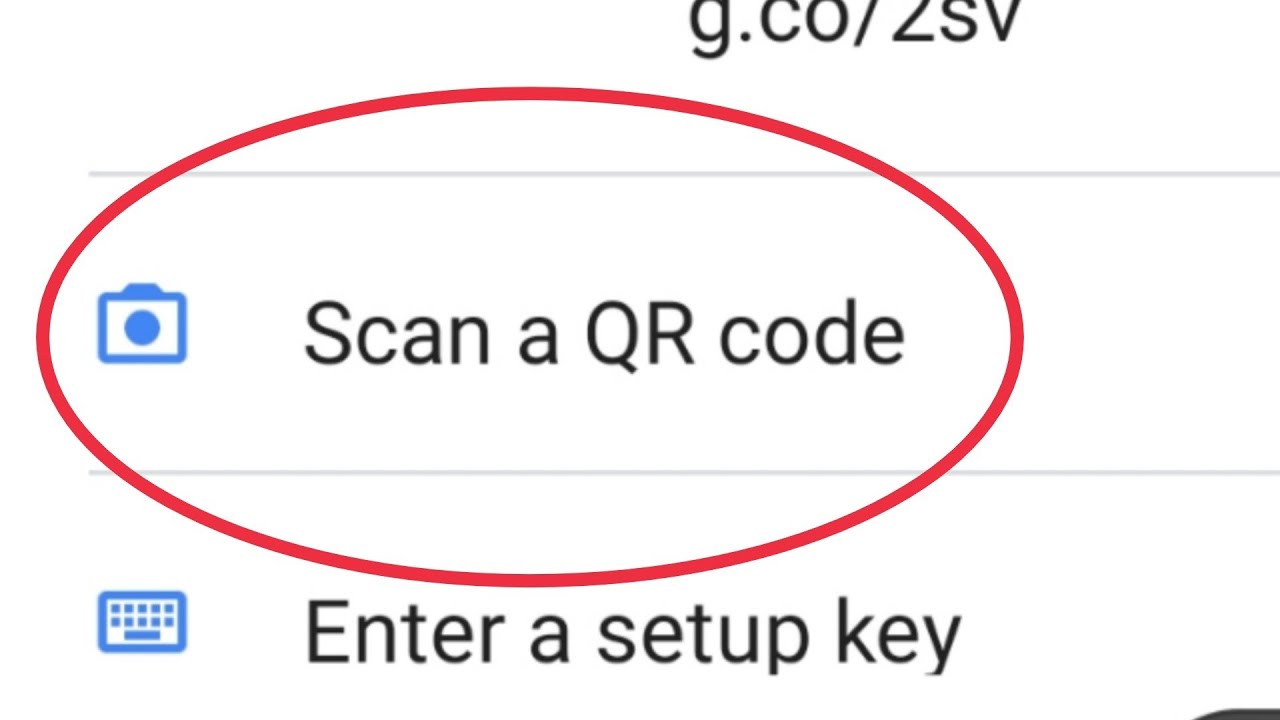
Google Authenticator App Not Working Scan A QR Code Not Working In

How To Add QR Codes To The Microsoft Authenticator App 42 OFF
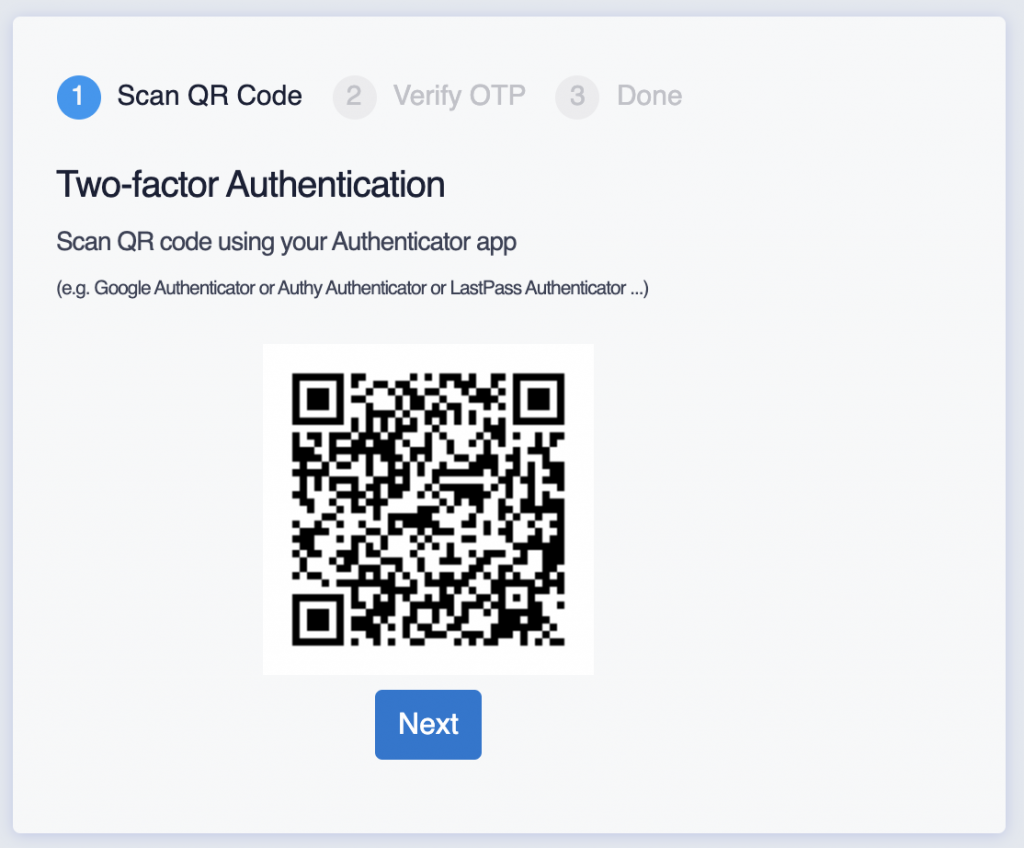
Ercurrent Blog
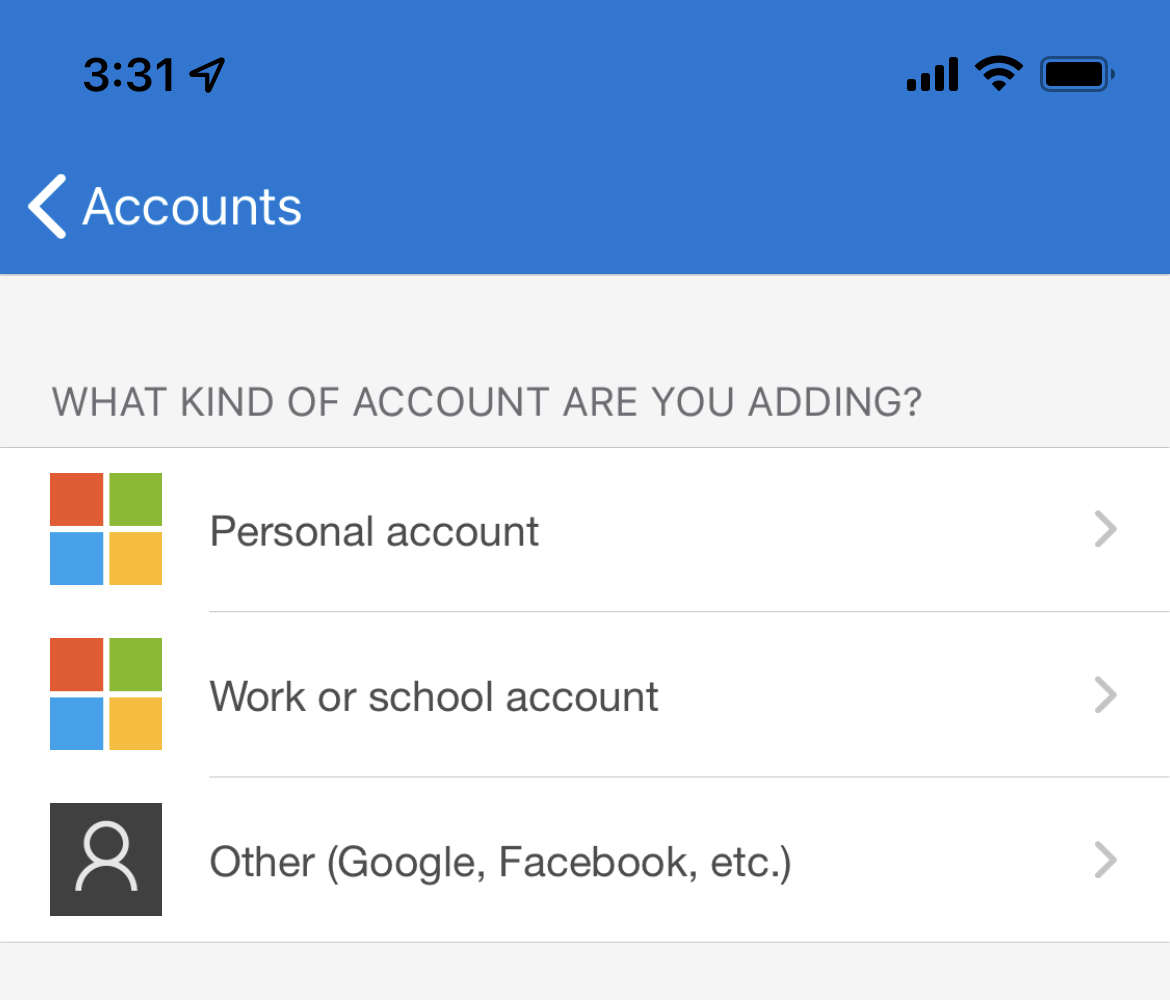
Mensentertainment Blog

Setting Up Microsoft Multi Factor Authentication Utah Tech IT Helpdesk

Tap Settings System Date and time and make sure Automatic time and date and Automatic time zone are turned on If you don t see push notifications in the list session in Authenticator you can swipe down in the list view to check for pending authentications You can sign in by using the pending authentication as a workaround

Important If you have set up the Microsoft Authenticator app on five different devices or if you ve used five hardware tokens you won t be able to set up a sixth one and you might see the following error message You can t set up Microsoft Authenticator because you already have five authenticator apps or hardware tokens

1 Go to Security Privacy page choose Additional security verification Update my phone numbers used for account security 2 After that it will open a new window You will see your Phone is listed and you can choose Delete 3

If your camera is unable to capture the QR code you can manually add your account information to the Microsoft Authenticator app for two factor verification This works for work or school accounts and non Microsoft accounts The codes provided for your accounts aren t case sensitive and don t require spaces when added into the Authenticator app

The Microsoft Authenticator app is not displaying code Possible causes Time synchronization issues The Microsoft Authenticator App generates the TOTPs based on time sensitive algorithms
I have successfully restored Authenticator to a new phone All the accounts are working except for the five Microsoft 365 work accounts that I use They all tell me Action required Scan the QR code provided by your organization to finish There is an option to backup in the app if you sign in into a personal Microsoft account If you didn t do that you re out of luck getting the codes back and need to get access to accounts some way and recreate it 1 r microsoft
Greetings Aleax Zhou Good day Thank you for posting to Microsoft Community We are glad to assist Based on your description regarding Unable to add account to Microsoft authenticator Kindly check this thread Authenticator won t add account due to notification settings Microsoft Q A From Microsoft Authenticator Forum if it can provide any suitable information about your mentioned concern