Microsoft Attachment Size Limit How To Find Out Outlook Attachment Size Limit Hblockq Outlook 2016 Attachment Size Limit Nothing In Outbox Mertqfoto How To Send Large Files Through Gmail Android Authority What Is The Email Attachment Size Limit Kcpc Gmail Attachment Size Limit How To Send Large Files Over Email 4 Simple Ways LaptrinhX News Upgrade to Microsoft 365 to work anywhere from any device and continue to receive support Limit the size of your attachments This is a general guideline for slower connections such as a mobile device you should use a much smaller size such as 250 kilobytes KB If you must send larger attachments verify the maximum size of the
For those times we re pleased to announce that we ve increased the allowed maximum message size to 150 MB giving Office 365 administrators the ability to set the maximum message size of their choosing from 1 MB up to 150 MB The steps to modify the default attachment limit depend on the type of email account that you are using with Outlook Important This article contains information about how to modify the registry Make sure that you back up the registry before you modify it Make sure that you know how to restore the registry if a problem occurs
Gmail Attachment Size Limit How To Send Large Files Over Email 4 Simple Ways LaptrinhX News Gmail Attachment Size Limit How To Send Large Files Effortlessly 3 Easy Ways How To Email Large Files As Attachments In MS Outlook Envato Tuts Gmail Doubles Attachment Size Limit To 20 MB Increase Outlook Attachment Size Limit By Changing Regedit Settings Outlook 2016 Attachment Size Exceeds The Allowable Limit Malllasopa Increase Attachment Size Limit In Gmail For Android How To YouTube Yahoo Mail Attachment Size Limit Centerlinda Configuring Microsoft Defender To Allow Mail For Webroot s Security Awareness Training
Microsoft Attachment Size Limit
 Microsoft Attachment Size Limit
http://woshub.com/wp-content/uploads/2015/03/outlook-365-file-attaching-bigger-than-server-allows.jpg
1 Open the Outlook desktop client 2 Hit Windows key R to open the Windows run dialog box 3 Type regedit and click OK 4 Select Yes on the pop up that asks if it s okay to make changes
Pre-crafted templates offer a time-saving solution for producing a varied variety of documents and files. These pre-designed formats and designs can be made use of for various individual and expert projects, including resumes, invitations, flyers, newsletters, reports, presentations, and more, improving the content creation procedure.
Microsoft Attachment Size Limit

Office 365 Supports Email Messages Up To 150 MB Microsoft 365 Blog
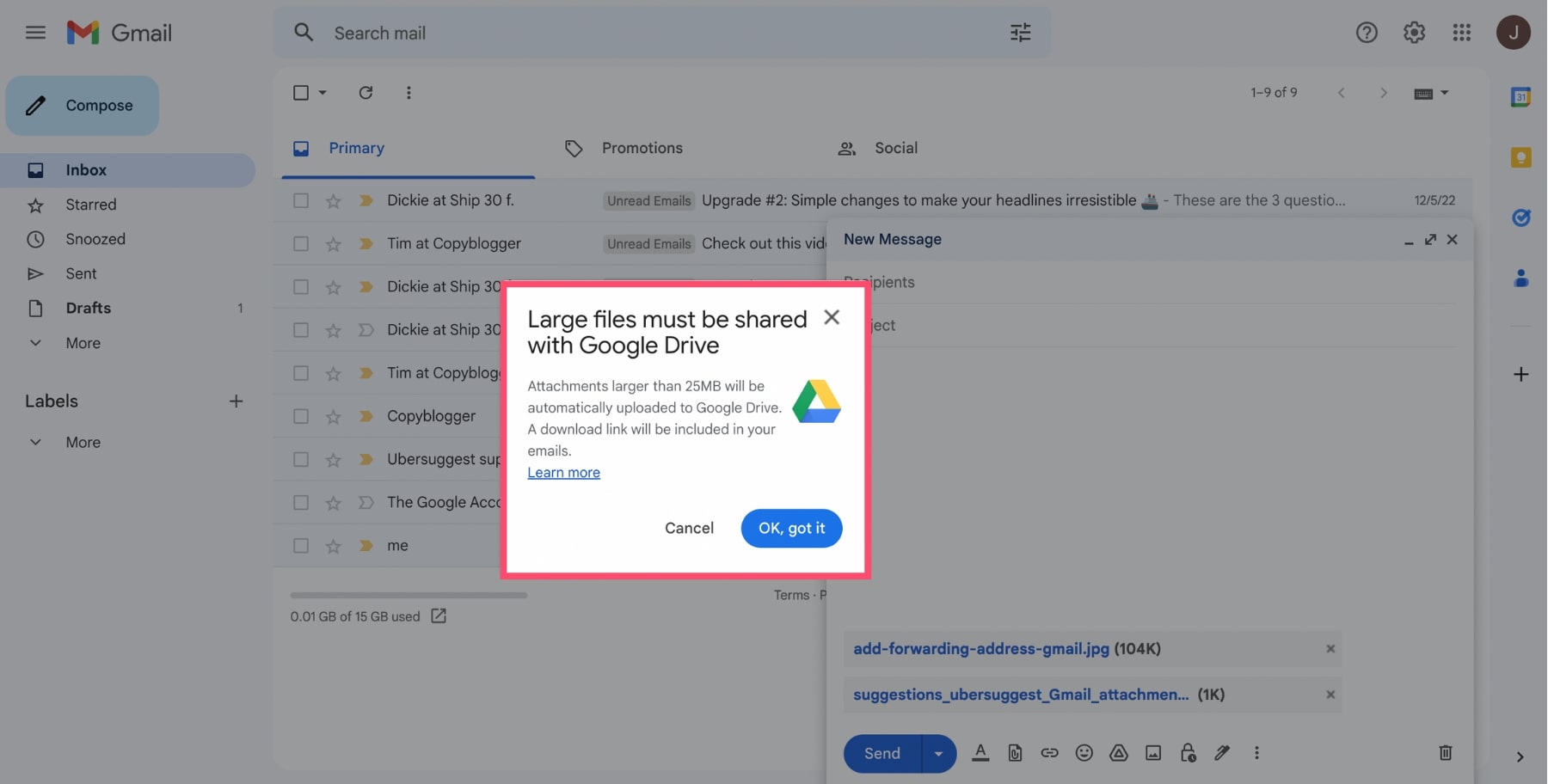
Gmail Attachment Size Limit How To Send Large Files Effortlessly 3 Easy Ways
.jpg "How To Email Large Files As Attachments In MS Outlook Envato Tuts")
How To Email Large Files As Attachments In MS Outlook Envato Tuts
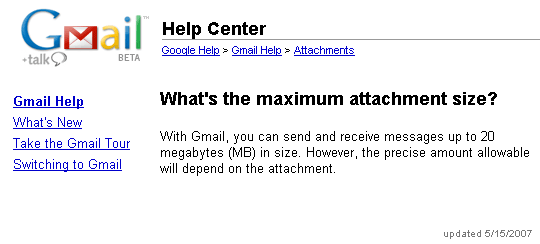
Gmail Doubles Attachment Size Limit To 20 MB

Outlook 2016 Attachment Size Exceeds The Allowable Limit Malllasopa
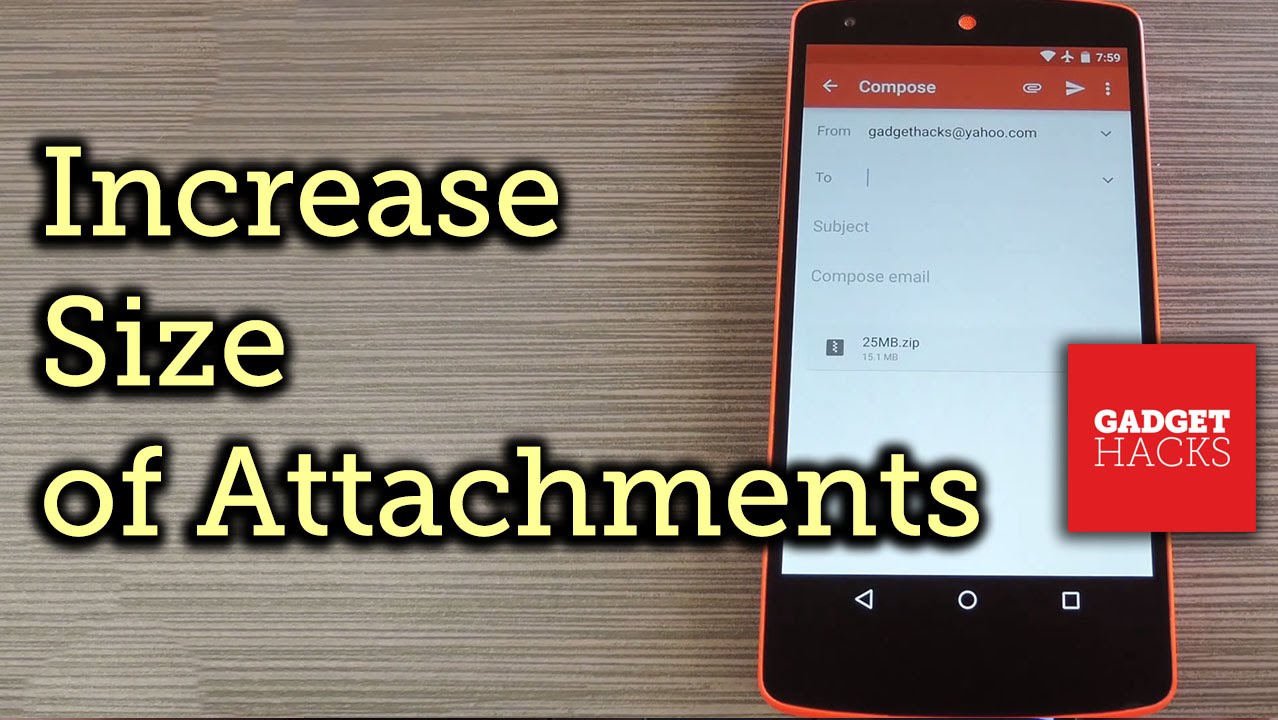
Increase Attachment Size Limit In Gmail For Android How To YouTube
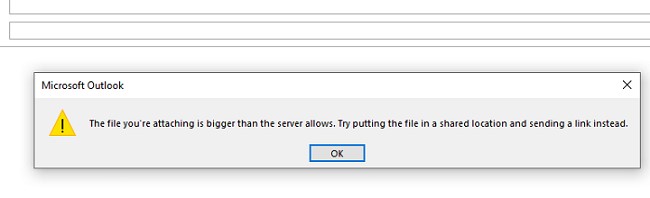
What s the file attachment size limit in Outlook The attachment size limit for files is 25 MB You can also share a file from OneDrive This way your recipients can receive larger files and collaborate on it in real time The attachment size limit for OneDrive files is 2GB Read more about how to Attach files in Outlook

The limits in Microsoft Exchange Online fit into one of the following categories Address book limits Capacity alerts Distribution group limits Exchange ActiveSync limits Hold limits Journal transport and inbox rule limits Mailbox folder limits Mailbox storage limits Message limits Moderation limits Receiving and sending limits
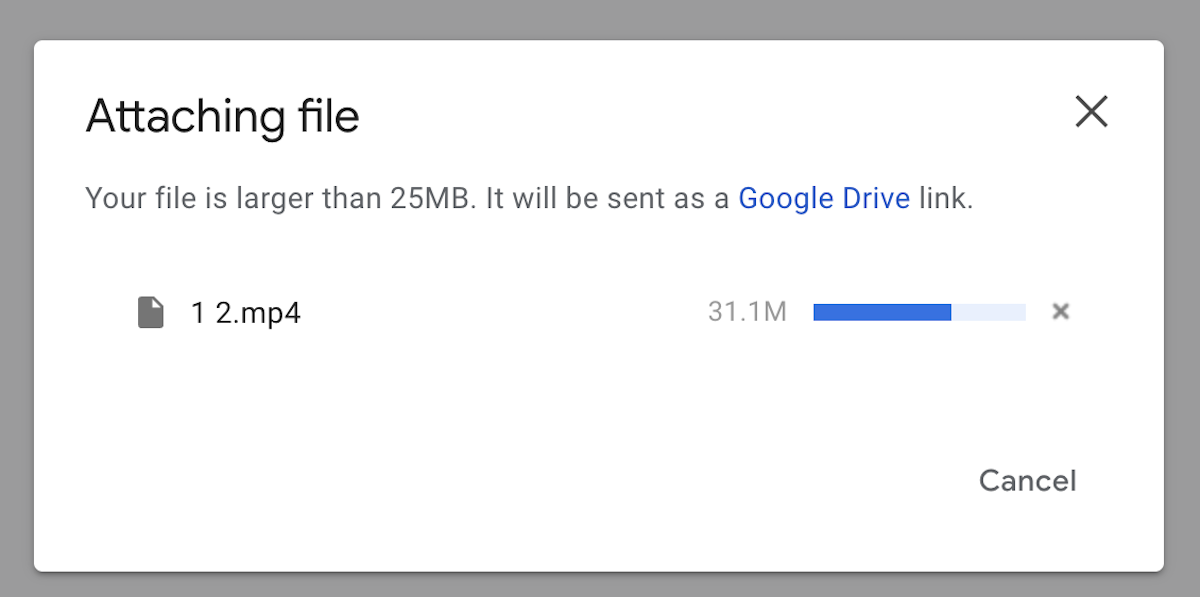
Attachment size limits Specifies the maximum size of a single attachment in a message The message might contain many smaller attachments that greatly increase its overall size However the attachment size limit applies only to the size of an individual attachment

By default Microsoft Outlook prevents users from sending emails with attachments larger than 20 MB This means that users may receive an error message while attaching files that exceed the
Open the Windows Registry Editor find the entry for Outlook and change the value of MaximumAttachmentSize Enter the desired size limit in KB up to 25600 The attachment file size limit in Outlook cannot exceed your mail server s limit This article explains how to increase the maximum Outlook attachment size limit
You can set a limit on the size of Outlook attachments in the registry from the command prompt For example to set the limit of 50 MB for Outlook in Office 365 run the command reg add HKEY CURRENT USER Software Microsoft Office 16 0 Outlook Preferences v MaximumAttachmentSize t REG DWORD d 51200 f Created on October 3 2023 Increase attahment size limit Is there a way to increase the limit of how many attachments can be attached in an outlook email Account is a business standard account but user is only able to attach 10 attachments at most Each attahcment is approximately 2 3MB
Replies 1 There are ways of which we can exceed the size limit of an email from Outlook We suggest that you follow the instructions provided on this link The link can help with providing you workarounds for exceeding a file size limit Keep us updated if anything comes up so we can further assist you