Microsoft 365 Not Working Properly Antique Colt Revolver Serial Numbers Alernastop Microsoft Office 365 Installer Mac Os 10 11 Bizbrown Not Working Properly Synthstrom Audible Office 365 What Is Microsoft 365 Faq And All You Need To Know Vrogue 10 Ways To Fix IPhone Touch Screen Not Working Properly 2023 1 Online repair your Office and then restart the PC and Office APP to check the result Reference Repair an Office application 2 Run safe mode to determine if it caused by the third party add ins Reference Open Office apps in safe mode on a Windows PC
If the issue doesn t occur while in Safe Mode then an add in is likely causing it To disable add ins please access this link and follow the steps under Permanently disable or remove an add in Note To stop Office Safe Mode just exit and restart your Excel application Method 3 Repair Office program To do this follow these steps In Control Panel select Hardware and Sound Device Manager Expand the Display adapters item If you have an Intel graphics adapter the driver will appear in the list If you see an Intel adapter right click the adapter and then select Properties
10 Ways To Fix IPhone Touch Screen Not Working Properly 2023 Mathtype 6 9 Office 365 Not Working Lindabuy Lt br Not Working Properly Using JavaScript Javascript Top 8 Reasons To Shift To Office 365 Swift Systems Antique Colt Revolver Serial Numbers Alernastop Is Outlook Down SarjitLoden Nikolic Nemanja Net Worth Career Home Age Income All You Need To Microsoft 365 Microsoft Teams Office 365 And Microsoft Teams Four How To Fix Microsoft 365 Not Working Dextrava BusinessHatch News
Microsoft 365 Not Working Properly
 Microsoft 365 Not Working Properly
http://alernastop.weebly.com/uploads/1/3/6/2/136287923/120515127_orig.jpg
If repairing your Microsoft 365 programs did not resolve your issue continue on to the next item on the list Check to see if your antivirus software is up to date or conflicting with Excel If your antivirus software is not up to date Excel may not function properly
Pre-crafted templates use a time-saving solution for developing a varied variety of documents and files. These pre-designed formats and designs can be utilized for various personal and professional jobs, consisting of resumes, invitations, leaflets, newsletters, reports, discussions, and more, simplifying the material development process.
Microsoft 365 Not Working Properly

Update On Microsoft 365 In 365 BuckleyPLANET
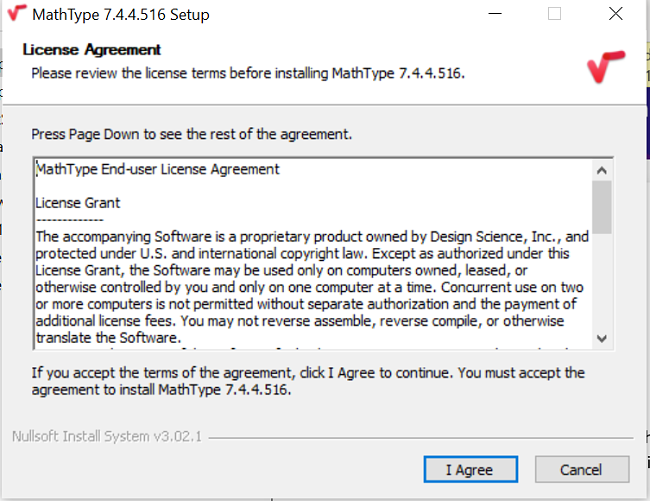
Mathtype 6 9 Office 365 Not Working Lindabuy

Lt br Not Working Properly Using JavaScript Javascript
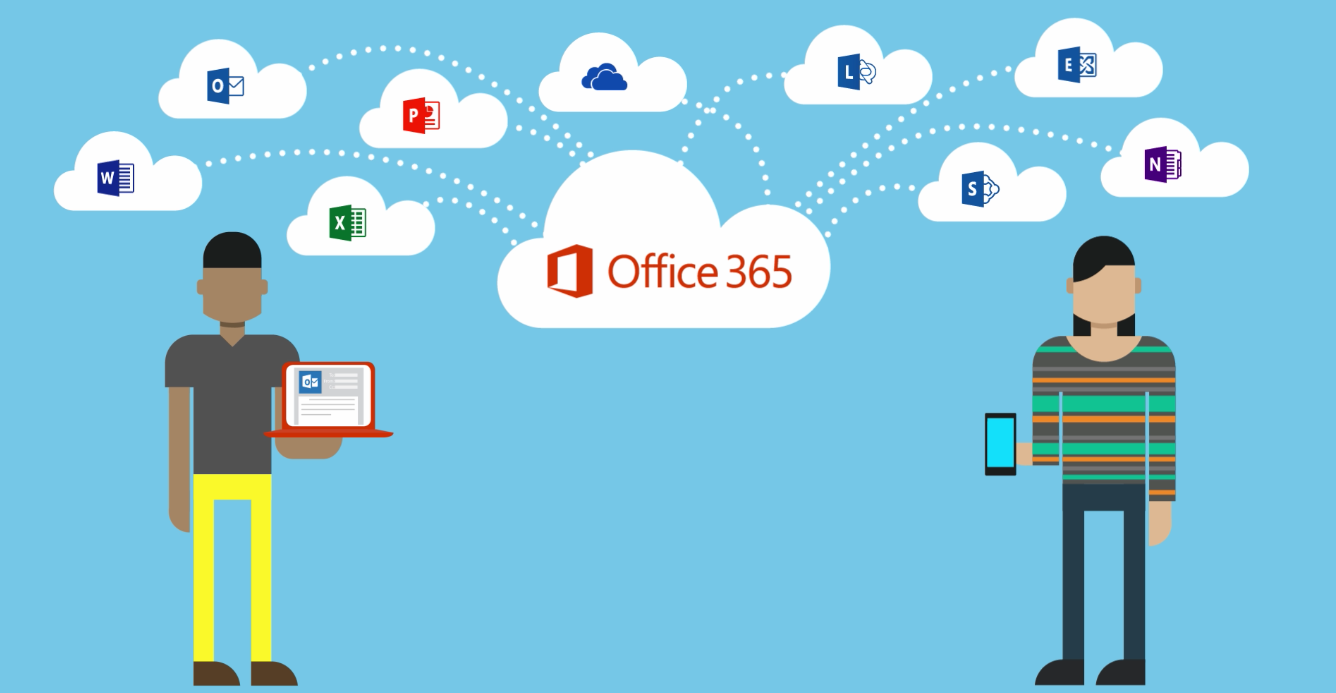
Top 8 Reasons To Shift To Office 365 Swift Systems

Is Outlook Down SarjitLoden

Nikolic Nemanja Net Worth Career Home Age Income All You Need To

You can try these steps 1 Update individual Microsoft 365 apps To do that launch Word or Excel File Account Update Options Update Now 2 Update Windows 3

Follow these steps 1 Open Control Panel Programs and Features 2 Click Microsoft Office in the list of installed applications 3 At the top click Change On the resulting dialog click Repair

You can get up to date status on the Service health page of the Microsoft 365 admin center See how to How to check Microsoft 365 service health More ways to get help and provide feedback

1 Right click the Start button lower left corner in Windows and click Run 2 In the Run box type the command word safe and click OK Note To stop Office Safe Mode exit and restart your Office application It will start in normal mode unless there s a problem opening the application

1 Update Office 2 Disable add ins manually 3 Repair Office 4 Incompatible device drivers 5 Uninstall and reinstall Office We re listening We last reviewed this topic on November 3rd 2021 based on your comments
[desc-11] [desc-12]
[desc-13]