Microsoft 365 Email Not Working Godaddy Outlook 365 Sign In Office365 Email Not Working Technical Assistance Zammad Community Tech Support Outlook Office 365 Email Not Working YouTube What To Do If ICloud Email Not Working Office 365 Login Godaddy If you re having problems setting up your email in Outlook we want to help Choose an option below for more information Tip If you re a small business owner looking for more information on how to get Microsoft 365 set up
Run a Microsoft 365 Diagnostic There are Microsoft diagnostics that you can run to troubleshoot connectivity issues The diagnostics perform automated If you re having problems accessing Outlook you can see the status of Microsoft Office Online Services at the Service Health portal If you re having problems sending or receiving email read how to
Office 365 Login Godaddy Microsoft Spam Filter Office 365 Does Not Working Junkylasopa Microsoft Certification Paths For 2020 Binary Bits Working Help Desk Tickets Real World Examples For Entry Lv Dynamics GP Office 365 Email Not Working TLS 1 2 GP Support North Working Help Desk Tickets Real World Examples For Entry Lv Working Help Desk Tickets Real World Examples For Entry Lv Dynamics GP Office 365 Email Not Working TLS 1 2 GP Support North Top 6 Solutions To Fix Comcast Email Not Working On MS Outlook
Microsoft 365 Email Not Working
 Microsoft 365 Email Not Working
https://i2.wp.com/www.pei.com/wp-content/uploads/2017/09/Office-365-New-Sign-In-Experience.png
To make sure Outlook is fully closed use the Task Manager 1 Click Start and then type task manager 2 Click Task Manager in the search results when you see it appear 3
Pre-crafted templates provide a time-saving option for developing a varied variety of documents and files. These pre-designed formats and designs can be used for various individual and professional jobs, including resumes, invitations, flyers, newsletters, reports, presentations, and more, improving the content production procedure.
Microsoft 365 Email Not Working
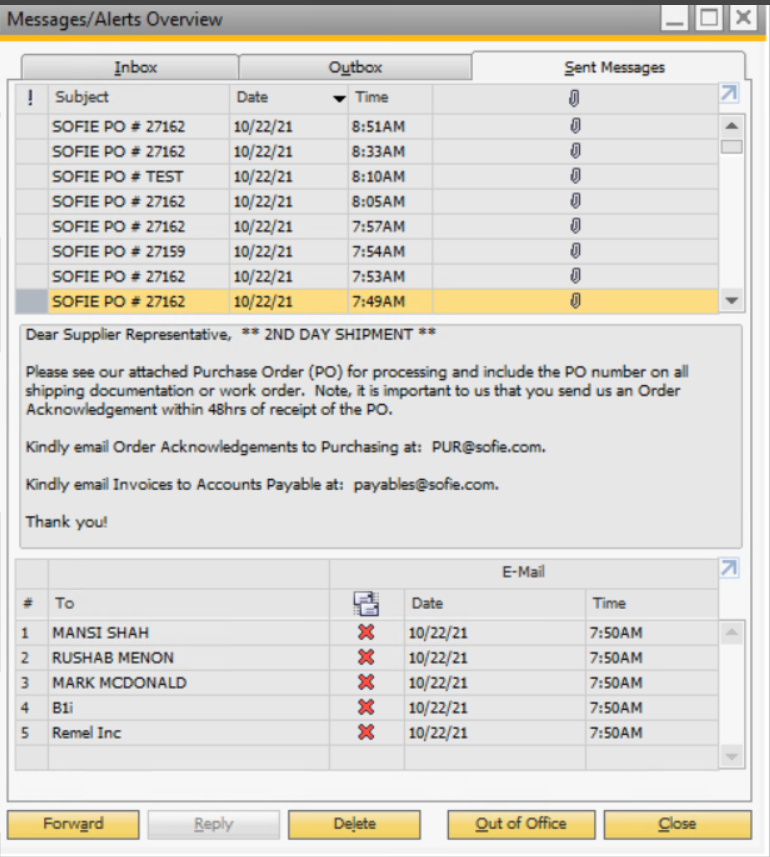
Email Not Sending From SAP When Using Office 365 Email Navigator Business Solutions
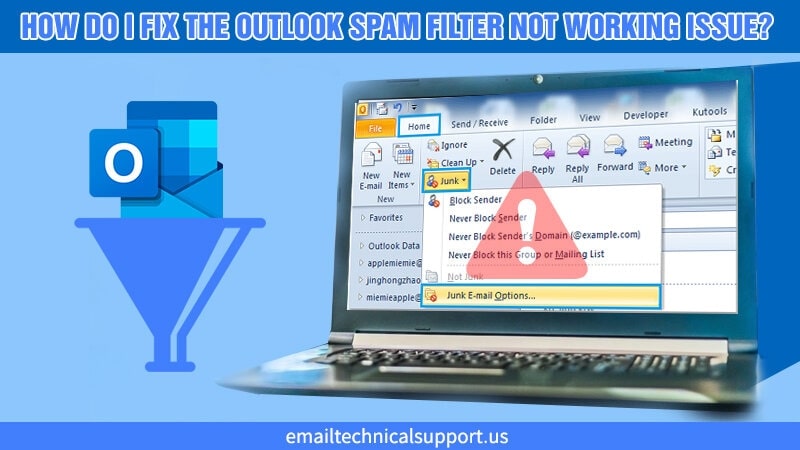
Microsoft Spam Filter Office 365 Does Not Working Junkylasopa

Microsoft Certification Paths For 2020 Binary Bits

Working Help Desk Tickets Real World Examples For Entry Lv

Working Help Desk Tickets Real World Examples For Entry Lv

Working Help Desk Tickets Real World Examples For Entry Lv

As a first step we recommend that you download and run the Support and Recovery Assistant on the affected computer Let us fix your issue Download and run Microsoft
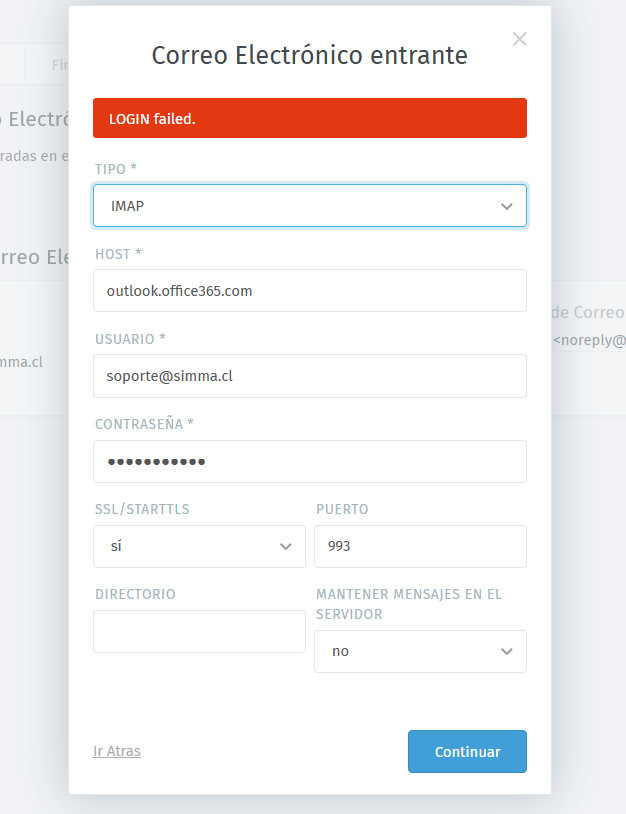
2023 12 06 19 52 38 Just A Little IT Guy In the past couple few months or so Microsoft has decided to take over DNS resolution of Office 365 Apps and Email connectivity to
Accessibility center In Outlook sometimes your outgoing messages get stuck in your outbox and just won t send Learn about some ways to get them moving
Related step If these solutions did not solve your issue contact our GoDaddy Guides for help More info Set up Microsoft 365 email on my phone and computer Troubleshoot

Restart new Outlook Right click Start and select Task Manager Select Microsoft Outlook then End task Check to make sure that new Outlook is closed then close Task
Replies 5 1 Open Control Panel Programs and Features 2 Click Microsoft Office in the list of installed applications 3 At the top click Change On If Outlook isn t syncing emails ensure your internet connection is working turn off the app s offline mode manually sync your email folders change your email
To change Outlook to work online select Send Receive Preferences Work Offline Check offline settings If you have issues on a Mac and have disabled