Menu Settings Iphone General Settings Iphone IPhone Basics Security And General Settings How To Access The Hidden Settings Navigation Menu On IPhone And IPad First Look A Visual Tour Of Apple s IOS 7 For IPhone How To Enable Wi Fi On Your IPhone And IPad IMore
1000 menu
How To Enable Wi Fi On Your IPhone And IPad IMore IOS 7 Beta 5 Tidbits Icon Settings Redesign New Control Center Search Settings In IOS Iphone Ipod Ipad Your IPhone s Settings Menu Options Dummies How To Change Iphone 6 Language Settings NYSCNG How To Change Iphone Bluetooth Settings Haiper How To Screenshot On IPhone 13 TechyLoud How To Update Carrier Settings On IPhone X IPhone 8 7 Plus IOS 11 IOS 17 0 3 Reset APN Settings On IPhone 7 7Plus Fix LTE Not Working 2023
Menu Settings Iphone
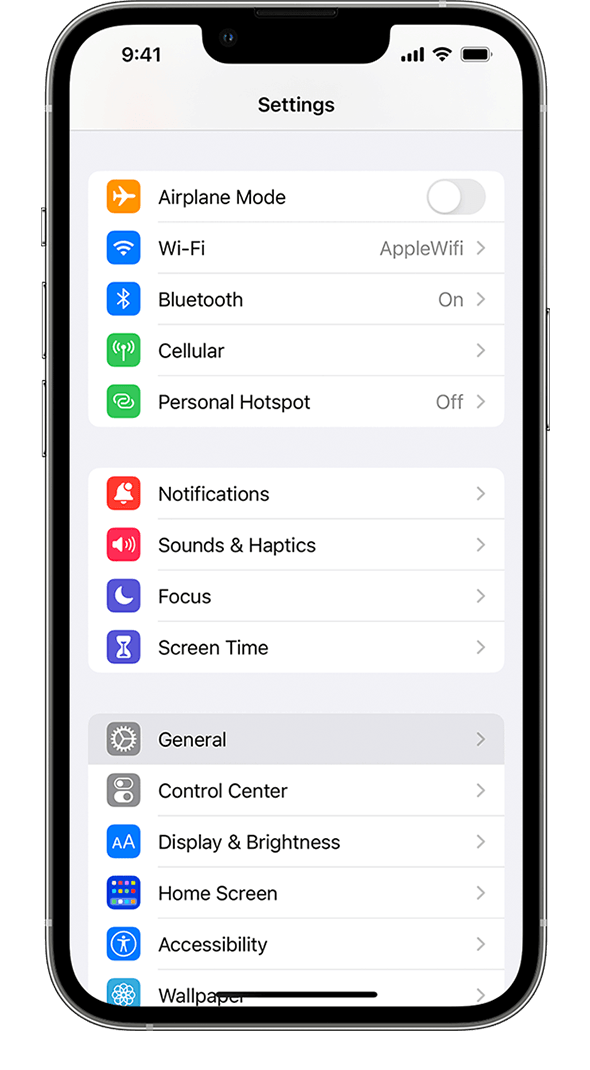 Menu Settings Iphone
https://support.apple.com/library/content/dam/edam/applecare/images/en_US/iOS/ios16-iphone13-pro-settings-general.png
Pre-crafted templates offer a time-saving option for developing a varied range of files and files. These pre-designed formats and designs can be made use of for various individual and expert tasks, consisting of resumes, invites, flyers, newsletters, reports, presentations, and more, simplifying the material development process.
Menu Settings Iphone
General Settings Iphone
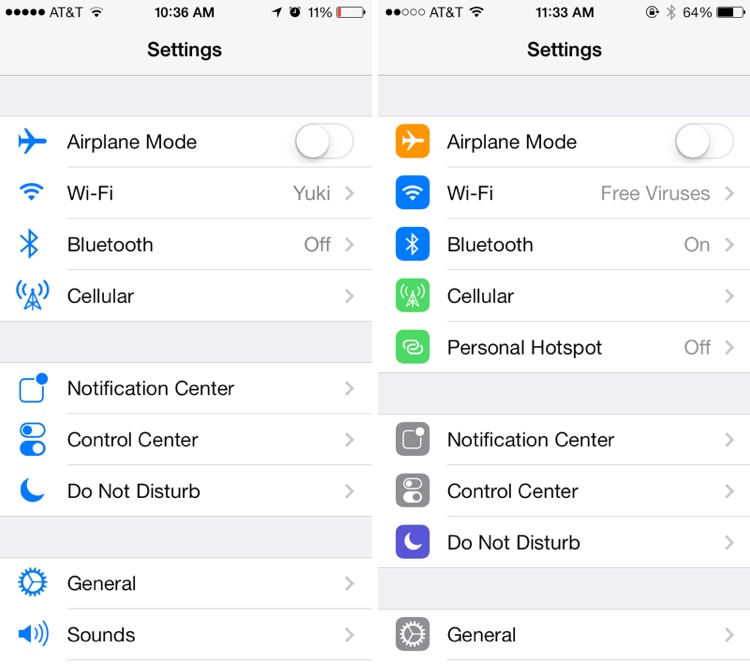
IOS 7 Beta 5 Tidbits Icon Settings Redesign New Control Center

Search Settings In IOS Iphone Ipod Ipad
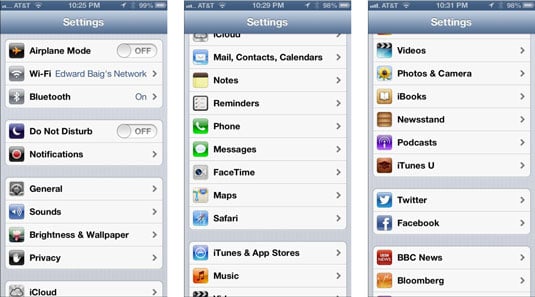
Your IPhone s Settings Menu Options Dummies
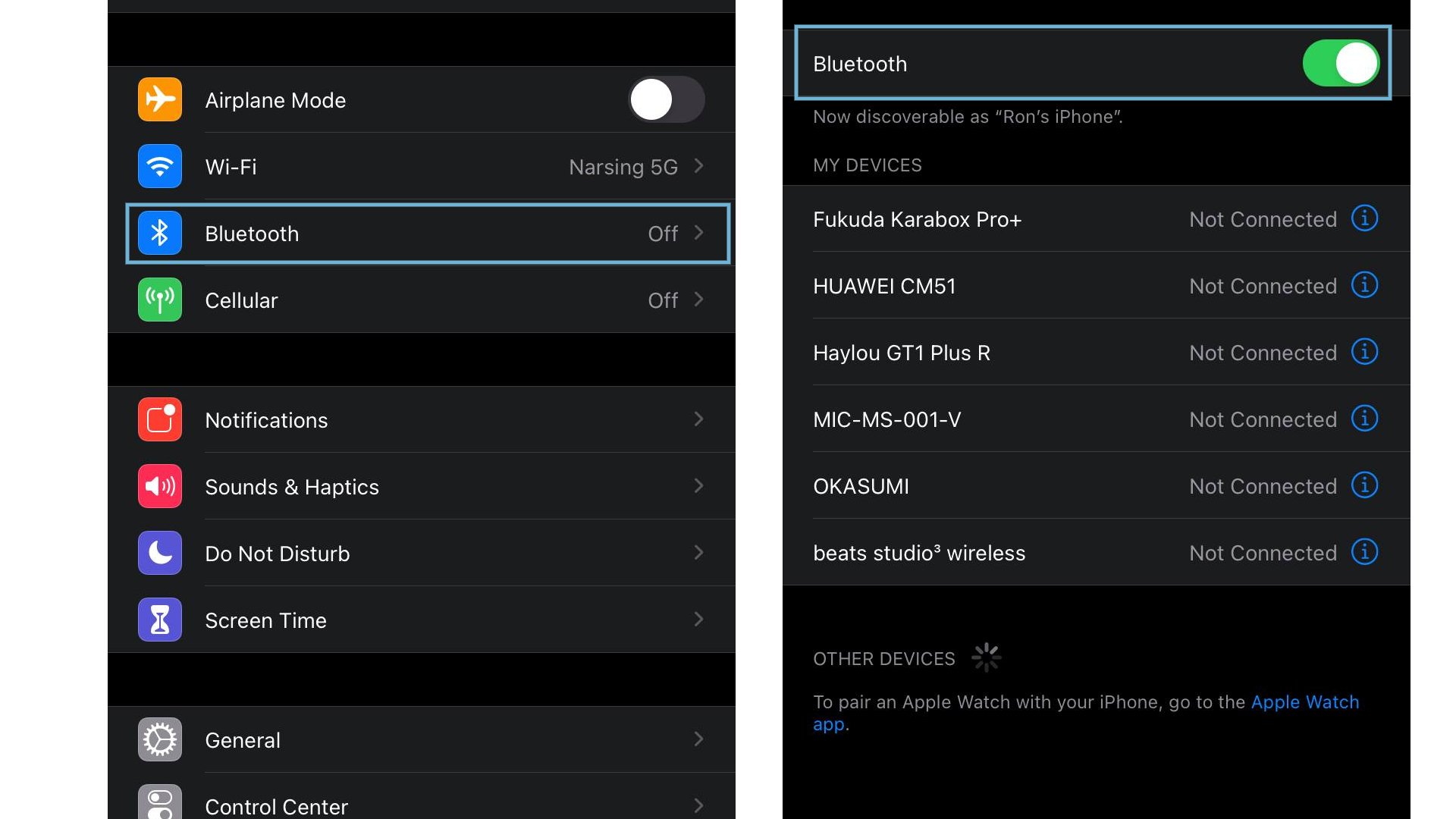
How To Change Iphone Bluetooth Settings Haiper
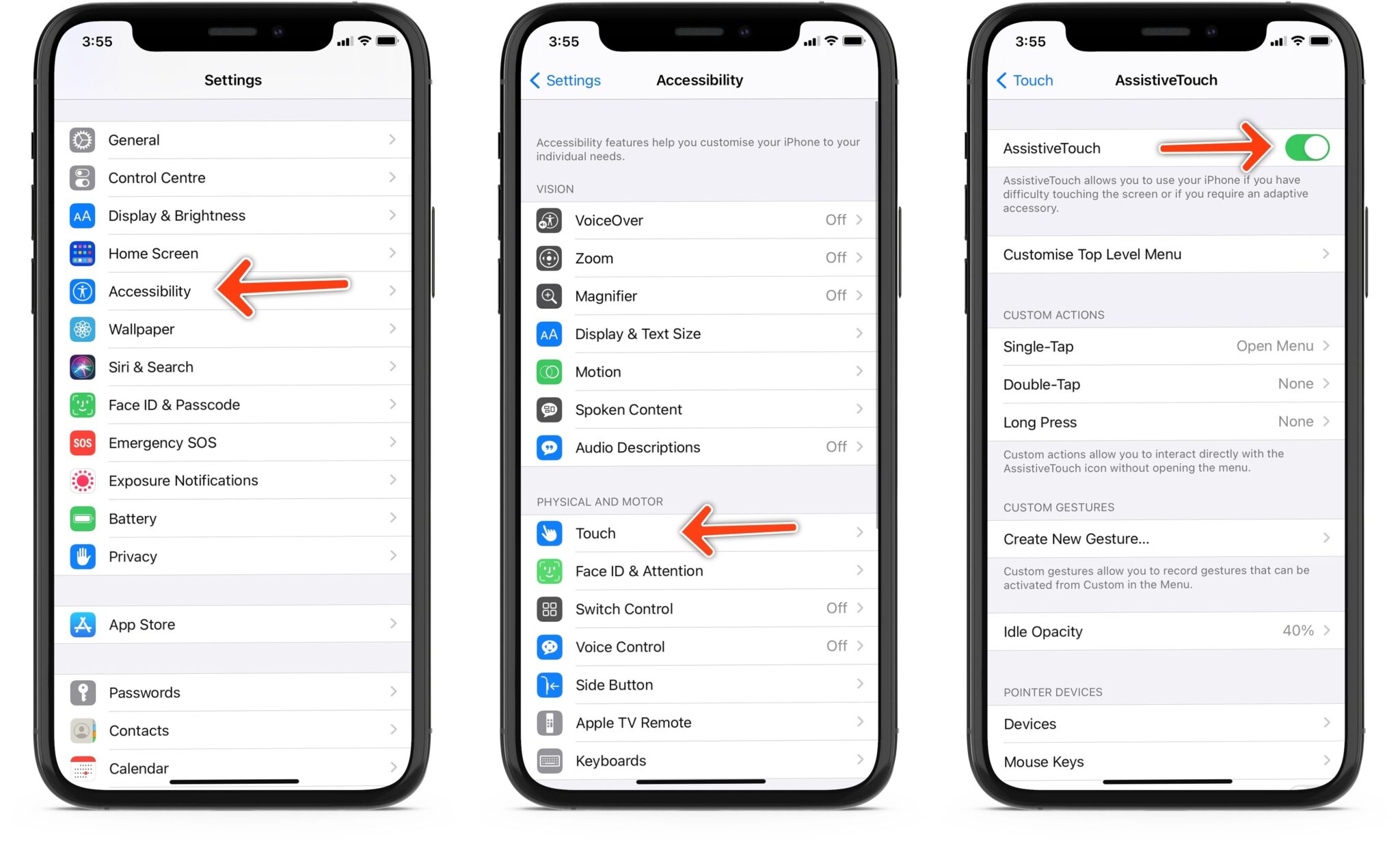
How To Screenshot On IPhone 13 TechyLoud

1000 menu

1000 menu


On Drive for desktop at the top right in the menu bar you can find the Drive for desktop menu To add Drive to your Dock In the Applications folder drag the Drive app to the left side of the

[desc-11] [desc-12]
[desc-13]