Manually Remove Conda Environment How To Remove And Clean Up Your Conda Environments Anaconda Python Delete Conda Environment Conda Remove Environment A Thorough Guide Linux Conda NodeJS Linux Conda Install Jupyter Notebook In New Environment Kurttronics Web Jan 25 2017 nbsp 0183 32 304 I installed Python Anaconda on Mac OS Mavericks I wanted to revert to the default version of Python on my Mac What s the best way to do this Should I delete the anaconda directory Any other changes required Currently when I run which python I get this path Users username anaconda bin python python anaconda Share Improve
Web Delete Conda Environment 7 commands Step 1 Find the Conda environment to delete To find the name of the environment you want to delete we can get the list Step 2 Get out of the environment You cannot delete the conda environment you are within To get out of the current Step 3 Delete the Web Mar 12 2023 nbsp 0183 32 Delete the environment conda remove name all This command removes the environment and all its dependencies The name flag specifies the name of the environment you want to delete and the all flag removes all packages associated with that environment Here s the full example
Conda Install Jupyter Notebook In New Environment Kurttronics Python How To Remove Conda Environment From Vscode Stack Overflow Conda Run Fig Conda Environment Install Ipython Limfavalues Solved Conda Remove All Installed Packages From 9to5Answer Conda Install Package To Environment Bettareward Installing Python TensorFlow Keras In A Conda Environment On Windows Remove And Optimizing Your Conda Environment By Handhika Yanuar Tensorflow 2 1 0 conda Python
Manually Remove Conda Environment
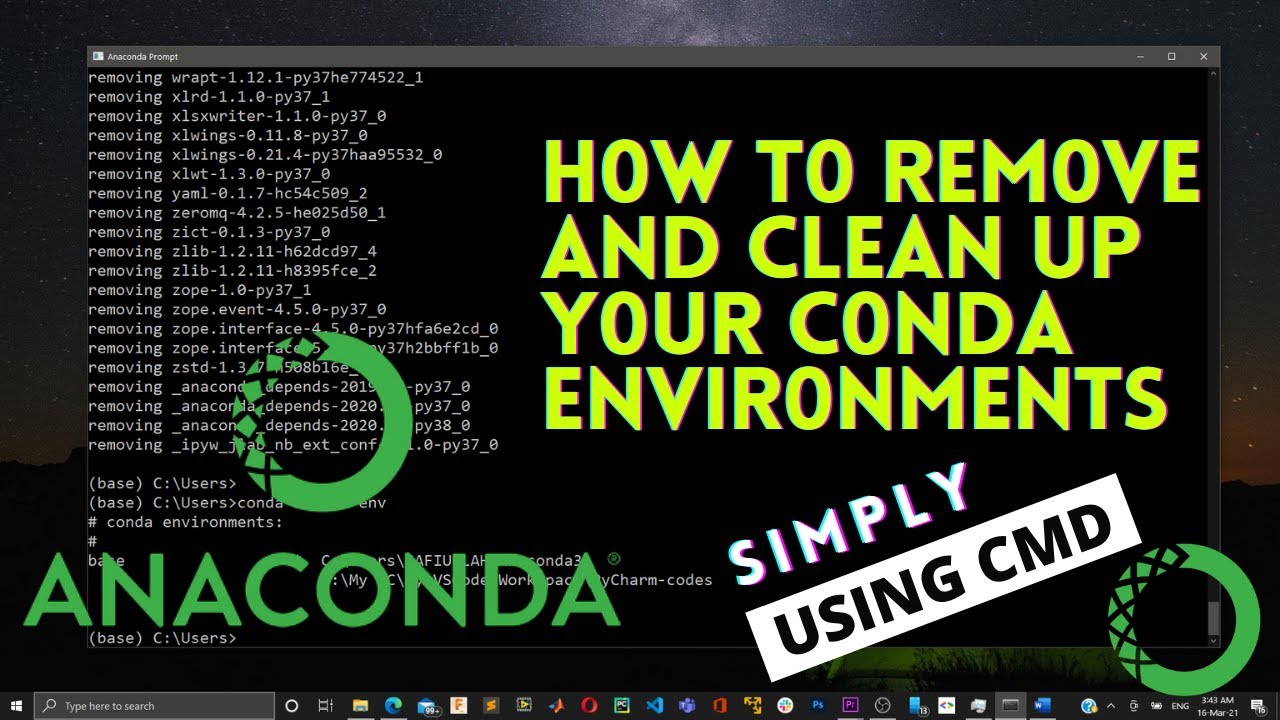 Manually Remove Conda Environment
https://i.ytimg.com/vi/dcvdOuvWI-Q/maxresdefault.jpg
Web Windows Open the file explorer Delete your environment anaconda3 envs and package anaconda3 pkgs folders in your user folder Open Add or remove programs and uninstall your Anaconda installation or your version of Python
Pre-crafted templates provide a time-saving option for producing a diverse series of documents and files. These pre-designed formats and layouts can be utilized for numerous individual and expert jobs, including resumes, invitations, flyers, newsletters, reports, discussions, and more, enhancing the content production procedure.
Manually Remove Conda Environment

Manually Create A Conda Environment With ArcGIS Pro 2 7 YouTube

Python How To Remove Conda Environment From Vscode Stack Overflow

Conda Run Fig
Conda Environment Install Ipython Limfavalues

Conda Install Package To Environment Bettareward

Installing Python TensorFlow Keras In A Conda Environment On Windows

Web Apr 7 2023 nbsp 0183 32 Here s a summary of the steps involved in deleting an environment in Conda Deactivate the environment using the conda deactivate command Delete the environment using the conda remove name ENV NAME all command

Web Removing an environment With conda you can create export list remove and update environments that have different versions of Python and or packages installed in them Switching or moving between environments is called activating the environment You can also share an environment file

Web Apr 4 2020 nbsp 0183 32 deleting conda environment safely Ask Question Asked 3 years 4 months ago Modified 3 years 4 months ago Viewed 8k times 5 I m new to anaconda and conda I have created an identical environment in two different directories

Web Mar 30 2015 nbsp 0183 32 116 I installed Anaconda a while ago but recently decided to uninstall it and just install basic python 2 7 I removed Anaconda and deleted all the directories and installed python 2 7 But when I go to install PyGTK for Windows it says it will install it to the c users Anaconda directory this doesn t even exist

Web May 26 2020 nbsp 0183 32 Looks like quot env4 quot is activated To deactivate use conda deactivate After that you can use this command to remove any environment ENV NAME env4 conda env remove name ENV NAME Or simply just go to the path home miniconda3 envs and delete env4 from there
Web remove Remove a list of packages from a specified conda environment quot Use all flag to remove all packages and the environment itself quot This command will also remove any package that depends on any of the specified packages as well unless a replacement can be found without that dependency Web options solver Possible choices classic Choose which solver backend to use experimental solver Possible choices classic experimental solver is pending deprecation and will be removed in 24 3 Use solver instead Target Environment Specification n name Name of environment p prefix Full path to environment location i e prefix
Web I tried conda remove name python2env all but to no avail The environment is still listed The environment is still listed How can I remove my Anaconda environment