Make Table Columns Equal Width Powerpoint Html Table Width 100 Ai cross shonan jp Tables Column and Row PowerPoint png PDF Accessibility And Compliance Free Black White Resume Templates Instant Download ResumGO Td Html Css Kosodate money jp How To Make All Rows Same Height Or Columns Same Width In Excel Creating a Table Open your PowerPoint presentation and select the slide you want the table to be on Click on Insert in the Table option This will open a submenu allowing you to configure it In this tutorial we are choosing one with four columns and four rows When you create your table you can build as many columns and rows as you wish
Modify table structure PowerPoint 365 Usually the first row of the table is formatted as a header row and contains column headings and the leftmost column contains row headings In addition the default style of a new blank table is formatted to highlight band every other row to help readers distinguish between individual lines of information Step 1 is to insert a table with 9 columns and 8 rows Step 2 is to enable drawing guides Alt W S and then resize the table so it fits the width and height of the slide Step 3 is to fix the formatting such as the fill colors the font colors the font sizes and the borders
How To Make All Rows Same Height Or Columns Same Width In Excel Html Table Width 100 Koritorihouse rakuya jp How To Make Table Columns Equal Width With CSS Webtips Html Table Width Css G smatt jp Html Table Width Td Mugiya udon jp Html Table Width Css G smatt jp Use Multiple Columns In Word YouTube Retired Frank Worthley Alien Boostrap Table Make Columns Equal Sssspsbtc How To Modify Table Size In Powerpoint Brokeasshome
Make Table Columns Equal Width Powerpoint
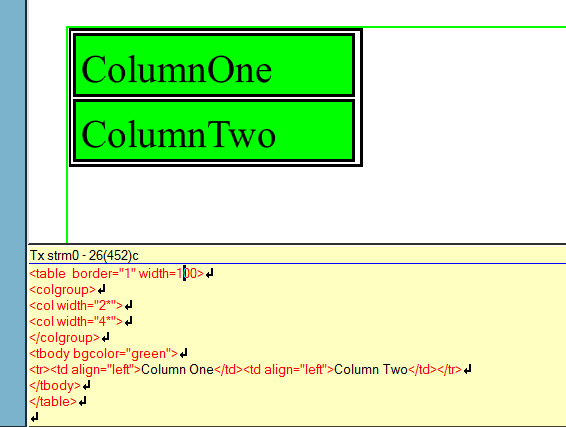 Make Table Columns Equal Width Powerpoint
https://support.ptc.com/images/cs/articles/2017/08/1501600122Y9XA/screengrab.jpg
Newest subscriber Subscriber goal 94 94 7K 100K My PPT Masterclass https learnfromme pow
Pre-crafted templates provide a time-saving option for developing a varied range of files and files. These pre-designed formats and layouts can be used for numerous personal and professional projects, including resumes, invitations, leaflets, newsletters, reports, presentations, and more, improving the material development procedure.
Make Table Columns Equal Width Powerpoint
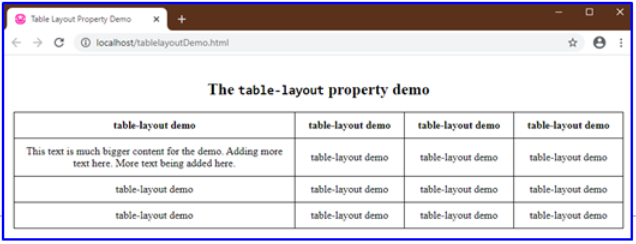
Html Table Layout Fixed Sk3 harada jp
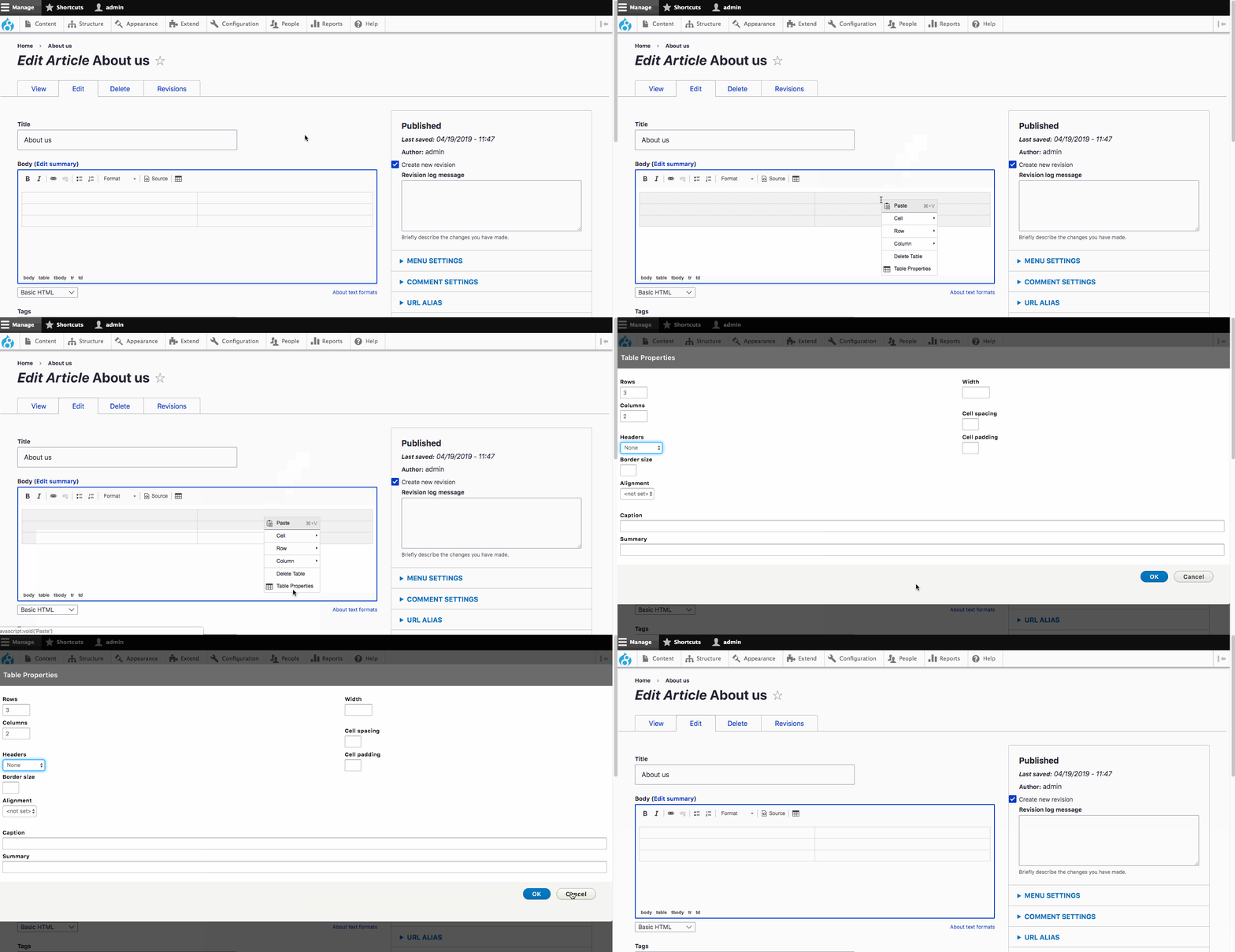
Html Table Width 100 Koritorihouse rakuya jp

How To Make Table Columns Equal Width With CSS Webtips

Html Table Width Css G smatt jp

Html Table Width Css G smatt jp

Use Multiple Columns In Word YouTube

Click the table that you want to resize On the table border point to a sizing handle and then when the pointer becomes a click and drag the handle to make the table larger or smaller A sizing handle is the cluster of dots that appears at the corners and sides of the table Note the following

PowerPoint Tutorials Tables Distribute Table Rows and Columns in PowerPoint 2013 for Windows Learn how to distribute table rows and columns in PowerPoint 2013 for Windows Distribution lets you resize all rows and columns equally Author Geetesh Bajaj Product Version PowerPoint 2013 for Windows OS Microsoft Windows 7 and higher
To make the columns in a table automatically fit the contents click on your table On the Layout tab in the Cell Size group click AutoFit and then click AutoFit Contents To use the ruler select a cell in the table and then drag the markers on the ruler
Select the table The contextual tabs Table Design and Layout appear in the ribbon On the Layout tab you can specify the custom height and width To resize specific rows or column click on a cell and then adjust the row column

Productivity Tip Column gaps are a great Management Consulting trick used by BCG Accenture and other firms To add column gaps you create a PowerPoint table with extra columns then resize every second column to be an empty narrow column between each content column
How to Create a Table in PowerPoint To create a new PowerPoint table go to the slide you want to add the table to and add a table to the slide via Insert Table This will provide you with multiple options for making tables Select Rows and Columns using Drag and Drop You can create a table by selecting the number of rows and columns from Step 1 Click on the Cut option The first step is to Right Click on the table that you want to move Then click on the Cut option from the context menu You can alternatively press the Ctrl X keys on your keyboard
Select the boundary of the column or row you want to move and drag it to the width or height you want Select the rows or columns and then select Layout and choose your height and width Select View Ruler checkbox select the cell you want and then drag the markers on the ruler Note In Excel select Home Format and then select Column Width