Make Excel A Word Document PDF PDF To Word PDF To Excel Image Excel YouTube Hipervinculo De Excel A Word Desmontaje Autom tico Como Vincular Registros De Excel A Word Documento Word Din mico YouTube What Version Of Microsoft Office Do I Have Web Now that your Excel workbook is set up you re ready to start writing your first VBA script to create a Word document The following steps will guide you through the process Open
Web Apr 27 2020 nbsp 0183 32 Of course the fastest and easiest way to get data from an Excel worksheet into a Word document is just using Window s copy and paste feature To do this you ll open the Excel file with your data Web Feb 23 2018 nbsp 0183 32 To insert an Excel table in Word 2016 click the quot Insert quot tab at the top of the window and then click the quot Table quot button Click the quot Excel Spreadsheet quot button in the drop down menu Here s a basic example
What Version Of Microsoft Office Do I Have Excel Tabular Form Lessonsladeg Free 2024 Calendars In Pdf Word Excel Situs Judi Slot Gacor What Version Of Microsoft Office Do I Have Competitive Analysis Templates And Examples 2023 10 Free Project Management Podcast Spreadsheet For Coda Is A Nextgeneration How To Convert A File To Excel Kopshirt How Do I Convert A Word Document Into Excel Lifescienceglobal Microsoft Object Linking And Embedding In Excel
Make Excel A Word Document
 Make Excel A Word Document
https://i.ytimg.com/vi/VZEyYJJdzdE/maxresdefault.jpg
Web Select the Insert tab Select what you want to add Tables select Table hover over the size you want and select it Pictures select Pictures browse for pictures from your computer select a stock image or even
Pre-crafted templates provide a time-saving solution for creating a varied series of files and files. These pre-designed formats and designs can be utilized for various personal and expert tasks, consisting of resumes, invites, leaflets, newsletters, reports, presentations, and more, streamlining the content development procedure.
Make Excel A Word Document
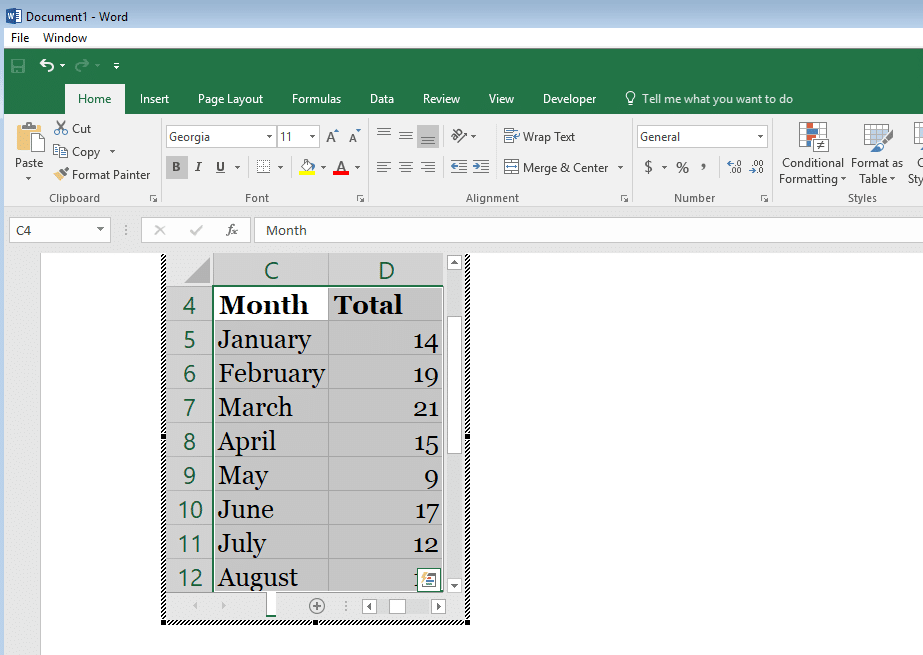
How To Insert File Name In Word Mafiapaas
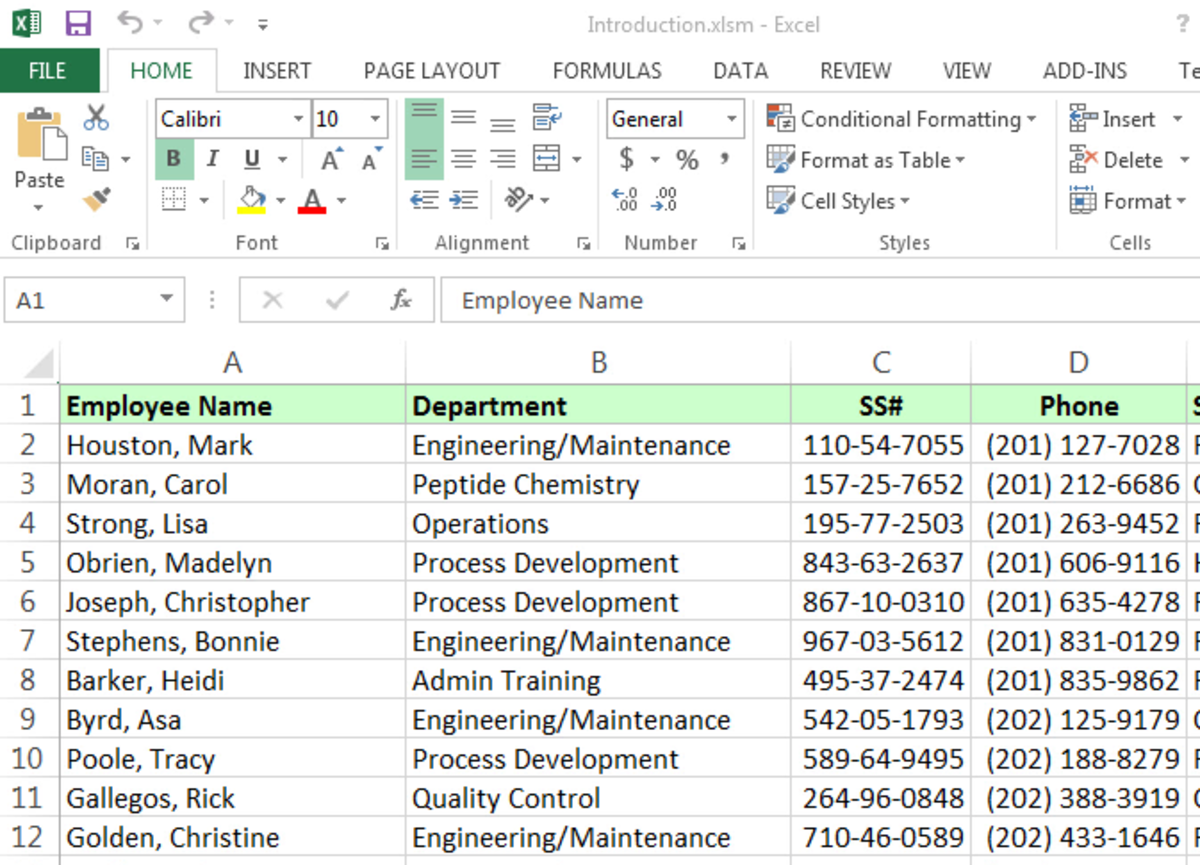
Excel Tabular Form Lessonsladeg

Free 2024 Calendars In Pdf Word Excel Situs Judi Slot Gacor
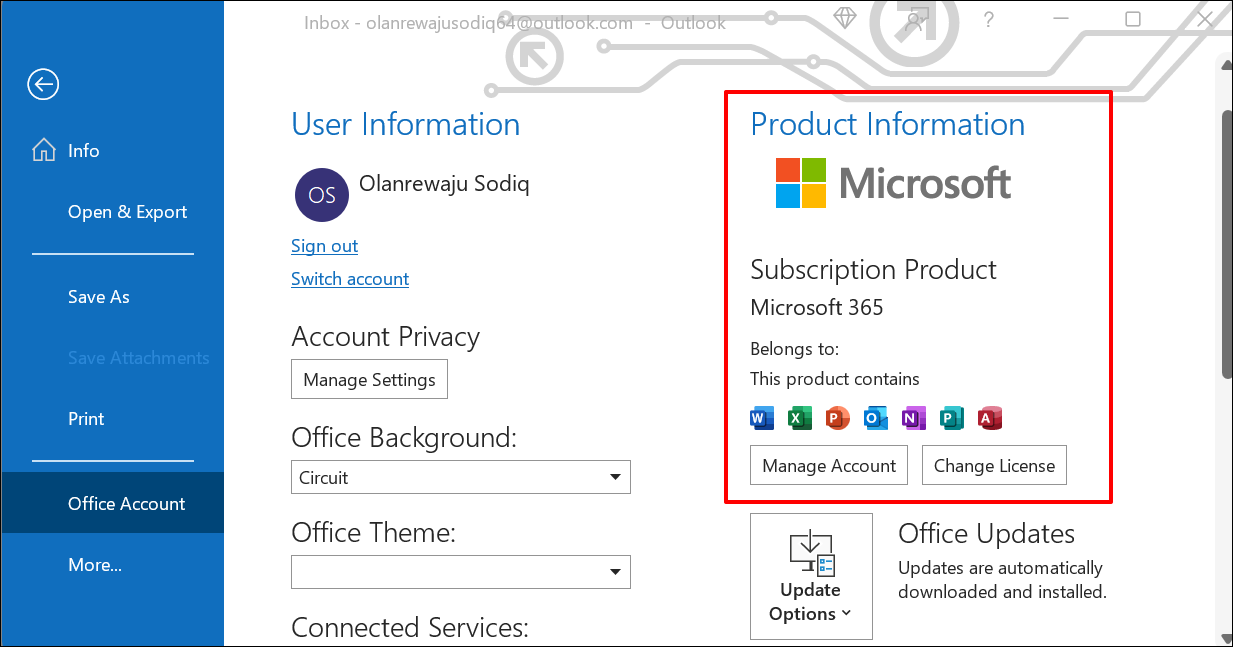
What Version Of Microsoft Office Do I Have

Project Management Podcast Spreadsheet For Coda Is A Nextgeneration

How To Convert A File To Excel Kopshirt
Web May 4 2022 nbsp 0183 32 Open the Excel sheet you want to convert and select the whole file by pressing Ctrl A Drag your cursor if you want to select a specific range of data and not

Web Jul 18 2018 nbsp 0183 32 How to Link or Embed an Excel Worksheet in Microsoft Word Linking or embedding an Excel worksheet into a Word is actually pretty straightforward and the process for doing either is almost identical Start

Web Nov 27 2023 nbsp 0183 32 1 Open your Word document You can either open it from Word by going to File gt Open or you can right click the doc x file and select Open with gt Word 2 Click

Web Aug 24 2022 nbsp 0183 32 Open Word and create a new document In the Ribbon select Home gt Clipboard gt Paste gt Link and Keep Source Formatting The selected Excel data is

Web Oct 18 2023 nbsp 0183 32 Create or Open a Word Document here s a step by step guide on how to generate a Word document from Excel data using the mail merge method in simpler
Web May 3 2017 nbsp 0183 32 Here is one such solution Generating the MS word report automatically using excel as a data source Mail merge is used to link data from excel to word Then a Web Sep 6 2022 nbsp 0183 32 The Word document is embedded into Excel If you choose to display it as an icon the icon will appear otherwise you will see a text box containing the document
Web Mar 10 2022 nbsp 0183 32 Step 1 Open a Word document Open the Word document that contains the data you want to import Click on the File tab in the top menu bar This opens the