Make A Trifold Brochure In Google Docs How To Make A Trifold Brochure In Google Docs Calep Inside Google How To Make A Brochure Or Pamphlet In Google Docs TrendRadars How To Make A Brochure On Google Docs YouTube Tri Fold Brochure Templates 300 Printable Tri Fold Brochure Templates Template For Tri Fold Brochure Create a tri fold brochure using Google Docs Includes column setup and page layout With a link to printable instructions
How to Make a Trifold Brochure on Google Docs Digital World Tech Tutorials 11 7K subscribers Subscribe 334 views 1 year ago Google Docs How to Tutorials How To Make A Trifold How to Create a Tri Fold Pamphlet in Google Docs The Google Docs template gallery is great for multi page business brochures but you will not find any templates for the far more common tri fold pamphlet Instead you can create one yourself with a simple tweak First open Page Setup from the File menu
Template For Tri Fold Brochure How To Make A Tri Fold Brochure In Google Docs Intended For Tri Fold Trifold Pamphlet Template Tri Fold Brochure On Google Docs Free Tri Fold Brochure Templates For Photoshop Mumupreview Google Docs Brochure Template Lioup Trifold Brochure Template Google Docs YouTube Free Trifold Brochure Template Pearl Professional Tri Fold Brochure Template Graphic Mega Graphic
Make A Trifold Brochure In Google Docs
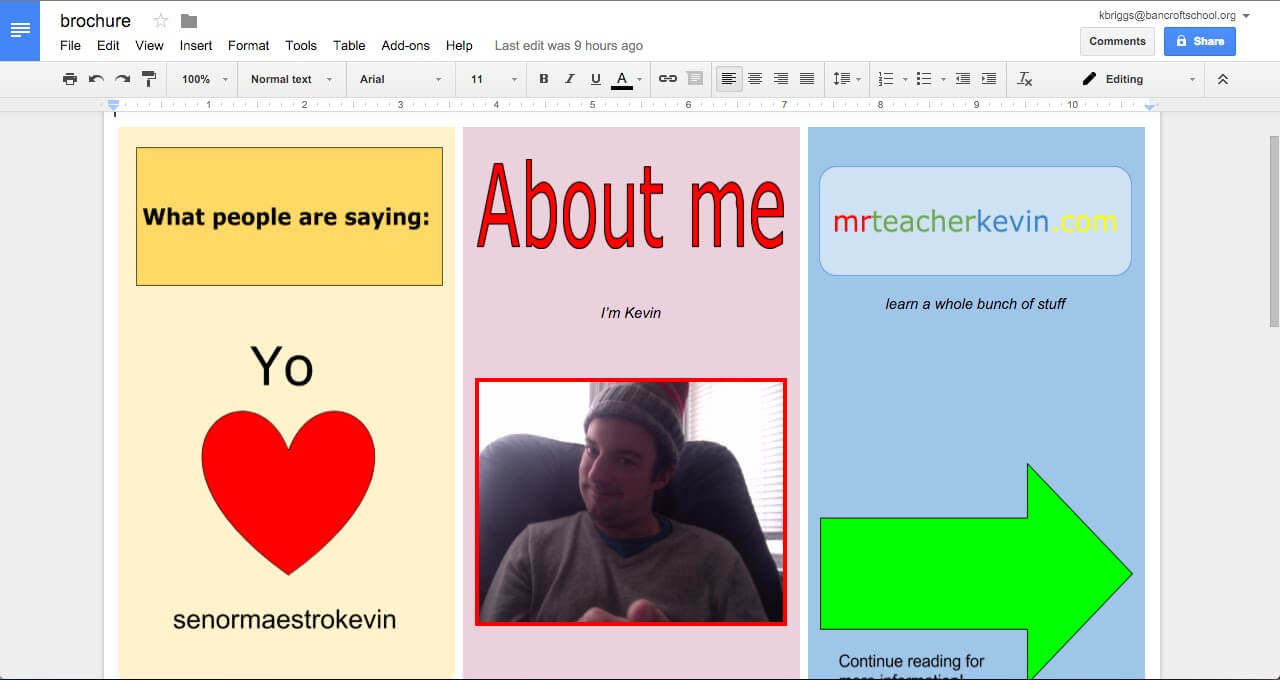 Make A Trifold Brochure In Google Docs
https://ideas.sybernews.com/wp-content/uploads/2020/03/how-to-make-a-trifold-brochure-in-google-docs-calep-inside-google-docs-templates-brochure.jpg
1 Go to docs google Please note The shortcut docs new won t work for this You have to go to the main docs screen Click the Brochure template or select Template Gallery to view
Templates are pre-designed files or files that can be used for various functions. They can conserve effort and time by supplying a ready-made format and design for creating different sort of material. Templates can be used for individual or expert jobs, such as resumes, invitations, leaflets, newsletters, reports, discussions, and more.
Make A Trifold Brochure In Google Docs
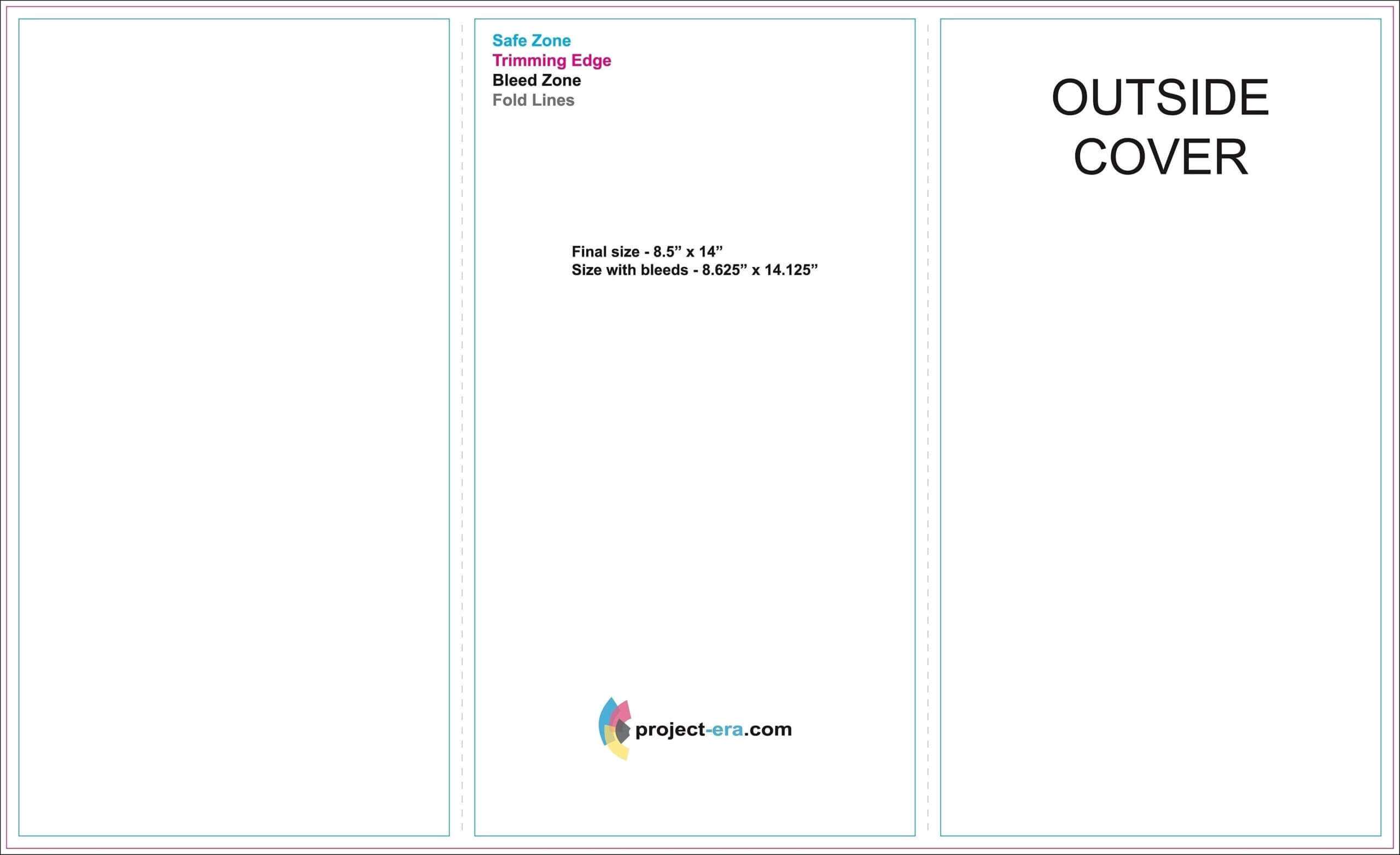
017 Luxury Tri Fold Brochure Template Google Docs Templates In Brochure

How To Make A Tri Fold Brochure In Google Docs Intended For Tri Fold
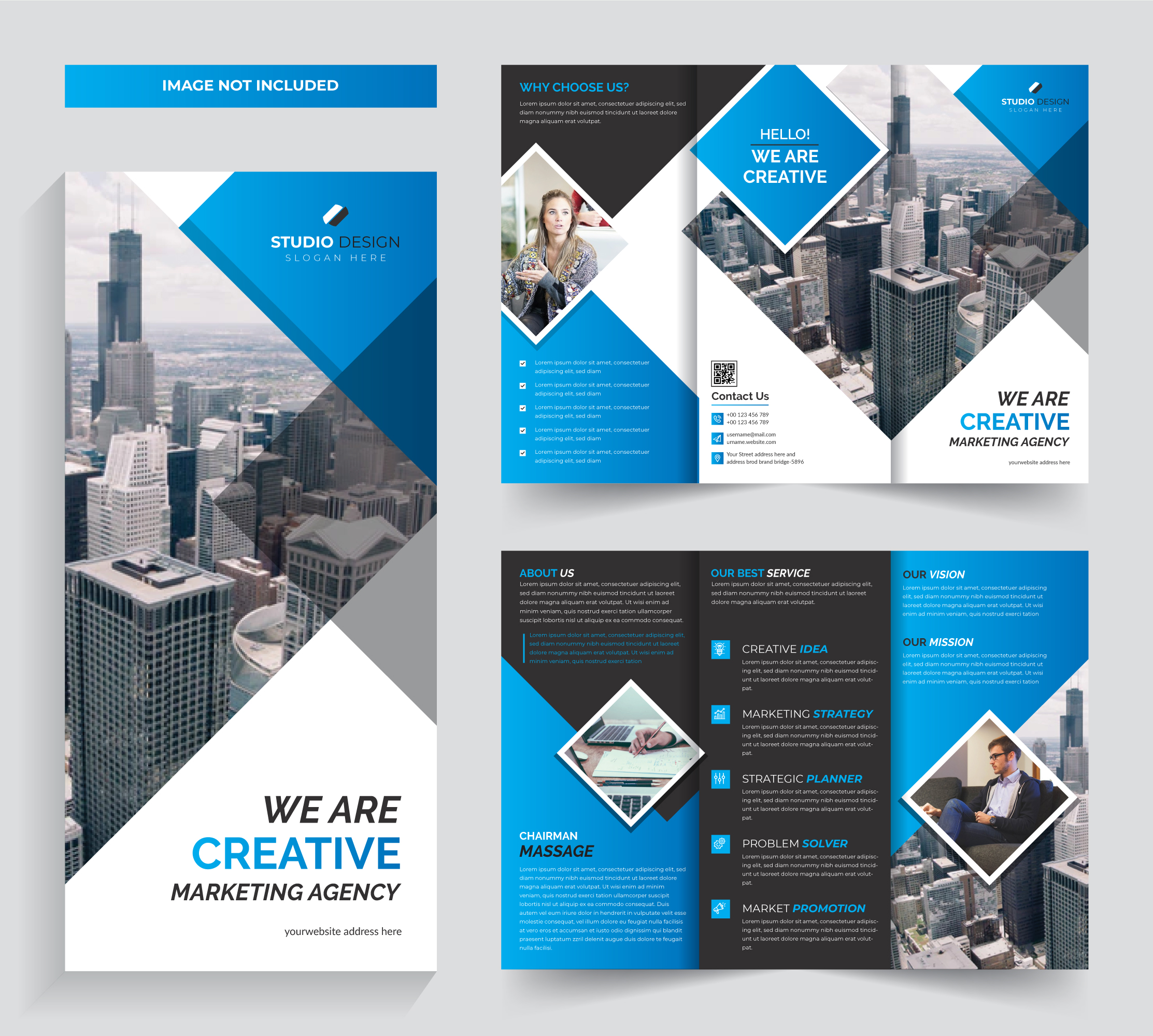
Trifold Pamphlet Template
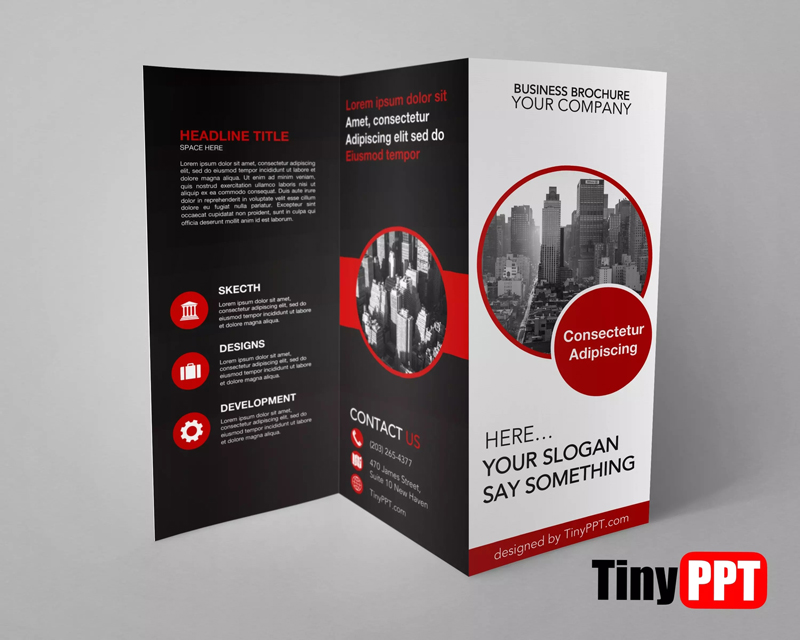
Tri Fold Brochure On Google Docs
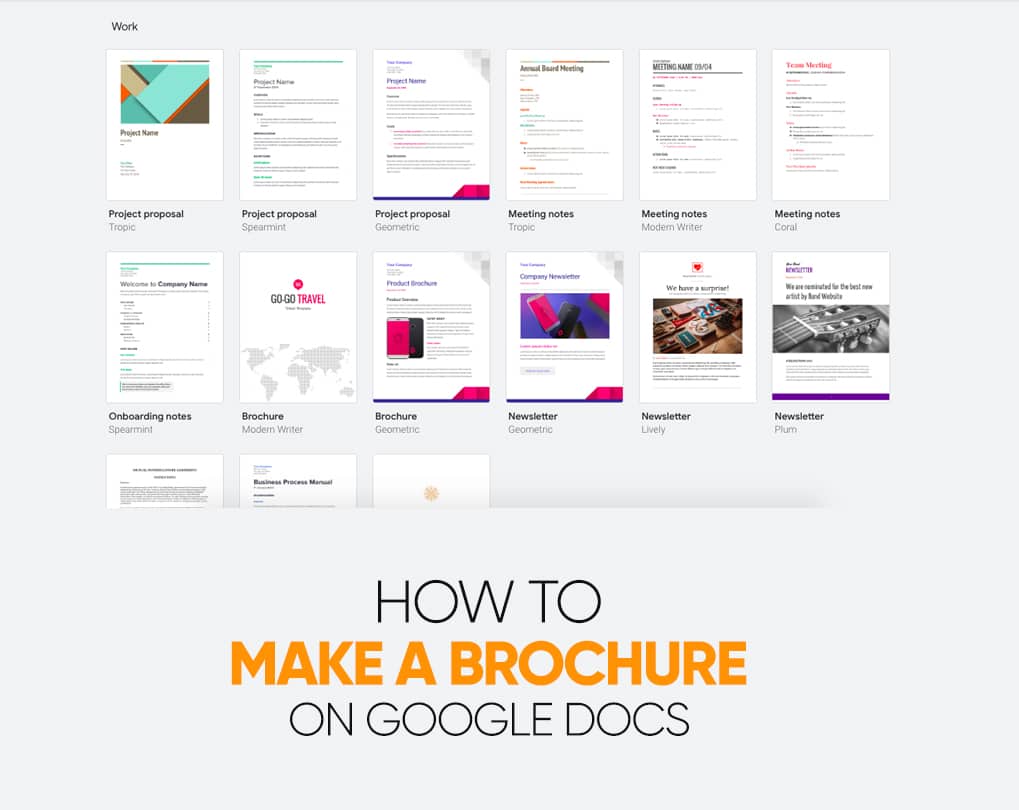
Google Docs Brochure Template Lioup
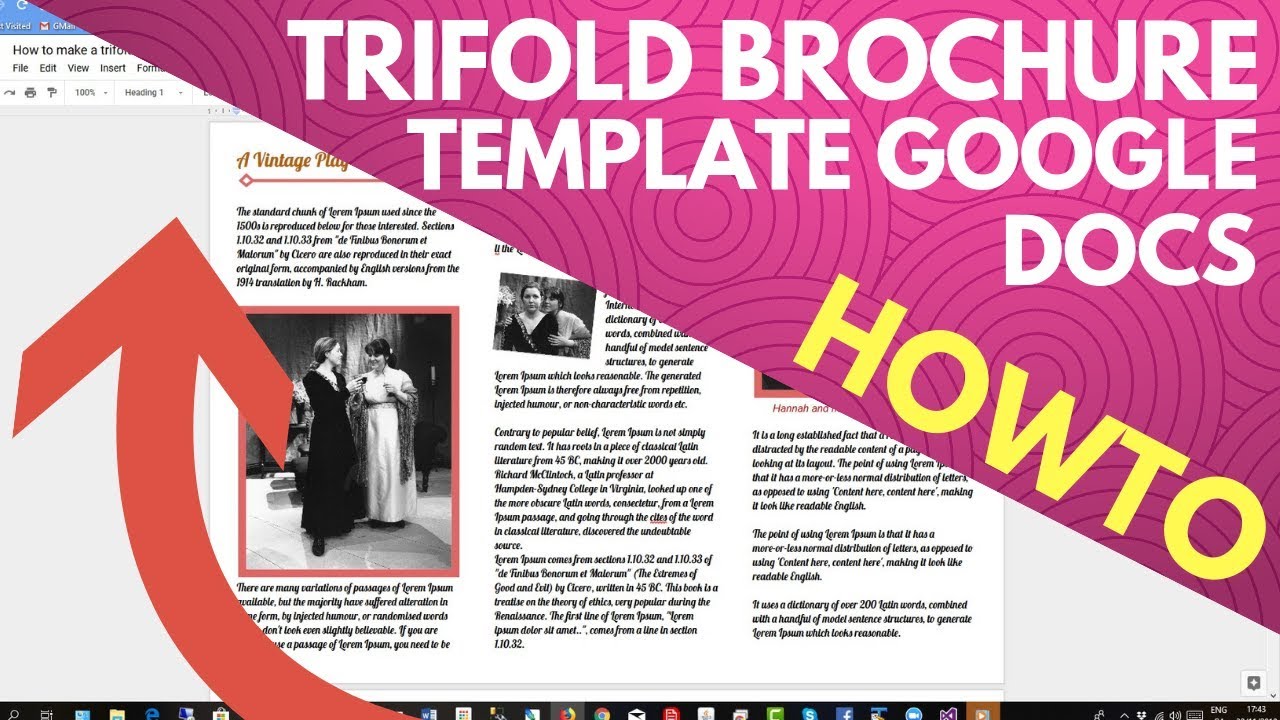
Trifold Brochure Template Google Docs YouTube
Step 1 Open Google docs To get started navigate to https docs google on your browser and sign in to your Google Account to access Google Docs Step 2 Rename your trifold brochure Click on the button on the top right corner to create a blank document Click the Untitled
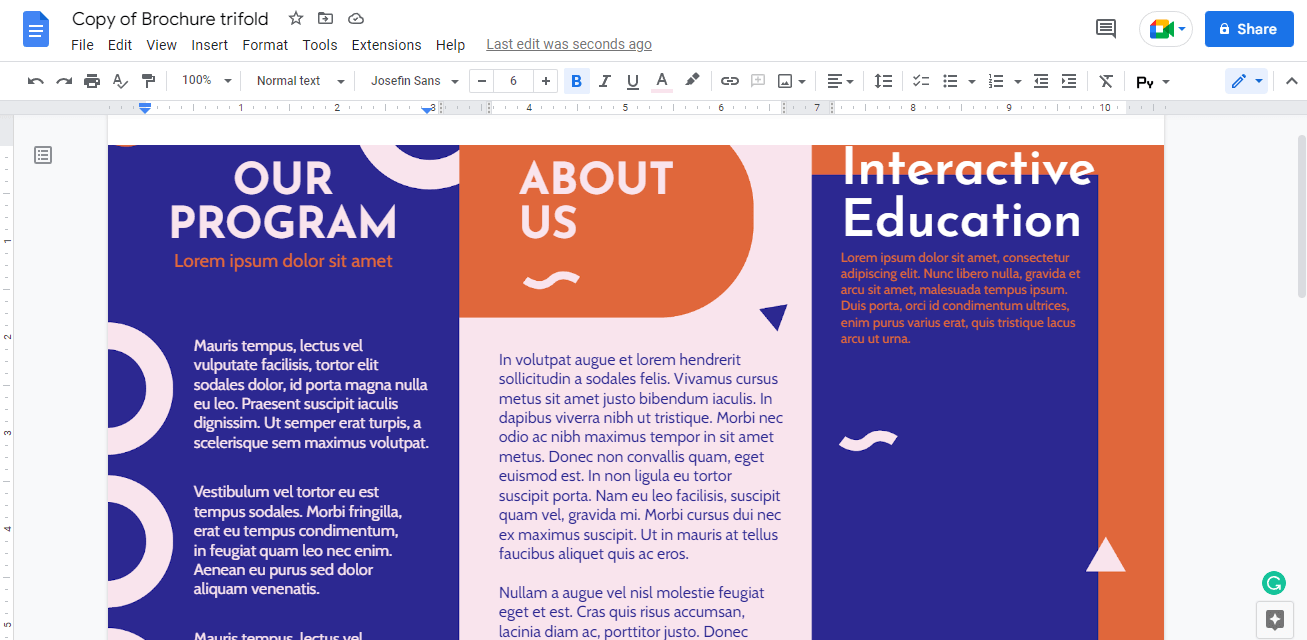
77 13K views 1 year ago Google Docs Tutorials Guides How to Make a Brochure On Google Docs Tri fold Bi fold And Double Sided Brochure Free Google Docs Templates
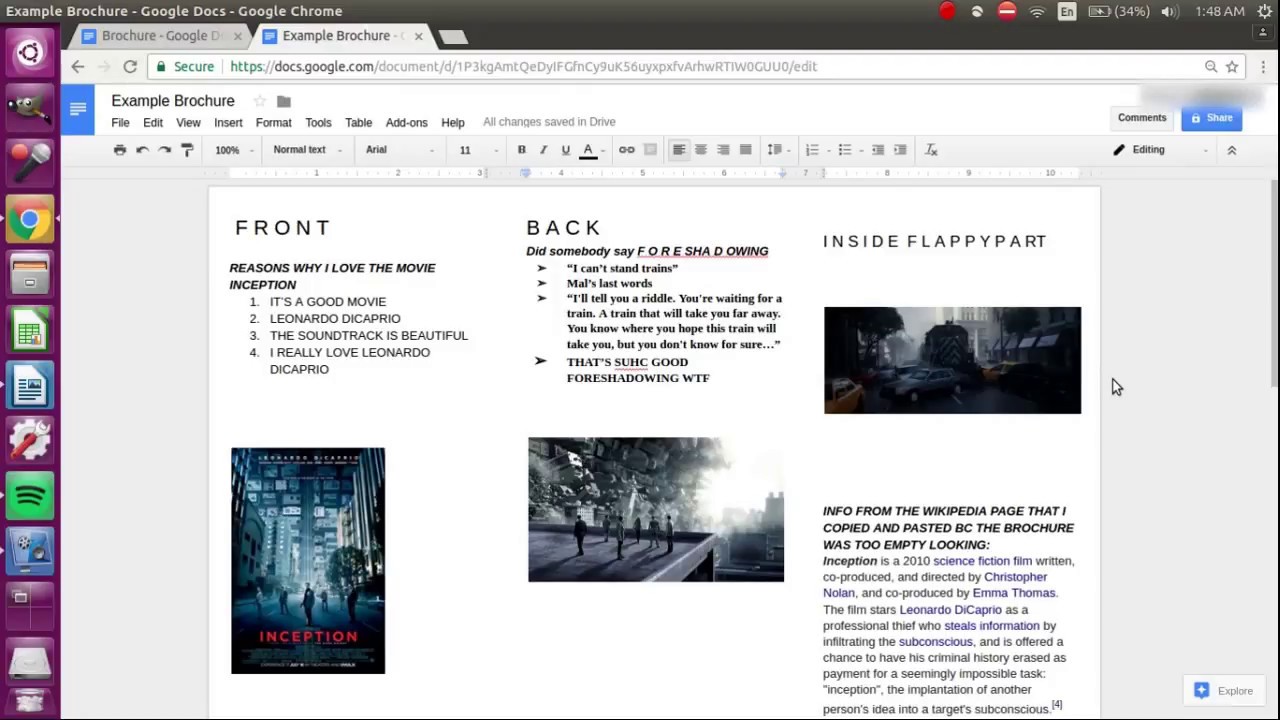
This video will show you how to make a tri fold or 3 panel brochure in Google Docs 1 Go to Page Setup and change page orientation to landscape While in page setup make the page

A quick tutorial on how to create a trifold brochure using Google Docs

The Google Doc Tri Fold Brochure Template is a versatile tool within Google Docs that allows you to effortlessly create stunning tri fold brochures To access this template simply open Google Docs and click on the Template Gallery option From there you can search for tri fold brochure and select the most suitable template for your needs
Step 01 Tune in your page sizes Let s get your Page Setup to print a tri fold brochure Follow the steps below to help you along with the process Open Google Docs in your desktop browser and click on File in the top left corner Click and select Page Setup at the bottom Learning how to make a brochure on Google Docs can help promote your company build trust and attract even more clients For that it s essential you get familiar with the different brochure making options available choose the option with two columns If you want a trifold brochure you ll select three columns And if you need a
If you want to create a trifold brochure in Google Docs follow these steps 1 Adjust the standard brochure template To create a trifold template you might make some minor adjustments to the document s format to more effectively use your space To do this navigate to the Page Setup option underneath the File page on your toolbar