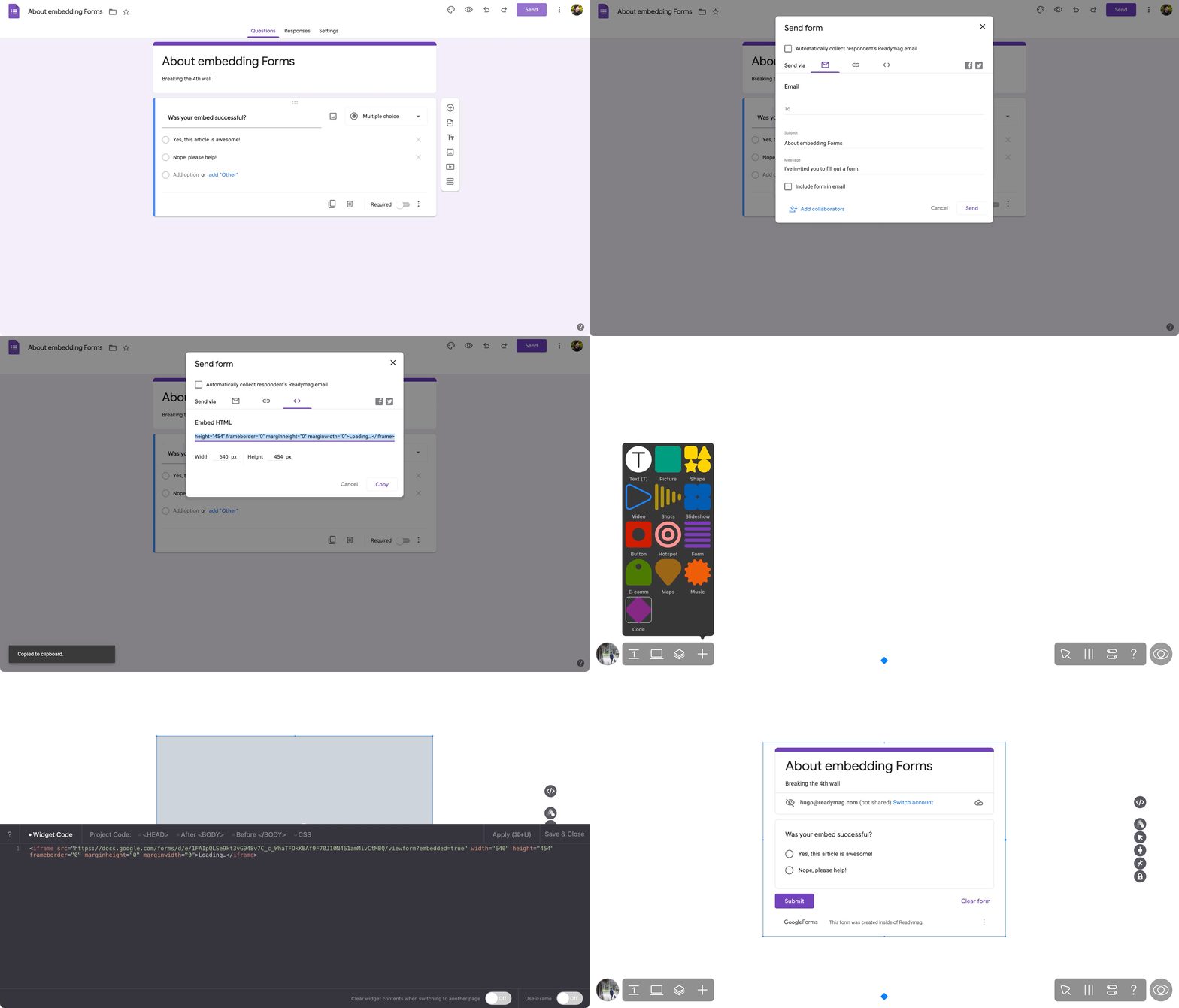
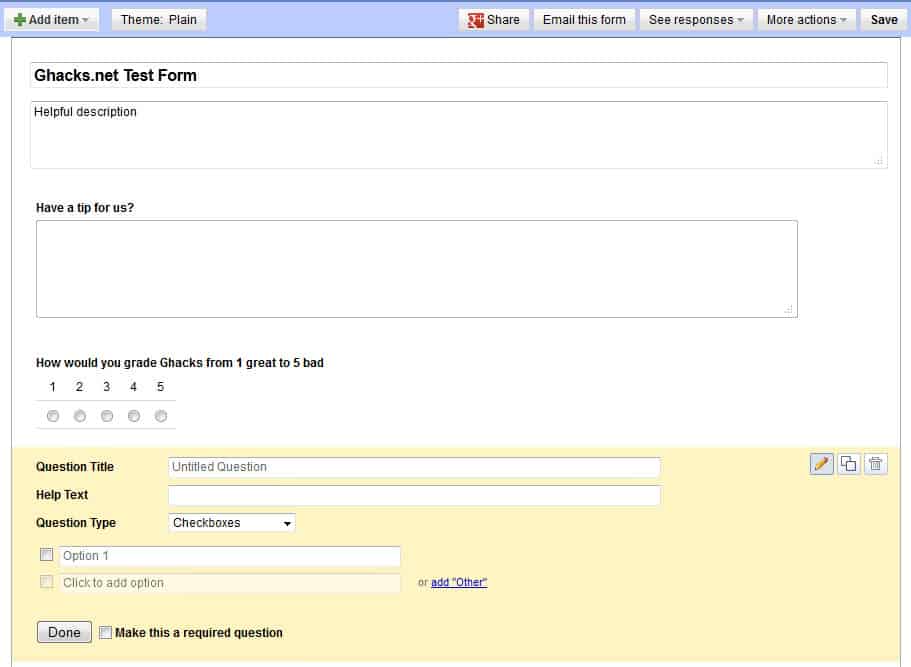
Make A Form In Google Docs How To Create Forms With Google Docs YouTube How To Create A Google Doc Survey Form Mabel Wiffaided1975 How To Create Forms With Google Docs GHacks Tech News How To Create A Custom Printable ORDER FORM In Google Docs Easily Google Docs Survey Make Charts SafetyJuli Web Create a form from your Documents List Click Create new gt Form In the form template that opens you can add any questions and options you like Click Email this form once you ve finished adding your questions Add the email addresses of the people to whom you want to send this form Click Send Create a form from a S preadsheet
Web Sign in to continue to Forms Email or phone Forgot email Not your computer Use a private browsing window to sign in Learn more Next Create account Access Google Web Create a form as easily as creating a document Select from multiple question types drag and drop to reorder questions and customize values as easily as pasting a list Send professional
Google Docs Survey Make Charts SafetyJuli 3 Ways To Create A Fillable Form In Google Docs How To Create A New Document In Google Docs Google Docs For IOS Updated With Word Count And IPad Pro Support How To Adjust Image Size In Google Docs Kolsupreme Secol Opus Habubu Ce Este Google Forms n Cantitate n Jurul Scoate How Do I Create A Template In Google Forms How To Add Table Of Contents In Google Docs Better Tech Tips Vrogue Calendar Template 2022 Google Docs
Make A Form In Google Docs
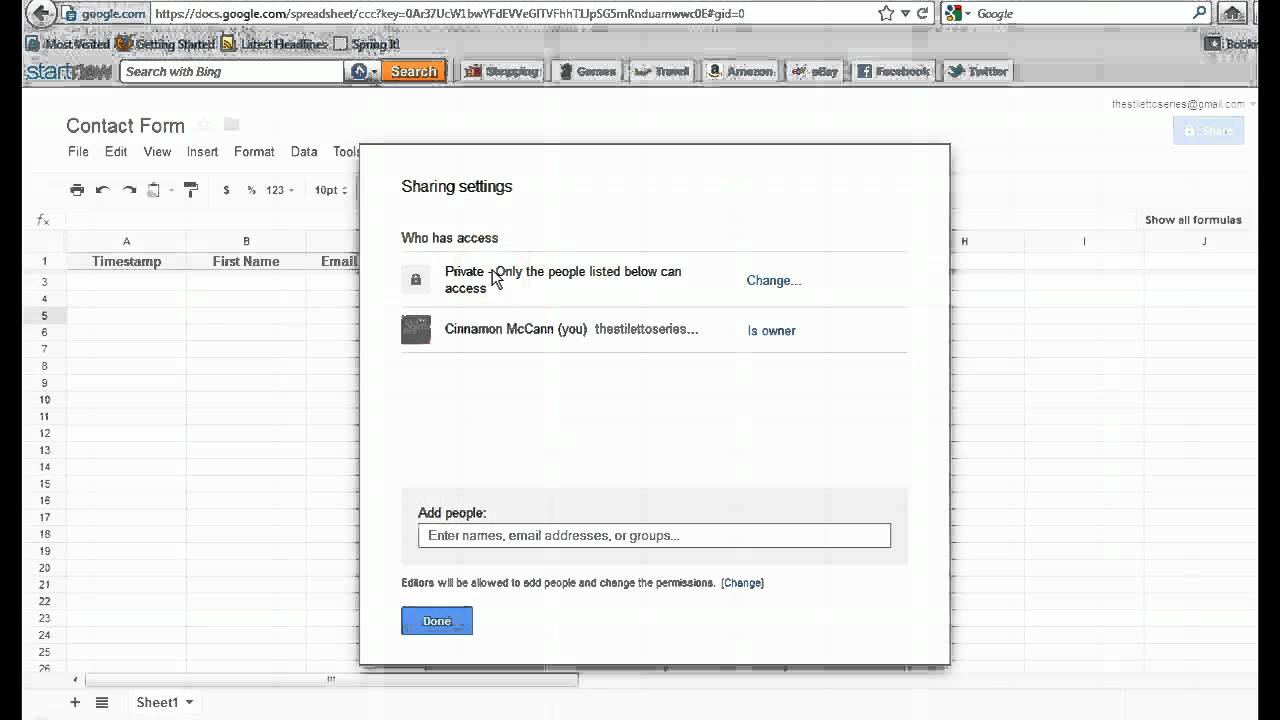 Make A Form In Google Docs
https://i.ytimg.com/vi/0lkuNWHWFks/maxresdefault.jpg
Web 6 days ago nbsp 0183 32 Go to docs google forms Click Blank form to create a new form Alternatively you can choose a pre made template to kickstart the process You can also create a new Google Form directly from Google Sheets This is the quickest way to automatically sync your form data with a new or existing spreadsheet
Templates are pre-designed documents or files that can be used for numerous functions. They can save time and effort by providing a ready-made format and design for producing different kinds of content. Templates can be utilized for personal or professional jobs, such as resumes, invites, flyers, newsletters, reports, discussions, and more.
Make A Form In Google Docs
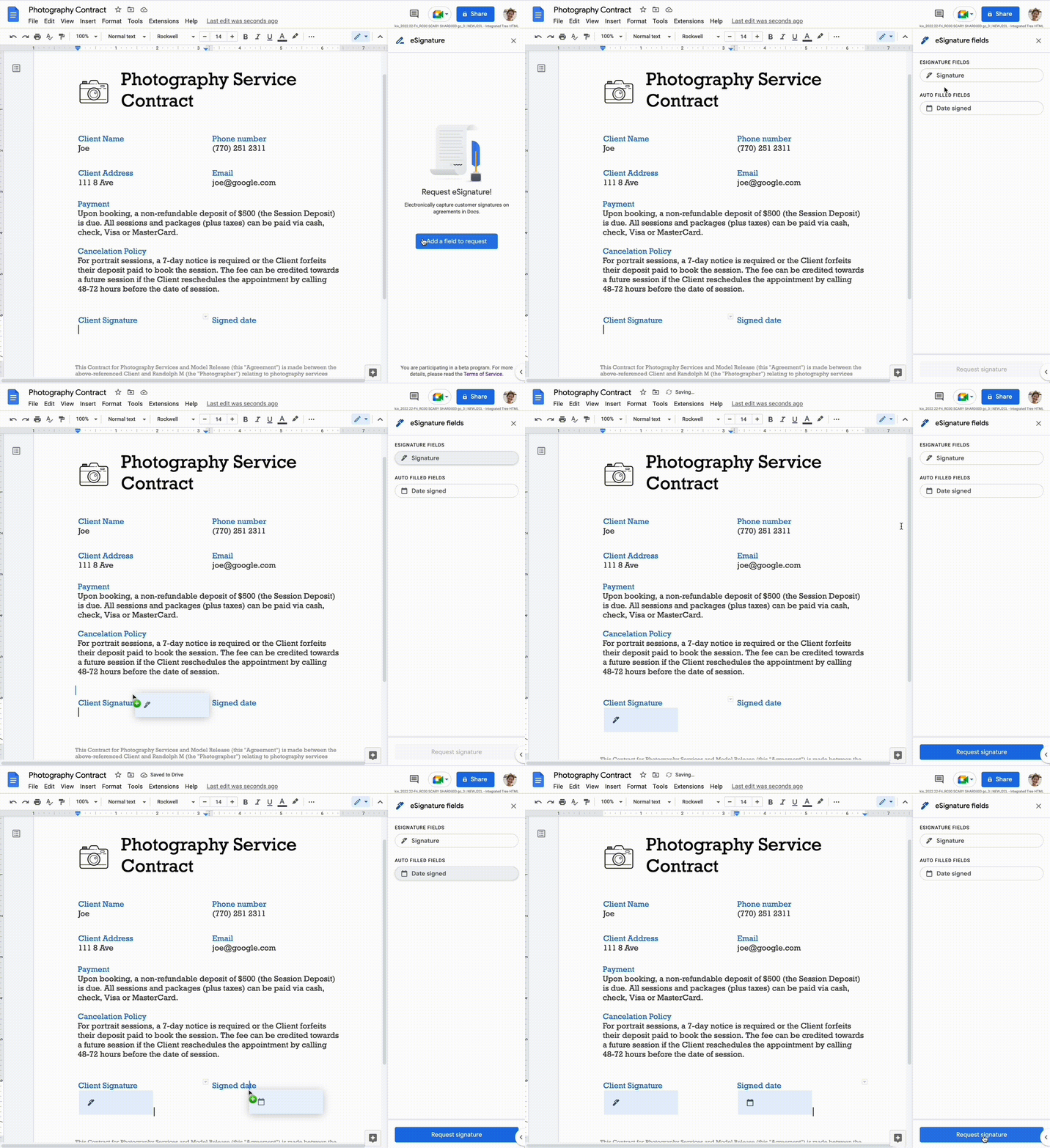
You May Soon Be Able To Sign Documents Right In Google Docs Digital
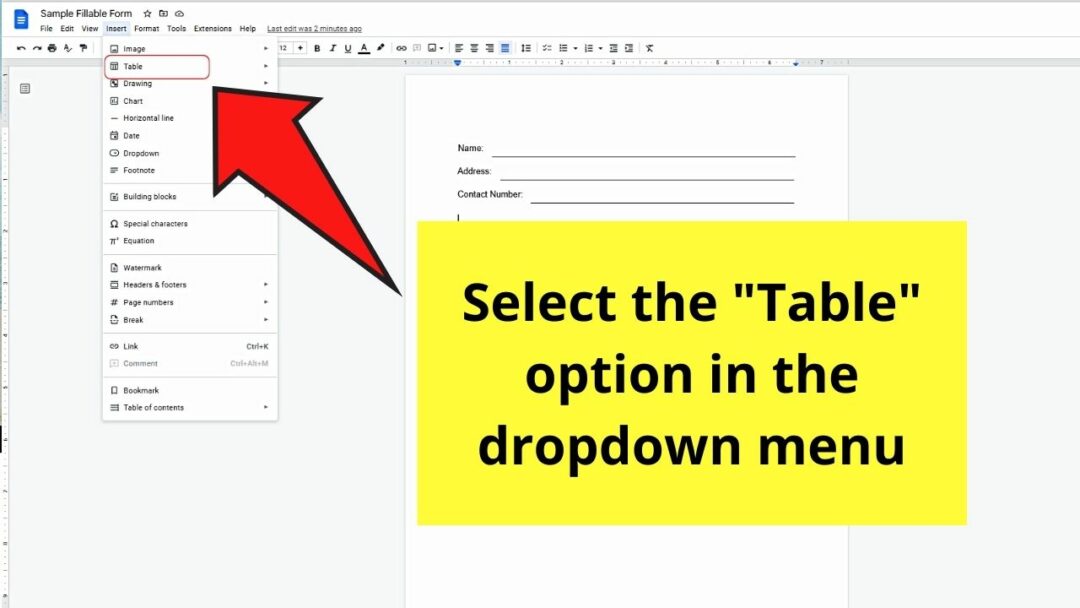
3 Ways To Create A Fillable Form In Google Docs
How To Create A New Document In Google Docs

Google Docs For IOS Updated With Word Count And IPad Pro Support
Secol Opus Habubu Ce Este Google Forms n Cantitate n Jurul Scoate
How Do I Create A Template In Google Forms
Web Create a new form From your Docs list click the Create button then select Form From a spreadsheet click the Form menu and select Create a form From any other doc click the
.jpg?w=186 "How To Create A Google Doc Survey Form Mabel Wiffaided1975")
Web To create a form directly from Google Drive On a computer go to drive google In the top left click New Google Forms Create a form in Google Sheets When you create a
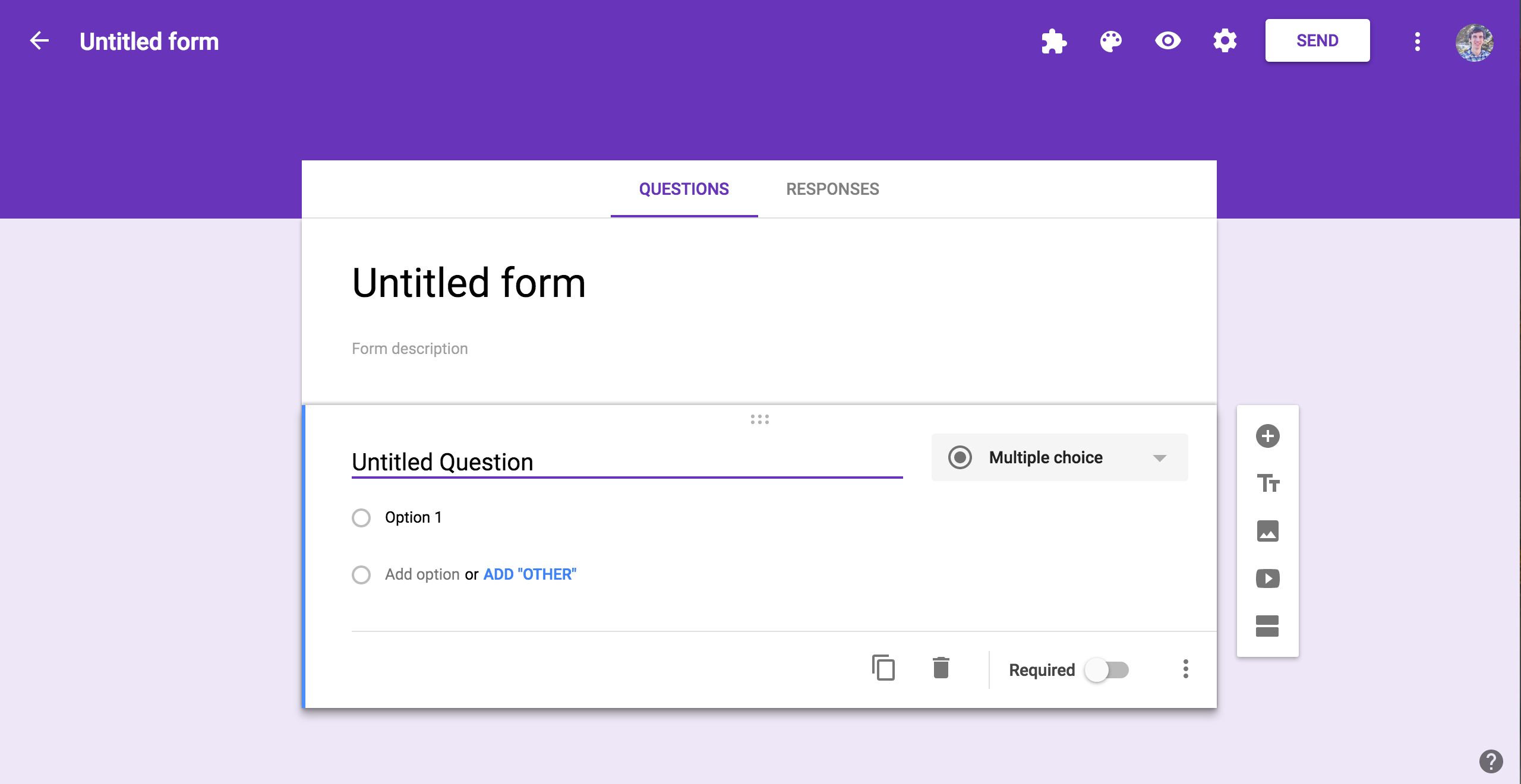
Web Open a form in Google Forms Click Add To the right of the question title choose the type of question you want Type the possible responses to your question
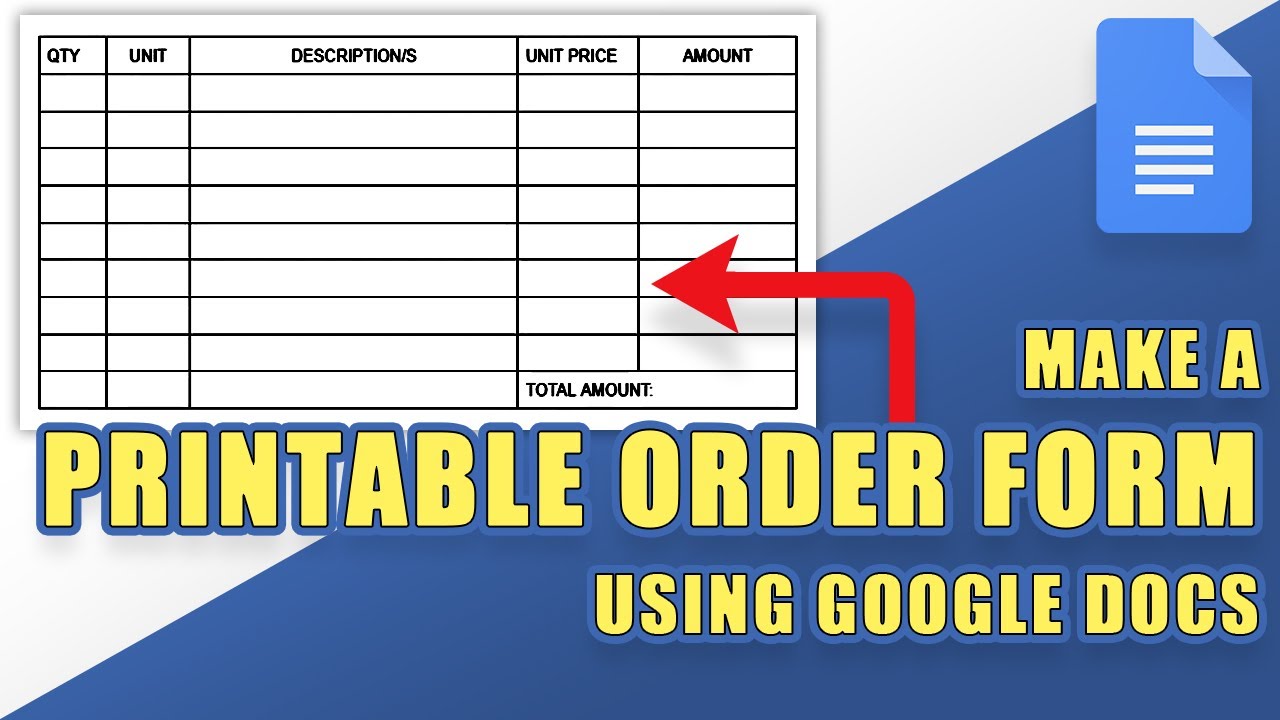
Web Feb 26 2022 nbsp 0183 32 That said here s how to create a fillable form in Google Docs Method 1 Native Way One of the best methods to create a form in Google Docs is to take the aid of Tables
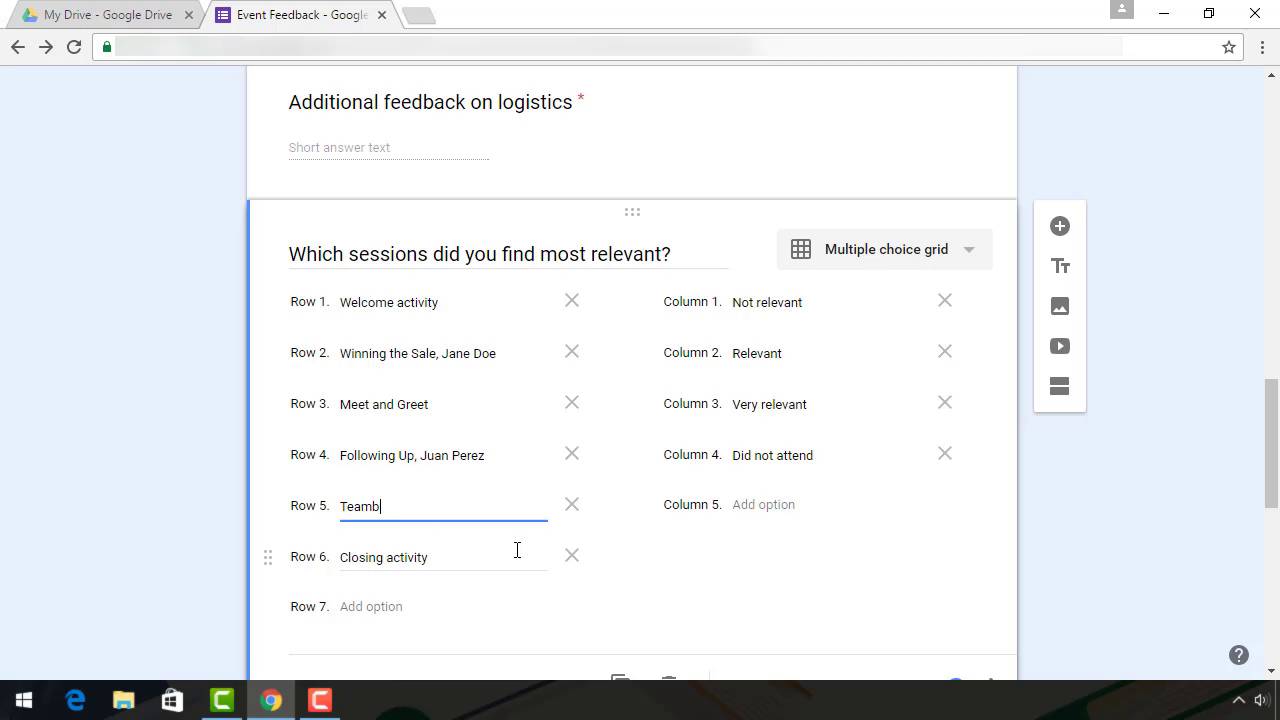
Web Mar 1 2021 nbsp 0183 32 Visit docs google forms and select Blank or a template From Docs Sheets or Slides File gt New gt Form from Sheets Tools gt Create a Form to link it to a spreadsheet automatically Enter your questions and options This article explains how to create a Google Docs form Start a Google Form
Web Aug 6 2019 nbsp 0183 32 Now that you have a Google account it s time to create your first Form Head over to the Google Forms homepage and place the cursor on the multicolored plus sign in the bottom right corner The plus sign turns into a purple pencil icon click it to create a new form Pro Tip You can type forms new Web Click Select Add an image or video on its own You can add an image or YouTube video to your form You can t add videos to questions but you can place them before or after a question In
Web Access create and edit your documents wherever you are from any mobile device tablet or computer even when offline Get a head start with templates