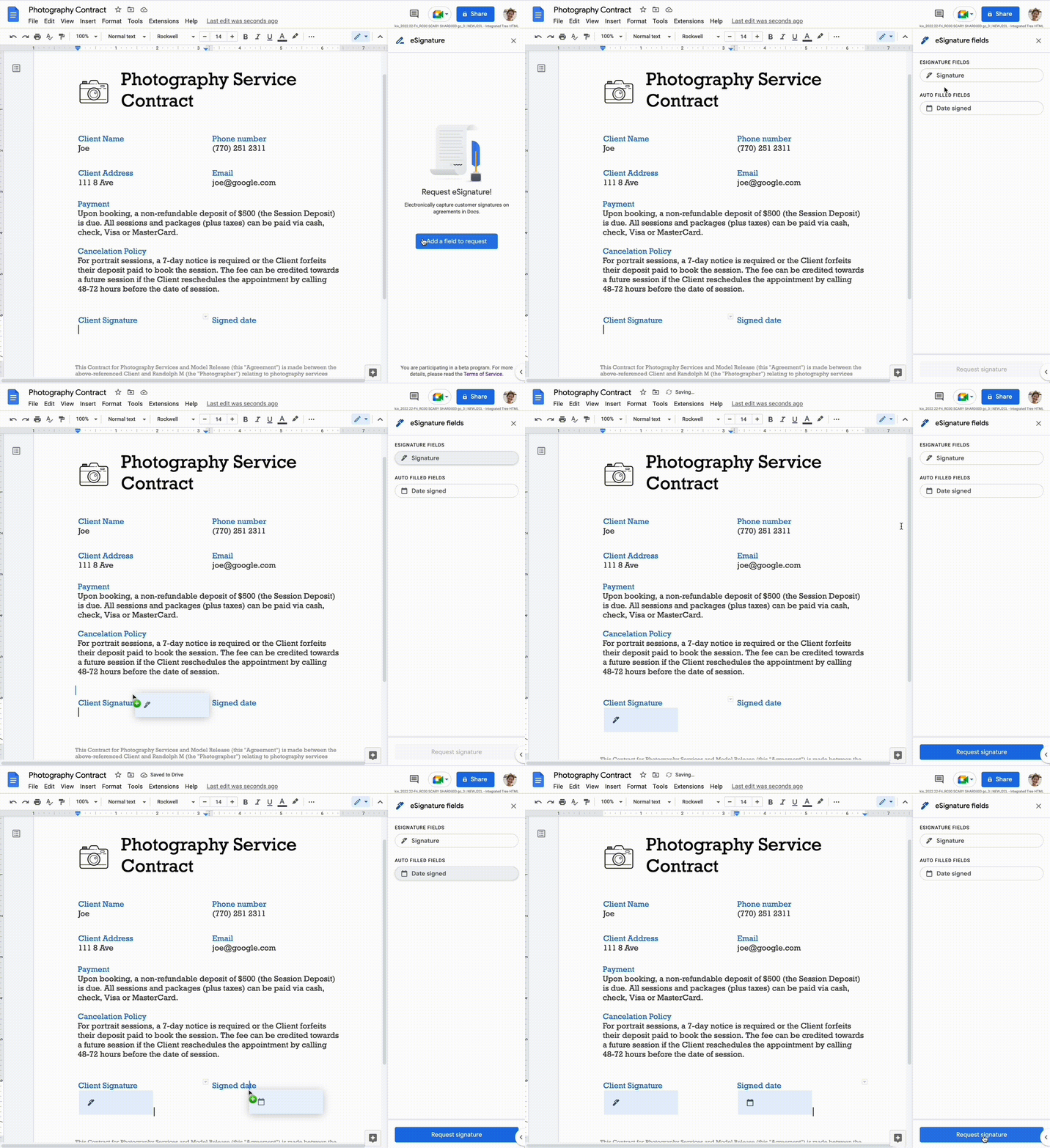
Make A Banner In Google Docs You May Soon Be Able To Sign Documents Right In Google Docs Digital How To Make A Banner For Google Forms Konstruweb How To Create A New Document In Google Docs Banner Product Information Latest Updates And Reviews 2024 H NG D N L M BANNER QU NG C O FACEBOOK C C D How To Make A Banner WEB Sep 18 2019 nbsp 0183 32 Step 1 Sign in to your Google Drive at https drive google and open the document to which you wish to add the header image Step 2 Double click inside the header section at the top of the page Step 3 Click the Insert tab at the top of the window
WEB Social Media JOB OPPORTUNITIES Work from home No experience required Click here to learn more shorturl at jKSX2 SUBSCRIBE to get NEW Tutorials E WEB Dec 7 2021 nbsp 0183 32 It s not too hard to use Google Docs with a header image First start by designing a header image with dimensions 1200x100px for your google Doc you may need to adjust based on your
H NG D N L M BANNER QU NG C O FACEBOOK C C D How To Make A Banner Keep Calm Poster Template Download In Word Google Docs Illustrator 97 Google Docs Wallpapers WallpaperSafari January 21st A Week With Google Docs Day 5 Mr Ashley Best Make A Timeline Google Docs Create In Office You ll Soon Be Able To Show Off Your Coding Skills In Google Docs Google Docs Label Template Free Printable Word Searches Entry 18 By Rajjeetsaha For Make A Banner For Me Freelancer How To Delete A Page In Google Docs 2023 Guide
Make A Banner In Google Docs
 Make A Banner In Google Docs
https://storage.googleapis.com/gweb-uniblog-publish-prod/original_images/Insert.gif
WEB Dec 18 2023 nbsp 0183 32 Set Up Your Page Go to File gt Page Setup Here you can adjust the page size to suit your poster requirements Standard poster sizes are A3 11 7 x 16 5 inches or A4 8 3 x 11 7 inches but you can customize the dimensions as needed Select a Background Color Click on File gt Page Setup again and choose a background color for
Pre-crafted templates use a time-saving solution for creating a diverse series of documents and files. These pre-designed formats and designs can be utilized for various personal and professional jobs, including resumes, invites, flyers, newsletters, reports, discussions, and more, enhancing the content development procedure.
Make A Banner In Google Docs

How To Make A Timeline In Google Docs With Templates ClickUp
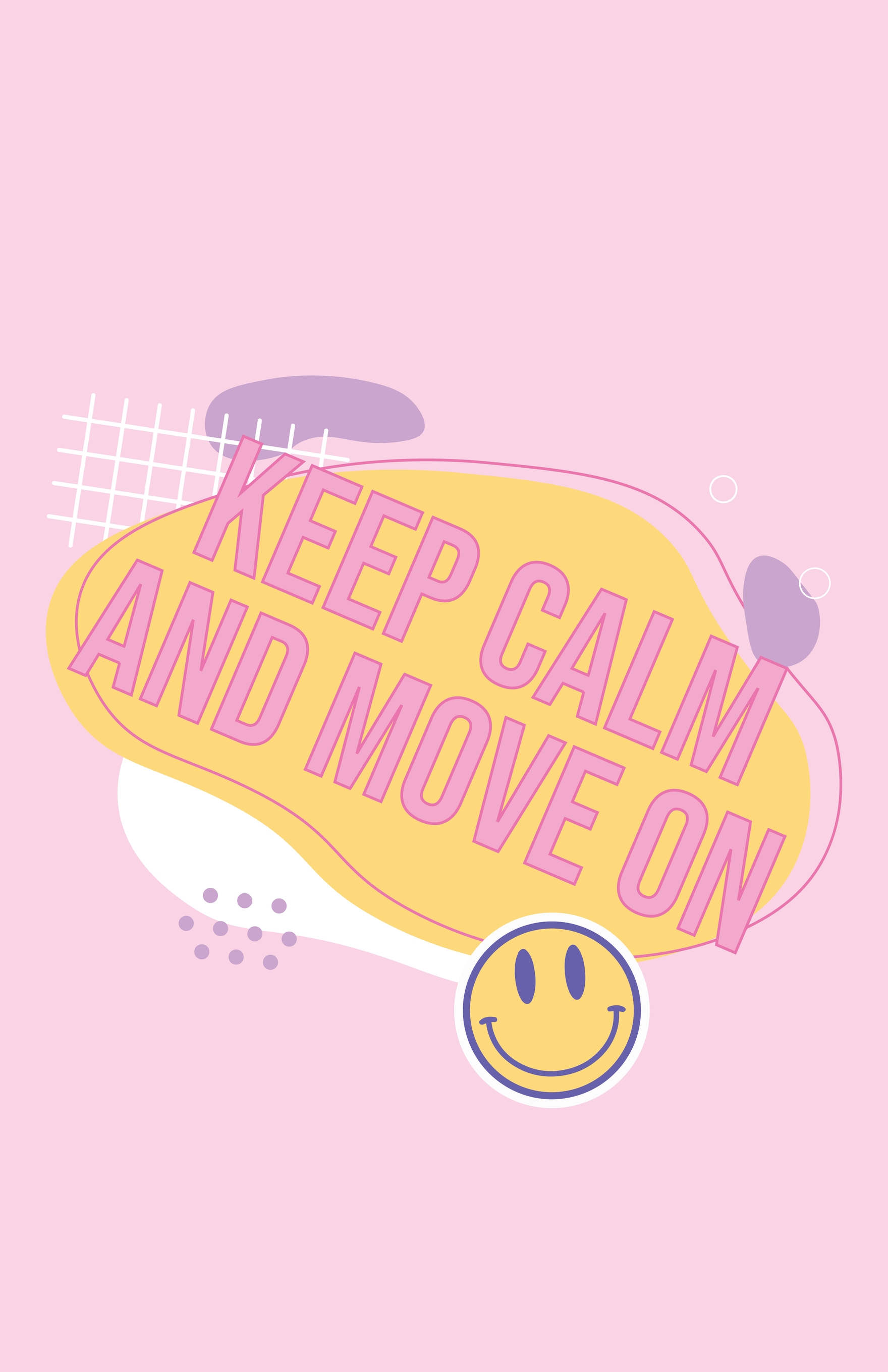
Keep Calm Poster Template Download In Word Google Docs Illustrator
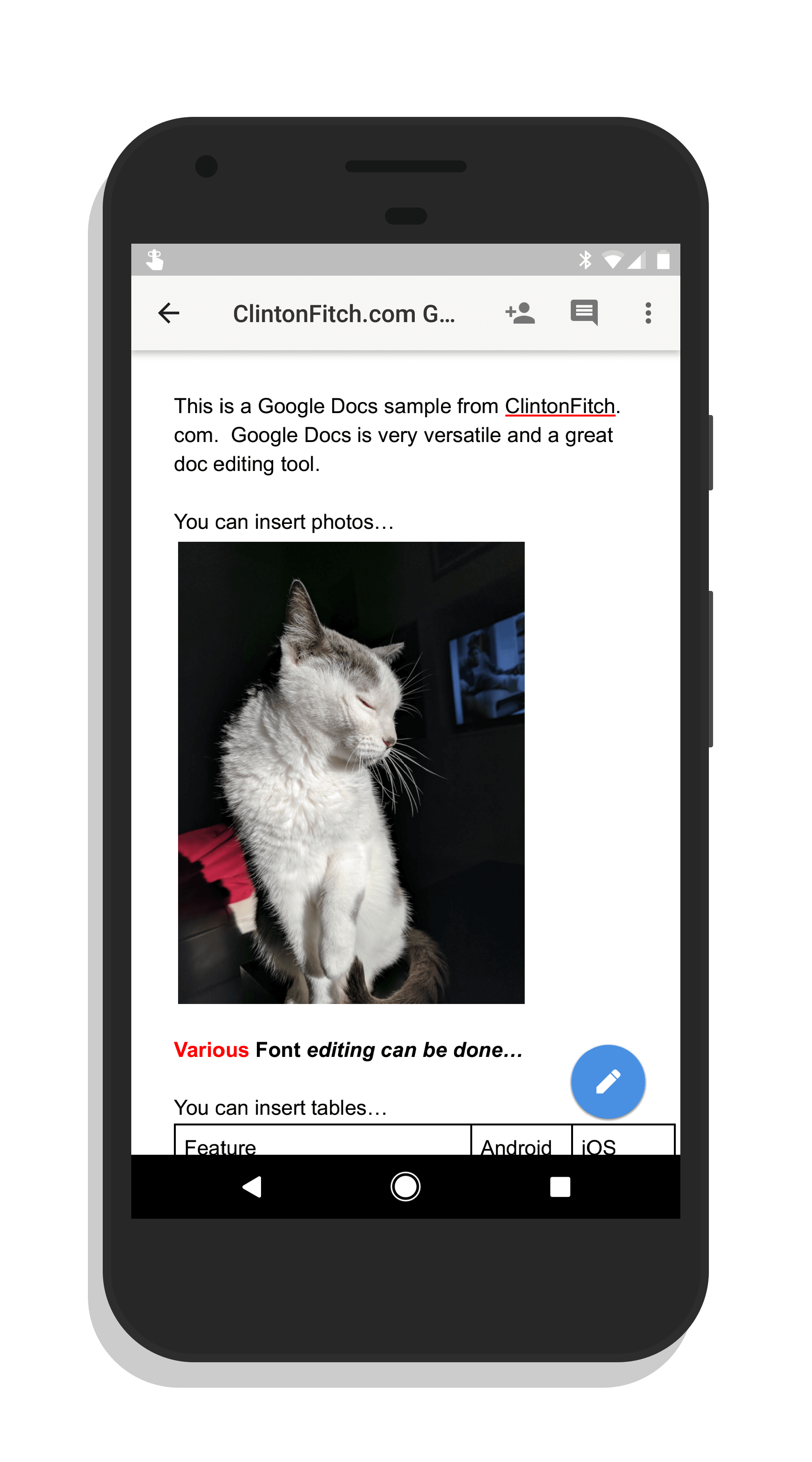
97 Google Docs Wallpapers WallpaperSafari

January 21st A Week With Google Docs Day 5 Mr Ashley
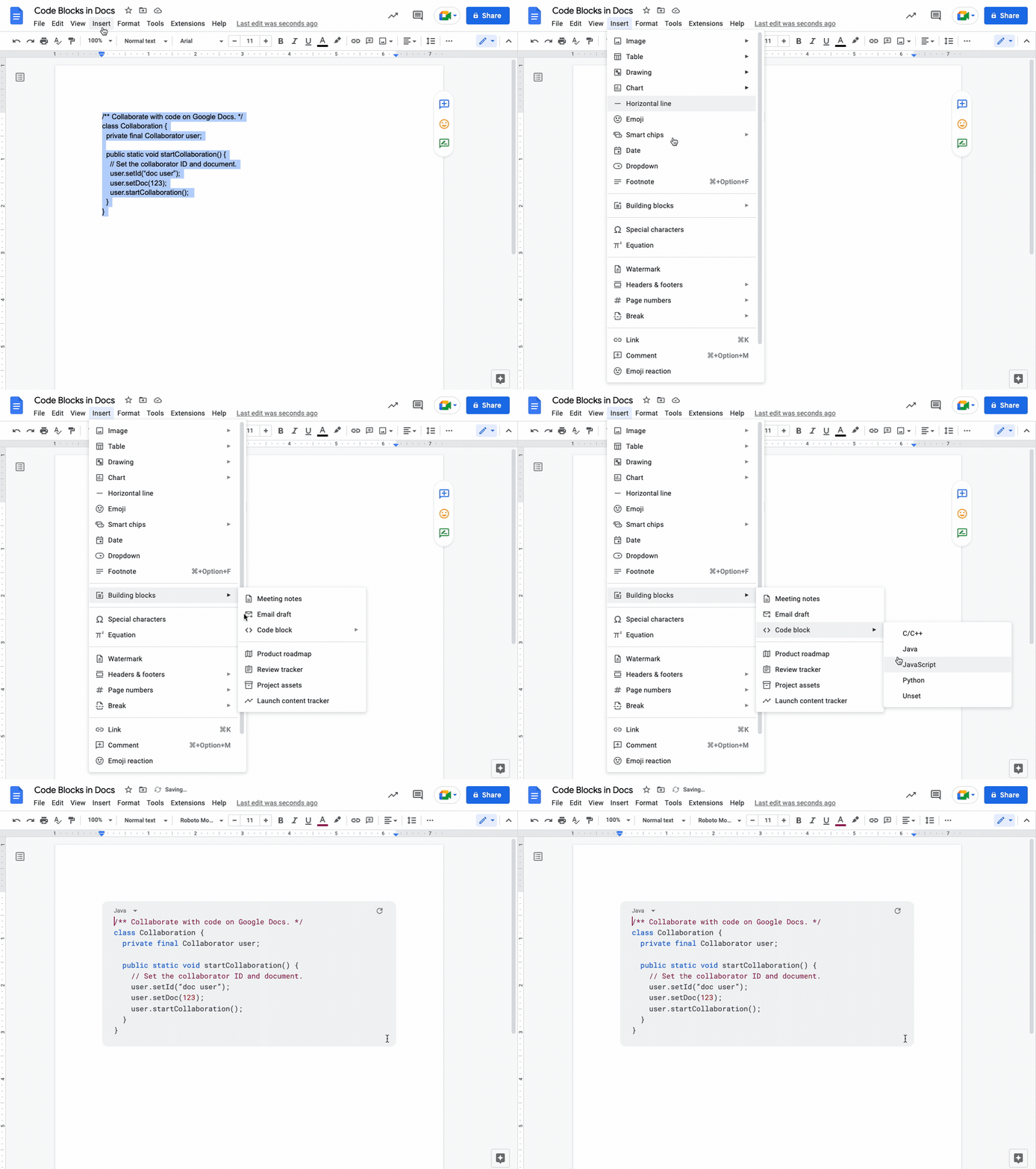
You ll Soon Be Able To Show Off Your Coding Skills In Google Docs

Google Docs Label Template Free Printable Word Searches
WEB Creating a Banner in Google Slides Run Google Slides and create a new blank presentation Delete the placeholder text boxes and click File gt Page setup You ll see a window with a drop down box but unfortunately Google Slides doesn t offer a list of presets as comprehensive as PowerPoint But we can do the trick
WEB This help content amp information General Help Center experience Search Clear search

WEB Nov 20 2020 nbsp 0183 32 Google Docs has the option of creating a flyer and other similar materials like a brochure a resume or an event flyer for your event marketing And it s quite user friendly so anyone can easily navigate this free template gallery and
WEB Step 1 Create a new file Open Google Web Designer If you don t have it yet download Google Web Designer here From the launch screen click Create New File or click File gt New In

WEB Feb 5 2024 nbsp 0183 32 Open your Google Docs document and navigate to the point where you want insert the image for your banner A pop up window will open where you can from your computer Google Drive or through a URL Once the image is selected Exclusive content Click HereOptical pencil
WEB Oct 15 2021 nbsp 0183 32 On a Windows or ChromeOS computer Press Ctrl Alt O or Ctrl Alt F On a Mac Press Ctrl Cmd O or Ctrl Cmd F Once you ve added a header or footer to your document you can insert WEB Feb 7 2024 nbsp 0183 32 Step by Step Tutorial Making a Poster on Google Docs Making a poster on Google Docs is easy and fun The following steps will guide you through the process of creating a poster that stands out and conveys your message effectively Step 1 Open a New Document Start by opening Google Docs and creating a new document
WEB To create a new banner ad Select File gt New from the top menu In the quot Create New Blank File quot dialog choose Banner as the ad type Choose from the following options Name Give the ad