Macro To Insert Blank Rows In Excel Based On Cell Value Insert Blank Row In Excel Images And Photos Finder In Excel Increment A Gradient Colour Based On Cell Value Stack How To Automatically Hide Rows Based On Cell Value Macro For Beginner How To Use VBA To Insert Blank Row After Every Row In Excel My Insert Blank Rows From Data Table In Excel Delete Blank Row In Excel WEB Quickly learn how to insert worksheet rows in Excel using VBA with this step by step tutorial Includes 9 VBA code examples you can easily adjust right now
WEB Mar 23 2022 nbsp 0183 32 I am trying to look for cell values in column C and insert a blank row just above the cell if it doesn t contain a dot quot quot I tried the following macro WEB This tutorial shows how to insert blank rows in an Excel spreadsheet every time a value in a column changes using VBA
Insert Blank Rows From Data Table In Excel Delete Blank Row In Excel Excel Fill Blank Rows Or Blank Cells In Inactive Pivot Table Riset Excel Formula To Change Cell Color Based On Text Printable Templates Free How To Create Cells Within Cells In Ms Excel Ms Excel Tips Youtube Excel Can T Remove Cell Fill Color Vba And Vb Net Tutorials 40 Formula How To Quickly Delete Blank Rows In Excel Sheetzoom Learn Excel Gambaran Visibile Alienare Se How To Insert A Row Below In Excel Rimozione How To Insert Blank Row Based On Cell Value In Excel Free Excel Tutorial Macro To Insert Blank Rows In Excel YouTube
Macro To Insert Blank Rows In Excel Based On Cell Value
 Macro To Insert Blank Rows In Excel Based On Cell Value
http://exceldesk.in/wp-content/uploads/2020/08/Insert-2BBlank-2BRow-2B5.png
WEB May 21 2024 nbsp 0183 32 Here you will find 4 different ways to insert row with values and also a way to insert row with formatting and formula in Excel using VBA
Pre-crafted templates use a time-saving option for producing a varied range of files and files. These pre-designed formats and layouts can be utilized for numerous personal and professional jobs, consisting of resumes, invites, flyers, newsletters, reports, discussions, and more, simplifying the content production procedure.
Macro To Insert Blank Rows In Excel Based On Cell Value

How To Color Code In Excel Based On Text

Excel Fill Blank Rows Or Blank Cells In Inactive Pivot Table Riset
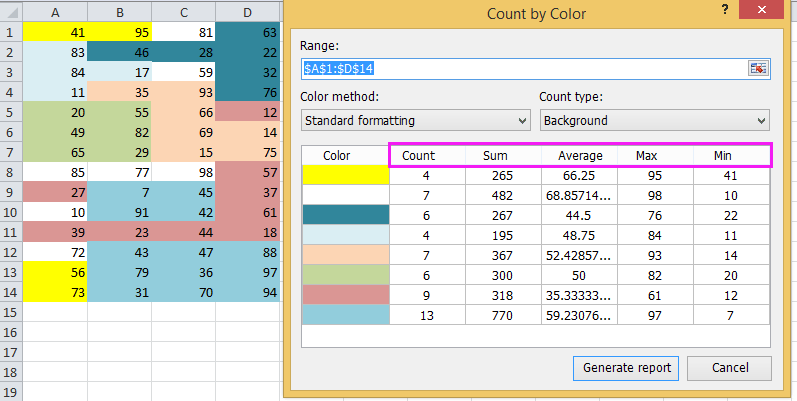
Excel Formula To Change Cell Color Based On Text Printable Templates Free
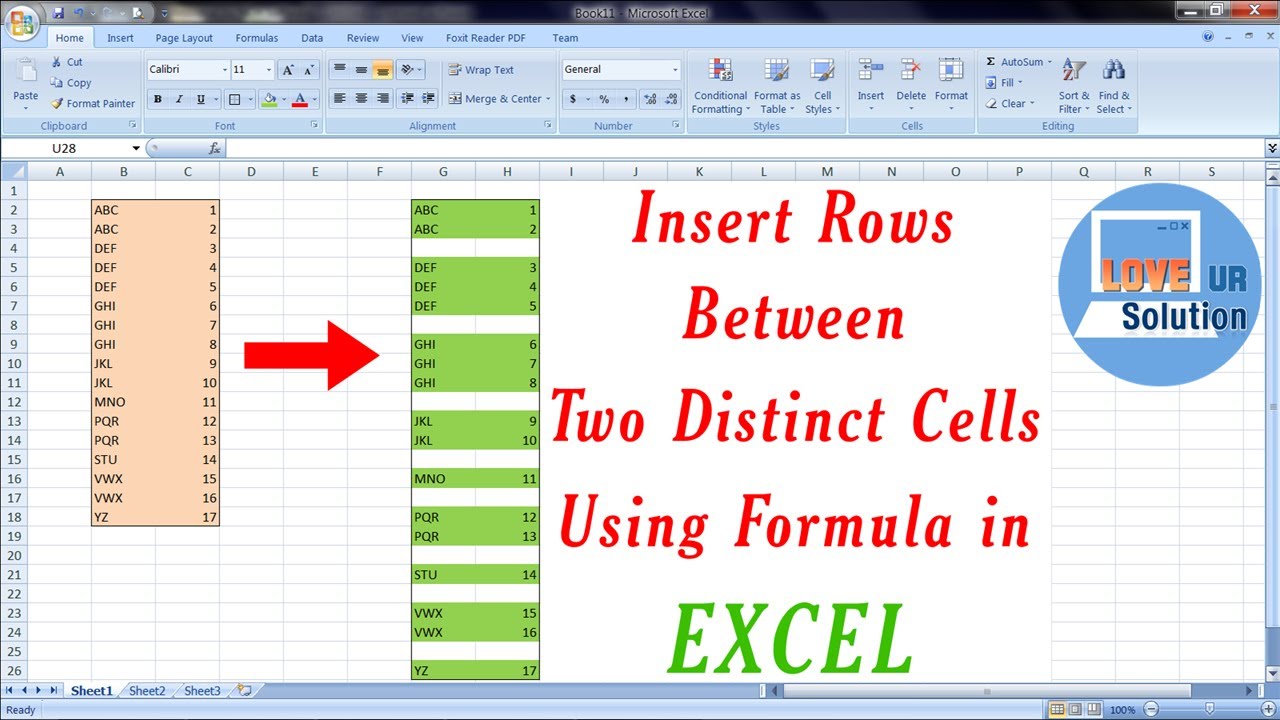
How To Create Cells Within Cells In Ms Excel Ms Excel Tips Youtube

How To Quickly Delete Blank Rows In Excel Sheetzoom Learn Excel Gambaran
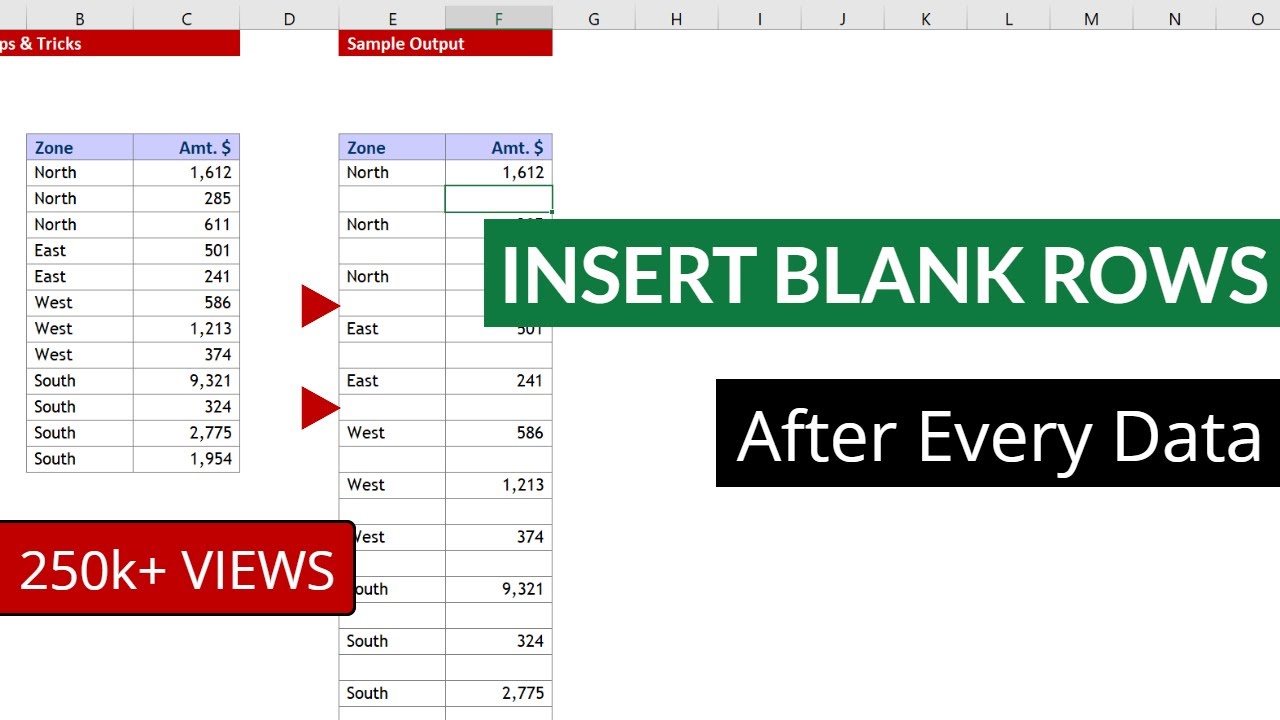
Visibile Alienare Se How To Insert A Row Below In Excel Rimozione

WEB May 28 2024 nbsp 0183 32 Method 1 Insert Rows Based on Cell Value Above Below Each Row with VBA in Excel We ll insert empty rows above or below each week based on the cell value of the column Number of Products You can use the following VBA code to execute this Code Sub Insert Rows

WEB Jan 6 2022 nbsp 0183 32 This tutorial will demonstrate how to delete or insert rows based on cell values Delete Row Based on Cell Value This will loop through a range and delete rows if column A says delete
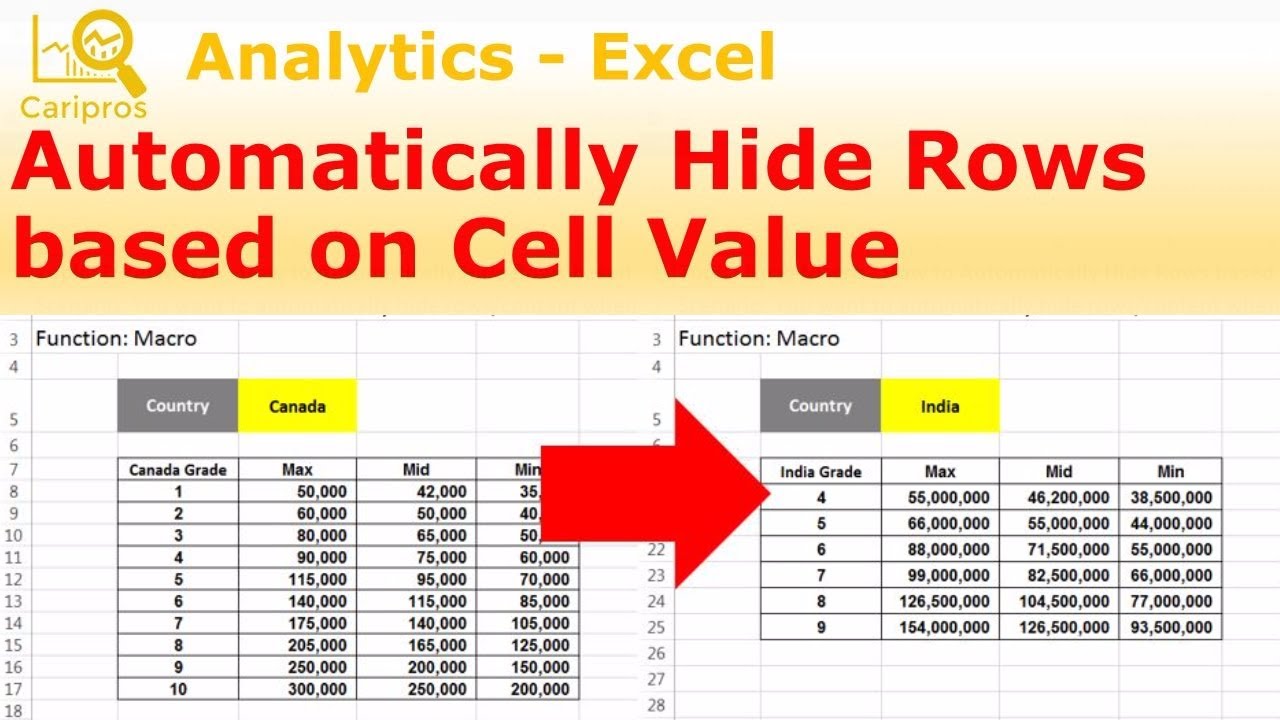
WEB I found a macro at Insert copied row based on cell value The macro inserts a blank row above any row that has a value of quot 0 quot in column E Instead of the empty row appearing above I need it to appear below Sub BlankLine
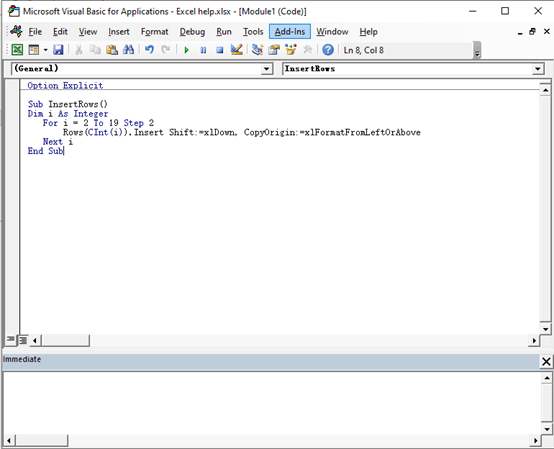
WEB May 6 2024 nbsp 0183 32 This article discusses how to insert a single row and multiple rows in Excel based on cell values user predefined values etc with VBA

WEB Apr 28 2020 nbsp 0183 32 In Excel there is no direct way can solve this task but I can introduce a Macro code for you to auto insert rows based on a certain value in Excel Insert row below based on cell value with VBA Insert row above based on cell value with Kutools for Excel
WEB Learn how to write a simple Excel VBA macro that will insert blank rows between existing rows in your worksheet Copy the code for free WEB Jan 7 2020 nbsp 0183 32 I am new to VBA and am trying to write VBA code that could add a new row if the last row is empty However when I use this code what happens is that it adds rows in locations that don t make sense My last row is row 15
WEB May 13 2022 nbsp 0183 32 If you need to insert blank rows between each of the existing rows into your Worksheet with VBA this macro will help you to do this