Mac Terminal Open File With Vscode H r Mal Zu bersehen Galanterie Access Terminal Mac On Startup WSL VS Code Microsoft Learn How To Create A File In VSCode Using Terminal GeeksforGeeks How To Create A File In VSCode Using Terminal GeeksforGeeks How To Open The Terminal On A Mac Web Aug 28 2020 nbsp 0183 32 Open up Visual Studio Code Press CMD Shift P Mac or CTRL Shift P Windows to open up the command palette Alternatively you can do View gt Command Palette from the toolbar
Web Sep 25 2021 nbsp 0183 32 33K views 1 year ago This video gives you a tip on how to run vs code from the mac terminal Try before you change the settings Command palette to install Code option in the PATH Show Web Create or open a file from a link Keyboard Shortcut Ctrl click Cmd click on macOS You can quickly open a file or image or create a new file by moving the cursor to the file link
How To Open The Terminal On A Mac How To Setup Code Server On Ubuntu 20 04 LTS How To Open VSCode From The Terminal Quick And Easy Set Up Guide For Open Terminal Questatila Mac Terminal Open The Current Folder In VS Code Open Terminal Here Mac Download Yellowwhiz GitHub Piyush bhatt vscode base16 terminal VSCode Extension For Creating A Shortcut In Vscode To Switch Between The Terminal And Editor Sql On Mac Terminal Wirecopax
Mac Terminal Open File With Vscode
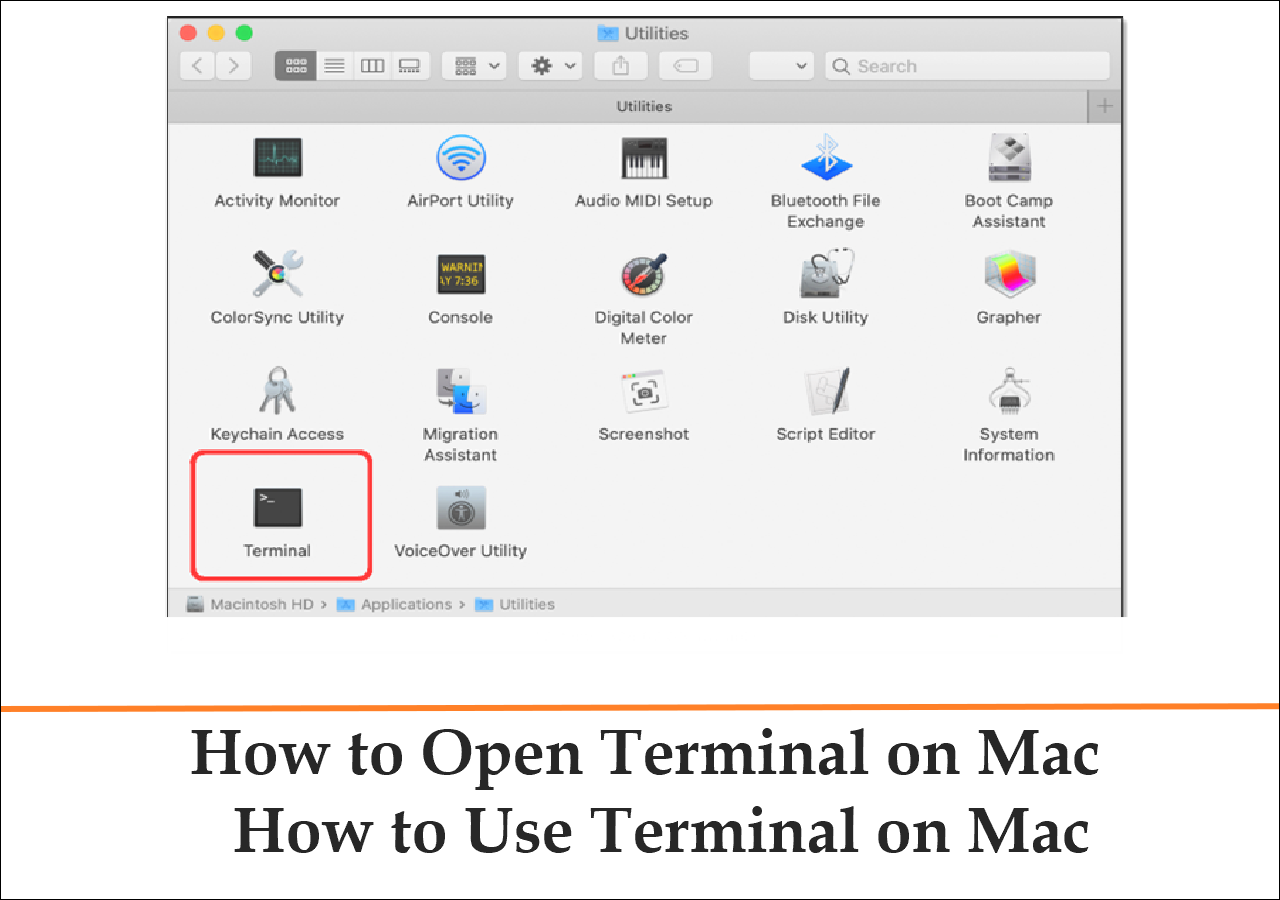 Mac Terminal Open File With Vscode
https://www.easeus.com/images/en/screenshot/data-recovery-mac/how-to-use-and-open-terminal-featured.png
Web Nov 6 2023 nbsp 0183 32 Choose Quick Action Under Library select Files olders Files or Folders In the next column select Open Finder Items In Workflow receive current field change the
Pre-crafted templates provide a time-saving option for creating a diverse range of files and files. These pre-designed formats and designs can be made use of for numerous individual and professional tasks, consisting of resumes, invites, leaflets, newsletters, reports, presentations, and more, simplifying the material production procedure.
Mac Terminal Open File With Vscode
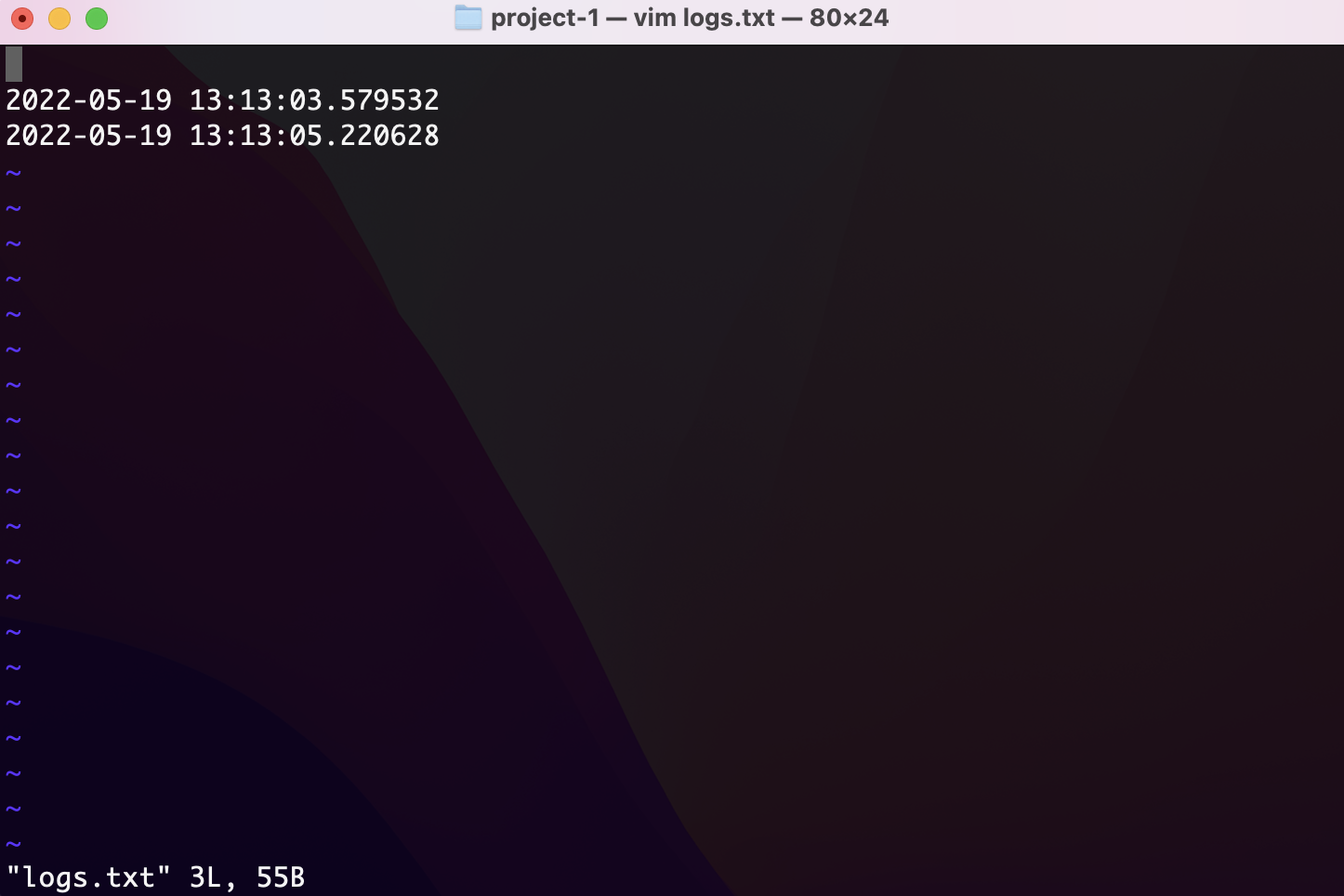
How To Open And Run Python Files In The Terminal LearnPython
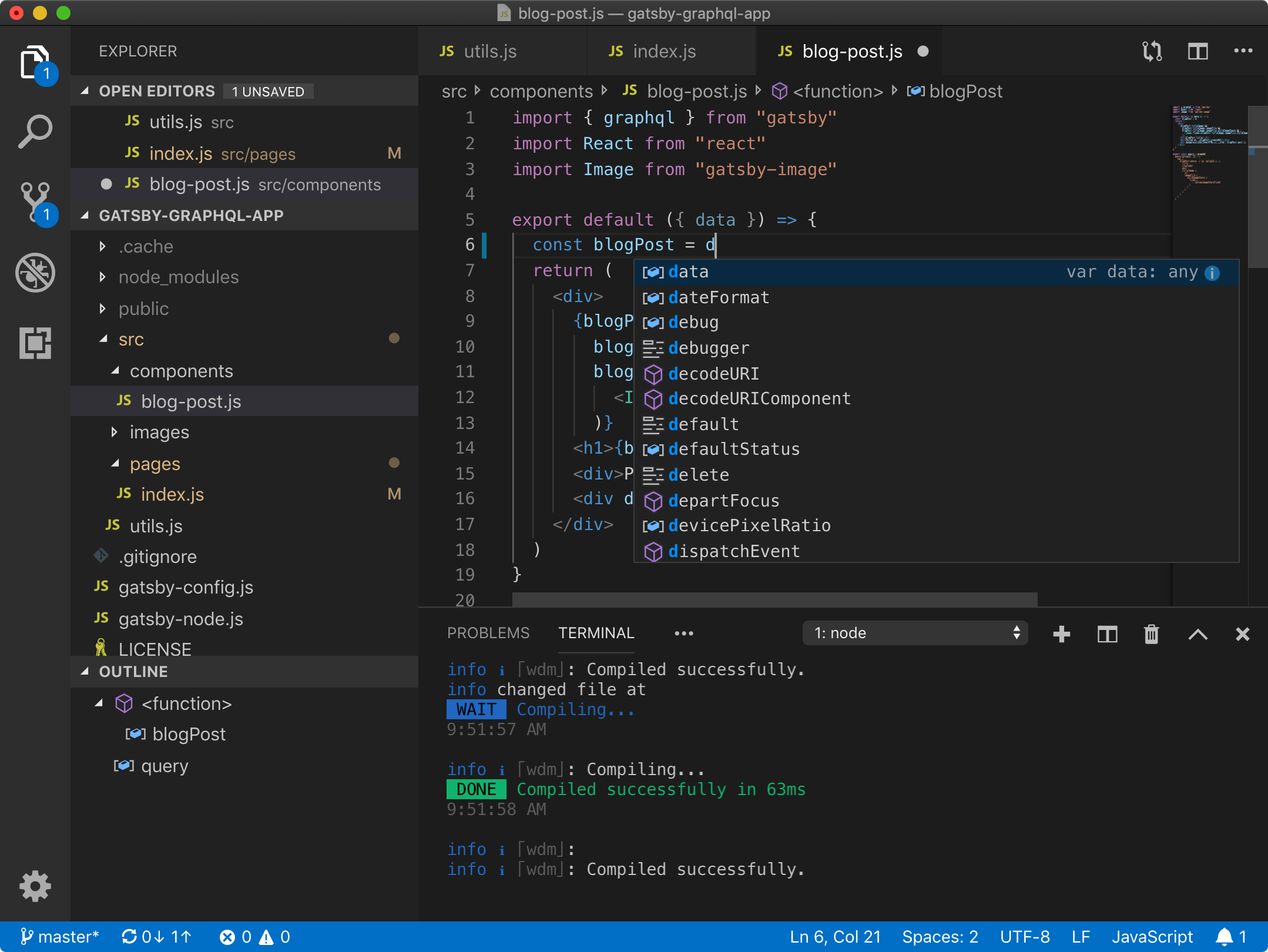
How To Setup Code Server On Ubuntu 20 04 LTS
How To Open VSCode From The Terminal Quick And Easy Set Up Guide For
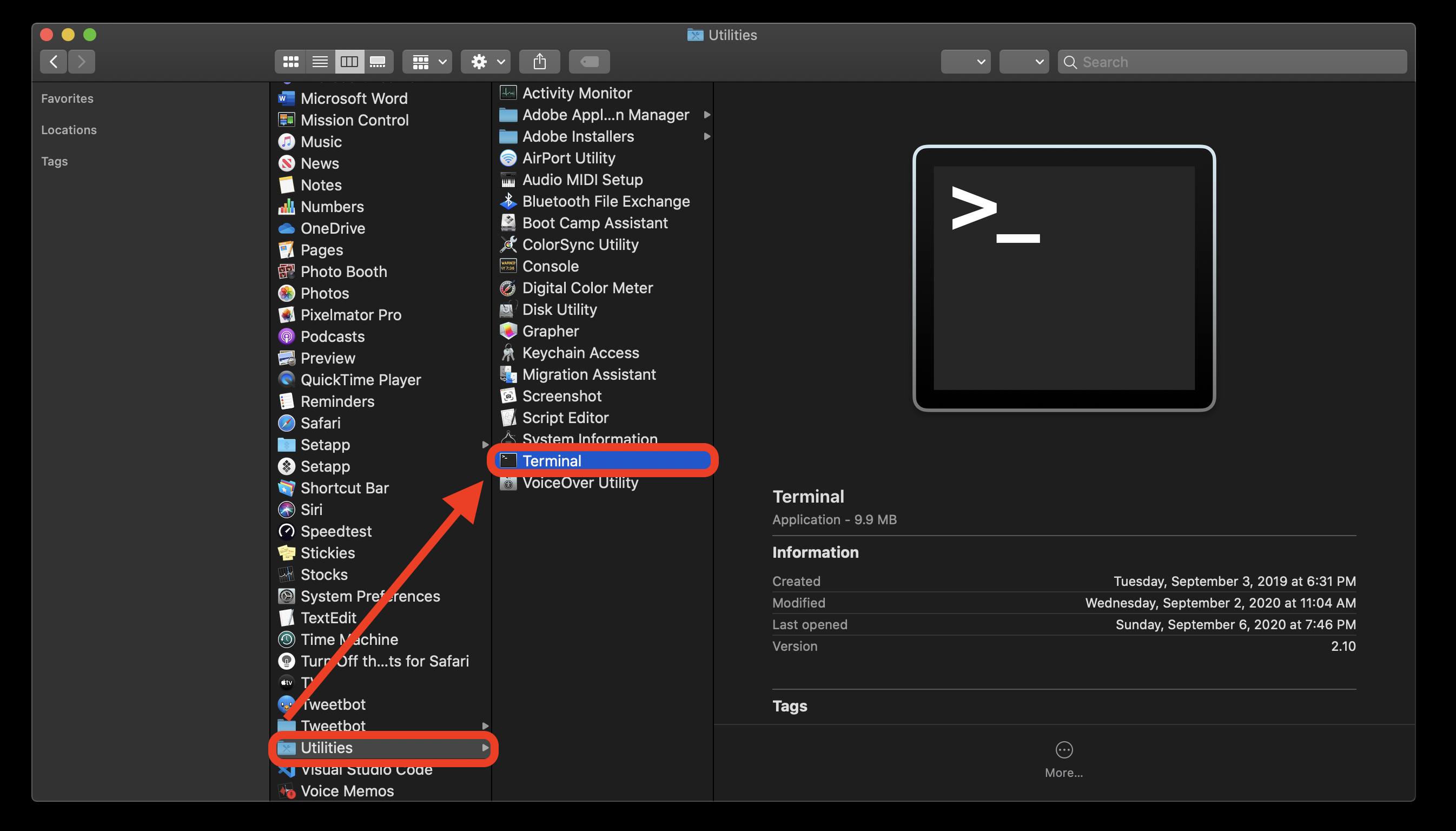
Open Terminal Questatila
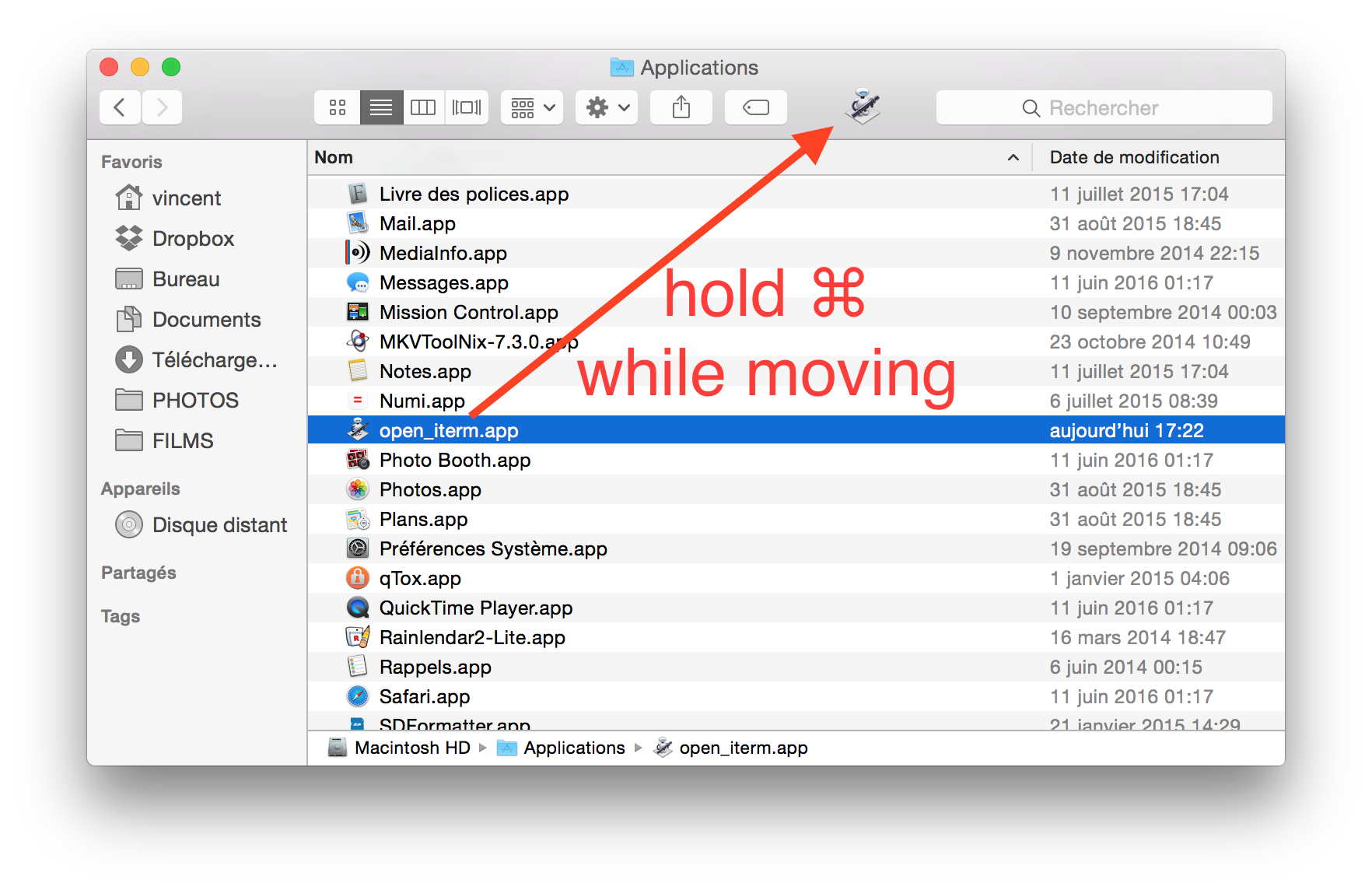
Open Terminal Here Mac Download Yellowwhiz
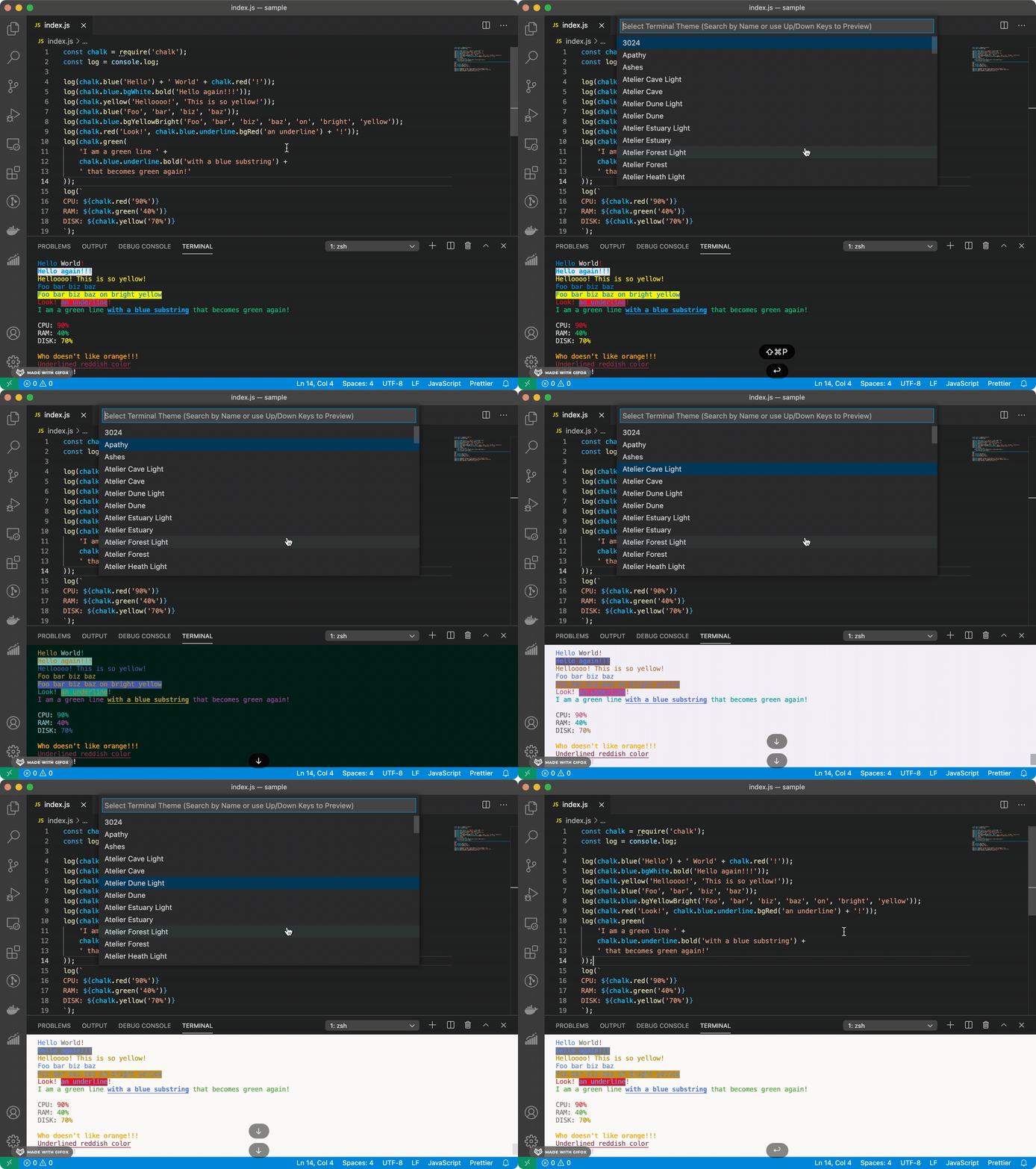
GitHub Piyush bhatt vscode base16 terminal VSCode Extension For

Web Dec 29 2016 nbsp 0183 32 1 Now in 2022 the accepted answer works at least for me for remote SSH in integrated terminal The readlink Ctrl click trick works as well Alex Che Jan 20

Web Jan 4 2022 nbsp 0183 32 Madison Kanna In this tutorial we ll go over how you can open the VS Code text editor Visual Studio Code from your Mac terminal Opening your text editor from

Web How can I configure Cmd to map to Ctrl C like macOS built in terminal The macOS default terminal uses Cmd to perform the same as Ctrl C To get this behavior in VS Code add this custom keybinding quot key quot

Web Sep 24 2020 nbsp 0183 32 On my windows pc I would just double click a folder and click quot Open in VS Code quot to a open a folder which saved time for me when looking through lots of code online With Mac however I do not have this

Web Open VS Code from the Applications folder by double clicking the icon Add VS Code to your Dock by right clicking on the icon located in the Dock to bring up the context menu and choosing Options Keep in Dock
Web Dec 7 2023 nbsp 0183 32 To open Visual Studio Code from the macOS terminal you just need Visual Studio Code Obviously you need VS Code installed first I recommend installing the Web 3 days ago nbsp 0183 32 To start install VS Code CLI on the target workstation launch the magic command code tunnel and authenticate with GitHub If you re on a workstation with a
Web Nov 2 2021 nbsp 0183 32 1 choose files or folders 2 choose Finder 3 change the icon if you like you can download it by clicking here 4 select as arguments 5 enter this command