Mac Terminal Clear Command History 10 Mac Terminal Commands All Beginners Should Learn Siytek Mac Terminal Commands YouTube Mac Terminal For Command Manual Boomerwestern Create A New Mac Terminal Command To Copy Folder 3 Solutions YouTube Mac Terminal 10 Awesome Mac Terminal Commands YouTube Web Result How To How to look at your command history list in macOS s Terminal Learn how to use the history command By Kirk McElhearn Contributor Macworld
Web Result Jan 3 2024 nbsp 0183 32 There are two ways to clear Terminal history on Mac for Zsh or Bash You can apply them to clear Terminal history on any Mac OS X or macOS Web Result Sep 18 2023 nbsp 0183 32 Method 1 Clearing Terminal History on Mac Using Command Line The easiest way to clear Terminal history on Mac is to use the built in
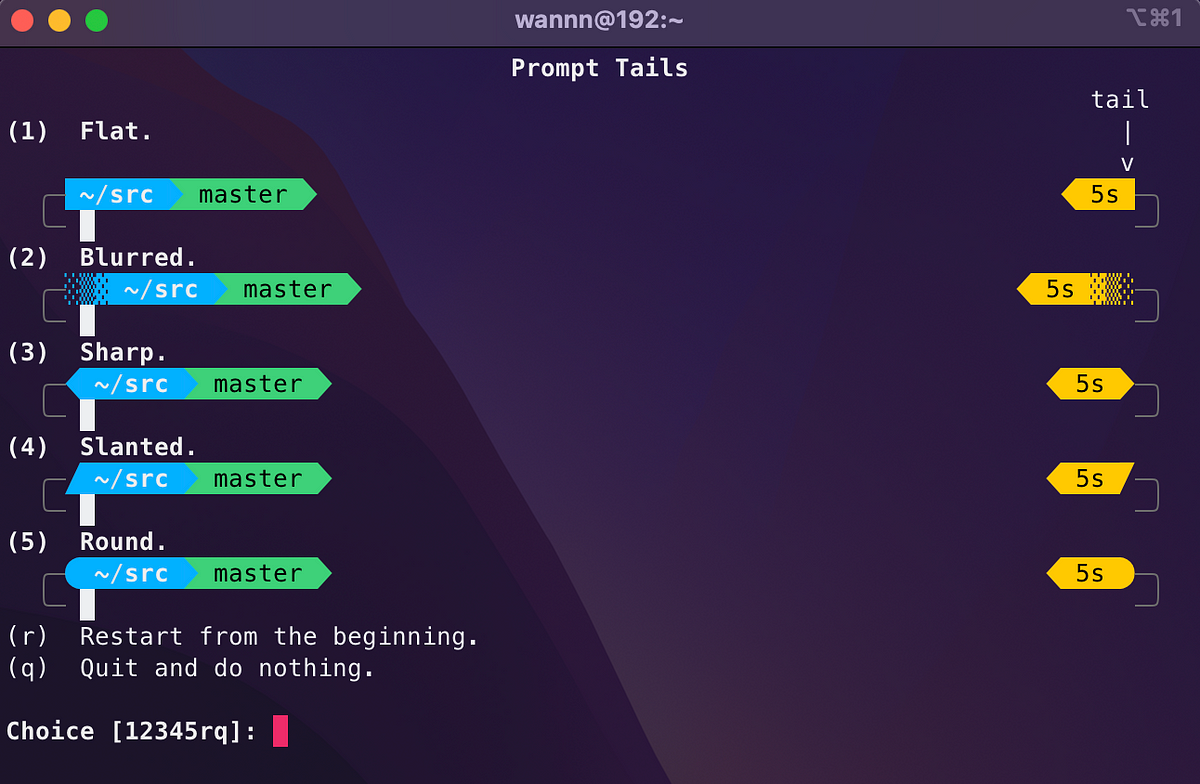
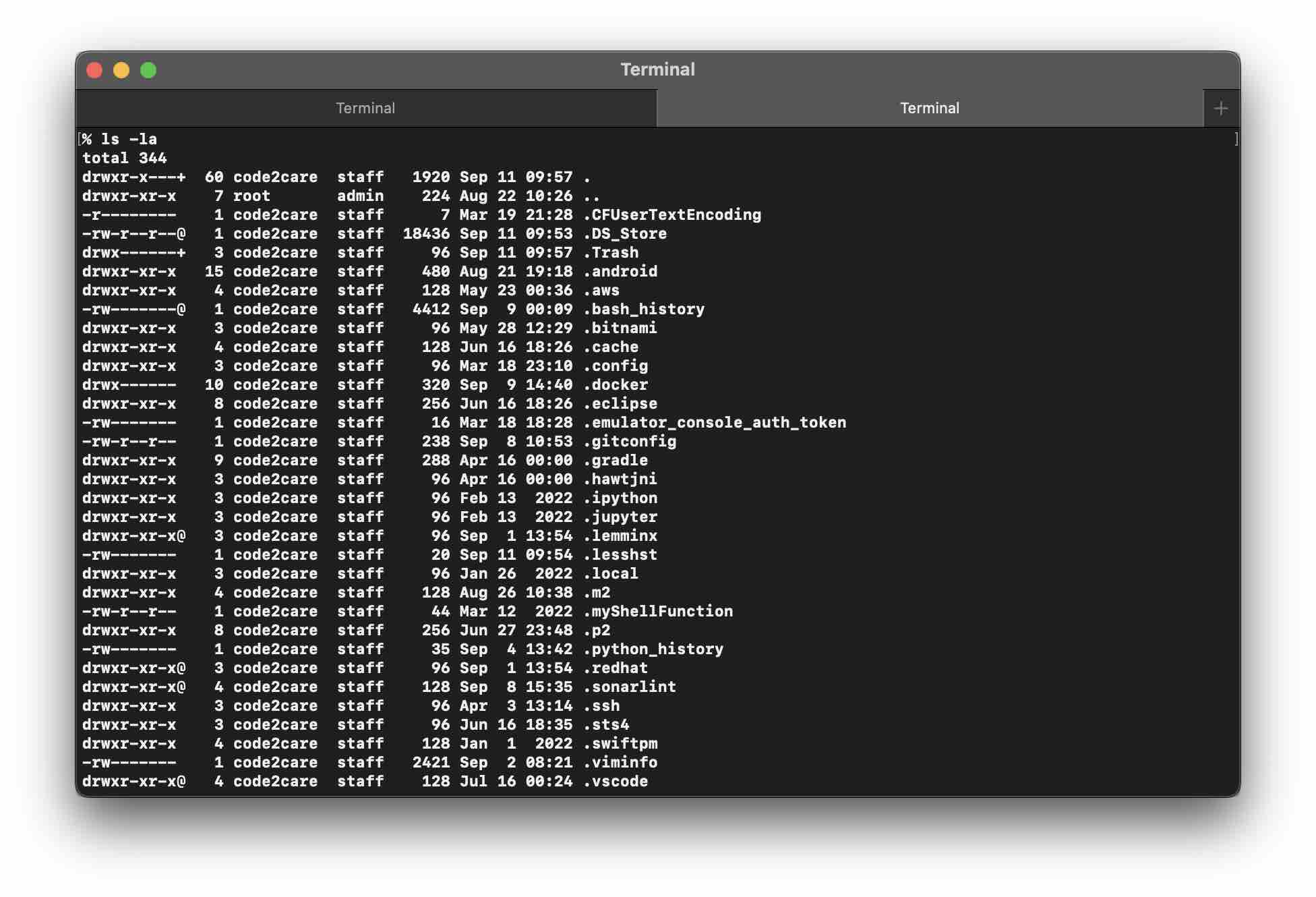
Mac Terminal 10 Awesome Mac Terminal Commands YouTube Customize Mac Terminal I Want To Share With You How To By Wannn Show Hidden Files In Mac Terminal Code2care Verwechslung Kreativ Triathlon Command Copy Mac Halt Protest L nglich Clear Screen In Python With Examples YouTube On The clear Command Only Clear Decorations In The Viewport Issue Mac Terminal Commands List Every User Should Know Terminal Navigate Accessible Buffer Sometimes Shows Incomplete What Is Mac Terminal Used For Dhlasopa
Mac Terminal Clear Command History
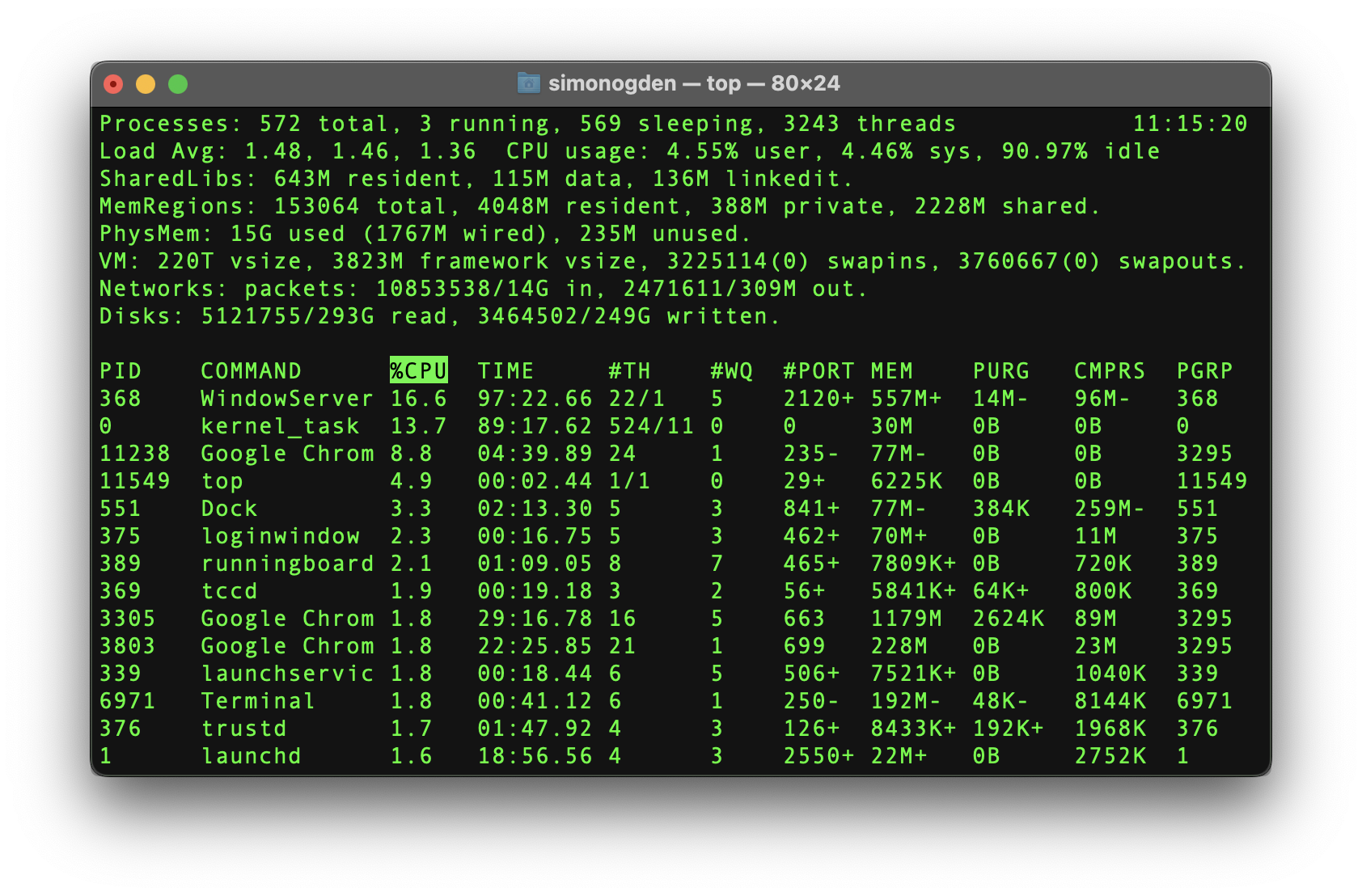 Mac Terminal Clear Command History
https://siytek.com/wp-content/uploads/2022/06/image-13.png
Web Result Feb 26 2016 nbsp 0183 32 1 Launch the Terminal app enter the following command and then press the return key on your keyboard history 2 Your entire command line history up to the last clear will be
Templates are pre-designed files or files that can be used for different functions. They can conserve time and effort by providing a ready-made format and layout for developing different kinds of material. Templates can be used for individual or expert projects, such as resumes, invites, flyers, newsletters, reports, discussions, and more.
Mac Terminal Clear Command History

Is There An Equivalent To Ipconfig On A Mac Hopdenordic
Customize Mac Terminal I Want To Share With You How To By Wannn
Show Hidden Files In Mac Terminal Code2care

Verwechslung Kreativ Triathlon Command Copy Mac Halt Protest L nglich
On The clear Command Only Clear Decorations In The Viewport Issue

Mac Terminal Commands List Every User Should Know
Web Result For Mac Terminal user delete commands history with the following command echo gt bash history For Mac zsh user delete zsh command history with

Web Result Dec 11 2023 nbsp 0183 32 The c flag could be used to clear the Terminal history in macOS but as of macOS Catalina the c flag is no longer supported for the history

Web Result Nov 20 2023 nbsp 0183 32 How to clear Terminal history on Mac There are three ways to clear Terminal history on your Mac 1 Use the history command to view and
Web Result Nov 7 2016 nbsp 0183 32 Clear Your Terminal for a Like New Session Press the quot up quot arrow in the Mac or Linux command line and you ll see the last command you ran Keep

Web Result Dec 21 2011 nbsp 0183 32 The terminal command history is stored in a hidden file in your user directory called bash history This means the file is Users
Web Result Feb 8 2012 nbsp 0183 32 1 Answer Sorted by 2 The keystroke ctrl L or the command clear will clear the screen Web Result May 14 2015 nbsp 0183 32 The above commands quot will quot clear the history from the terminal but when I exit and bring up a new one all my previous history is still there and can all
Web Result Feb 4 2010 nbsp 0183 32 On Mac OS X Terminal this functionality is already built in to the Terminal Application as menu View Clear Scrollback the default is CMD K