Mac Reset Wifi Terminal How To Reset Your Mac Password Using Terminal DeviceMAG How To Reset Mac Password Using Terminal Mobilebezz Why Do I Always Have To Reset My Router Johnson Creative Mac Network Settings Location Moodlikos How To Reset Network Settings On Mac If WiFi Not Working WEB Jun 14 2024 nbsp 0183 32 The easiest way to reset MacBook network settings is using Terminal Mac s command line interface All you need to do is enter several commands in Terminal
WEB How to reset network adapter Mac OS X Step 1 Open terminal Step 2 Type quot sudo ifconfig en0 down quot If you have any further questions or concerns please feel free to WEB To open these settings choose Apple menu gt System Settings then click Network in the sidebar You may need to scroll down On your Mac use Network settings to set up
How To Reset Network Settings On Mac If WiFi Not Working NVRAM Reset 3 Proven Ways To Reset NVRAM PRAM On Mac Easiest Way To Reset Terminal On Mac In 3 Steps TechanZone How To Reset Network Settings On Mac If WiFi Not Working Reset Password Macbook Terminal Herewfile How Do I Reset My Mac Network Settings Geramates Wifi Adapter Polizpass Is There An Equivalent To Ipconfig On A Mac Hopdenordic Acajj Blog
Mac Reset Wifi Terminal
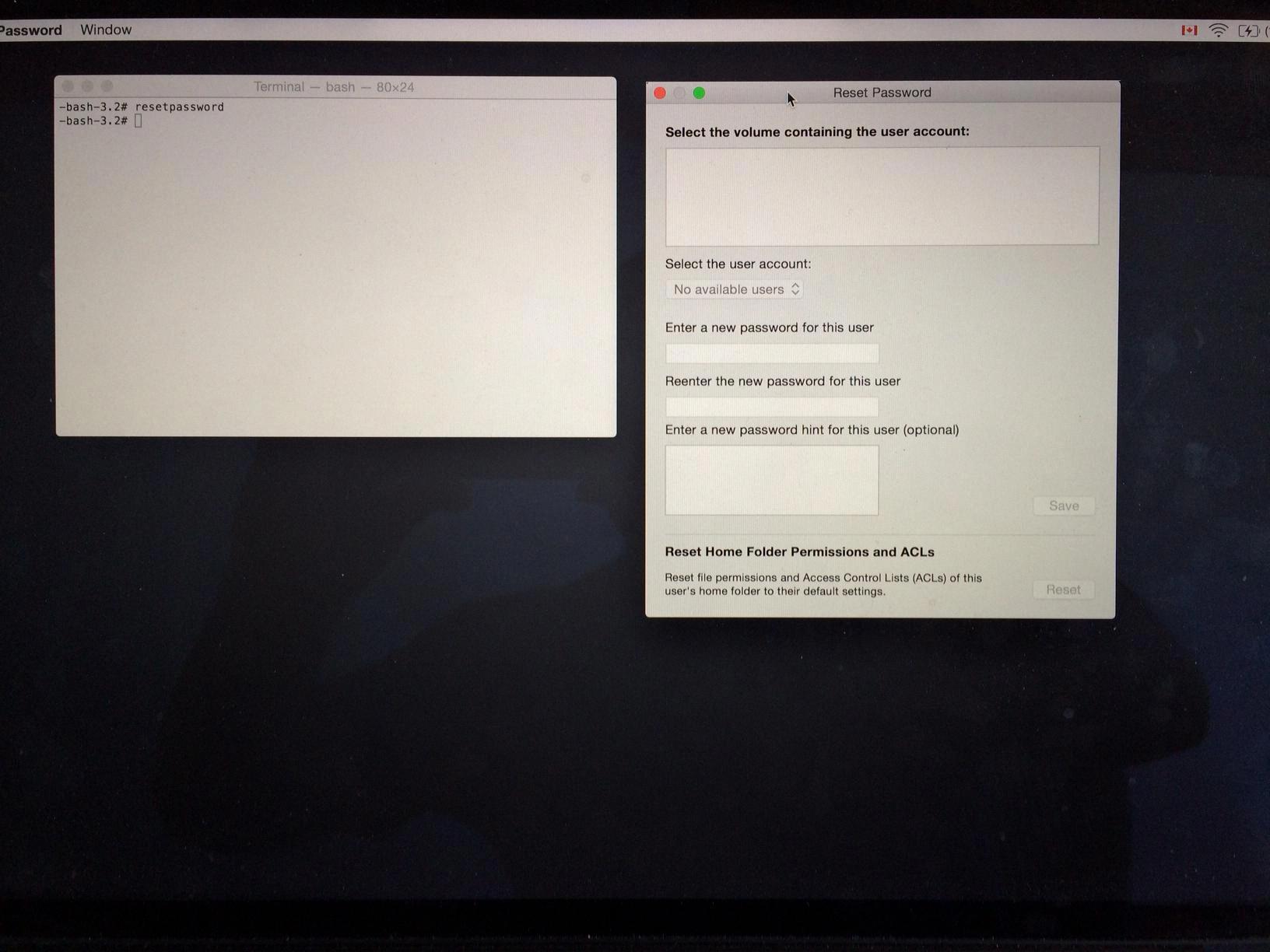 Mac Reset Wifi Terminal
https://www.devicemag.com/wp-content/uploads/2022/12/reset-mac-password-terminal-1-1.jpg
WEB By resetting network settings you will need to re add and re join any wi fi networks enter wi fi passwords again and set any customizations to DNS TCP IP and other network settings again
Templates are pre-designed files or files that can be used for different functions. They can conserve effort and time by providing a ready-made format and design for creating different type of content. Templates can be used for individual or expert jobs, such as resumes, invites, leaflets, newsletters, reports, discussions, and more.
Mac Reset Wifi Terminal

How To Reset Mac Network Settings Neulokasin
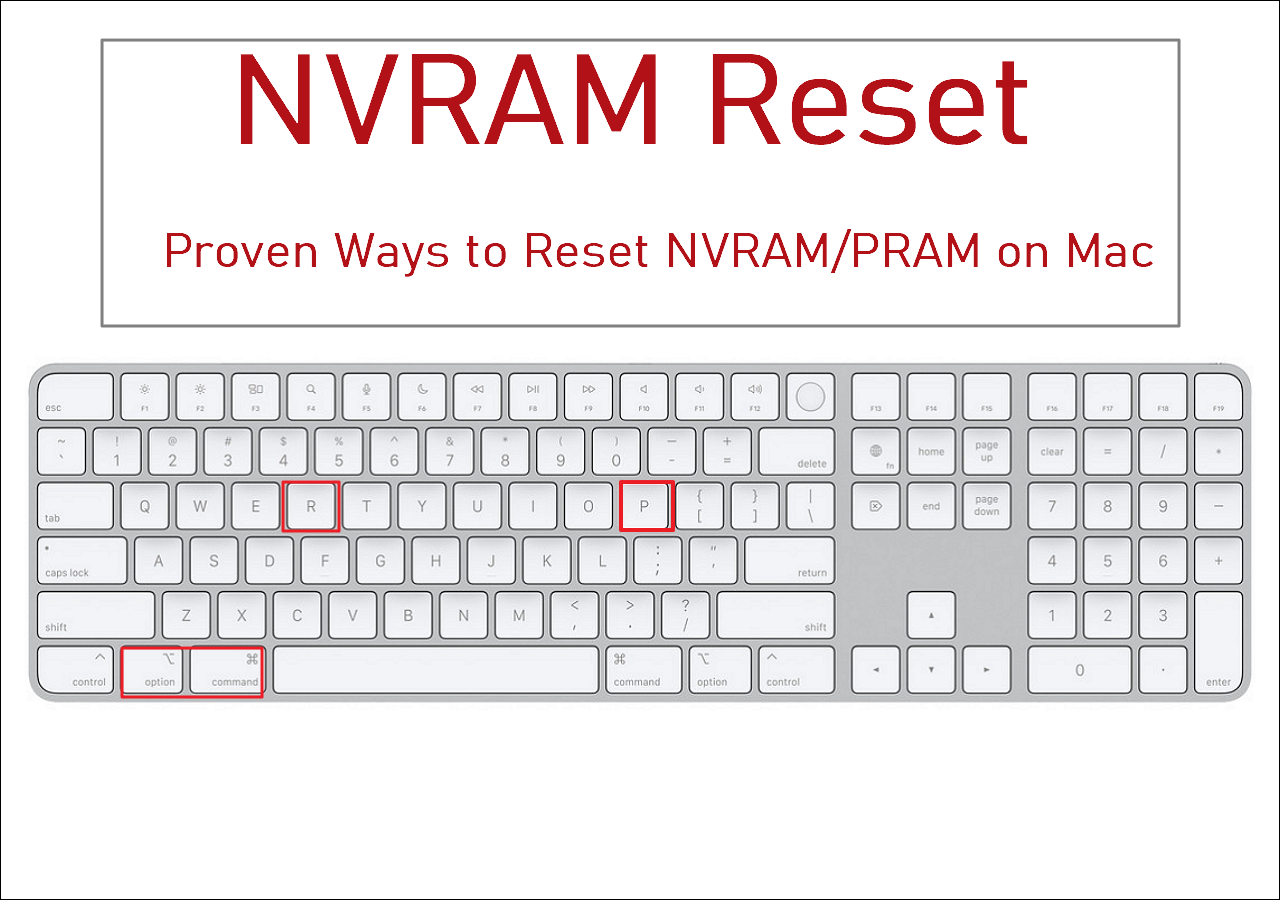
NVRAM Reset 3 Proven Ways To Reset NVRAM PRAM On Mac

Easiest Way To Reset Terminal On Mac In 3 Steps TechanZone
How To Reset Network Settings On Mac If WiFi Not Working

How Do I Reset My Mac Network Settings Geramates

Wifi Adapter Polizpass
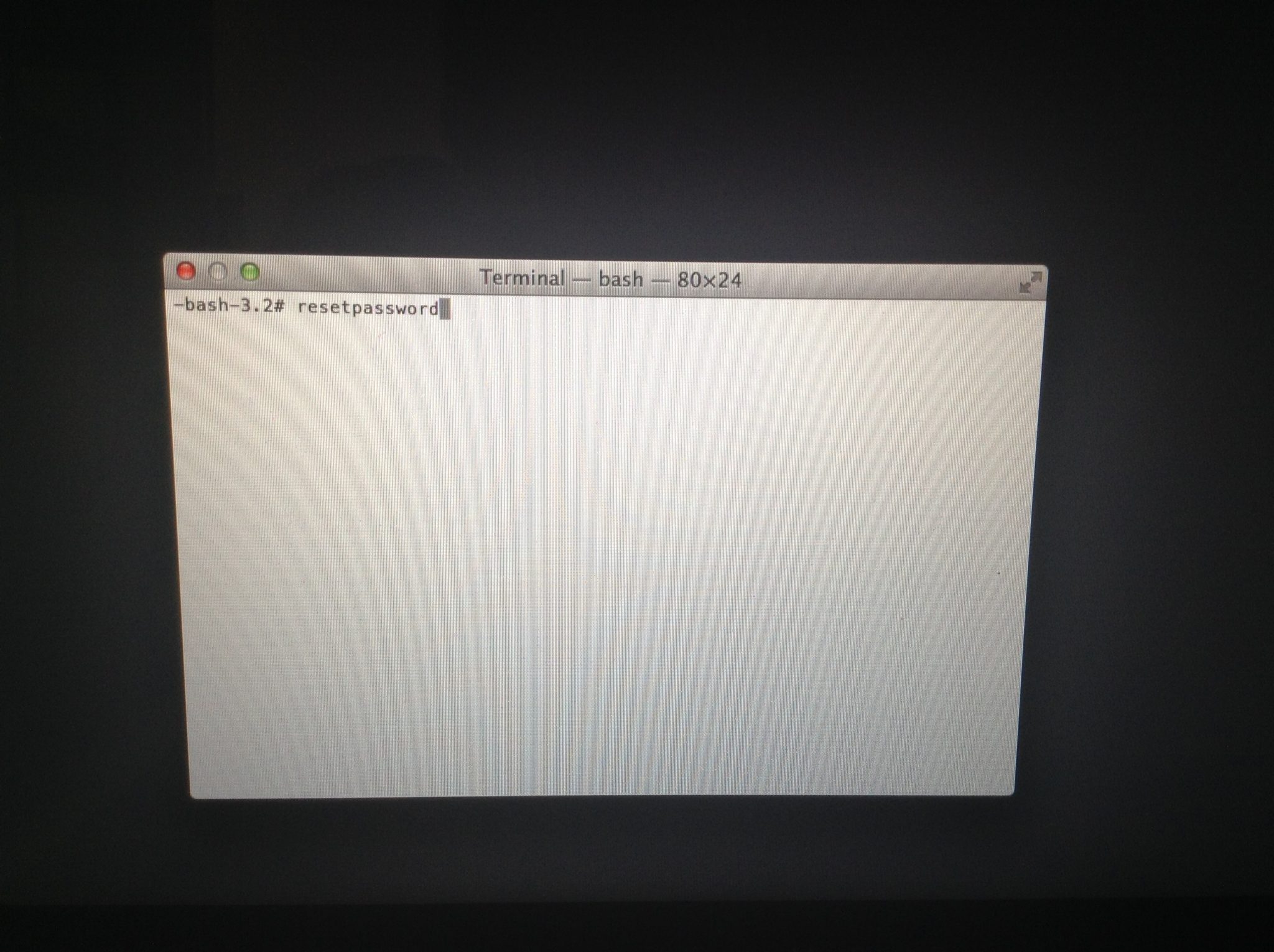
WEB Sep 6 2022 nbsp 0183 32 Here s how to reset network settings with Terminal Launch Terminal Type sudo ifconfig en0 down and press Enter to turn off WiFi Type sudo ifconfig en0 up and
WEB May 2 2024 nbsp 0183 32 Currently there are two ways to reset network settings in macOS Using Finder and Terminal Method 1 Reset network settings in macOS with Finder macOS
WEB Sep 18 2015 nbsp 0183 32 Jesus Vigo reviews Terminal commands used to enable modify and manage Wi Fi connections on Macs in OS X Coffee shops malls hotels and now even
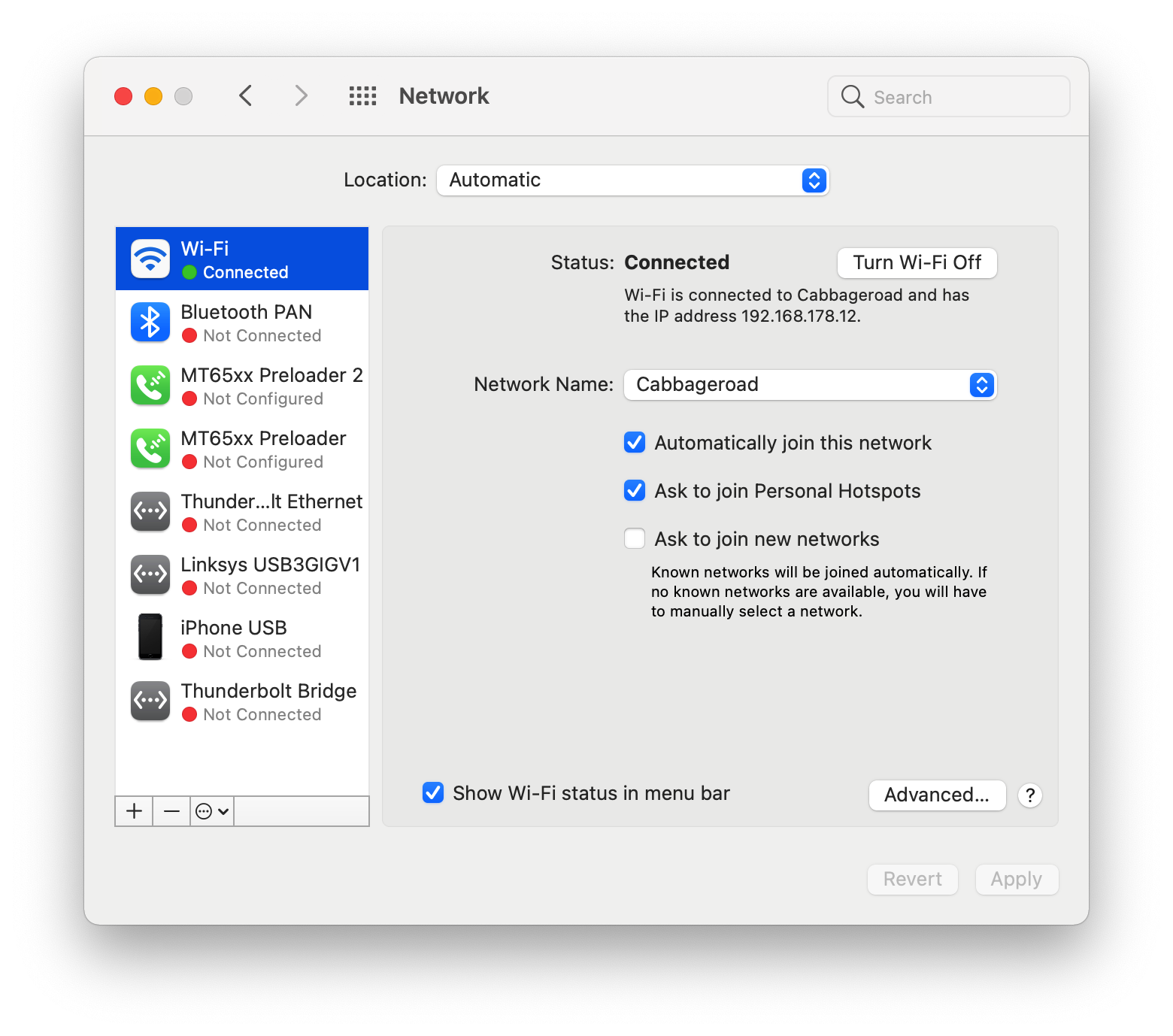
WEB Jul 27 2024 nbsp 0183 32 To reset network settings on Mac follow one of these methods Go to System Settings gt Network and choose the network type Tap Details next to your Wi Fi
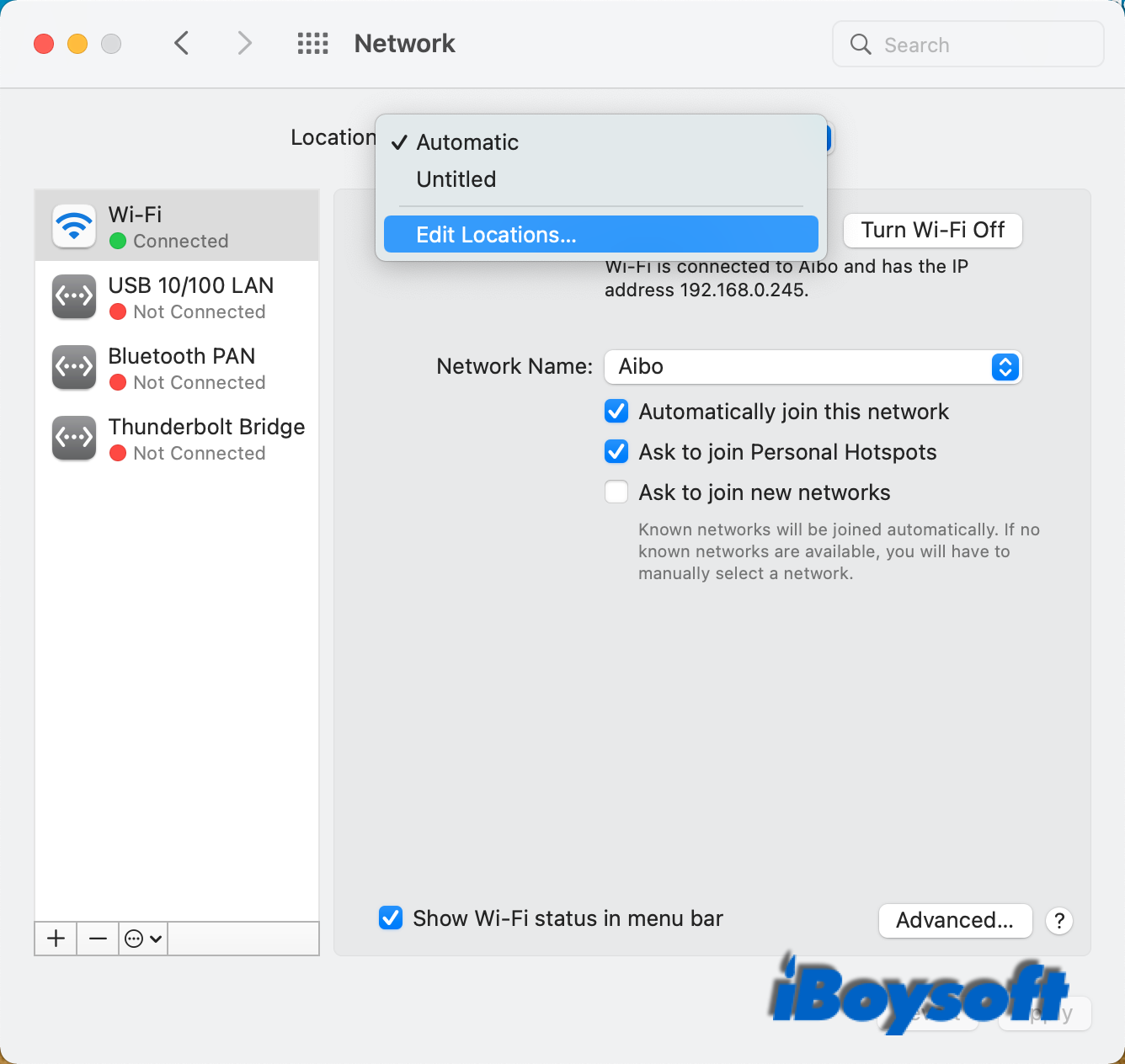
WEB Nov 9 2023 nbsp 0183 32 IN THIS ARTICLE How to Reset Network Settings on Mac MacBook Pro MacBook Air Method 1 Remove and Re Add the Wi Fi Interface On MacOS Ventura Reset Network Settings On MacOS
WEB Knowing how to reset network settings on your Mac is vital for any MacBook owner so let s get started 1 Delete and re add your Wi Fi Connection Sometimes simply deleting the WEB Jul 1 2021 nbsp 0183 32 Choose Edit Locations Click the which will create a new location Name the new location Airplane Mode or whatever Select all of the devices See 1 and 3
WEB Nov 25 2021 nbsp 0183 32 The easiest and fastest way to reset network settings is by using the Terminal app All you need to do is copy and paste two command lines To reset