Mac Preview Remove Shadow How To Remove Shadow From Picture In Lightroom Click The Photo How To Remove Shadow From Photo How To Remove Shadow From Photos On A Computer And IPhone Remove Shadow From Photo APP Image Brightener Online App How To Remove A Shadow From A Picture In Photoshop Senechalroegner 99 Verkko 1 com apple screencapture disable shadow applies to just single window screenshots like screencapture o Related to osx Disable drop shadows around windows or the menu bar on OS X Super User
Verkko 21 huhtik 2020 nbsp 0183 32 You can use a simple keystroke to remove Mac screenshot drop shadows in Catalina This is a more user friendly approach as opposed to using Terminal in older versions of macOS Verkko 10 syysk 2020 nbsp 0183 32 To remove the shadow just add the Option alt key to the command right before you click with your mouse to take the screenshot Command Shift 4 Spacebar Option Let s
How To Remove A Shadow From A Picture In Photoshop Senechalroegner 99 Light Up Your Selfies By Removing Shadows In Facetune Facetune Remove Shadow 20X FASTER In Photoshop Updated YouTube How To Remove Shadow From Face In Photoshop Urdu Hindi YouTube How To Remove Shadow Under Icon Text On Windows 10 Desktop Password AVCLabs Photo Enhancer AI Online Help How To Use AVCLabs Photo Remove Shadow From Photo Perfectly In Different Platforms picsart How To Remove Shadow simple Natural Look YouTube How To Remove Shadow Of Floating Action Button In Android
Mac Preview Remove Shadow
 Mac Preview Remove Shadow
https://clickthephoto.com/wp-content/uploads/2022/07/how-to-remove-shadow-from-picture-in-lightroom.jpg
Verkko 13 toukok 2022 nbsp 0183 32 If you want you can remove it using this command in the terminal defaults write com apple screencapture disable shadow bool true killall
Templates are pre-designed files or files that can be utilized for various functions. They can save time and effort by providing a ready-made format and layout for developing different sort of material. Templates can be utilized for individual or professional projects, such as resumes, invites, flyers, newsletters, reports, discussions, and more.
Mac Preview Remove Shadow
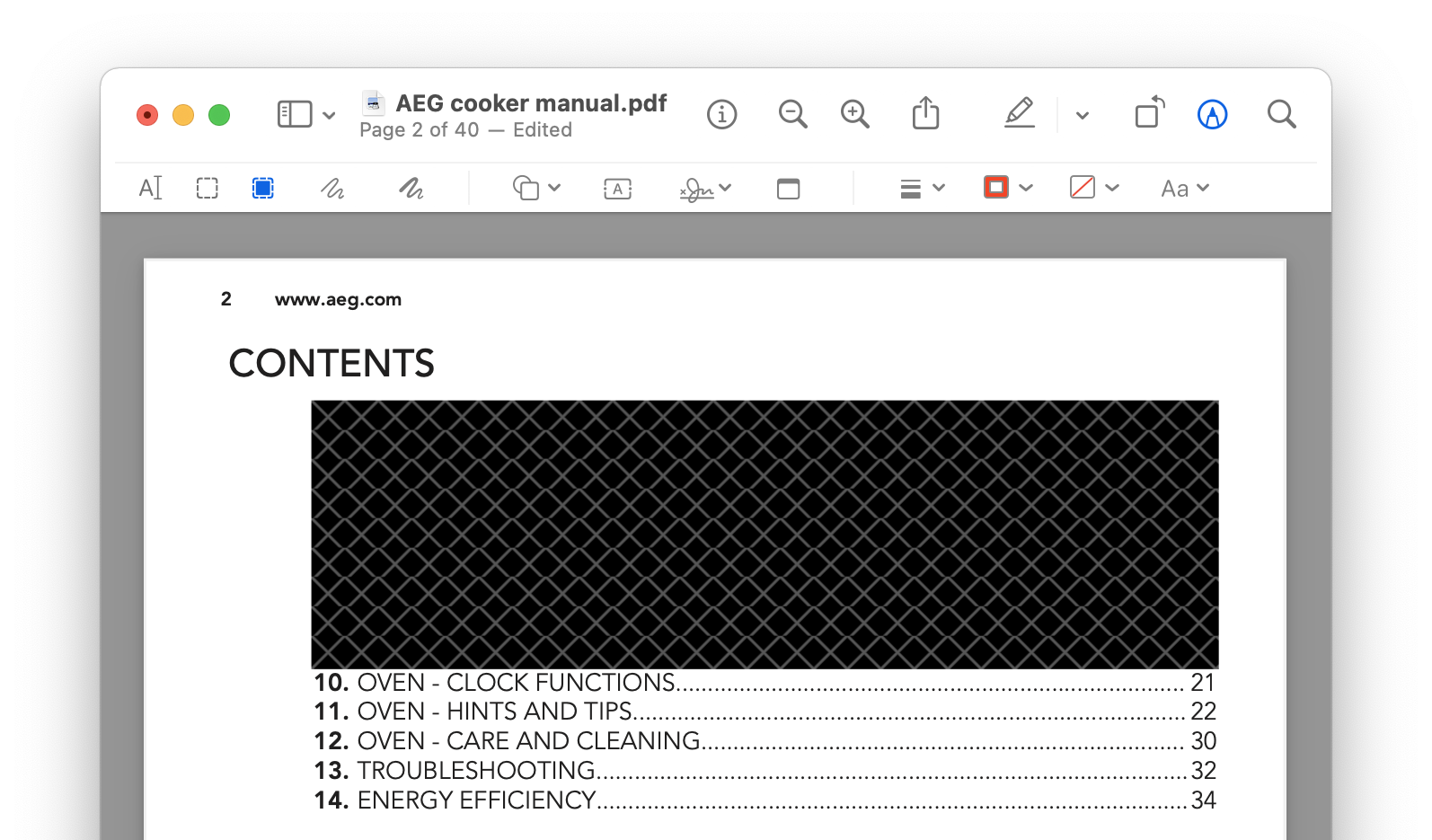
How To Redact A Pdf Preview Muslisurvey

Light Up Your Selfies By Removing Shadows In Facetune Facetune
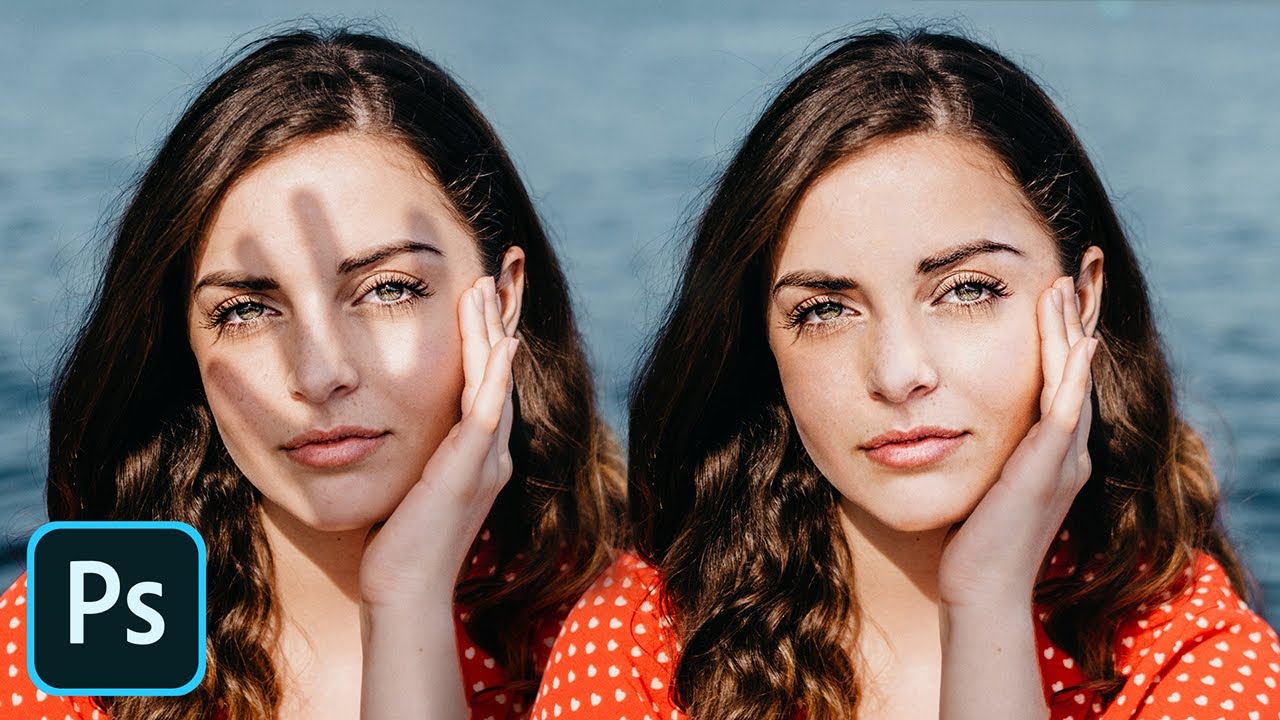
Remove Shadow 20X FASTER In Photoshop Updated YouTube

How To Remove Shadow From Face In Photoshop Urdu Hindi YouTube
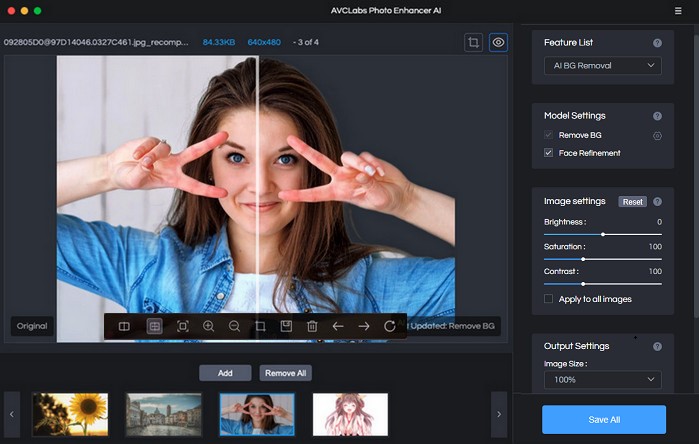
AVCLabs Photo Enhancer AI Online Help How To Use AVCLabs Photo
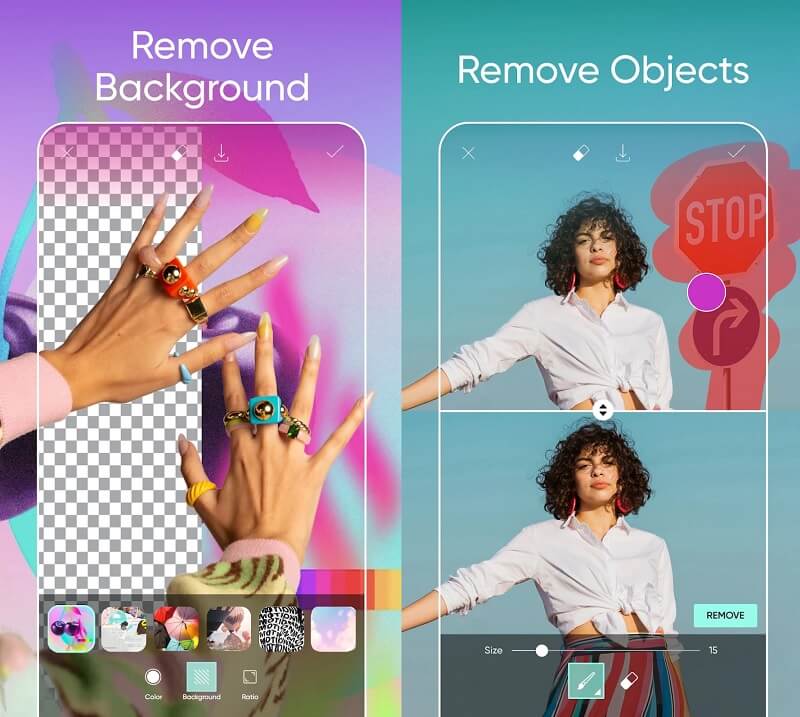
Remove Shadow From Photo Perfectly In Different Platforms
Verkko 5 lokak 2022 nbsp 0183 32 4 points Remove Shadows from Annotations in Preview Hey how do I remove the shadows form the squares or lines in Preview Remove Shadows from
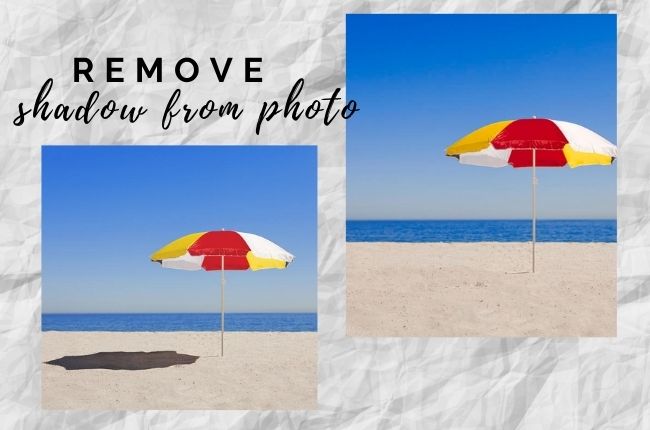
Verkko 11 lokak 2012 nbsp 0183 32 The white speech bubble is the only thing I know that is usable in the current version that can white out areas without leaving a shadow The cruddy part is
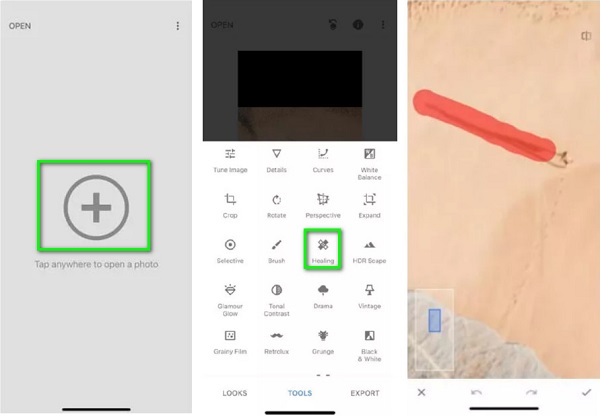
Verkko You can remove the border and drop shadow by holding down the Option key while clicking This lets you retain it when you want and disable it otherwise IDG The default macOS screen

Verkko Extract an image In the Preview app on your Mac click the Show Markup Toolbar button if the Markup toolbar isn t showing click the Selection Tools menu then choose the

Verkko 3 maalisk 2021 nbsp 0183 32 When you take a screenshot of a window on your Mac it captures the shadow of the window as well It looks great but it might not be ideal if you re sharing the screenshot online or for work
Verkko I m trying to remove the shadows around windows and the shadow below the menu bar in macOS 10 14 I m not using Dark Mode I ve tried various options from previous OS Verkko 31 lokak 2022 nbsp 0183 32 To remove the shadow from all window screenshots you take you ll need to use Terminal Go to Applications gt Utilities and launch Terminal Type the
Verkko 8 marrask 2020 nbsp 0183 32 1 Answer Sorted by 0 Preview doesn t support this I solved it by drawing a square inside of a fully transparent image adding the drop shadow saving