Mac Os X Display Environment Variable TclError No Display Name And No DISPLAY Environment Variable Bytemeta tkinter Tclerror No Display Name And No Display Environment Variable How To Fix Tcl Error No Display Name Or Display Environment Variable How To Fix It How To Restart The X Server On A Linux Desktop Systran Box resolvido Tkinter TclError No Display Name And No DISPLAY Environment Variable Divirjo Best etresoft Level 8 45 651 points Jun 19 2009 1 08 PM in response to buckydoc You are trying too hard Just set ForwardX11 yes in ssh config Then ssh into your server There is no need to set any environment variables 0
I m having a similar issue trying to use SwiftBar Running a python plugin environment variables defined in bash zsh fish aren t available and launchctl setenv KEY value doesn t work on Big Sur 16 Answers Sorted by 406 First one thing to recognize about OS X is that it is built on Unix This is where the bash profile comes in When you start the Terminal app in OS X you get a bash shell by default The bash shell comes from Unix and when it loads it runs the bash profile script
resolvido Tkinter TclError No Display Name And No DISPLAY Environment Variable Divirjo Linux 2020 Configuration Firefox Geckodriver Selenium Installation And Error Reporting How To Set The Display Variable For Oracle Installation On Linux Systran Box How Can I Access My Ubuntu Server GUIs From A Local Network Windows 11 PC Super User Enabling SSH X11 Forwarding In Visual Studio Code For Remote Development X410 dev How To Fix tkinter TclError No Display Name And No DISPLAY Environment Variable Error Its tkinter TclError No Display Name And No DISPLAY Environment Variable Errorsden Testing DISPLAY Environment Variable X410 dev Linux Set Display Environment Variable For Mac Os X Newinbox
Mac Os X Display Environment Variable
 Mac Os X Display Environment Variable
https://user-images.githubusercontent.com/6511017/92450812-76734e00-f1ee-11ea-9233-559ef21adf87.png
Setting Environmental variables in macOS Command Line with zsh The zsh shell sets environmental variables through the zshenv file located in the users home directory at zshenv Thus you can add zsh environmental variables by modifying that file with nano vim etc or by using echo like so echo export ENV VAR example zshenv
Pre-crafted templates offer a time-saving option for developing a varied variety of documents and files. These pre-designed formats and designs can be made use of for numerous personal and expert jobs, consisting of resumes, invitations, leaflets, newsletters, reports, presentations, and more, simplifying the content production process.
Mac Os X Display Environment Variable
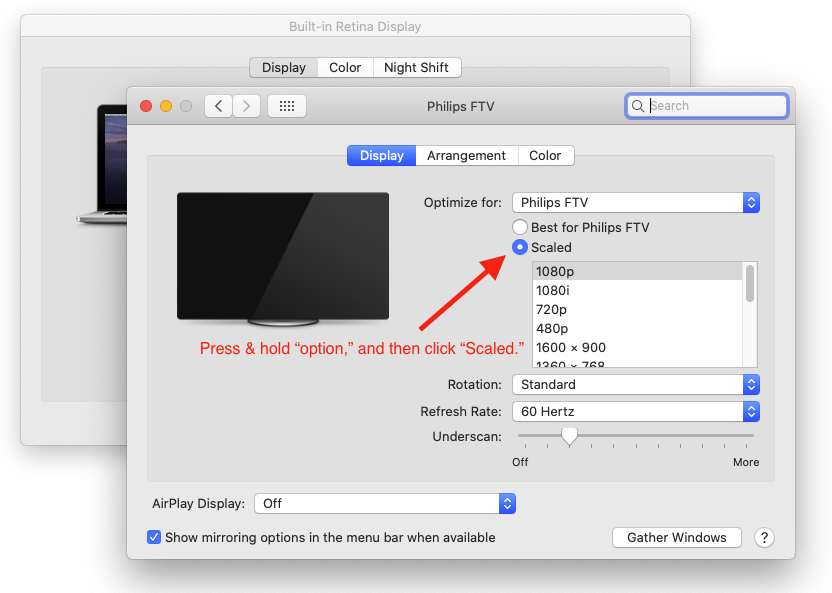
Mac App Window Control Button Disappeared Qadirway

Linux 2020 Configuration Firefox Geckodriver Selenium Installation And Error Reporting

How To Set The Display Variable For Oracle Installation On Linux Systran Box

How Can I Access My Ubuntu Server GUIs From A Local Network Windows 11 PC Super User
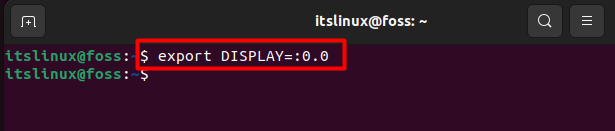
How To Fix tkinter TclError No Display Name And No DISPLAY Environment Variable Error Its
tkinter TclError No Display Name And No DISPLAY Environment Variable Errorsden
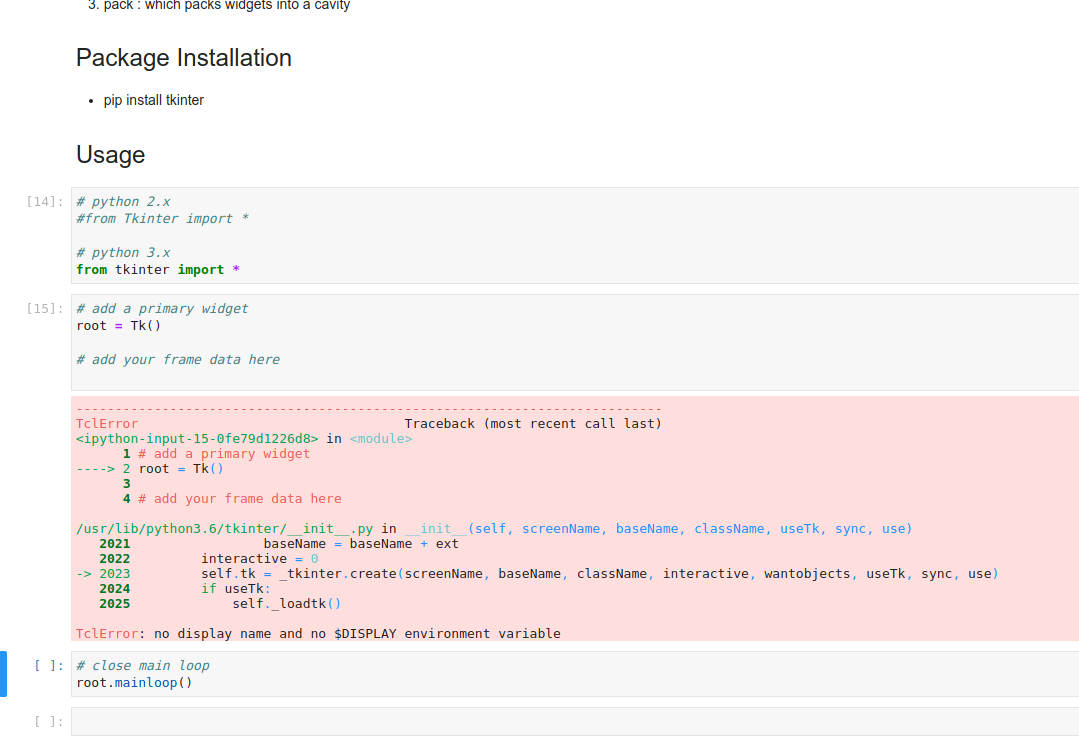
What is the proper way to modify environment variables like PATH in OS X I ve looked on Google a little bit and found three different files to edit etc paths profile tcshrc I don t even have some of these files and I m pretty sure that tcshrc is wrong since OS X uses bash now Where are these variables especially PATH defined

To view all environment variables enter env When you launch an app from a shell the app inherits much of the shell s environment including exported environment variables This form of inheritance can be a useful way to configure the app dynamically

Environment variables in Mac OS X Ask Question Asked 14 years 10 months ago Modified 12 months ago Viewed 265k times 206 Update The link below does not have a complete answer Having to set the path or variable in two places one for GUI and one for shell is lame Not Duplicate of Setting environment variables in OS X

Stack Exchange network consists of 183 Q A communities including Stack Overflow the largest most trusted online community for developers to learn share their knowledge and build their careers Visit Stack Exchange
There are two ways to check current environment variables in macOS 1 Display and review a list of all current environment variables 2 Display and review a specific environment variable List All Environment Variables Use the printenv command to display a list of currently set environment variables printenv
No X11 DISPLAY variable was set but this program performed an operation which requires it iMac Core Duo 20 1GB RAM ATI 256MB iBook G4 12 1 2GHz iPod 40GB 3G Mac OS X 10 4 8 Show more Less Posted on Nov 20 2006 12 28 AM on the client side or the server side prevents ssh to set the DISPLAY environment variable If after How to set environment variables on Mac OS X By mkyong Updated February 28 2013 Tags mac mongodb In Mac OS X you can set the environment variables in one of the following files bashrc bash profile profile By default Mac OS X does not has above files you need to create it manually
To set an environment variable in macOS you can use the terminal window and the default shell usually zsh or bash command interface You can use the export command followed by the variable name and its value For example to set the PATH variable to include a new directory you can use the command