Mac Install Usb Printer Install Usb Loader Gx Bestlup Canon Printer G6020 Manual Marble Blast Gold Mac Full Version Free Download Pictureslopte How To Install GI 2408T Printer Through The USB Printer Installation Ubuntu 14 04 install USB Mac Conta s Diary Web Nov 20 2021 nbsp 0183 32 Connect the printer to your computer with a USB cable When you plug in the USB cable the printer will automatically show up in the list of available printers or it will prompt you to install
Web Apr 19 2021 nbsp 0183 32 After you ve connected your printer via USB go to System Preferences gt Printers amp Scanners Click on the plus button Select the printer that has USB in its name and click on Add Once your USB Web How to add a USB printer to a Mac This article details how to connect a USB printer to your Mac For most USB printers all you have to do is update your software and then
Ubuntu 14 04 install USB Mac Conta s Diary Create Mac Install Usb Patentmserl How To Install Usb Printer On Windows 98 Piratebaytitan Install Windows 10 From Usb For A Mac Poomulti Ricoh MP 2014 How To Download And Setup install USB Printer Driver USB Mac OS X Install Discs And The Future Installing Mac OS X With App How To Format Samsung Ssd Windows 10 Falasflex Como Llevar Un Kardex Manual Pictureslopte How To Install Bootable Usb Dmg
Mac Install Usb Printer
 Mac Install Usb Printer
https://bestlup153.weebly.com/uploads/1/1/9/8/119878124/832673471.jpg
Web Mar 25 2019 nbsp 0183 32 Updated September 09 2020 Published March 25 2019 In this article you will find the following How to add a wireless printer to a Mac How to Connect a USB Printer to Mac How to connect a network printer
Pre-crafted templates offer a time-saving solution for developing a diverse variety of files and files. These pre-designed formats and designs can be utilized for numerous personal and expert jobs, including resumes, invitations, flyers, newsletters, reports, discussions, and more, streamlining the content development process.
Mac Install Usb Printer
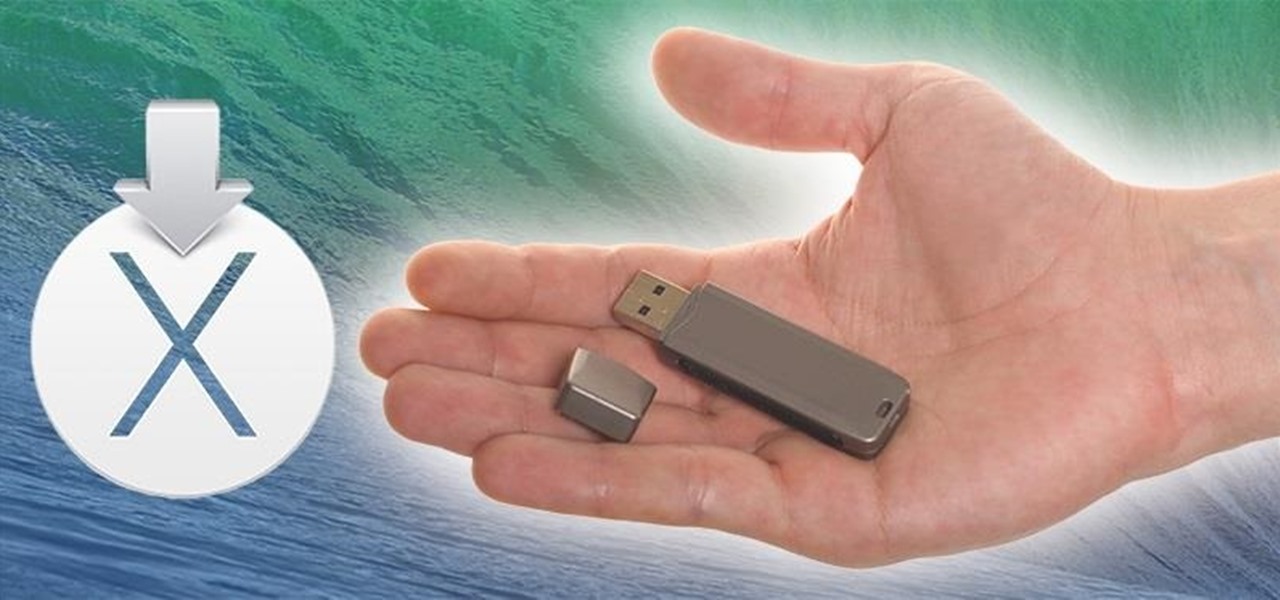
Install Mac Os X Bootable Usb Dgpassl

Create Mac Install Usb Patentmserl

How To Install Usb Printer On Windows 98 Piratebaytitan
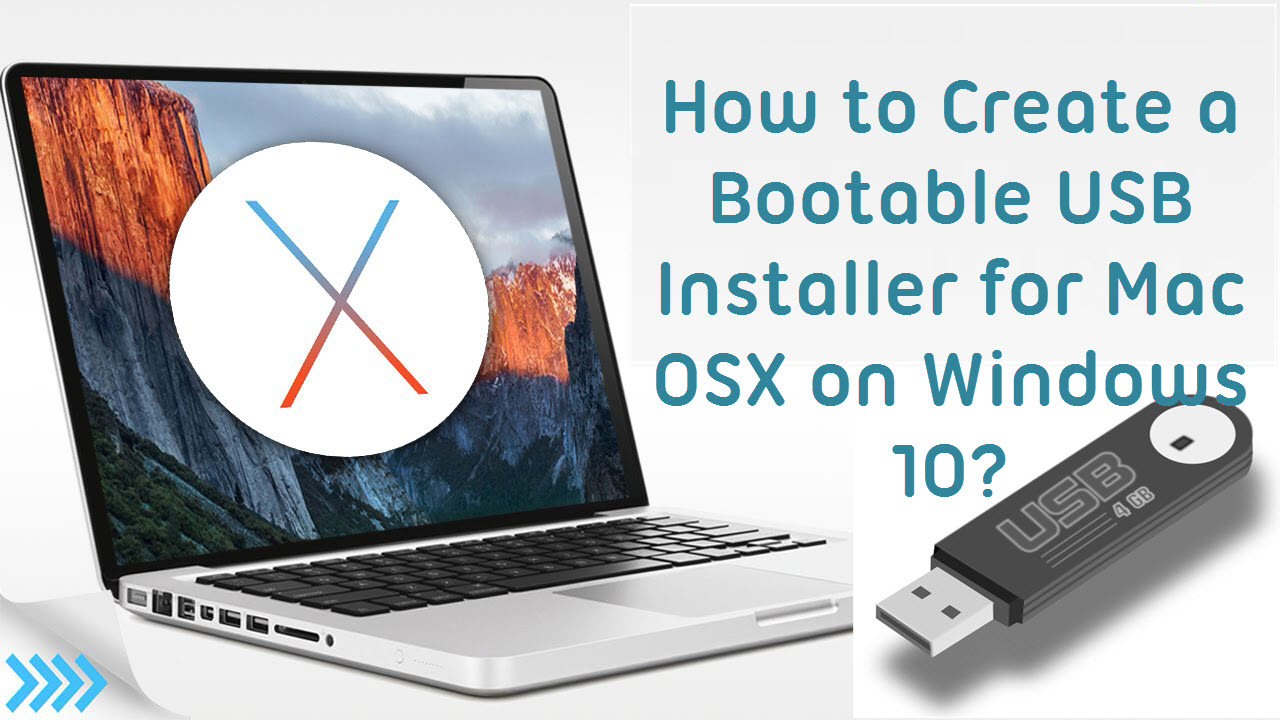
Install Windows 10 From Usb For A Mac Poomulti
Mac OS X Install Discs And The Future Installing Mac OS X With App

How To Format Samsung Ssd Windows 10 Falasflex

Web posted on Jun 24 2020 The default printer in macOS is the one selected when the Print dialog opens If there s No printer selected in the Print

Web When you connect the printer USB cable macOS automatically installs and adds your printer to provide basic printing functionality Make sure an open USB port is available

Web Sep 11 2020 nbsp 0183 32 Load the printer with ink and paper connect it to your Mac using a USB cable and then turn on the printer Launch System

Web Jan 25 2023 nbsp 0183 32 How to Add a Printer to Mac via USB Printers that do not have networking capabilities can only be added through a USB or wired connection Some printers though capable of wireless printing still need
Web Nov 13 2023 nbsp 0183 32 Connect your printer s USB cable s type B end to the printer and the other end to your Mac s USB port If you want to connect it to one of your Thunderbolt ports then you ll either need a USB to
Web How to Add a USB Printer to MacBook Adding USB printers to MacBooks is relatively more straightforward All you have to do is connect the USB printer to the MacBook via Web Use printer software installed on your Mac Click the Use pop up menu then choose Select Software Use printer software from a file on your Mac Click the Use pop up
Web Nov 7 2023 nbsp 0183 32 You can also connect a printer to your Mac via USB cable Once your Mac is updated plug in the printer connect the USB cable to the printer and switch it on