Mac Homebrew Downloading Command Line Tools For Xcode Apple Xcode 14 14A309 Sysin Homebrew Fix Command Line Tools Installation On MacOS Ventura Beta Install Xcode Command Line Tools On Mac 3 Ways EaseUS Software Update Shows Multiple Command Line Tools Updates For Xcode How To Install Xcode Command Line Tools YouTube WEB Mar 20 2023 nbsp 0183 32 To install Homebrew and the Xcode Command Line Tools follow these instructions First make sure your copy of macOS is up to date On macOS Ventura or later go to System Settings gt
WEB Jan 23 2024 nbsp 0183 32 A macOS computer For this tutorial we ll be using a Mac M1 XCode Command Line Tools Other tools like PuTTY or Telnet also rely on Xcode Command Line Tools for correct functioning Setting Up Xcode Command Line Tools Usually Xcode Command Line Tools come bundled with Xcode installation WEB Jan 22 2021 nbsp 0183 32 Xcode is Apple s IDE for macOS We can use Xcode to produce apps for macOS iOS iPadOS watchOS and tvOS We need Xcode for Homebrew for installation and compiling apps In other words open the terminal application and then type the following command at bash zsh prompt to install brew in Mac xcode select install
How To Install Xcode Command Line Tools YouTube Install Homebrew On Mac Computer And Solve The Download Timeout Problem Command Line Tools For Xcode Idmsa apple Nsarhino M1 MacBook Setup As A Programmer 02 Terminal Xcode Command Line FORMIDABLE LINUX COMMAND LINE TOOLS AND HOW TO USE THEM By Okpah Peter Unlocking The Power Of SVG With Command Line Mastery CLIP LANG Set Up Xcode Command Line Instruments Bundle On Mac Purple Unicorns Git Is Not Working After MacOS Update xcrun Error Invalid Active Installing Command Line Tools For Apple Developer Forums
Mac Homebrew Downloading Command Line Tools For Xcode
 Mac Homebrew Downloading Command Line Tools For Xcode
https://img2022.cnblogs.com/blog/2052703/202209/2052703-20220913121351842-644355179.png
WEB Sep 14 2023 nbsp 0183 32 Xcode Command Line Tools are a set of utilities and frameworks that allow developers to perform tasks from the command line without needing to install the full Xcode IDE Integrated Development Environment on their Mac
Templates are pre-designed files or files that can be utilized for different purposes. They can save effort and time by offering a ready-made format and layout for creating different kinds of material. Templates can be used for individual or professional jobs, such as resumes, invites, leaflets, newsletters, reports, presentations, and more.
Mac Homebrew Downloading Command Line Tools For Xcode
Getting Rid Of Xcode Command Line Tools Indie Spark
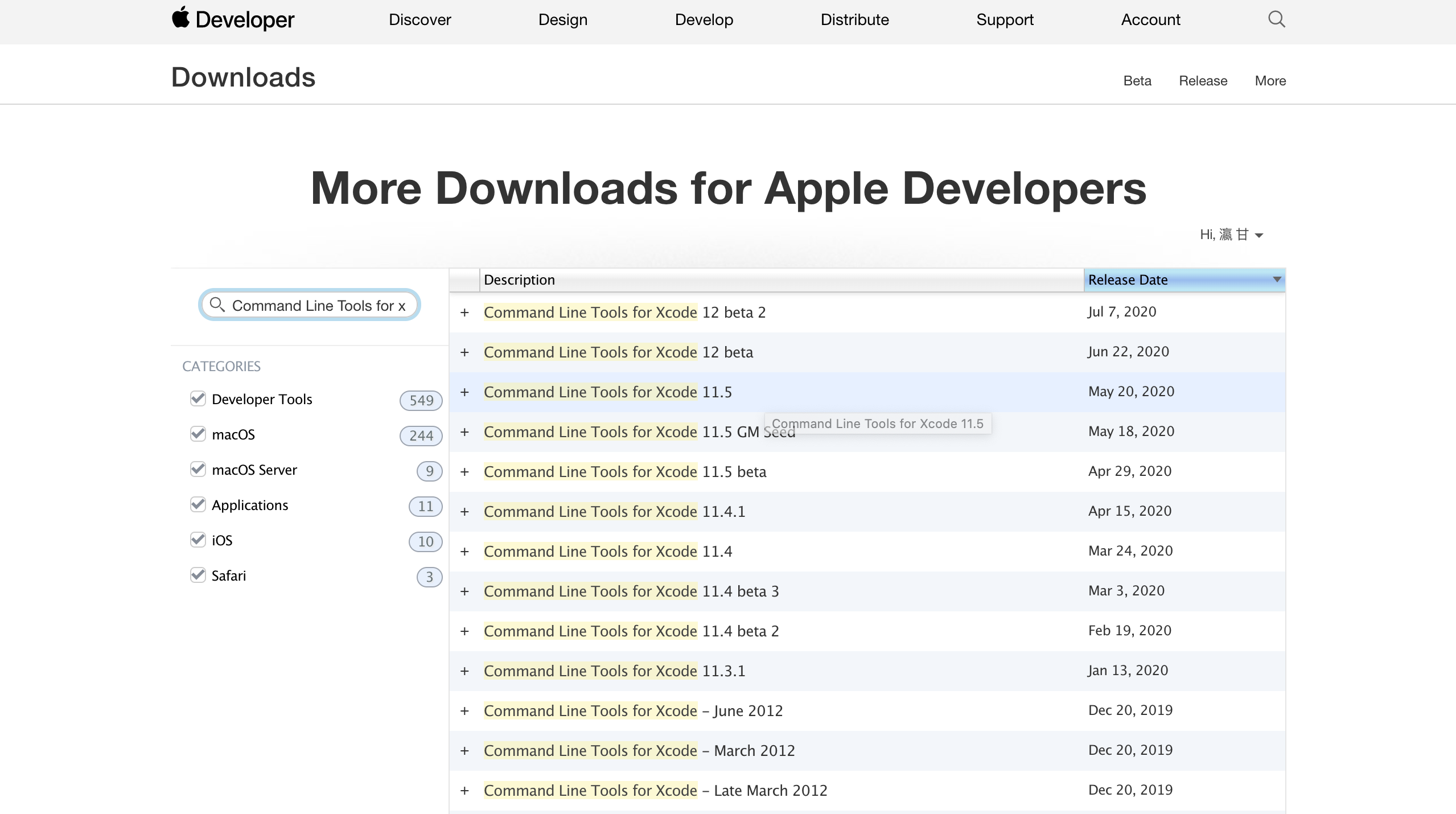
Install Homebrew On Mac Computer And Solve The Download Timeout Problem

Command Line Tools For Xcode Idmsa apple Nsarhino
M1 MacBook Setup As A Programmer 02 Terminal Xcode Command Line
Unlocking The Power Of SVG With Command Line Mastery CLIP LANG
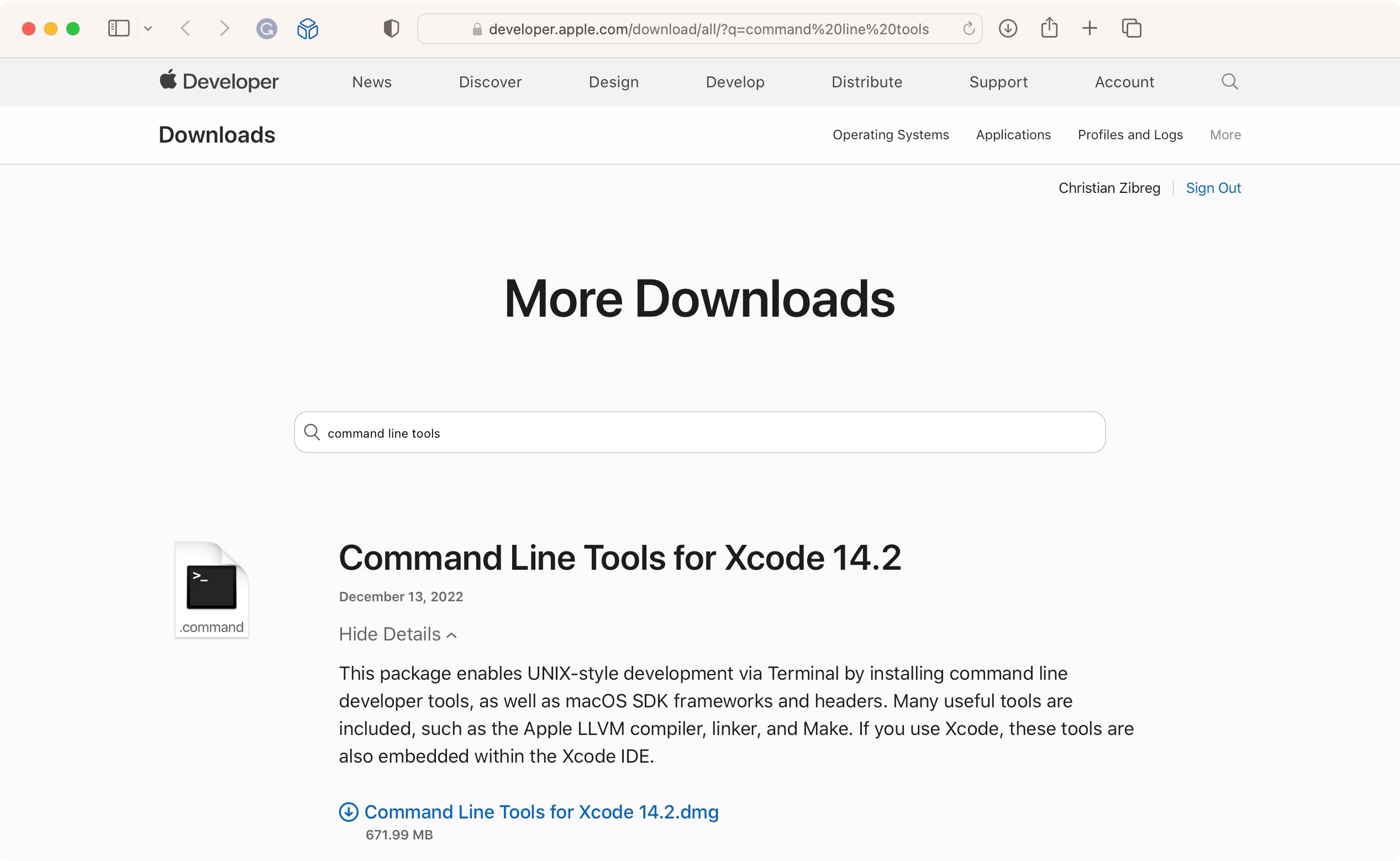
Set Up Xcode Command Line Instruments Bundle On Mac Purple Unicorns
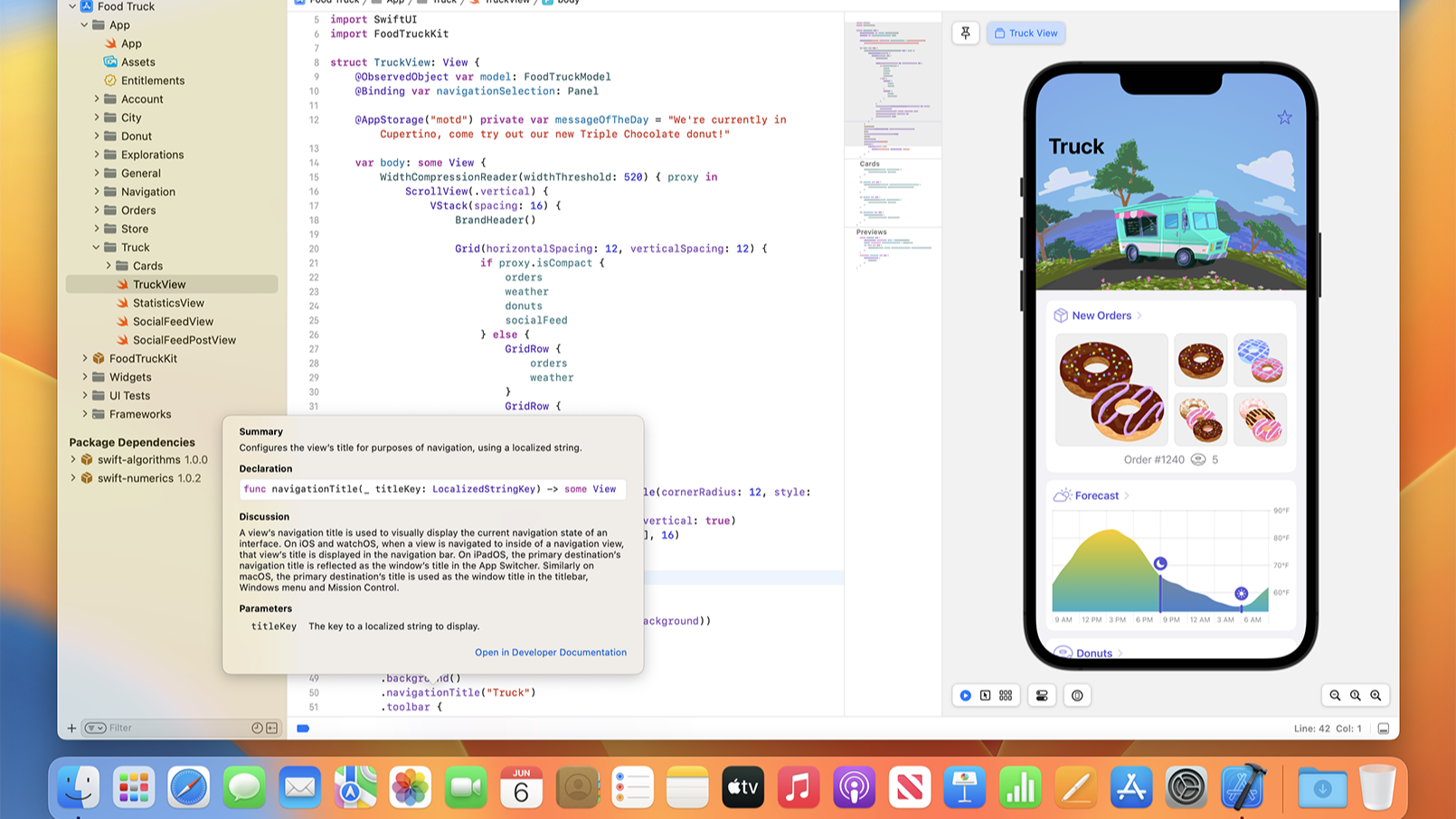
WEB Oct 31 2018 nbsp 0183 32 Following worked for me only command line tool can also me installed After you updated to Mojave 10 14 Go to https developer apple download more search for quot command line quot then Download quot Command line tool for MacOS 10 14 quot Once dmg is downloaded install the package Verify package installation
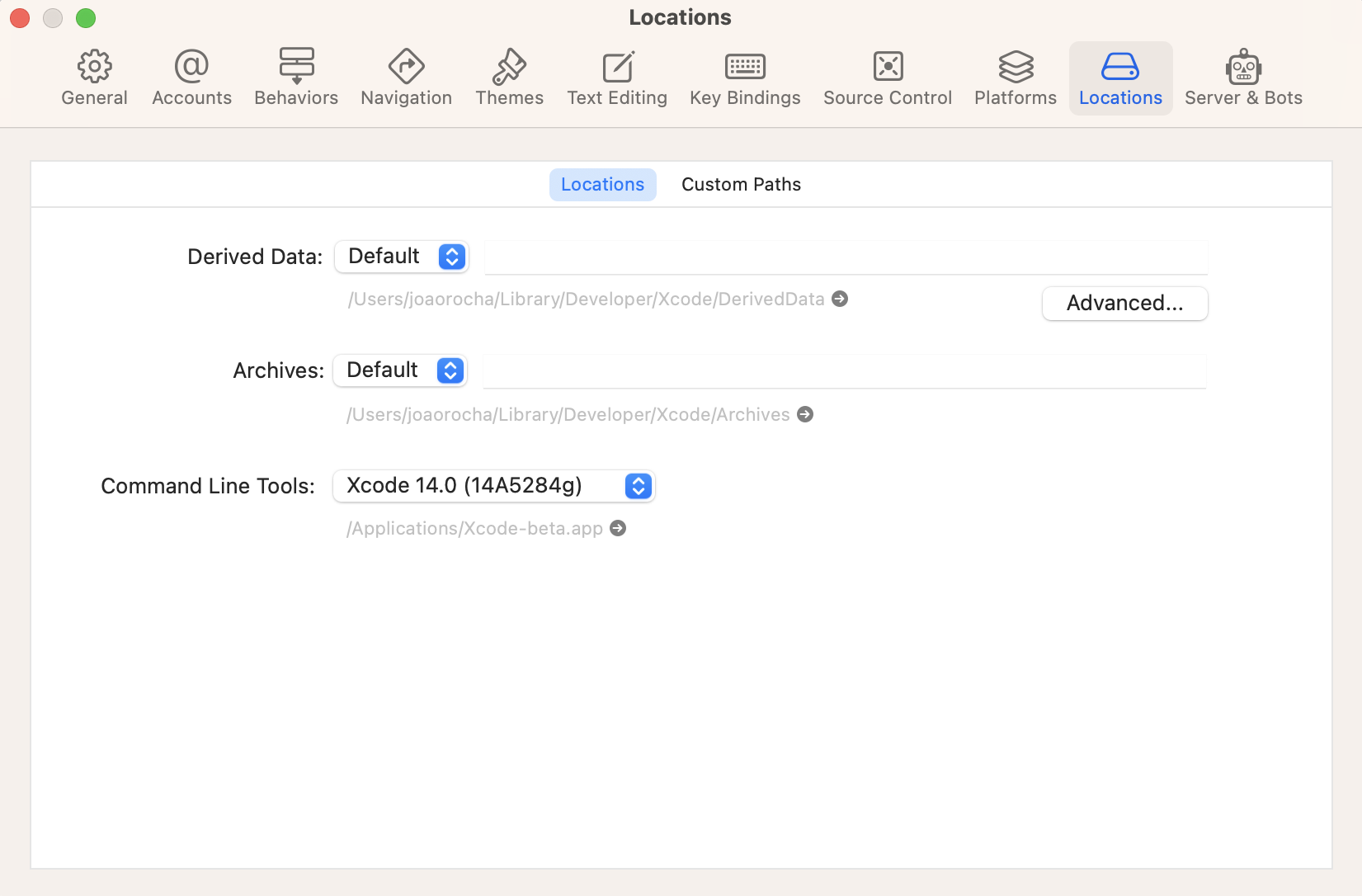
WEB Nov 11 2020 nbsp 0183 32 Go to https developer apple download more you ll need to sign up for an Apple developer account if you don t have one then download and install the latest Command Line Tools package that your OS supports

WEB Homebrew cannot find installed command line tools Asked 7 years 8 months ago Modified 2 years 3 months ago Viewed 25k times 17 I have installed command line tools through Xcode When I ran xcode select p its showed Applications Xcode app Contents Developer However when I ran brew config it

WEB Xcode Homebrew Documentation Supported Xcode versions Homebrew supports and recommends the latest Xcode and or Command Line Tools available for your platform

WEB Sep 27 2018 nbsp 0183 32 Install Command line tools as dependency for Homebrew xcode select install Sets the development directory path to Library Developer CommandLineTools Install Homebrew bin bash c quot curl fsSL https raw githubusercontent Homebrew install HEAD install sh quot Install Mas
WEB Aug 29 2023 nbsp 0183 32 Learn the essentials of Xcode Command Line Tools for macOS development Covering installation commands Homebrew debugging and automation Unveiling Xcode Command Line Tools Elevate macOS dev with essential utilities seamless workflows amp advanced techniques WEB Published Jan 17 2023 Learn how to install the required tools for command line development on macOS without having to download the entire Xcode IDE If you prefer to code Mac apps using the command line you need the
WEB Apr 11 2021 nbsp 0183 32 30641 0 Xcode is the development and debug environment that provides the required development files for Mac OS X and iOS applications By installing the Developer command line tools you ll get the macOS SDK headers and build tools such as the Apple LLVM compiler and Make