Mac Desktop Icon Size Default Mac Default Wallpapers Wallpaper Cave Desktop Mac Icon Desktop Icon Mac Png Desktop Png Free Transparent How To Change Windows Desktop Icon Size How To Make Icons Bigger Or Mac Default Wallpapers 64 Pictures How Do I Make Desktop Shortcuts On A Mac Cmmserl Web Sidebar icon size Choose small medium or large icons for the Finder sidebar and for the sidebar in apps such as Mail News and Photos The size of text in the sidebar also
Web Jul 14 2020 nbsp 0183 32 Organize Using Stacks Customize Your Desktop Icons If you re getting tired of looking at the same cluttered Mac desktop it might be time to tidy things up a bit The good news is that macOS provides Web Feb 27 2018 nbsp 0183 32 Open System Preferences and go to Displays On the Display tab you ll see two options at the top of the window for Resolution Default for display and Scaled
How Do I Make Desktop Shortcuts On A Mac Cmmserl Mac Default Wallpapers 64 Pictures Standard Desktop Icon Size 82593 Free Icons Library Mac Desktop Icon Png Desktop Icon Pixel Size 363912 Free Icons Library How To Adjust MacBook Desktop Icons Size How To Create Windows like App Icons On Your Mac Desktop Mac Desktop Icon Png Mac Icon 395907 Free Icons Library
Mac Desktop Icon Size Default
 Mac Desktop Icon Size Default
https://wallpapercave.com/wp/RUQ6s24.jpg
Web Sep 27 2019 nbsp 0183 32 From the menu that opens select Show view options A window will open with a slider for changing the icon size The current size will be given in pixels e g
Templates are pre-designed documents or files that can be utilized for various functions. They can save time and effort by providing a ready-made format and layout for producing different kinds of material. Templates can be utilized for individual or expert projects, such as resumes, invitations, leaflets, newsletters, reports, presentations, and more.
Mac Desktop Icon Size Default
How To Change Desktop Icon Size Medium large small And Computer
Mac Default Wallpapers 64 Pictures

Standard Desktop Icon Size 82593 Free Icons Library

Mac Desktop Icon Png

How To Adjust MacBook Desktop Icons Size
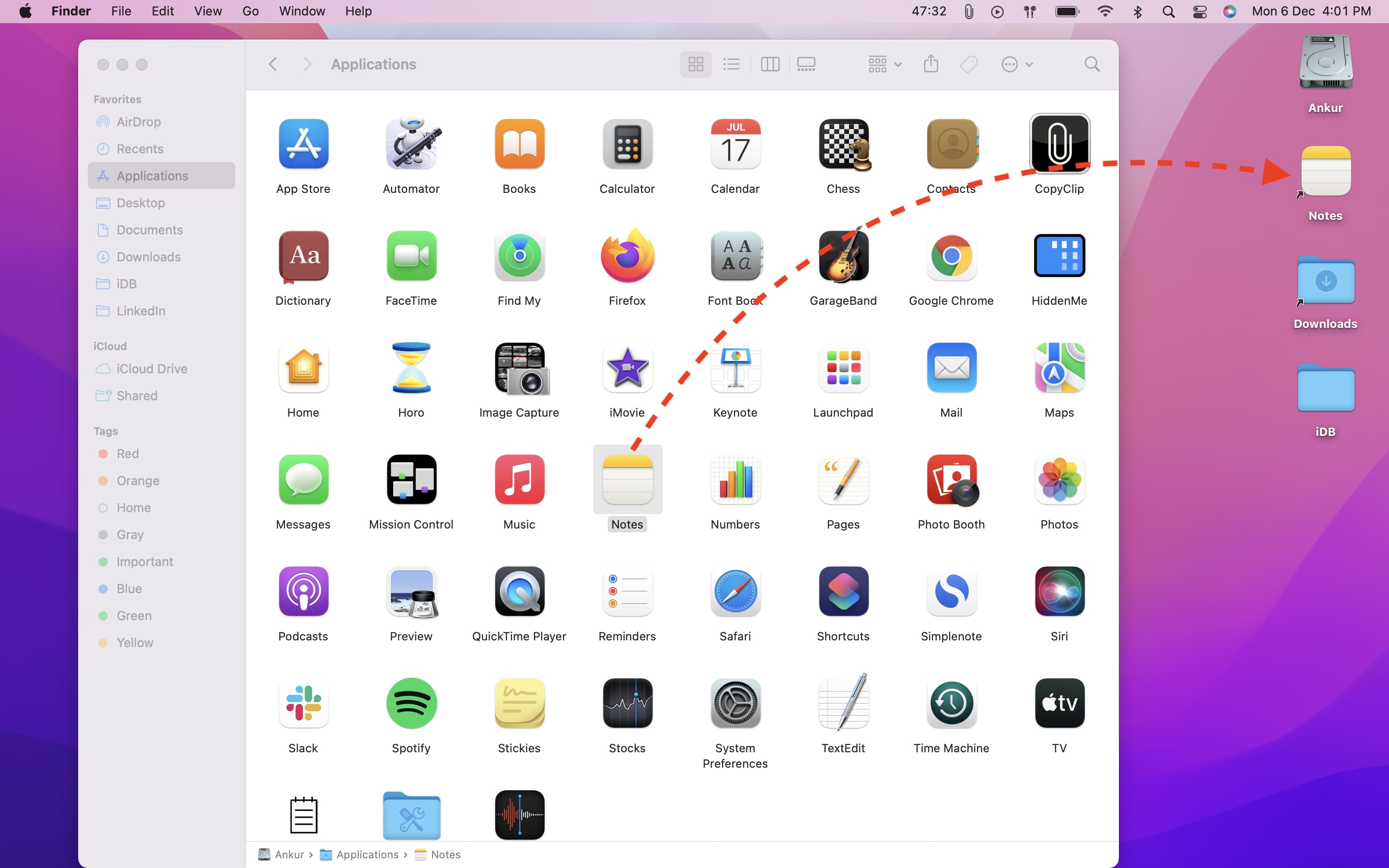
How To Create Windows like App Icons On Your Mac Desktop

Web Jul 5 2013 nbsp 0183 32 Standard View Settings gt ExtendedListViewSettingsV2 gt IconViewSettings gt gridSpacing it will read 54 as your grid spacing if
Web You can adjust the icon size for items in the Finder on the desktop or in sidebars In Finder windows Choose View gt Show View Options In Icon view and List view choose

Web Jun 30 2023 nbsp 0183 32 Desktop Icons in Mac By default Mac will show the desktop icons in 64 215 64 size with 54 215 54 grid spacing The default font size for the icon text label is 12px
Web On your Mac use Desktop amp Dock settings to change the appearance of the Dock and to choose settings for the desktop Stage Manager widgets windows and Mission Control

Web Mar 19 2022 nbsp 0183 32 Once you click on Show View Options you will see a window wherein you can use the bar next to quot Icon Size quot As you adjust the bar you can either increase or
Web In the menu shown below we see that the default icon size is 64 215 64 dots If we want to enlarge or reduce the size of the icons we just have to slide the bar to the left if we want Web May 17 2021 nbsp 0183 32 A short video detailing how to change your desktop icon size test size etc If you find this helpful please consider liking and subscribing and see thi
Web May 20 2010 nbsp 0183 32 Default icon size Does anyone know the default icon size for desktop items with a fresh install of 10 3 After getting my new MacBook Pro I noticed icons in