Mac Brew Nvm Not Found MAC BREW Leisure Mac M1 brew nvm Como Instalar NVM En MacOs chip Apple Con Brew YouTube How To Fix Homebrew Command Not Found On MacOS LinuxPip Install Python On Mac Brew Or Webside Gerasend Web Apr 30 2021 nbsp 0183 32 Edit the following configuration file in your home directory vim bash profile and add below lines to bash profile or zshrc for macOS Catalina or later export NVM DIR nvm source brew prefix nvm nvm sh Press ESC wq to save and close your file
Web Feb 28 2022 nbsp 0183 32 Install Homebrew on your macOS If you did not already have Homebrew installed on your macOS system then it s the first you need to do I m on a Macbook Pro M1 Pro hardware and for that Web Apr 23 2022 nbsp 0183 32 1 Answer Sorted by 4 Reinstall nvm again brew reinstall nvm create the zshrc file vi zshrc Paste code which I am write here NVM Akash Stuff export
Install Python On Mac Brew Or Webside Gerasend Mac M1 Brew Git Nvm Node HD 1080p YouTube Mac NVM brew nvm Mac brew git nvm nrm Nvm Found It R DrugArt MAC BREW Imus De Mac Brew Een Drijvend Meesterwerk Te Koop Honders Alting Anime Girl In A Blue Down Coat On Craiyon
Mac Brew Nvm Not Found
Mac Brew Nvm Not Found
https://api.maritimeoptima.com/vesselpictures/8731332
Web Aug 10 2023 nbsp 0183 32 Homebrew installation is not supported according to nvm docs https github nvm sh nvm installing and updating This article was a bit of a waste of time to be honest I ended up with command not found nvm This is because there was an empty nvm folder in my user location To fix this I installed nvm manually using
Templates are pre-designed documents or files that can be utilized for numerous functions. They can conserve time and effort by offering a ready-made format and design for producing various kinds of material. Templates can be utilized for personal or professional tasks, such as resumes, invites, flyers, newsletters, reports, discussions, and more.
Mac Brew Nvm Not Found

How To Fix Command Not Found Brew Error In Mac TechLatest

Mac M1 Brew Git Nvm Node HD 1080p YouTube
Mac NVM brew nvm

Mac brew git nvm nrm

MAC BREW Imus
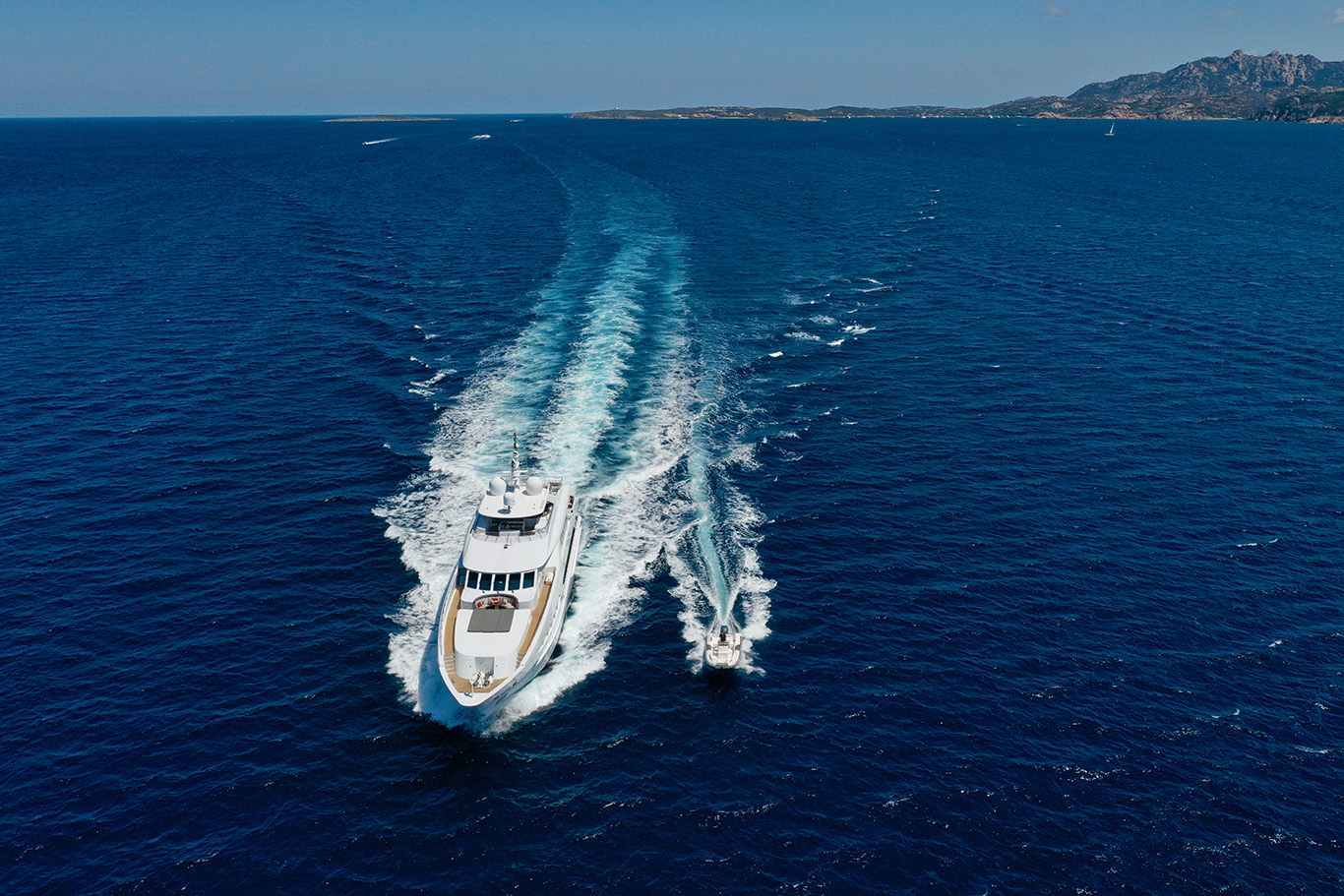
De Mac Brew Een Drijvend Meesterwerk Te Koop Honders Alting
Web I am new to working at the terminal and am trying to install node with nvm on MacOS Catalina I successfully installed nvm using brew install nvm but when I try to run nvm install 10 15 0 I get the error zsh command not found nvm
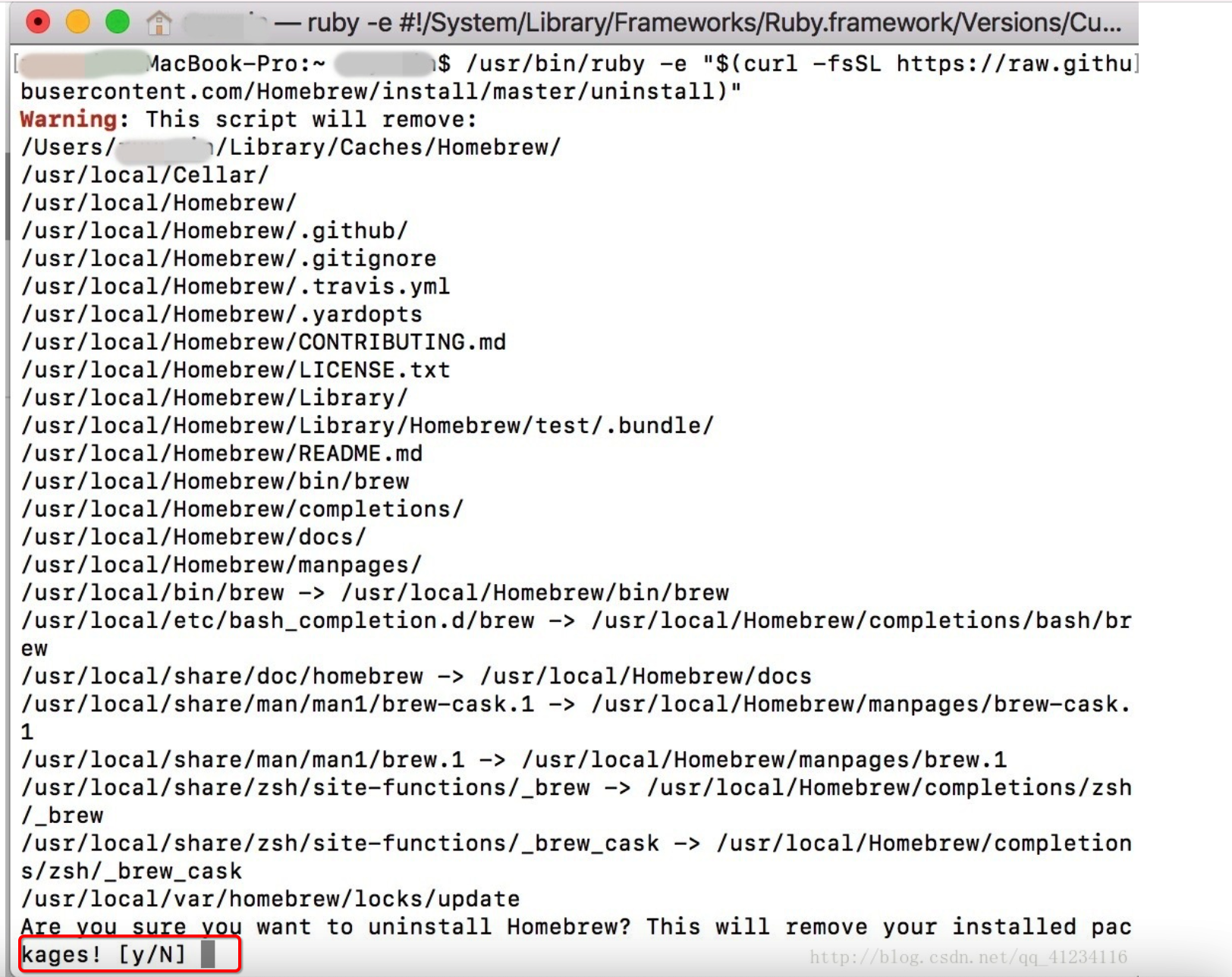
Web Dec 26 2014 nbsp 0183 32 Homebrew installation is not supported If you have issues with homebrew installed nvm please brew uninstall it and install it using the instructions below before filing an issue Note If you re using zsh you can easily install nvm as a zsh plugin Install zsh nvm and run nvm upgrade to upgrade

Web Jun 4 2013 nbsp 0183 32 zsh nvm command not found Here s how I fixed it Installing nvm using brew is not enough to get it to work You also need to do the following below Confirm that the source zshrc bash profile profile or bashrc file exists zsh zshrc bash bashrc ksh profile Else create it using

Web I faced the same problem of brew command not found while installing Homebrew on mac BigSur with M1 processor I Install XCode if it is not installed yet II Select terminal app in Finder III RMB click on Terminal and select quot Get Info quot IV Select Open using Rosetta checkbox V Close any open Terminal windows

Web Sep 5 2020 nbsp 0183 32 Steps I followed to make it work After installing it update the Homebrew package list and install NVM brew update brew install nvm Next create a directory for NVM mkdir nvm Now add these lines to bash profile or zshrc for macOS Catalina or
Web Dec 6 2022 nbsp 0183 32 Step 2 Install NVM on macOS Update the Homebrew package list and install NVM 1 brew update 2 brew install nvm Next create a directory for NVM at home 1 mkdir nvm Now configure the required environment variables Edit the following configuration file in your home directory 1 open a TextEdit bash profile Web Aug 3 2017 nbsp 0183 32 Viewed 11k times 1 I installed nvm on my Mac using Homebrew brew update brew install nvm mkdir nvm nano bash profile Added below to my bash profile export NVM DIR nvm source brew prefix nvm nvm sh Then in my shell source bash profile echo NVM DIR
Web Feb 24 2022 nbsp 0183 32 If you don t have Homebrew installed install it now After installing it update the Homebrew package list and install NVM brew update brew install nvm Next create a directory for NVM mkdir nvm Now add these lines to bash profile or zshrc for macOS Catalina or later export NVM DIR nvm source brew prefix nvm nvm sh