Mac Brew Install Visual Studio Code Install Visual Studio Code Mac Os Garrybook Brew Install Opencv Not Working Sunmokasin How To Install Python With Visual Studio Code As Ide Easy Step By On Brew Cask Install Visual Studio Code Heretup How To Install Visual Studio Code On Windows 10 Youtube Riset To install Visual Studio Code editor through terminal you just need to use brew install cask visual studio code command as shown below NOTE Please note that as a prerequisite you must have brew package manager installed in your System and you should have access to install packages through brew utility
Install Visual Studio Code using Homebrew YouTube Policy Safety How YouTube works Test new features NFL Sunday Ticket 2023 Google LLC Visual Studio Code or vscode is one of Three ways to install Visual Studio Code for Mac Universal in a MacBook Pro Apple Silicon M1Pro Manual Homebrew and Ansible using community general homebrew Ansible module Using Ansible you can quickly deploy an Ansible Playbook to install the visual studio code package via Homebrew Pro fast install and upgrade unlock parallel
How To Install Visual Studio Code On Windows 10 Youtube Riset Vscode 183 Vscode Riset Install Python On Mac Brew Or Webside Gerasend Install Visual Studio Code Ubuntu Arm64 Fervis cloc Brew Install Visual Studio Code Kselabel Brew Install Visual Studio Code Kselabel How To Install Visual Studio Code On Ubuntu 20 04 LinTut How To Install Visual Studio Code On Mac YouTube
Mac Brew Install Visual Studio Code
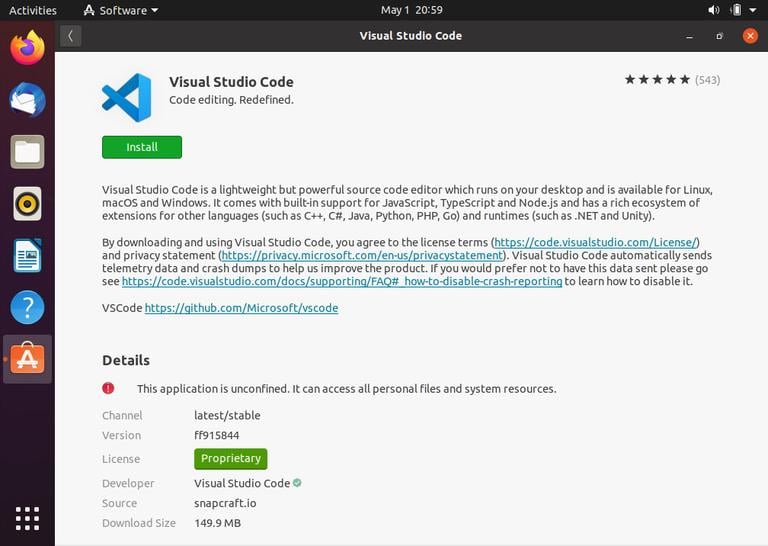 Mac Brew Install Visual Studio Code
https://linuxize.com/post/how-to-install-visual-studio-code-on-ubuntu-20-04/virtual-studio-code-snap_huea3bbc4b9cf962251c1c654acfbb9a00_132443_768x0_resize_q75_lanczos.jpg
brew cask uninstall visual studio code Brew Tap Homebrew by default contains two lists of formulae homebrew core and homebrew cask The homebrew core includes a list of command line packages that you can install All the GUI applications are included in homebrew cask Homebrew also lets you install 3rd party software
Pre-crafted templates provide a time-saving option for producing a varied range of files and files. These pre-designed formats and layouts can be made use of for different individual and expert jobs, including resumes, invites, flyers, newsletters, reports, presentations, and more, simplifying the content production process.
Mac Brew Install Visual Studio Code

Mac Brew Install Docker Vividpor
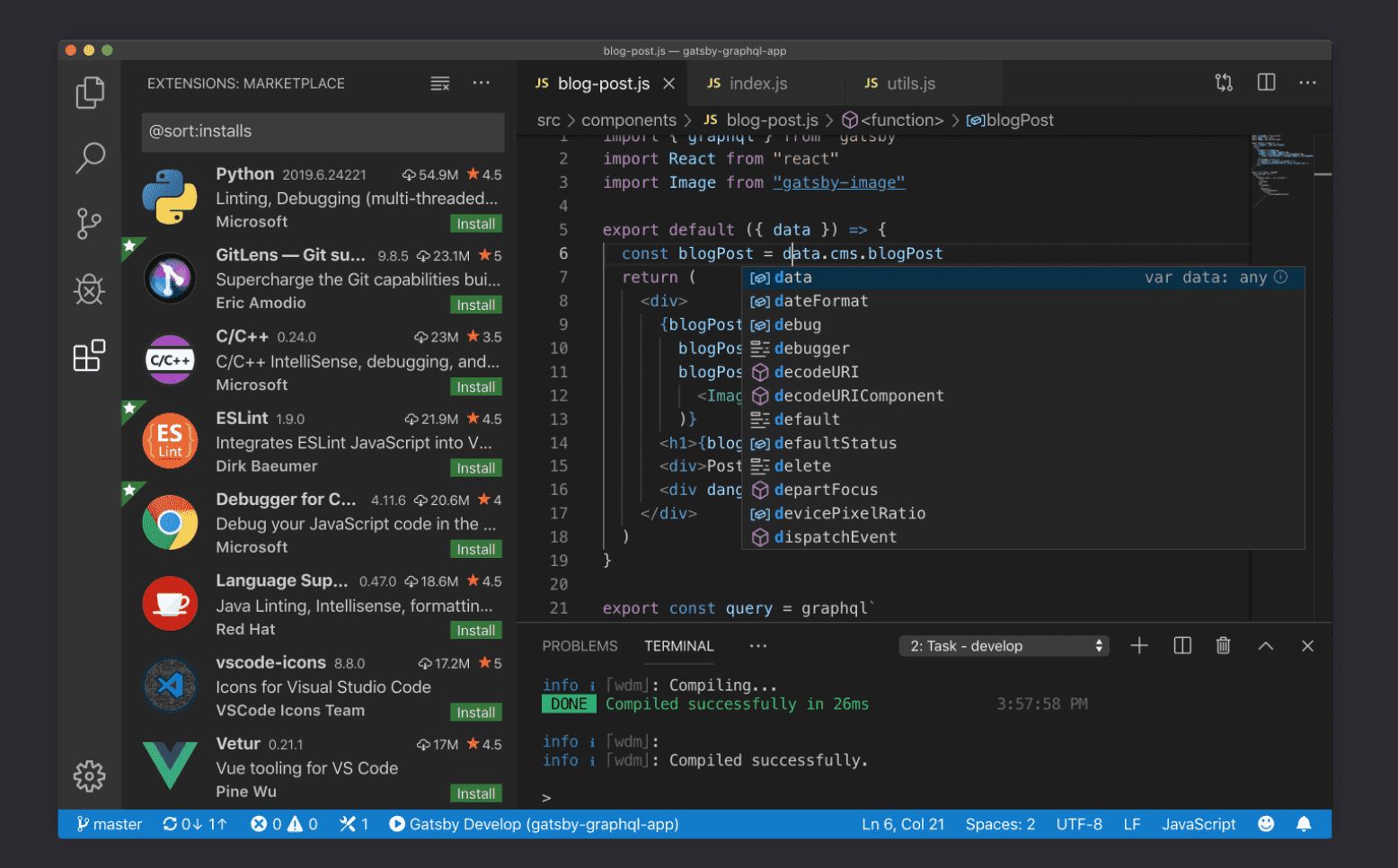
Vscode 183 Vscode Riset

Install Python On Mac Brew Or Webside Gerasend

Install Visual Studio Code Ubuntu Arm64 Fervis

Brew Install Visual Studio Code Kselabel

Brew Install Visual Studio Code Kselabel
Homebrew s package index
Install Visual Studio VS Code on Mac using Brew Last Updated 2022 10 26 17 35 13 GMT User c2cDev Topic MacOS Homebrew popularly known as the brew is the most popular package manager for macOS

Step 2 Install Visual Studio Code on macOS First fetch the latest version of homebrew and formula Then tap the Caskroom Cask repository from Github After that search for the visual studio code package ADVERTISEMENT brew update brew tap caskroom cask brew cask search visual studio code

Visual Studio Code is free and available on your favorite platform Linux macOS and Windows Download Visual Studio Code to experience a redefined code editor optimized for building and debugging modern web and cloud applications
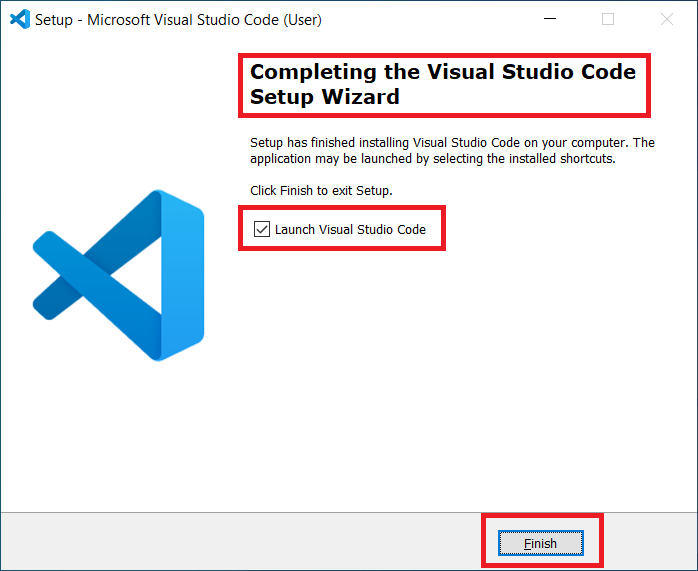
6 1 Visual Studio Code Run brew install cask visual studio code instead of going to the official website to flex your having homebrew Based on my previous article it s a no brainer including this here If you want to read why VSCode is such a viable capable text editor read it here A guide to installing a Mac OS virtual machine on
Execute the following command in the Terminal to download and install these components xcode select install You ll be prompted to start the installation and then prompted again to accept a software license Then the tools will download and install automatically You can now install Homebrew Homebrew will use parts of Xcode depends on some of Xcode But you do not need to use Xcode as an IDE Xcode also includes compiler Command line Tools run from the Mac terminal and it is those Xcode tools Homebrew depends on The full Xcode is huge
Step 1 If you don t have Homebrew installed run bin bash c curl fsSL https raw githubusercontent Homebrew install HEAD install sh Step 2 As a second step update Homebrew packages brew update Step 3 To install VSCode run brew install cask visual studio code Step 4 Verify the installation and the VSCode version with