Logos By Nick Affinity Designer Nick Jr Logo Hippos By WontonRhino Fur Affinity dot Net Affinity designer join curves Logos By Nick The Affinity Designer Master Class Logos By Nick Academy Affinity designer 2 Logos By Nick Outline Text With Affinity Designer Using The New Contour Tool Logos Web Enroll in Course for 17 off original price The Affinity Designer Master Class is a comprehensive collection of 70 lessons where I go over every tool and feature in Affinity Designer and explain what it is and demonstrate how it works Personalized Support
Web Jul 18 2023 nbsp 0183 32 A Simple Trick For Applying Vector Textures In Affinity Designer Free Texture Pack July 18 2023 Nick Saporito no comments In past tutorials we ve gone over how to apply pixel based texture overlays in Affinity Designer using black amp white images and layer masks However in this tutorial we ll be going over how to use vector textures Web Affinity Designer Tutorial Banner with Text In this tutorial I ll be demonstrating how you can create a simple flat style banner with text flowing along it using Affinity Designer
Outline Text With Affinity Designer Using The New Contour Tool Logos Why Merging Layers In Affinity Designer Is So Complicated Logos By Some Random Graphics I Made For Nick Automatic Circa 2011 Graphic Logos By Nick Creator Channels Logo Logos By Nick Affinity Designer Font Glyphs Stylistic Alternatives Hugesenturin Final logo example Logos By Nick Inkscape Beginner Tutorial Reflective Text Effect Logos By Nick Adjusting the crop Logos By Nick
Logos By Nick Affinity Designer
 Logos By Nick Affinity Designer
https://d.furaffinity.net/art/wontonrhino/1663474983/1635478290.wontonrhino_nick_hippo_post.png
Web Learn how to start earning money with your design skills by using freelancing sites like Upwork amp Freelancer All major tools features and functions explained in video format The complete step by step guide for building logos from start to finish Explainer videos for every tool and feature in Affinity Designer
Pre-crafted templates use a time-saving solution for producing a varied variety of documents and files. These pre-designed formats and layouts can be utilized for numerous personal and professional tasks, including resumes, invites, flyers, newsletters, reports, discussions, and more, improving the material development procedure.
Logos By Nick Affinity Designer
Custom brush stroke Logos By Nick

Why Merging Layers In Affinity Designer Is So Complicated Logos By

Some Random Graphics I Made For Nick Automatic Circa 2011 Graphic

Logos By Nick Creator Channels
Affinity Designer Font Glyphs Stylistic Alternatives Hugesenturin

Final logo example Logos By Nick

Web Sep 25 2020 nbsp 0183 32 Nick Saporito 9 comments In this Affinity Designer logo tutorial I ll be demonstrating how you can create a simple badge style logo design The logo depicts the name on a banner placed over the silhouette of a deer s head but you can replace this with any other element you d like in order to personalize it
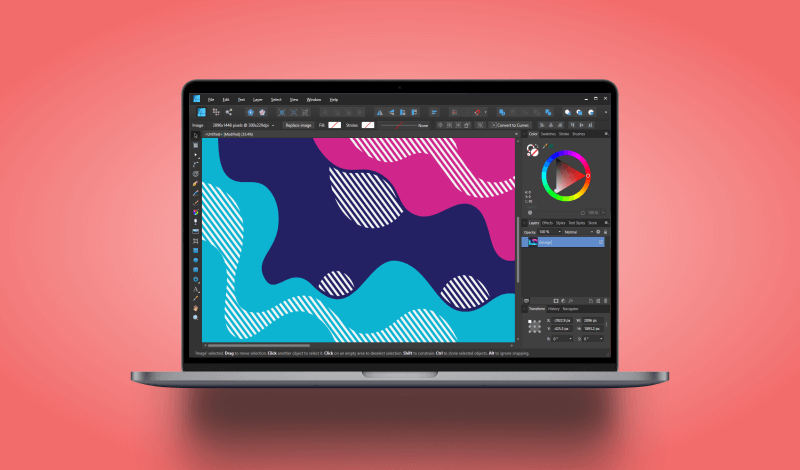
Web Jul 25 2023 nbsp 0183 32 A Simple Trick For Applying Vector Textures In Affinity Designer Free Texture Pack July 18 2023 In past tutorials we ve gone over how to apply pixel based texture overlays in Affinity Designer using black amp white images and layer masks
Web Tutorials quizzes and practice exercises for learning every tool amp feature in Affinity Designer
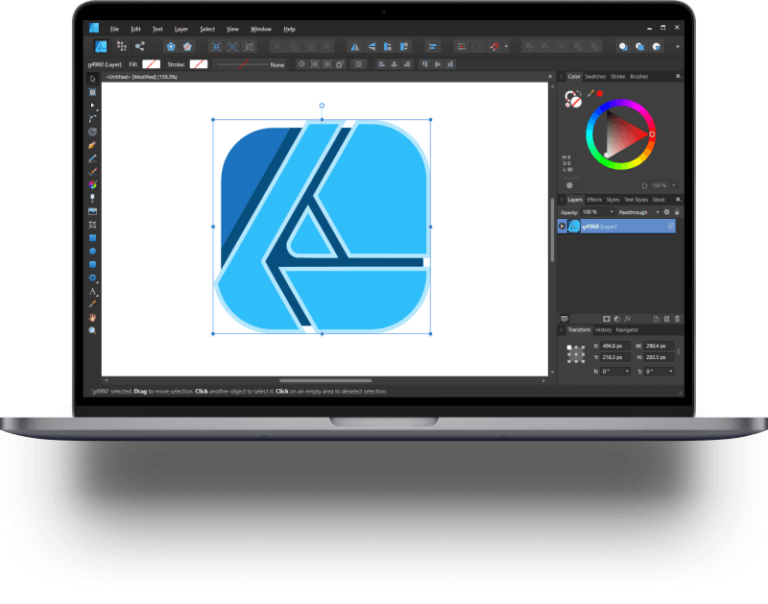
Web Jul 21 2021 nbsp 0183 32 In past tutorials we ve gone over various ways that Affinity Designer can be used Whether it be to create logos delete backgrounds or crop images there s no shortage of ways in which Affinity Designer can assist you in your design needs One such example would be for designing t shirts

Web How About The Whole Bundle Before we get started would you like to get lifetime access to all 6 courses plus 125 premium logo template s at a discounted bundle rate Get The Whole Bundle for Just 119 39 USD Yes I ll Take The Bundle for 39 No Thanks Just The Affinity Course
Web I m Nick Saporito graphic designer educator and the creator of Logos By Nick All of my lessons are reinforced by 10 years of experience working with thousands of clients as a freelance Web Introduction To The Studio 2 06 Basic Functions 8 37 Xray Outline View 2 28 Aligning Objects 4 46 Snapping Objects 4 30 Boolean Operations 3 55 Working with Grids 5 01 Working with Guides 6 16 Assets 2 51 Module Quiz Optional Studio Features Adding Color Fill amp Stroke 5 07 Creating Swatches 3 45
Web The Logos By Nick Academy is a collection of premium video courses by graphic designer Nick Saporito Learn how to master your favorite design applications and get access to our private community where you can ask questions and