List Mapped Drives Cmd How To Map Network Drive Remotely On Windows Systems How Can I See All Drives In CMD StackHowTo How To Make Elevated Programs Recognize Network Drives How To Map Network Drives From The Command Prompt In Windows YouTube Network Mapped Drives Not Available On WIndows 10 TP Microsoft Community Web Dec 7 2023 nbsp 0183 32 Type the following command to map a drive assigning drive letter manually and press Enter net use Z DEVICE NAME OR IP SHARED FOLDER In the command replace Z with the drive letter not already in use you want to use
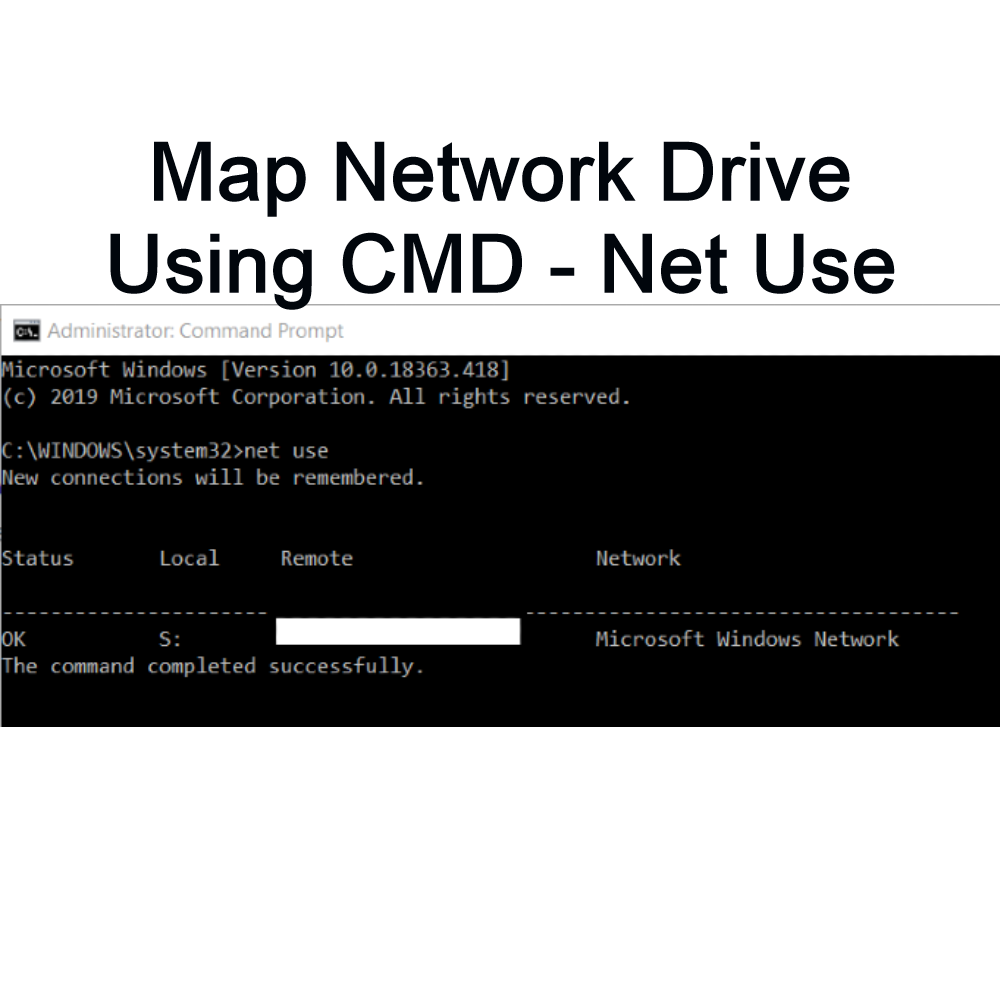
Web Mar 12 2021 nbsp 0183 32 I am trying to see if there is a way to view the mapped drives via CMD PS I have tried net use it is only showing the drives that are mapped manually net use f I know what the mappings are if I look at the logon bat file but Im looking to view it without having to look find the file Web Jan 31 2014 nbsp 0183 32 7 Answers Sorted by 350 In Windows if you have mapped network drives and you don t know the UNC path for them you can start a command prompt Start Run cmd exe and use the net use command to list your mapped drives and their UNC paths C gt net use New connections will be remembered
Network Mapped Drives Not Available On WIndows 10 TP Microsoft Community List Mounted Drives In Linux How To Map Network Drive World Map 07 Map Network Drive Cmd batch File Net Use User Password Data Recovery From Solid State Drive SSD And Hard Disk Drive HDD TOWM Mapped With Preferences TMS Americas The Best Hard Drives For 2023 Top HDDs For Your Data TechRadar How To Create Mapped Drives Imaginative Computing Unit 4 Mapped
List Mapped Drives Cmd
 List Mapped Drives Cmd
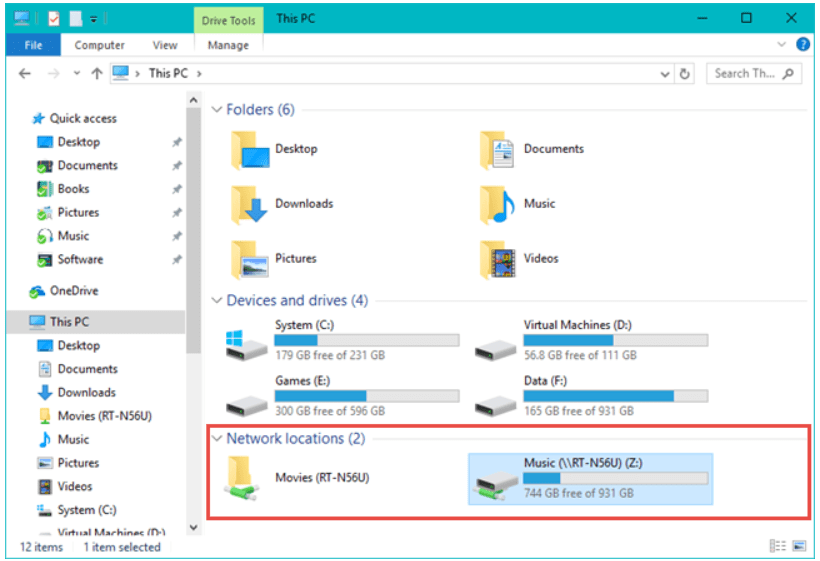
https://www.action1.com/wp-content/uploads/2021/05/All-mapped-drives-will-be-displayed-in-Windows-10-Explorer.png
Web Jun 24 2010 nbsp 0183 32 We can run the below command from windows command prompt to get the list of local drives wmic logicaldisk get description name findstr C quot Local quot We can find the list of drives using fsutil command also but this one shows mapped drives also fsutil fsinfo drives Example D gt fsutil fsinfo drives Drives C D Z D gt
Pre-crafted templates use a time-saving solution for creating a varied series of documents and files. These pre-designed formats and designs can be made use of for various personal and expert tasks, consisting of resumes, invites, leaflets, newsletters, reports, discussions, and more, simplifying the content development process.
List Mapped Drives Cmd
How To Connect To Network Drives From The Command Line Using The
List Mounted Drives In Linux
How To Map Network Drive World Map 07
Map Network Drive Cmd batch File Net Use User Password

TOWM Mapped With Preferences TMS Americas
The Best Hard Drives For 2023 Top HDDs For Your Data TechRadar
Web Jan 8 2014 nbsp 0183 32 The drive mapping info is stored in the Registry look in HKEY USERS USER Network So I did a reg query HKEY USERS to list the users which were some windows codes then I queried all of them individually for example reg query HKEY USERS S 1 5 21 4205028929 649740040 1951280400 500 Network s
Web to get a list of computers If you have a computer s name try net view computer to get a list of shares Once you know what share you re after you want to go with net use Map a drive with net use x computer share replace X with the drive letter you want to assign
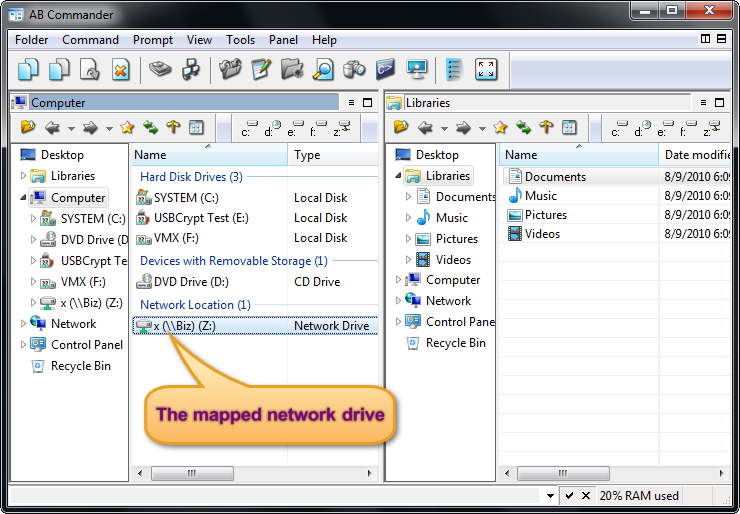
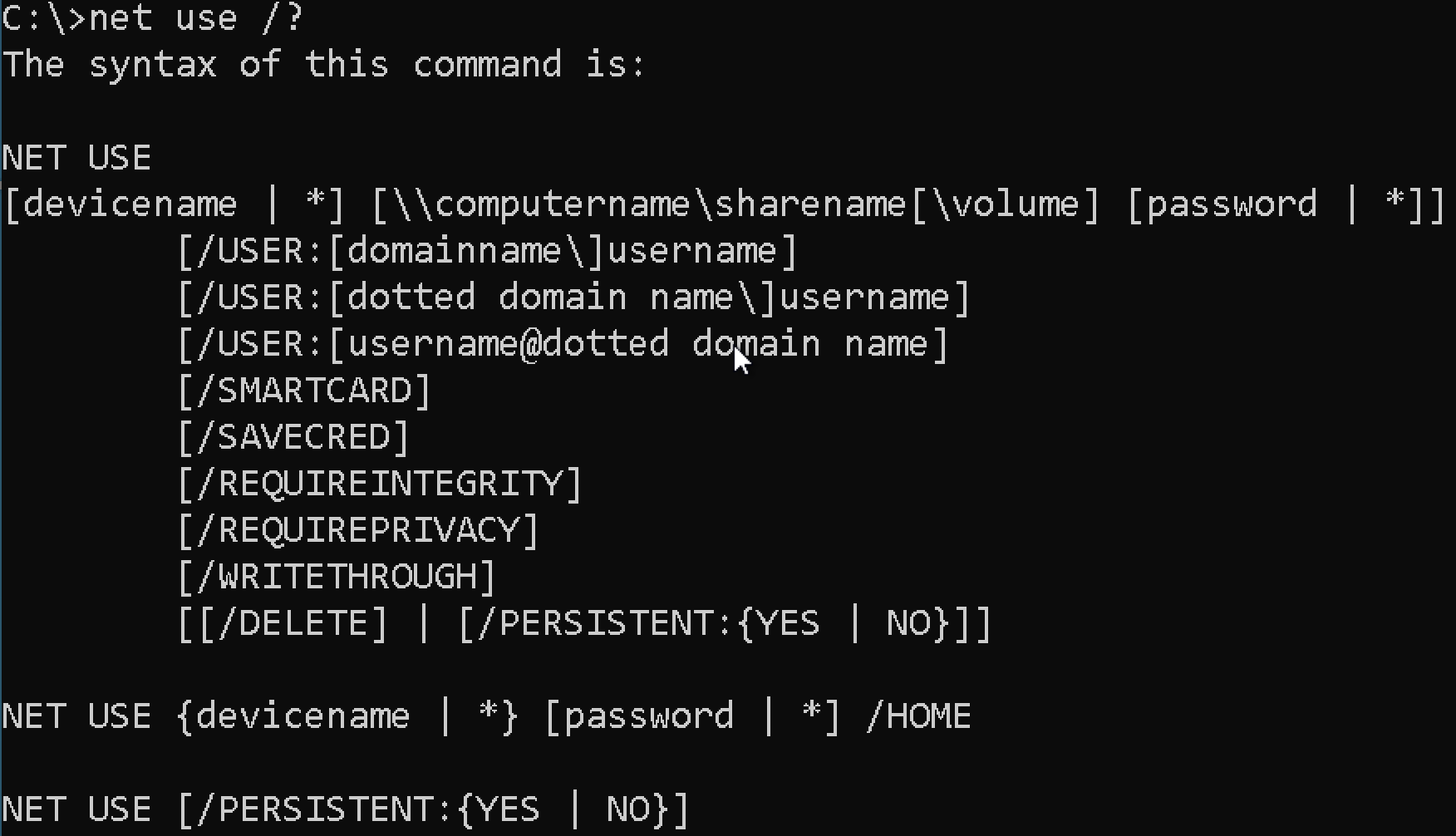
Web Aug 11 2017 nbsp 0183 32 To map a network drive type the following command and then hit Enter net use DRIVE PATH DRIVE is the drive letter you want to use and PATH is the full UNC path to the share So for example if we wanted to map drive letter S to the share tower movies we d use the following command net use s tower movies
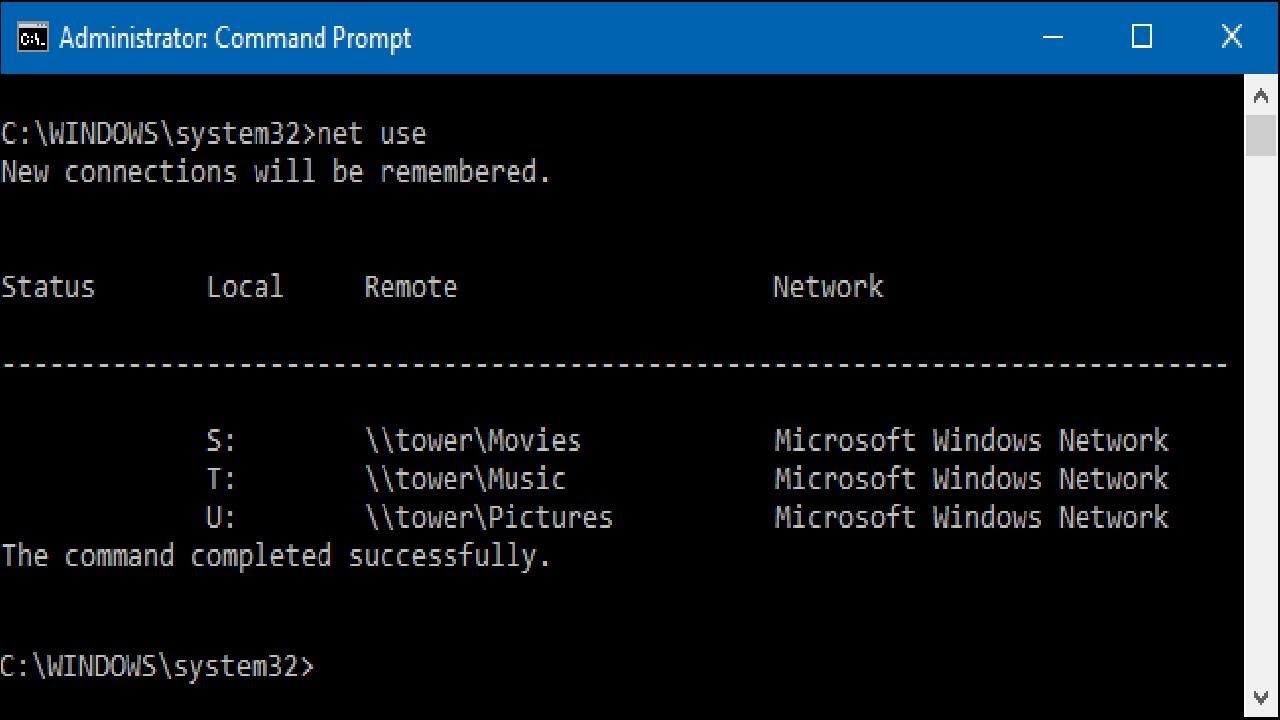
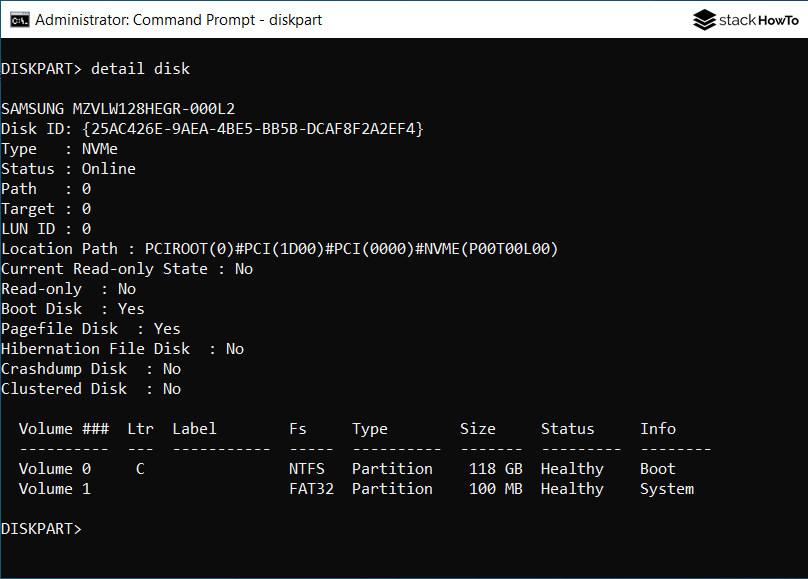
Web Jul 27 2023 nbsp 0183 32 Step 1 Press Win R keys to open the Run dialog box and then type cmd in it and press Ctrl Shift Enter keys together to open the elevated Command Prompt window Step 2 To let CMD list drives type one of the following commands and hit Enter wmic logicaldisk get name wmic logicaldisk get caption Step 3

Web Sep 6 2023 nbsp 0183 32 Open a command prompt and type the following command Press Enter and you will see the list of Drives You can also use the following parameter Using the following will display Device ID and
[desc-11] [desc-12]
[desc-13]