List Files In Dir Cmd Windows CMD List Files How To List Files In Command Prompt Windows 10 11 Windows 7 How To Command Prompt List Directory Contents And List Based C mo Usar El Comando DIR En Windows Espanol News DIR Command List Files In Windows Command Prompt Windows 10 Web Nov 6 2021 nbsp 0183 32 To list or view the files of a directory or folder on your computer follow the steps below for your operating system Windows MS DOS and Windows command line users Windows PowerShell Linux and Unix Apple macOS Show the files in
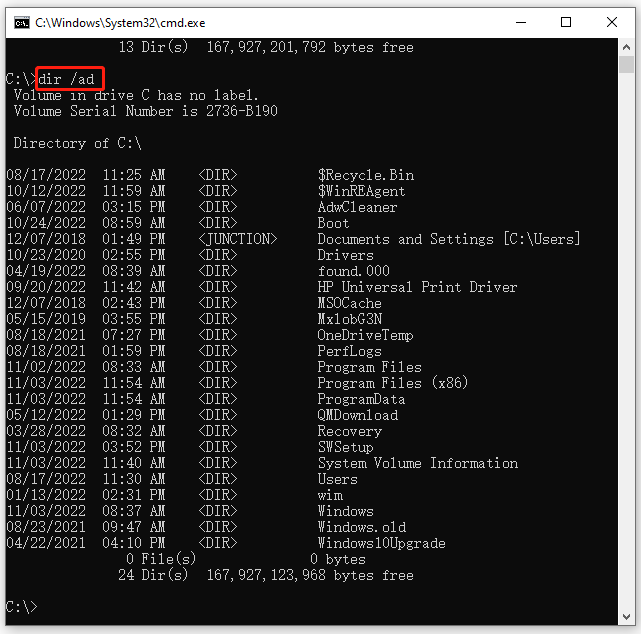
Web Feb 3 2023 nbsp 0183 32 dir read lists all files in the current directory that begin with read with any extension The asterisk wildcard always uses short file name mapping so you might get unexpected results For example the following directory contains two files t txt2 and t97 txt Copy C test gt dir x Volume in drive C has no label Web May 26 2023 nbsp 0183 32 Key Points Use the DIR command to list files and folders in the current directory or DIR S to list files and folders recursively in subdirectories as well To search for specific file types use the asterisk followed by the file extension type in this syntax DIR jpg Use attribute switches to filter the type of files and folders to list
Windows 10 How To Delete Folder Using Cmd In Windows YouTube Windows Command Line Tutorial 2 Listing Files And Directories YouTube Windows Command To Create A File The DIR Command Is A Powerful Windows Command Prompt Function That Cmd Compare Folders Hacsouth Dir Command Examples Options Switches More How To Use The DIR Command In Windows Special Characters In Dir Command Cmd Not Working Stack Overflow
List Files In Dir Cmd Windows
 List Files In Dir Cmd Windows
https://www.partitionwizard.com/images/uploads/articles/2022/11/command-prompt-list-files/command-prompt-list-files-3.png
Web DIR Display a list of files and subfolders Syntax DIR pathname s display format file attributes sorted time options Key pathname The drive folder and or files to display this can include wildcards Match any characters Match any ONE character display format P Pause after each screen of data W Wide List format sorted
Pre-crafted templates use a time-saving solution for developing a varied range of files and files. These pre-designed formats and layouts can be used for various personal and professional projects, consisting of resumes, invitations, leaflets, newsletters, reports, discussions, and more, improving the material creation procedure.
List Files In Dir Cmd Windows

MS DOS DIR S Command How To List Files In Current Directory And All
How To Delete Folder Using Cmd In Windows YouTube
Windows Command Line Tutorial 2 Listing Files And Directories YouTube

Windows Command To Create A File
Cmd Compare Folders Hacsouth

Dir Command Examples Options Switches More
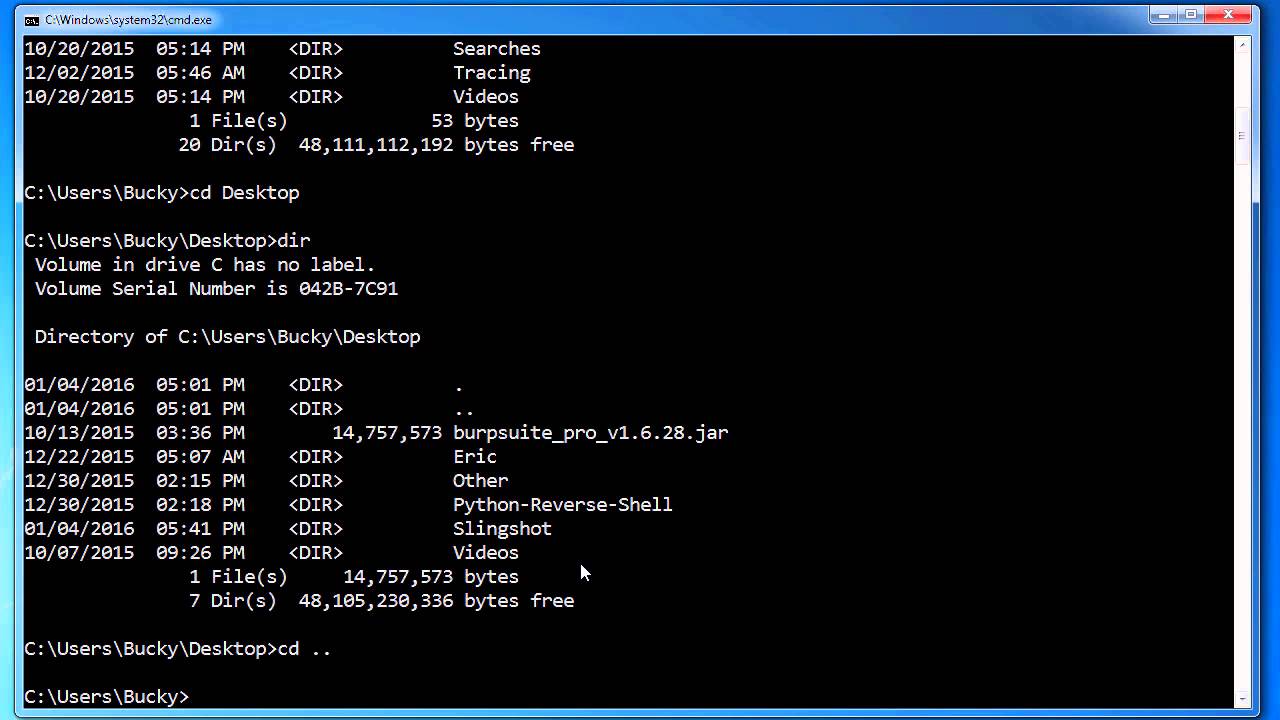
Web Oct 24 2022 nbsp 0183 32 Run dir in Command Prompt to list all of the files and folders in the current directory Dir alsos take special arguments to sort and select what kinds of files and folders are displayed For example dir h will display hidden files
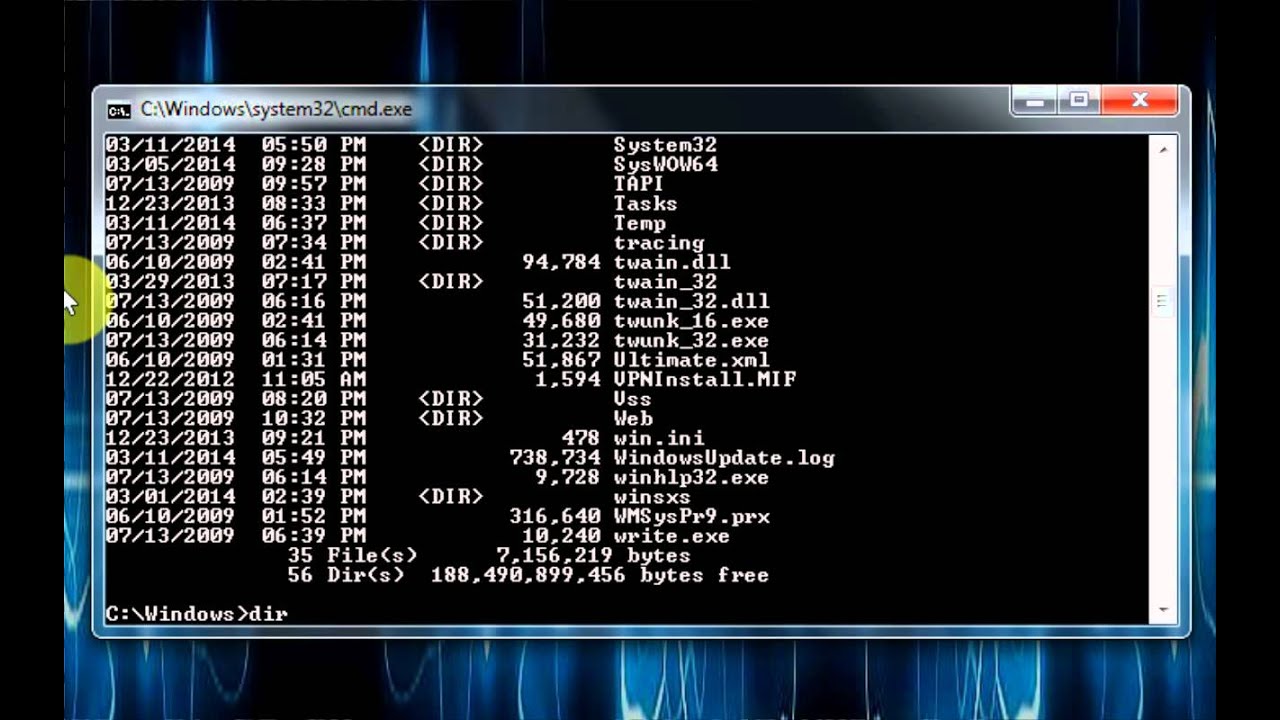
Web Sep 6 2023 nbsp 0183 32 The DIR command is available in CMD for almost all Windows systems including Windows 11 10 8 7 Vista XP Here are the most commonly used command lines about the CMD list directory files D List all directories in the current path R Show read only files H Show hidden files A Archive files S List system files I Not content

Web 9 Answers Sorted by 335 The full command is dir b a d Let me break it up Basically the b is what you look for a d will exclude the directory names For more information see dir for other arguments that you can use with the dir command Share Improve this answer Follow edited Mar 7 2020 at 17 06 Raktim Biswas
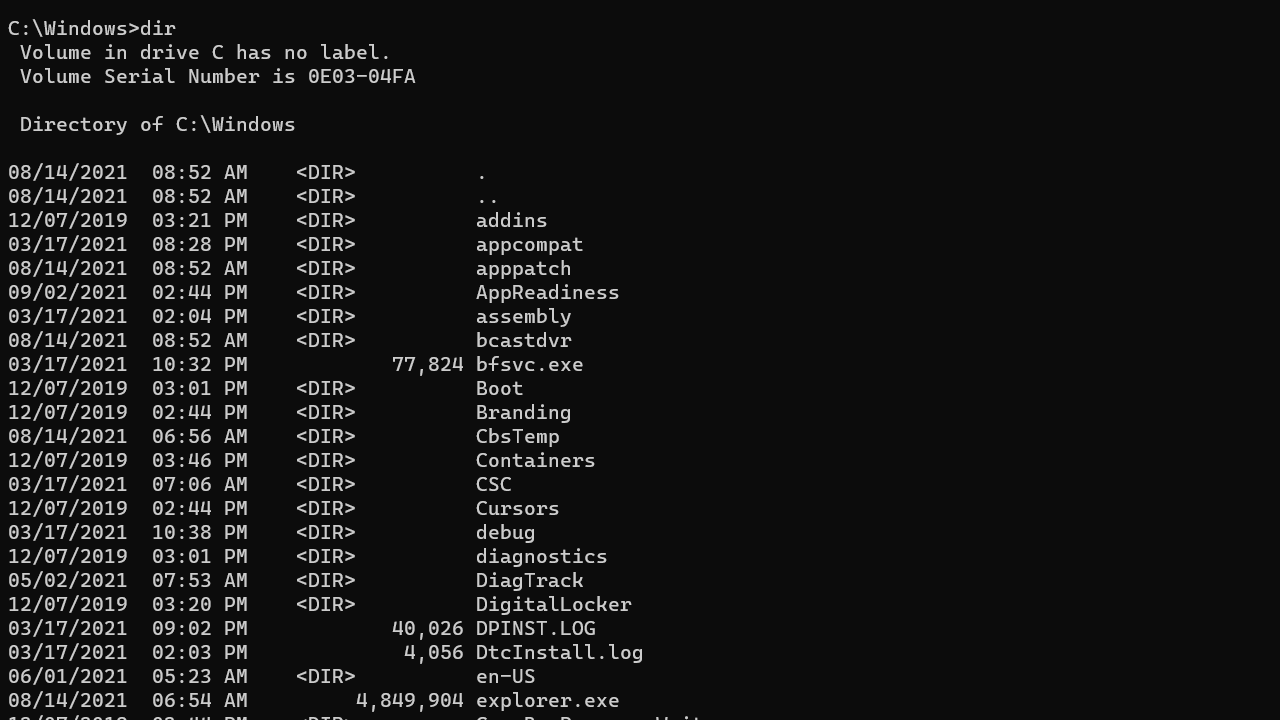
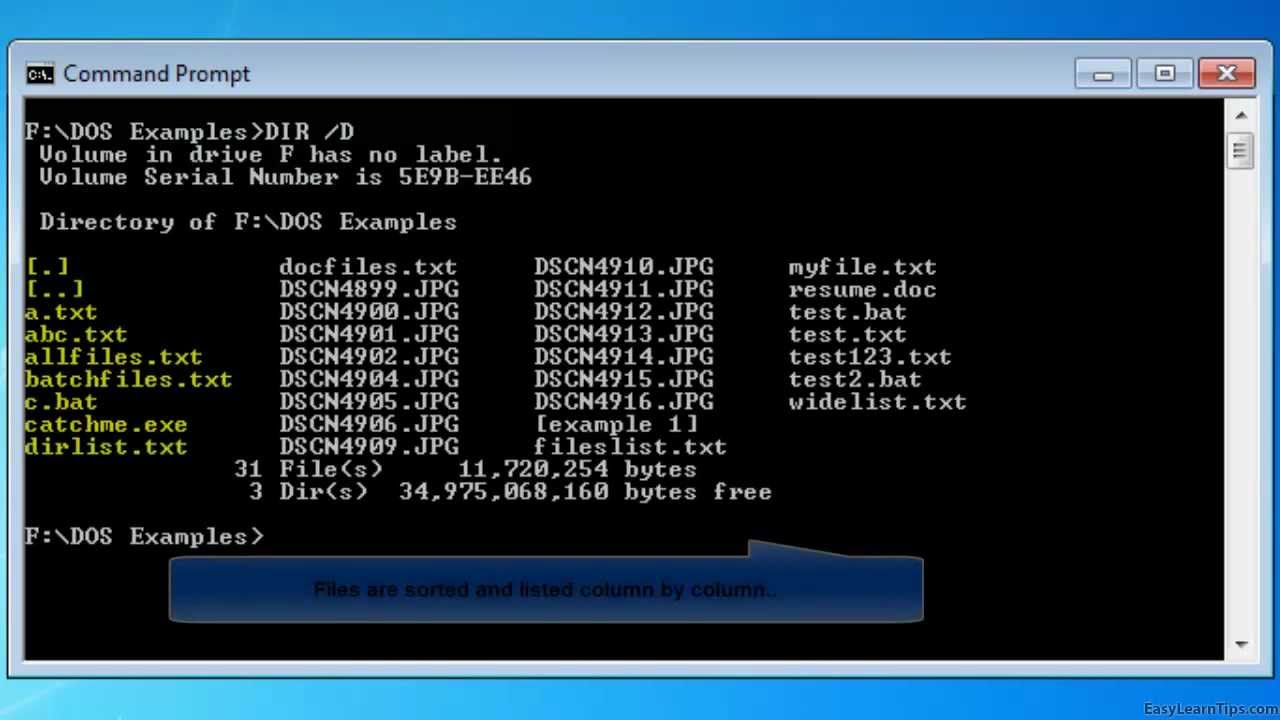
Web Jan 28 2021 nbsp 0183 32 Use d to limit the items displayed to just folders contained within brackets and file names with their extensions Items are listed top to bottom and then across columns Standard dir command header and footer data remain the same l Use this option to show all folder and file names in lowercase n
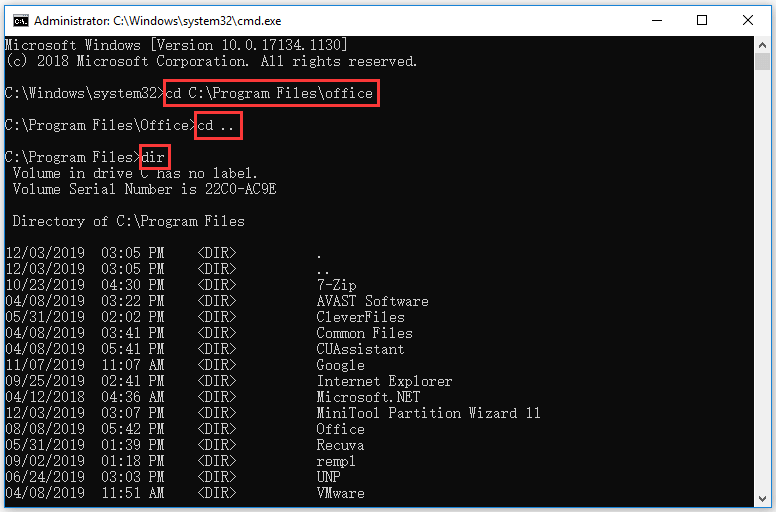
Web Aug 29 2019 nbsp 0183 32 Windows 10 Command Prompt List all files and folders inside a directory without displaying file extensions Ask Question Asked 4 years 2 months ago Modified 4 years 2 months ago Viewed 2k times 0 I ve been using dir b to display all files and folders in a directory but it includes the file extension for every file in a directory
Web How to list files in windows using command prompt cmd I ve tried using ls as in Linux but it shows an error closed Ask Question Asked 6 years 8 months ago Modified 2 years 5 months ago Viewed 968k times 245 Closed This question does not meet Stack Overflow guidelines It is not currently accepting answers Web The dir command is used to list files and folders in the Windows command prompt CMD dir The dir command without a path will display a list of files and folders in the current working directory You can provide a path to see the listing for a different directory dir C Windows By default the dir command does not show hidden files and folders
Web May 11 2017 nbsp 0183 32 6 Answers Sorted by 13 PowerShell gci rec file quot Fullname Length quot gt filelist txt earlier PowerShell versions gci rec PSIsContainer quot Fullname Length quot gt filelist txt Batch file For F quot Delims quot A in dir B S A D Do Echo fA zA gt filelist txt Cmdline