Linux Vm Internet Not Working How To Copy Files Between Linux VM And Windows Host Systran Box Connect To Azure Linux Vm From Windows Dotnet Artisan How To Connect To An Azure Linux Vm Using Rdp Systran Box Www vrogue co Internet Service Not Working In Lahore November 2023 Story pk Een Windows VM Uitvoeren Op Azure Azure Reference Architectures 4 I am trying to figure out why my guest cannot connect to the internet while attached to the NAT network I have provided some screenshots of the settings below I am only having this issue on lubuntu Both my friend and I can get this working on 2 different Linux systems with all the default settings and no tinkering
As a workaround I ve configured a second network card for each VM The first one using NAT to access the Internet the second using NAT Network to access the other guest s I had to set up the SSH port forwarding on the first NAT card and configure a different SSH port on one VM i e 2222 22 on VM1 2223 23 on VM2 There are many reasons may cause VMware internet connection not working for example Firewall blocks Internet access The virtual machine does not have an IP address Bridge host only or NAT network connection failed The Ethernet controller driver is not installed
Een Windows VM Uitvoeren Op Azure Azure Reference Architectures How To Transfer Files To Your Azure VM With No Public Open RDP Port Create A Free Linux VM On Your Computer Built In No Internet On Connected Wifi How To Fix It Techilife Why Is My Internet Not Working How To Change Your IP Address In Kali Linux Systran Box VirtualBox How To Install Ubuntu As Virtual Machine On Windows 10 How To Set Up A Windows Virtual Machine In Linux MakeUseOf Kali Linux A Debian Derived Linux Distribution For Digital Forensics
Linux Vm Internet Not Working
 Linux Vm Internet Not Working
https://syscdn.systranbox.com/1661680352328.png
If it was working fine until recently but suddenly your VM seems to have lost network connectivity while the host seems to have normal internet connection then maybe just try the following steps Step 1 Right click on the network icon for the VM Which most of the time will be on the bottom right corner in windowed mode Step 2 Toggle off the button named Connect Network Adapter and
Templates are pre-designed files or files that can be utilized for numerous functions. They can conserve time and effort by supplying a ready-made format and layout for creating various kinds of material. Templates can be used for personal or expert jobs, such as resumes, invites, leaflets, newsletters, reports, presentations, and more.
Linux Vm Internet Not Working

How To Install Apt In Linux Systran Box

How To Transfer Files To Your Azure VM With No Public Open RDP Port

Create A Free Linux VM On Your Computer Built In

No Internet On Connected Wifi How To Fix It Techilife

How To Change Your IP Address In Kali Linux Systran Box
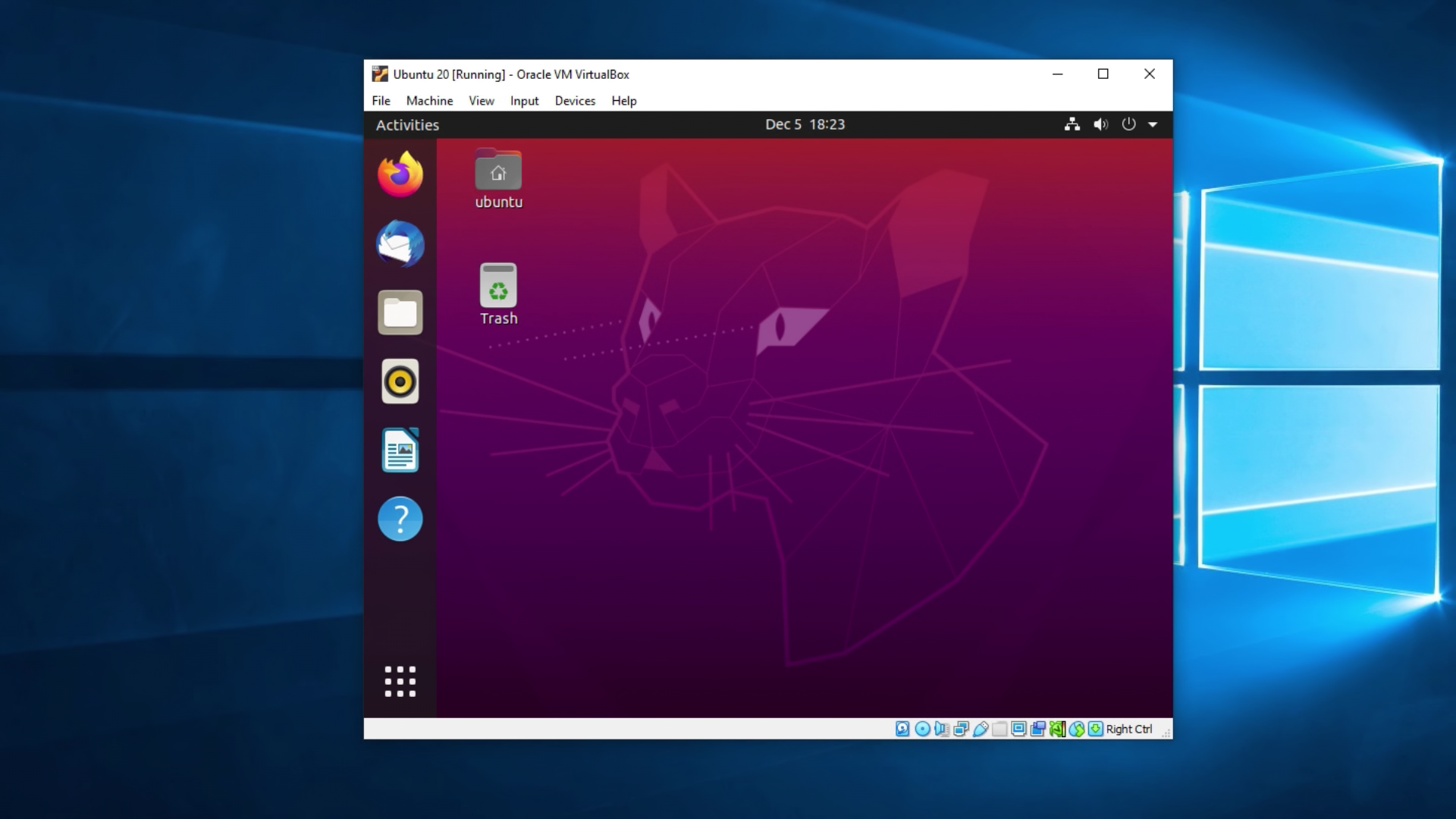
VirtualBox How To Install Ubuntu As Virtual Machine On Windows 10

5 Answers Sorted by 9 1 edit the file interfaces sudo nano etc network interfaces 2 then make sure this line is in that file iface eth0 inet dhcp 3 run dhclient 4 run ping 8 8 8 8 Share Improve this answer Follow edited Nov 19 2016 at 21 44 Nick Weinberg 4 565 4 24 31 answered Nov 19 2016 at 21 21 Zineb SKARABI 91 1 6

1 I have a Windows 10 machine splits its time between Ethernet connection and Wireless connection and want to develop in a Linux environment so I installed VirtualBox and made a Linux Mint VM However the VM cannot connect to the Internet at all Even a simple ping to Google times out

Internet not working in virtual machines problem set 1 of experiments I am trying to play with various kind of scenarios and configurations to understand VMware Workstation networking So here is one setting of virtual network editor Virtual machine network adapter configuration Windows IP Configuration in Virtual Machine
You cannot connect to the Internet A TCP IP connection fails to and from a single virtual machine You may see one or more of the following errors Destination Host Unreachable Network error Connection Refused Network cable is unplugged Ping request could not find host IP address hostname Please check the name and try again

On Windows host machines reinstall the VMware Bridge Protocol In Windows 8 10 Click Start Control Panel Network and Sharing Center Change adapter settings In Windows Vista 7 Click Start Control Panel Network and Internet View Network status and tasks Change adapter settings Right click any network adapter icon and
In Fusion click Window Virtual Machine Library and select your virtual machine In the Apple menu bar go to Virtual Machine Settings General In the OS dropdown menu select the correct version of Windows running on your virtual machine In Fusion 3 x and earlier In Fusion click Window Virtual Machine Library and select your virtual Some Linux VMs may have issues connecting to the network once the VM is suspended and then resumed If your VM isn t connecting to the network try the following troubleshooting steps Install the netplug package Ubuntu Server CentOS Fedora RHEL Change the network adapter type all Linux
1 Answer Sorted by 3 What you observed here are phenomena happening when you pulled the rug out from under your TCP IP stacks D Note that there are actually two phenomena in the play here 1 The Pitfall of Missing Default Gateway This one is simple