Linux View File Contents How To View Files In Linux Using Cat More Or Less Commands How To Display Contents Of A File In Linux Liquid Web Linux Are na How To View Contents Of Text File In Linux Shell Terminal YouTube Display File Contents In Column Format Within Linux File Display the type of file cat Display the content of the file and outputs it on stdout You can use vi emacs command to edit the file in Unix environment If you do not have expertise in using vi emacs you might find it little difficult to edit the file
The simplest way to view text files in Linux is the cat command It displays the complete contents in the command line without using inputs to scroll through it Here is an example of using the cat command to view the Linux version by displaying the contents of the proc version file Head Linux provides a number of commands for viewing files In this tutorial we ll look at the most commonly used cat more and less commands 2 The cat Command The cat command is the simplest way to view the contents of a file It displays the contents of the file s specified on to the output terminal Let s look at an example cat a txt
Display File Contents In Column Format Within Linux How To Display The Contents Of A Text File On The Terminal In Linux Ubuntu Linux Basics How To Show File Contents YouTube How To Copy Directory And All Its Contents To Another Directory UNIX How To Read The Etc Passwd File In Linux YouTube How To Install Bodhi Linux The Linux User How To View Directory Tree Structure In Linux OSTechNix Linux Kernel Exploration How To View Hidden Files In Linux YouTube
Linux View File Contents
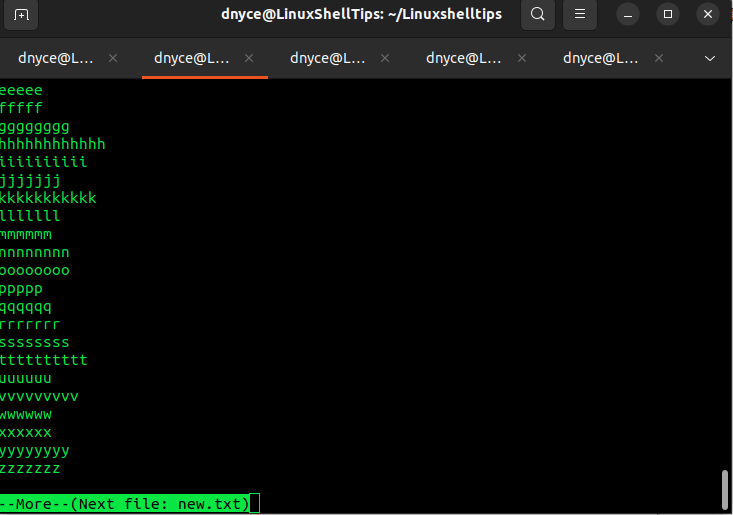 Linux View File Contents
https://www.linuxshelltips.com/wp-content/uploads/2022/07/View-Multiple-Files-Contents-in-Linux.png
To find files in Ubuntu for example you just need to open the Files application and select the magnifying glass icon 2 Enter a search term in the search bar You will then be able to enter
Templates are pre-designed files or files that can be used for various functions. They can save time and effort by offering a ready-made format and layout for creating different sort of content. Templates can be utilized for personal or expert tasks, such as resumes, invitations, leaflets, newsletters, reports, presentations, and more.
Linux View File Contents

3 Ways To Find A File In Linux WikiHow
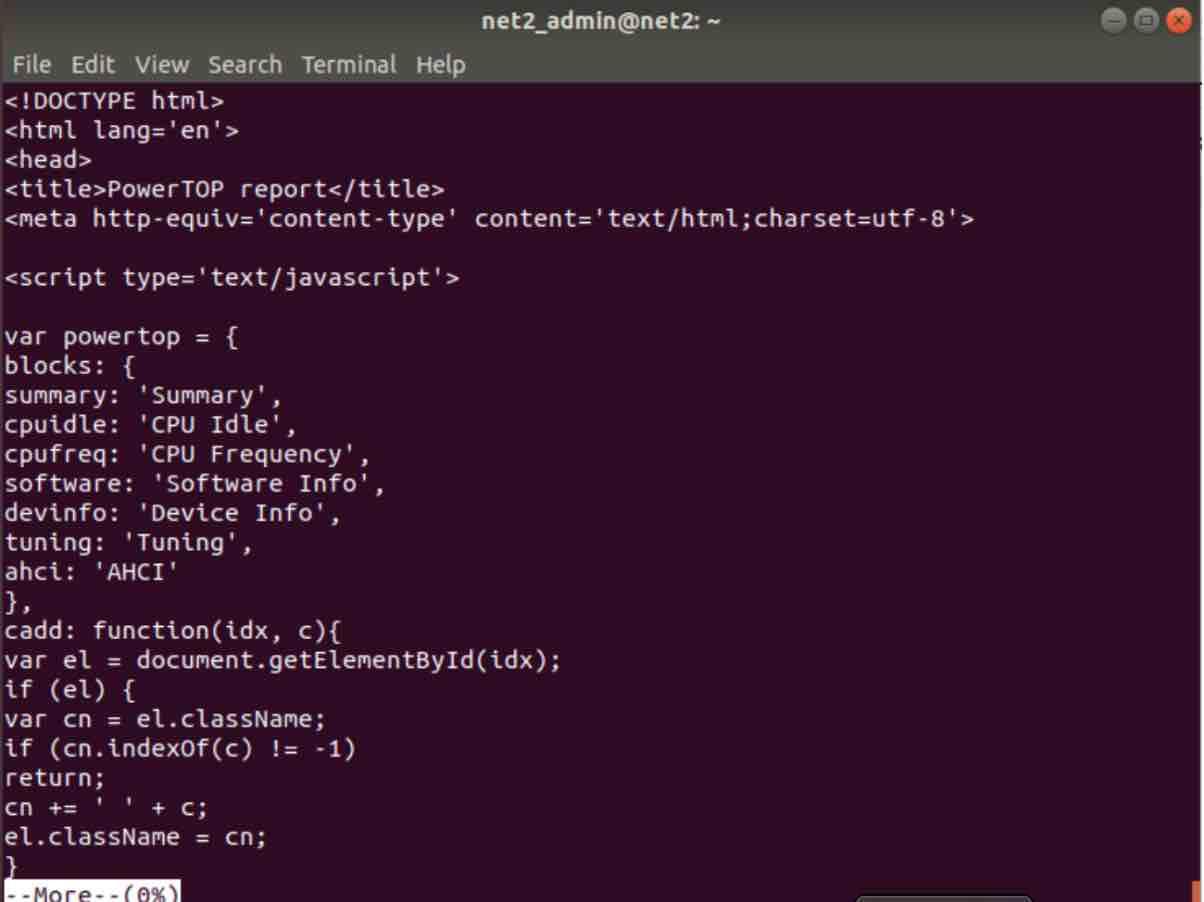
How To Display The Contents Of A Text File On The Terminal In Linux Ubuntu

Linux Basics How To Show File Contents YouTube
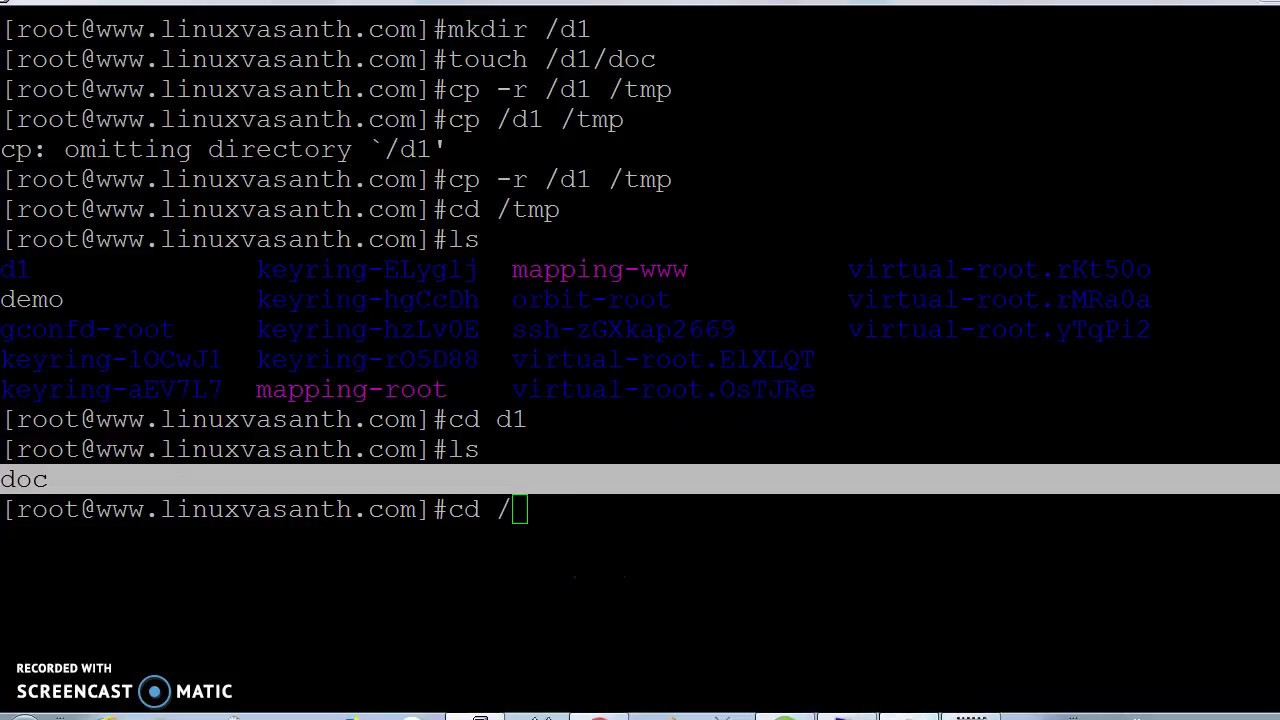
How To Copy Directory And All Its Contents To Another Directory UNIX
How To Install Bodhi Linux The Linux User
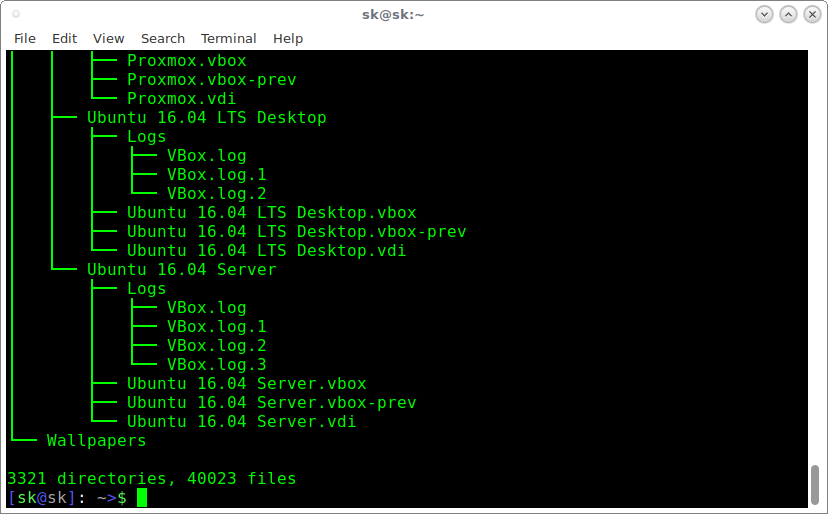
How To View Directory Tree Structure In Linux OSTechNix

The cat command is the most popular method to view files in Linux It is dead simple to use Just give it the file name and it displays the file content on the screen Things cannot go simpler than this cat filename Can you try displaying the contents of the columbo txt file cat columbo txt This is the output it shows

The usual way to view the contents of a file is to simply open it in a text editor However for more quick viewing and in fact also for automating in a shell script the method of using a text editor does not suit There are many commands in Linux to solve this problem to display the file contents on the command line

The cat command is a simple and extremely useful command for viewing file contents on Linux You can use the cat command to quickly print file content to the standard output in the terminal or alternatively concatenate the output The syntax for the cat command is as follows cat OPTION FILE1

9 Answers Sorted by 377 Using cat Since your file is short you can use cat cat filename Using less If you have to view the contents of a longer file you can use a pager such as less less filename You can make less behave like cat when invoked on small files and behave normally otherwise by passing it the F and X flags less FX filename

1 Cat The cat utility is one of the most used commands for viewing file content in Linux You can use the command for concatenating and printing standard file output To view the contents of a file using cat simply type the command name followed by the file you want to view cat etc passwd
Method 1 Viewing a Regular Text File The easiest way to view any text file is to type cat followed by the name of the file If the file is short enough then you ll see the entire text just displayed flat on the screen Otherwise it will start to scroll up Fortunately on modern devices you can maximize the terminal window to add more space TL DR To view Linux file content you can try the following seven methods Use the cat command to view small files by typing cat filename in the command prompt For larger files use the less command by typing less filename Use the head command to view the first few lines of a file by typing head filename However you ll have to execute the tail command to view the last few lines of a
Linux provides many commands for examining the contents of files including cat more head and tail but that s just a start For one thing even the most obvious commands have a lot more