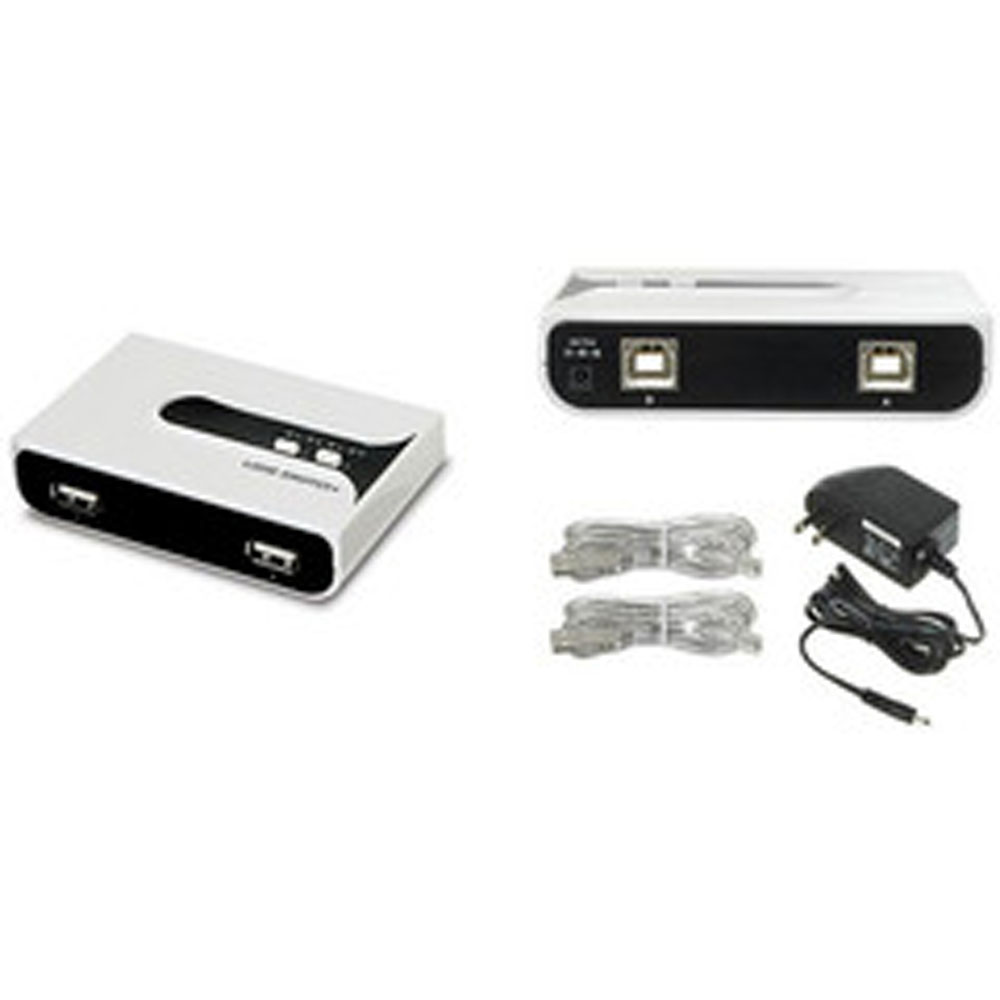
Linux Terminal Usb Devices A Complete Essential Guide To Master The Linux Terminal 2Pcs USB 2 0 Female To Male Micro OTG Adapter Power Supply Port 90 USB 2 0 Cat 5 Extender up To 60m UCE260 ATEN USB Extenders ATEN Switchbox USB 2 PCs To 2 USB Devices Manual Crossover Compatible Linux Command Line Things A Programmer Can Learn In A Day LanRaccoon You can use these commands to list and check connected USB devices in Linux lsusb command List USB devices in Linux usbview command Show information on USB devices using GUI method lspci command See all PCI devices in Linux usb devices command Display USB device details Let us see all examples in details
2 sudo fdisk l lists device names here you can also see the names of partitions 3 dmesg immediately after you have inserted an usb stick a lot of output don t really know yet what they are for but the last entries show the name of the inserted name somewhere Share Improve this answer Follow Run sudo apt install hwinfo on Ubuntu or sudo dnf install hwinfo on Fedora to install hwinfo then run hwinfo short to get a quick list of devices Find out exactly what devices are inside your Linux computer or connected to it We ll cover 12 commands for listing your connected devices Why 12 Commands to List Devices
Linux Command Line Things A Programmer Can Learn In A Day LanRaccoon Linux Mac Terminal Tutorial Create Copy Move Rename And Delete Linux Terminal Basics Linux Terminal Ls In Hindi YouTube Getting Started With Linux Terminal Blog CyberTec Wholesale Iwalk Car Charger 3 4a For Micro Usb Devices Black Perbedaan Sistem Operasi Windows Dan Linux Blogku Linux Terminal Show Usb Devices Linux World
Linux Terminal Usb Devices
 Linux Terminal Usb Devices
https://technicalustad.com/wp-content/uploads/2018/02/A-Complete-Essential-Guide-to-Master-The-Linux-Terminal.png
1 lsusb Lists all USB buses and connected USB devices 2 usb devices Script to show all USB devices with a lot of detail 3 df Th grep media Identify automatically mounted USB 4 lsblk Lists information about all available or specified block devices 5 fdisk l List all block devices which will naturally include USB devices
Templates are pre-designed files or files that can be used for different purposes. They can conserve effort and time by offering a ready-made format and layout for creating different type of content. Templates can be utilized for personal or professional jobs, such as resumes, invites, leaflets, newsletters, reports, presentations, and more.
Linux Terminal Usb Devices
The Linux Commands Reference Cheat Sheet

Linux Mac Terminal Tutorial Create Copy Move Rename And Delete

Linux Terminal Basics

Linux Terminal Ls In Hindi YouTube

Wholesale Iwalk Car Charger 3 4a For Micro Usb Devices Black
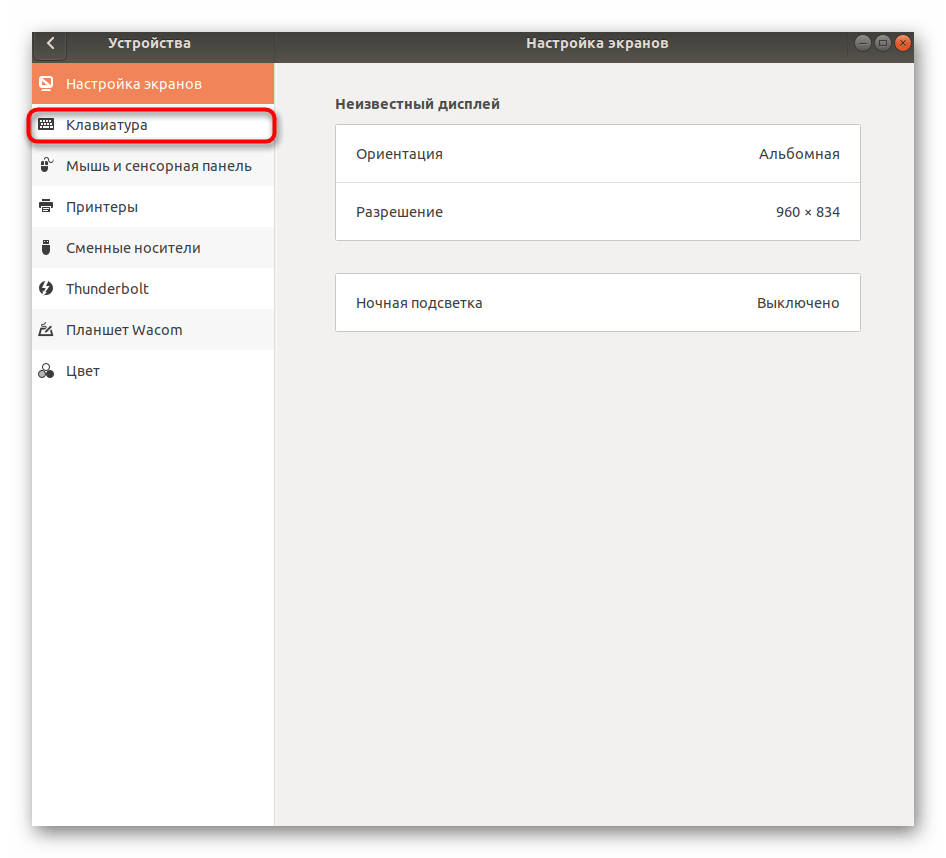

Here are multiple ways to list USB devices in Linux command line Sep 14 2023 Sagar Sharma How to List USB Devices in Linux Most users rely on external peripherals like USB drives wireless keyboards mice disk drive and more to use their computers
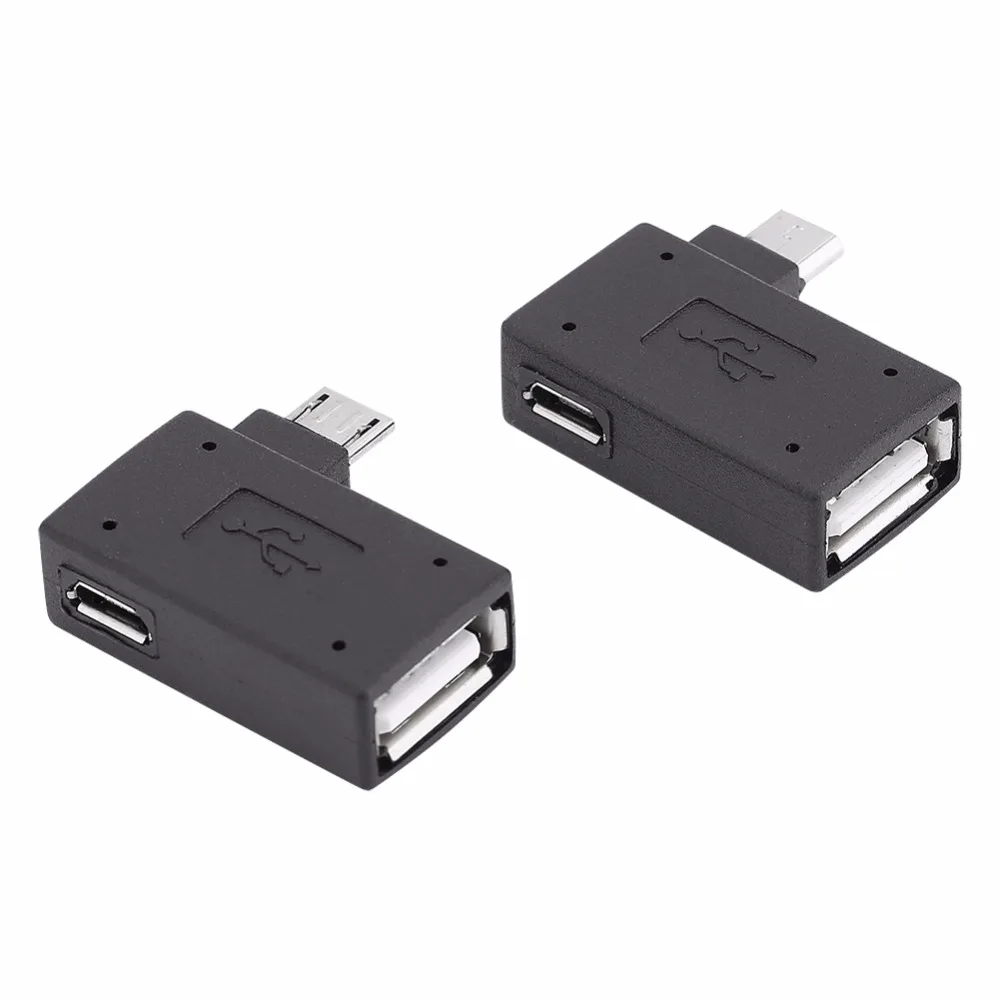
1 Find what the drive is called You ll need to know what the drive is called to mount it To do that fire off one of the following ranked in order of my preference lsblk sudo blkid sudo fdisk l You re looking for a partition that should look something like dev sdb1 The more disks you have the higher the letter this is likely to be
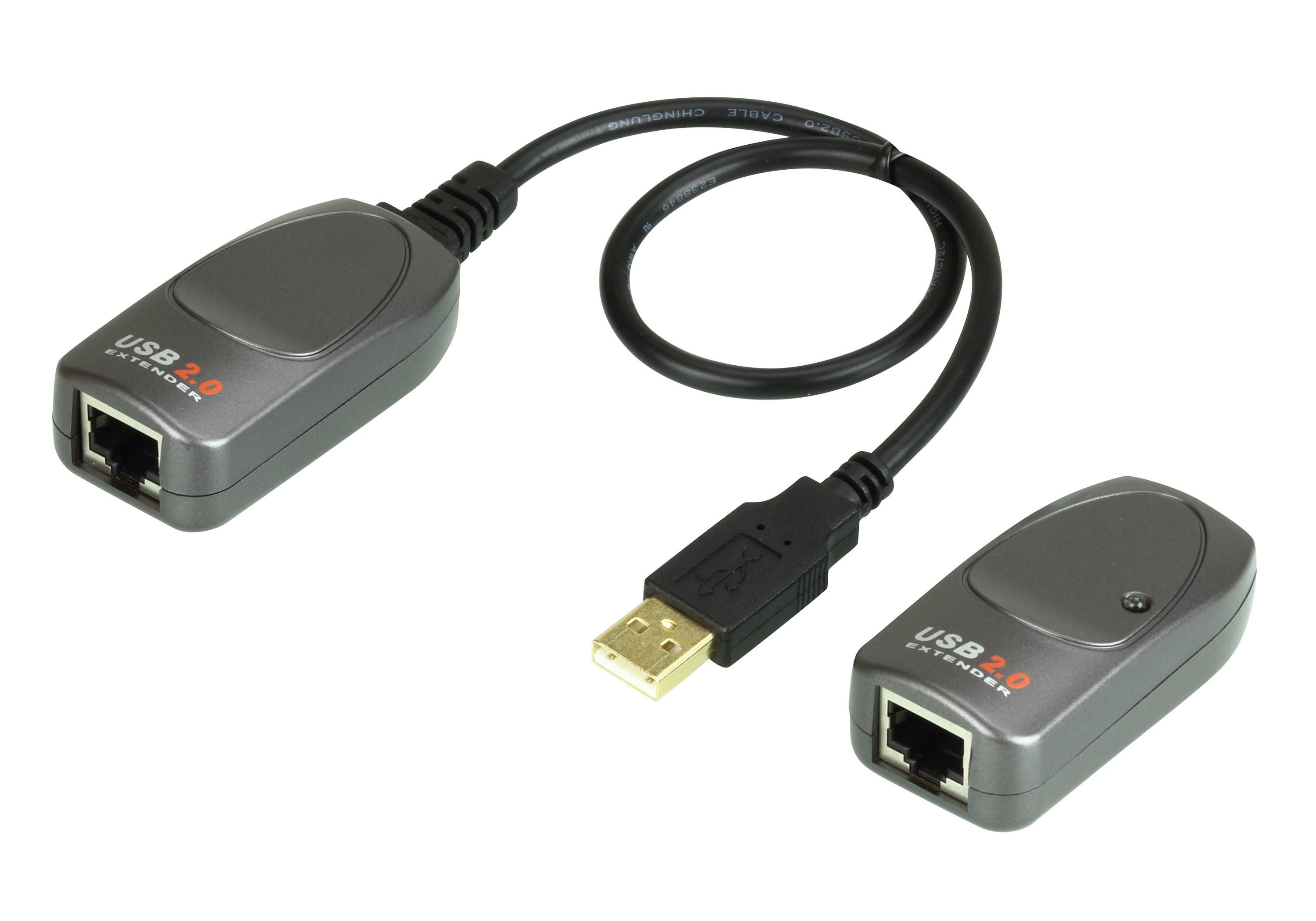
Usb devices is a Bash shell script that displays details about USB buses and connected devices on a Linux system Its output is similar to the contents of the usb devices file under sys kernel debug which we ll analyze in the following sections but it only lists active interfaces This tool is again part of usbutils sudo apt install usbutils
In this tutorial we ll explore three methods to find the USB slot version in Linux 2 Using lshw The lshw tool provides a complete overview of the hardware components of a system including the storage devices network adapters CPU and USB controllers Furthermore it can generate a detailed report on a specific hardware component in

1 Identify the newly attached device After we plug a pendrive we need a method to locate the new device so we can get its label or UUID The following list shows the available alternatives to do it any of them would be help you find the device information listing most complete and easier to use first 1 1 Using blk commands
Manually mount a USB drive in the Linux terminal by PragmaticLinux March 1 2021 Trying to figure out how to manually mount your USB drive in Linux Look no further This article explains step by step how to manually mount a USB drive in Linux to a mount point directory of your choice We ll do everything directly in the terminal 2 Automatic Mounting at Startup With fstab If we re only interested in automatically mounting the USB drives whenever we boot our machine we can use fstab fstab is a system file that comes from the standard util linux which is commonly available in most Linux distributions We can install it if it s not present in our system with yum
Lsusb is a command line tool in Linux installed by default as part of your modern Linux Operating System which can list and enumerate all USB devices including USB hubs found within the system on which it is being executed It will work on desktops servers and other common Linux running hardware like Raspberry Pi s etc