Linux Start Desktop File From Command Line How To Run JavaScript File In Terminal Or Command Line Tutorials Camp How To Run Jmx File From Command Prompt In Linux Systran Box How To Start A Gnome Session Behalfessay9 Adding Cover Art To FLAC File From Command Line And GUI LaptrinhX Infojo Blog Learn about what Linux desktop entry files are why they are useful and how they function
Is it possible to launch desktop files from the command line This is probably a pretty silly question The reason I want to do it has to Step 1 Open the desktop files directory Step 2 Choose any desktop file and Copy Paste it to the Desktop directory Step 3 Make the shortcut executable
Infojo Blog Run Class In Jar File How To Run A Jar File From Command Line JavaProgramTo How To Open File In Python Text Editor Gagasko How To Create Executable Jar File Using Eclipse Java Discover 5 Ways To Install Deb File From Command Line Linuxhowto How To Build A Unix Server Dreamopportunity25 Windows Run Exe From Cmd Run Batch File As Administrator From Command Line Powershell Copy New Files Only Hromacu
Linux Start Desktop File From Command Line
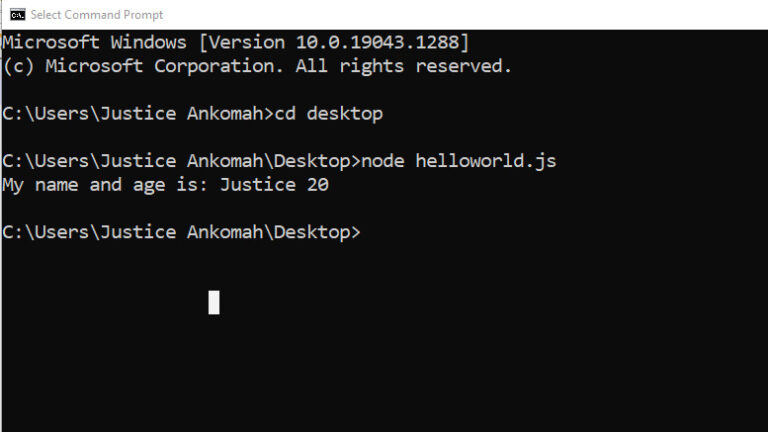 Linux Start Desktop File From Command Line
https://tutorialscamp.com/wp-content/uploads/2021/10/run-js-file-from-command-line-768x432.jpg
The desktop entry file specifies the details for the item such as a name a command to run an icon and so on The desktop entry file also contains
Pre-crafted templates use a time-saving solution for creating a varied series of files and files. These pre-designed formats and layouts can be used for different individual and expert jobs, including resumes, invites, leaflets, newsletters, reports, presentations, and more, improving the content development process.
Linux Start Desktop File From Command Line

Your Default Target On Your Linux System Is Set To Multi user Captions Ideas

Run Class In Jar File How To Run A Jar File From Command Line JavaProgramTo
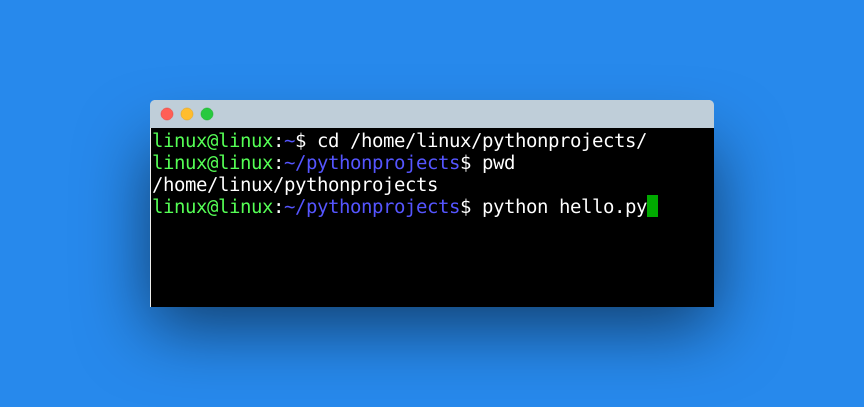
How To Open File In Python Text Editor Gagasko

How To Create Executable Jar File Using Eclipse Java Discover

How To Build A Unix Server Dreamopportunity25
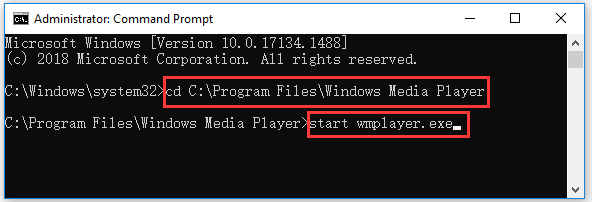
Windows Run Exe From Cmd
I want to run desktop files from the terminal and dmenu From the terminal it should ideally be run with app desktop or

First of all copy your created app Shortcut file on your desktop or simply copy the existing shortcuts from usr share applications or local
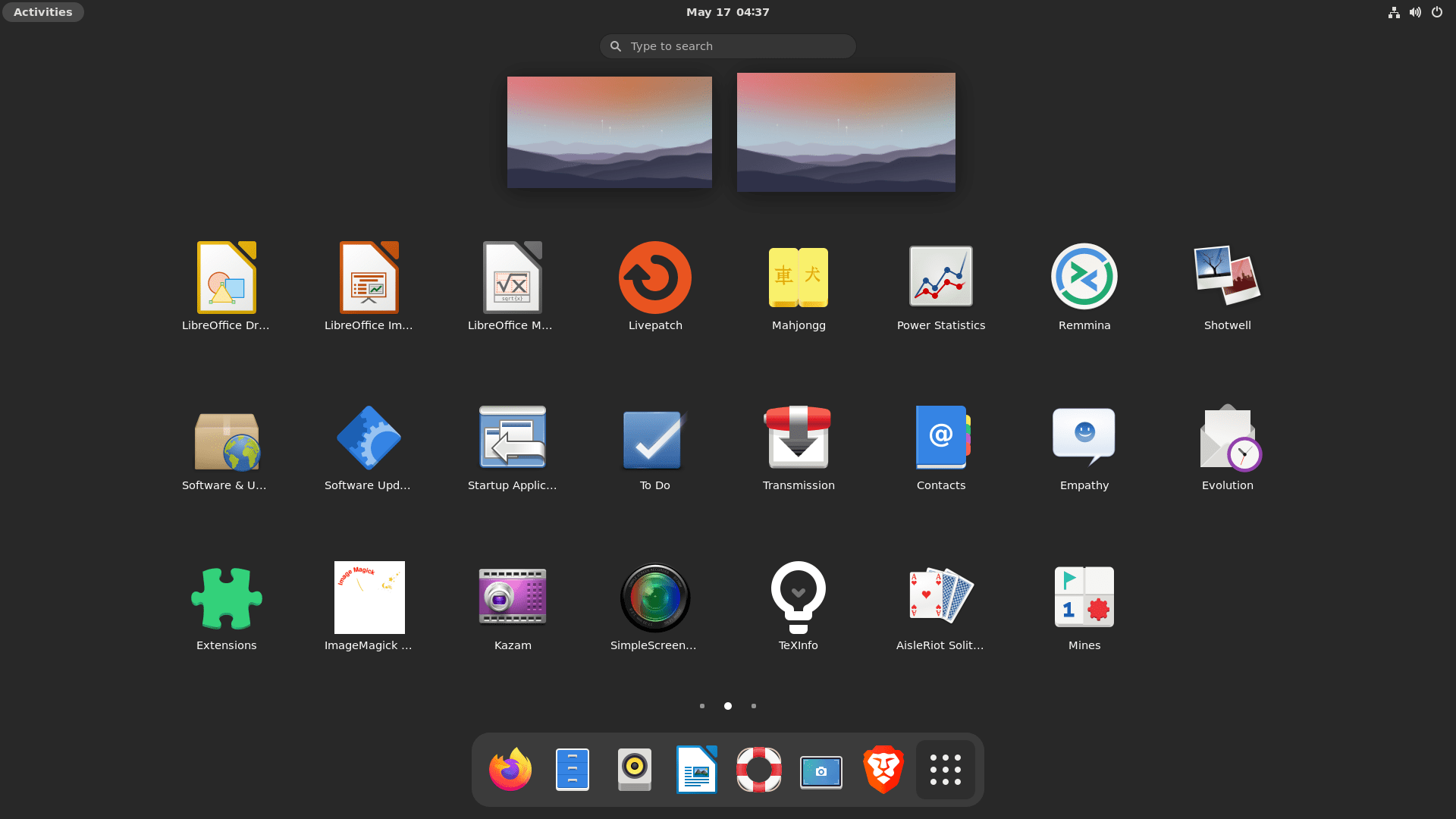
To do this using Arronax create a new desktop shortcut by providing both a Title and a Command then toggle the Run in Terminal option
Run a desktop file from a terminal If gtk3 is installed run gtk launch application desktop Or install the dex package and run

Use the desktop file install command to install desktop files Update database of desktop entries cache using the update desktop database
In order to run a Linux desktop file the user must first open the Terminal Then the user must type in the command filename desktop Guide to starting application automatically in Linux including Raspberry Pi This guide will be based around systemd and using desktop files with
I have a command I want to run in terminal inside a desktop file with attached icon but I cant seem to get it to work added U at the end