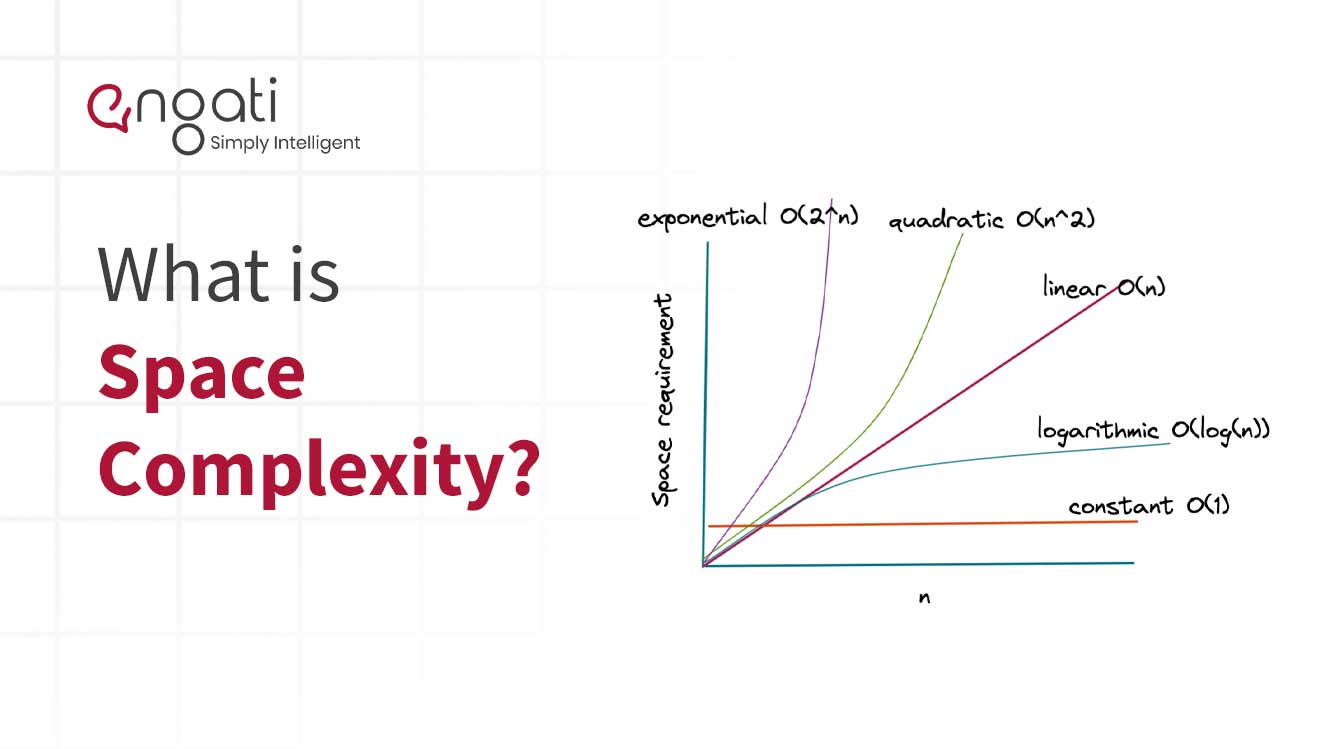
Linux Show Space Used By Directory Linux How To Display Posetke Space Complexity Engati Linux Statistics 2023 TrueList Deskypus Easy Tech Tutorials ETT Quick Tech Guides And Tips Page 2 Overview Step 1 Open a Terminal Session Step 2 Use the du Command Total Usage for Current Directory All Depth Levels Specific Depth Levels Different Directories File Sizes vs Disk Space Usage Overview This tutorial explains how to show the total amount of disk space a specific directory is using including all subdirectories
Access to the terminal A user account with sudo or root privileges Note In Linux the ls l command shows file and directory information including names dates and sizes disk usage However the displayed size is consistently 4096 bytes irrespective of containing files larger than 4 KB The du command short for disk usage reports the estimated amount of disk space used by given files or directories It is practically useful for finding files and directories taking up large amounts of disk space How to Use the du command The general syntax for the du command is as follows du OPTIONS FILE
Easy Tech Tutorials ETT Quick Tech Guides And Tips Page 2 1 0 Is Coming Soon here s What You Can Expect Blog Payload CMS Five Tricks To Free Up Space In ICloud How To View Storage Usage By Folder In Windows 10 Glary Utilities For Windows 10 64 Bit Kurtgallery Google Pixel 6a Looks Very Different To The Pixel 5a In Leaked Images Google Drive Reverses Course On Its Sudden Secret File Cap PCWorld How To Create And Edit Text File In Linux By Using Terminal
Linux Show Space Used By Directory
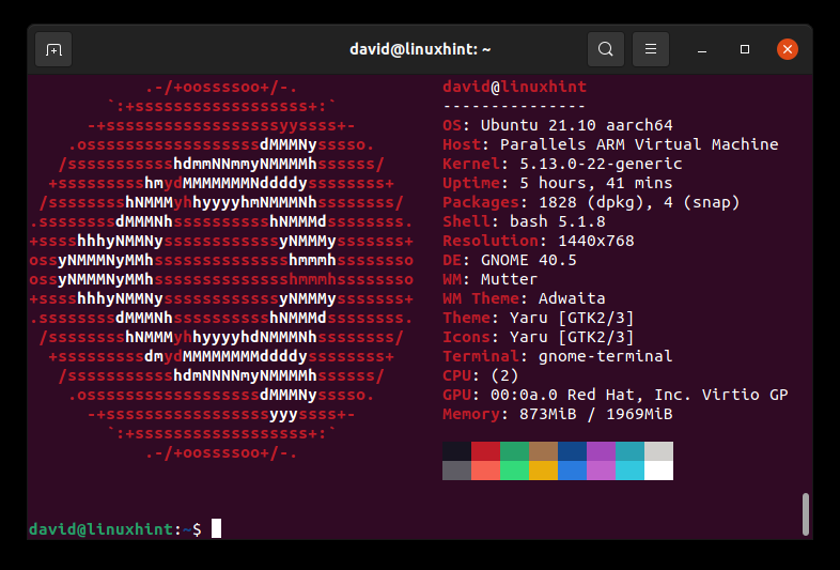 Linux Show Space Used By Directory
https://linuxhint.com/wp-content/uploads/2021/12/display-system-details-hardware-information-linux-03.png
Without any options du command shows the names and used space for each directories including all sub directories in the current directory du Sample outputs Fig 01 du command in action To find information about etc and home nixcraft directory enter du path to dir du etc du home nixcraft du root home nixcraft
Templates are pre-designed files or files that can be used for numerous purposes. They can save effort and time by providing a ready-made format and layout for creating various type of content. Templates can be used for individual or professional projects, such as resumes, invitations, leaflets, newsletters, reports, discussions, and more.
Linux Show Space Used By Directory

Big Distributions Little RAM 6 The Linux Experiment

1 0 Is Coming Soon here s What You Can Expect Blog Payload CMS

Five Tricks To Free Up Space In ICloud
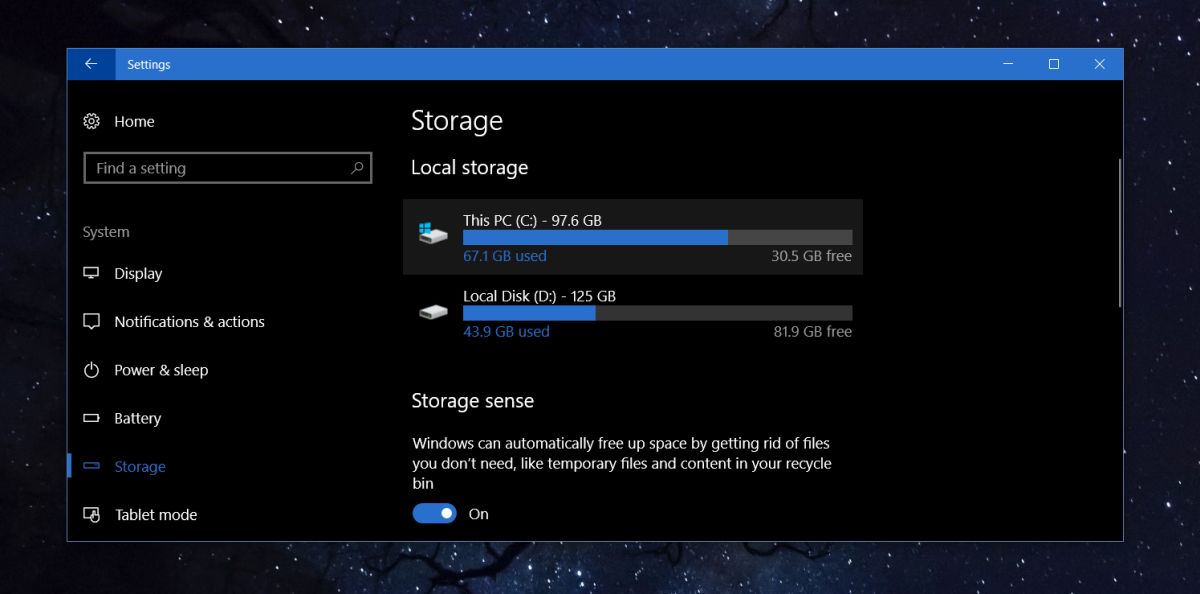
How To View Storage Usage By Folder In Windows 10
Google Pixel 6a Looks Very Different To The Pixel 5a In Leaked Images

Google Drive Reverses Course On Its Sudden Secret File Cap PCWorld

Try using the max depth argument It prints the total disk space usage for a directory or file with all only if it is N or fewer levels below the command line argument For e g the following command will show the disk space usage upto 3 level deep subdirectories du max depth 3 h
Check Linux Disk Space Using df Command You can check your disk space simply by opening a terminal window and entering the following df The df command stands for disk free and it shows you the amount of space taken up by different drives By default df displays values in 1 kilobyte blocks

The du command displays the amount of file space used by the specified files or directories If the specified path is a directory du summarizes disk usage of each subdirectory in that directory If no path is specified du reports the disk usage of the current working directory

Is there a simple command to display the total aggregate size disk usage of all files in a directory folder I have tried these and they don t do what I want ls l which only displays the size of the individual files in a directory nor df h which only displays the free and used space on my disks filesystem command line Share

You can use du sh directory and du sh filename to know the space occupied by the folder or file df h will show the disk usage in human readable format h does that There is also a gui based program called Disk Usage Analyzer
[desc-11] [desc-12]
[desc-13]