Linux Restart Process Pid Perbedaan Linux Dan Windows Secara Umum Riset Artpip Linux Havalneuro Unix Linux Restart Process By Pid YouTube Linux How To Shutdown Ubuntu From Terminal Linux Shutdown Command Example WEB Dec 28 2016 nbsp 0183 32 ps o ppid ps A grep name of process awk print 1 From there you could kill the parent process since you have its PPID If you cannot kill the parent process you d have to resort to the 1st solution The problem is sometimes the PID of processes changes faster than you can find it
WEB Mar 18 2024 nbsp 0183 32 In this tutorial we look into ways of killing a process that keeps restarting First we do a brief refresher on process hierarchy Next we define persistent processes and how they come to be After that we check out ways to WEB Oct 4 2015 nbsp 0183 32 By default kill PID sends the TERM signal to the specified process giving it a chance to shut down in an orderly manner for example clean up resources it s using The strongest signal to send a process to kill without graceful cleanup is KILL using kill KILL PID or kill 9 PID
How To Shutdown Ubuntu From Terminal Linux Shutdown Command Example Linux BogoMips Restart Power Menu No Root Para Android Download Macbook Linux I3wm Emacs Linux Linuxmemes Linux Learning Centre Ltd Kenya Nairobi The Linux Programming Interface A Linux And UNIX System Programming Th Discreto Taburete Reiniciar Desde Consola Linux Mejilla Sangrar Sastre Linux based System On Craiyon
Linux Restart Process Pid
 Linux Restart Process Pid
https://www.netplasa.com/wp-content/uploads/2020/02/linux-1068x1095.png
WEB Learn how to suspend a running process in the Linux command line Also learn how to resume a stopped process
Pre-crafted templates use a time-saving option for producing a varied series of documents and files. These pre-designed formats and designs can be utilized for numerous individual and professional tasks, including resumes, invites, leaflets, newsletters, reports, presentations, and more, improving the material creation process.
Linux Restart Process Pid
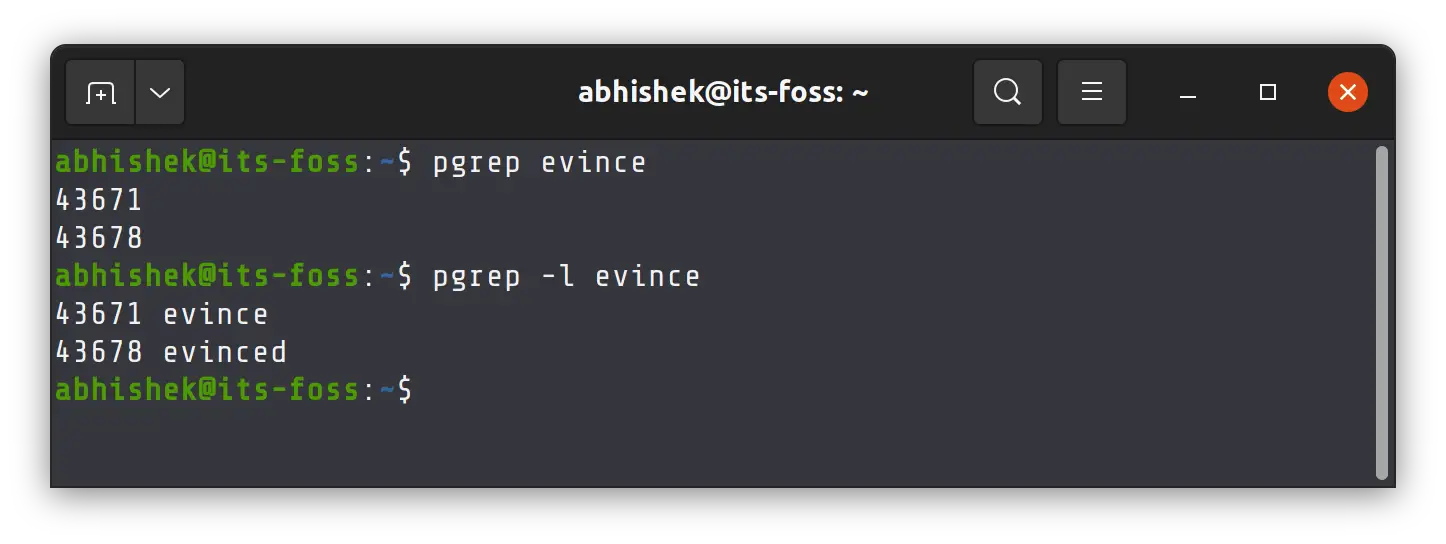
How To Find Process ID PID And PPID In Linux
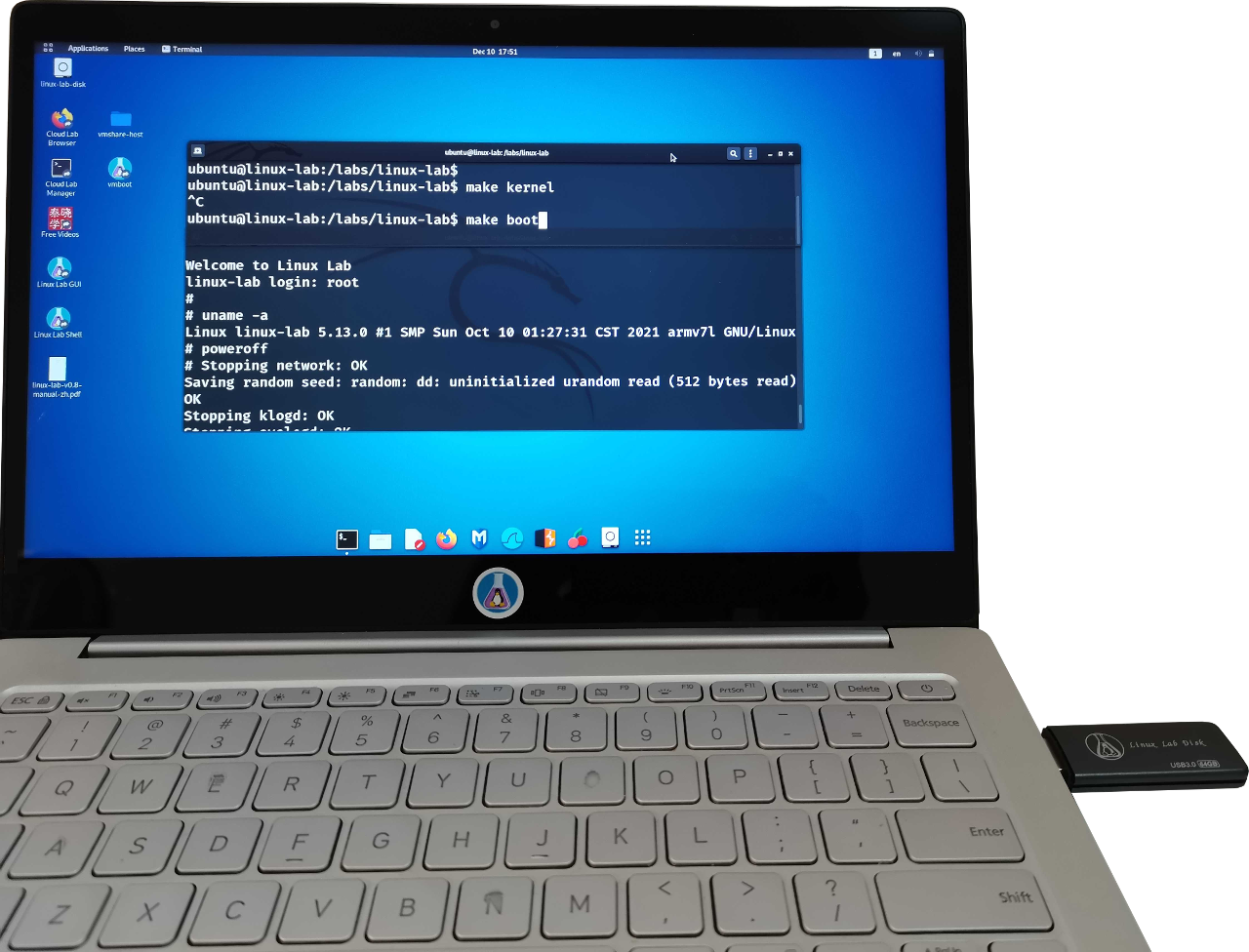
Linux BogoMips

Restart Power Menu No Root Para Android Download
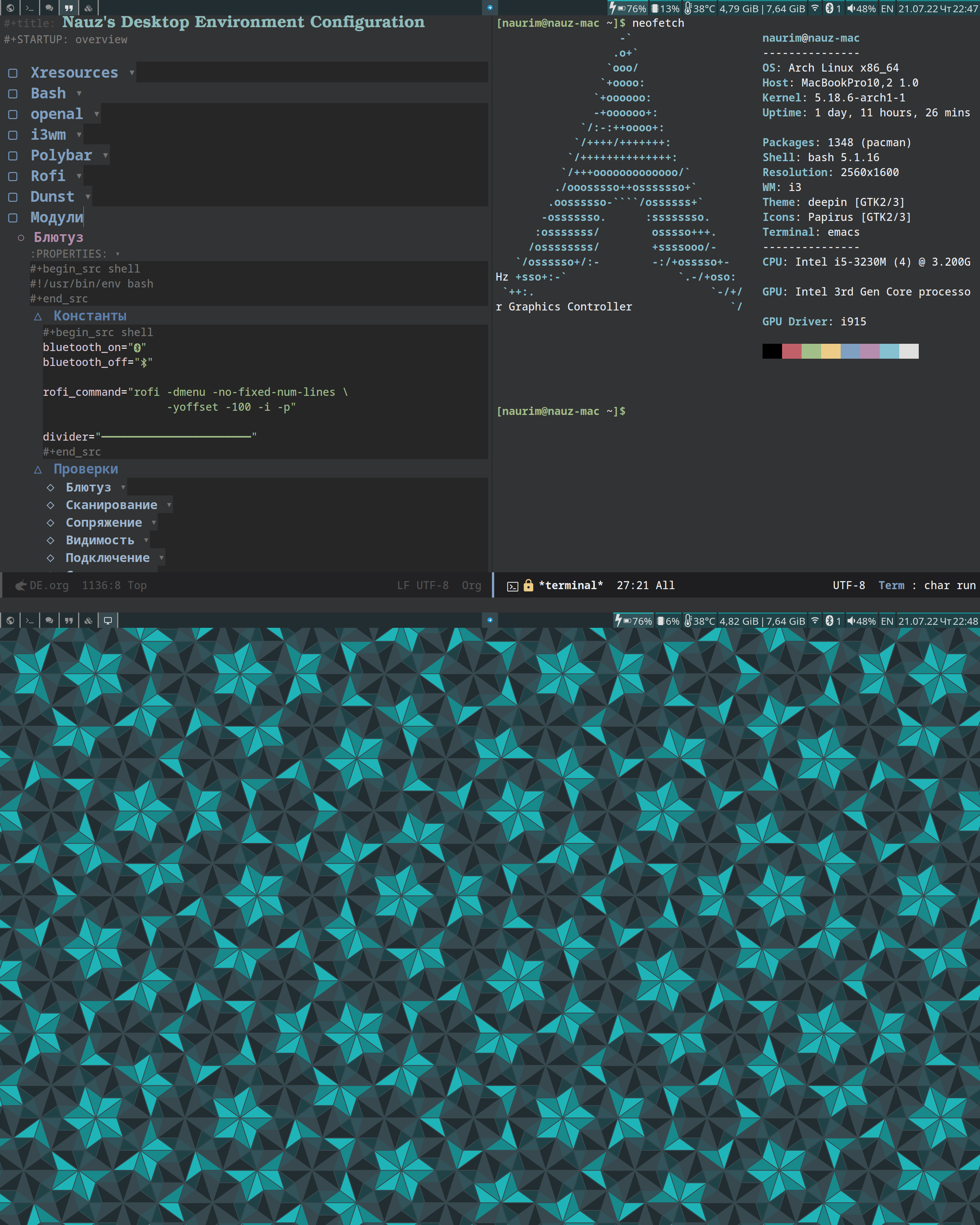
Macbook Linux I3wm Emacs

Linux Learning Centre Ltd Kenya Nairobi

The Linux Programming Interface A Linux And UNIX System Programming

WEB Aug 12 2013 nbsp 0183 32 You can resume a process via a PID number from any shell by using the kill command kill CONT lt pid gt Don t forget the CONT part or you will kill your process

WEB In the bash terminal I can hit Control Z to suspend any running process then I can type fg to resume the process Is it possible to suspend a process if I only have it s PID And if so what command should I use

WEB Jan 23 2024 nbsp 0183 32 In this article we examined three methods to restart a process when it exits using the while or until loop command of Bash using the systemd service manager using Docker In conclusion based on our specific case we can select the most appropriate method for restarting a process

WEB Dec 5 2013 nbsp 0183 32 If you didn t launch it from current terminal use ps aux grep lt process name gt to find the process number pid then resume it with kill SIGCONT lt pid gt Despite the name kill is simply a tool to send a signal to the process allowing processes to communicate with each other

WEB Jun 6 2015 nbsp 0183 32 If you have pid of the program then you can use quot Kill PID quot to terminate the application I have tried to save the complete instance of the application before closing but this process is very tedious You can simply use terminal for starting the application
WEB Mar 6 2022 nbsp 0183 32 Use the following command to restart or reload a process with kill sudo kill HUP process id HUP will reload the configuration without killing the process WEB Jan 9 2015 nbsp 0183 32 Ctrl z SIGTSTP from the shell stops nowaday we will probably use the term quot suspend quot which the man page of bash does a process The process can be continued quot resumed quot with the commands fg in foreground or bg in background
WEB PID recycling killing the wrong process etc init d foo start start foo write foo s PID to var run foo pid A while later foo dies somehow A while later any random process that starts call it bar takes a random PID imagine it taking foo s old PID