Linux Openvpn Import Ovpn File Linux OpenVPN VPN Unlimited How To Use OpenVPN With A Ovpn File On Linux Systran Box Setting Up OpenVPN BounCA Generate Self signed SSL Certificates How To Set Up Openvpn Connect On Android Fastvpn Namecheap Com Vrogue How To Install OpenVPN Server On Ubuntu Tutorial Documentation Web To import a configuration file for re use and start a VPN session type the following command into the Terminal openvpn3 config import config MY CONFIGURATION FILE Note Using this approach an imported configuration file can be used several times and access to the configuration file itself is not needed to
Web If you installed OpenVPN from an RPM or DEB file the easy rsa directory can usually be found in usr share doc packages openvpn or usr share doc openvpn it s best to copy this directory to another location such as etc openvpn before any edits so that future OpenVPN package upgrades won t overwrite your modifications If you installed from Web Follow the instructions found on the open source openvpn community wiki if you wish to install the OpenVPN client on your Linux system After installing you will need a connection profile This is a file generated by your OpenVPN
How To Install OpenVPN Server On Ubuntu Tutorial Documentation How To Download ProtonVPN OpenVPN Configuration Files ProtonVPN Support Cara Install Dan Menggunakan OpenVPN Di PC Laptop import Ovpn How To Build A Linux VPN Server Using Amazon EC2 And OpenVPN VPN 5 Debian 11 Set Up OpenVPN Server In 5 Minutes NixCraft QNAP VPN Setup Guide How To Install OpenVPN NAS Server Client Openvpn Howto Howto Techno OpenVPN On Android OpenTUX
Linux Openvpn Import Ovpn File
 Linux Openvpn Import Ovpn File
https://www.vpnunlimited.com/img/help/manuals/openvpn for all platforms/3-linux-openvpn_7692.jpg
Web Jan 16 2024 nbsp 0183 32 For Debian or Ubuntu use this command instead sudo apt get install openvpn Open the OpenVPN client UI and download the appropriate profile for your OS Alternatively use the wget or curl command and enter the software download link Copy the downloaded profile to etc openvpn and rename it to client conf
Templates are pre-designed files or files that can be used for numerous functions. They can save effort and time by providing a ready-made format and layout for creating various type of content. Templates can be used for personal or expert projects, such as resumes, invites, leaflets, newsletters, reports, presentations, and more.
Linux Openvpn Import Ovpn File
OpenVPN Client On Linux Teltonika Networks Wiki
How To Download ProtonVPN OpenVPN Configuration Files ProtonVPN Support

Cara Install Dan Menggunakan OpenVPN Di PC Laptop import Ovpn

How To Build A Linux VPN Server Using Amazon EC2 And OpenVPN

Debian 11 Set Up OpenVPN Server In 5 Minutes NixCraft
QNAP VPN Setup Guide How To Install OpenVPN NAS Server Client
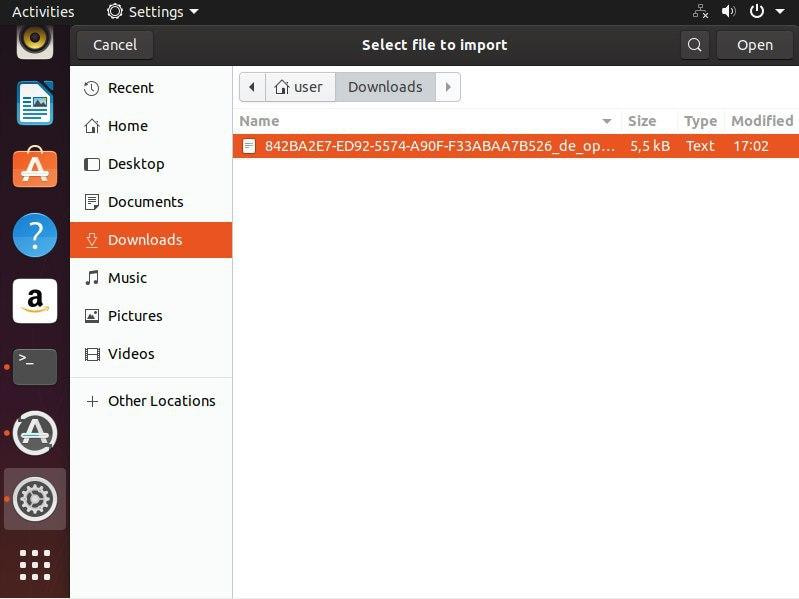
Web Mar 14 2018 nbsp 0183 32 VPNConfig ovpn I first ran sudo apt install openvpn After that I wanted to install it using the GUI So I went to the settings app and under quot Network quot I tried adding a new VPN It gives the option to quot Import from a file quot So I selected the VPNConfig ovpn file but it says it can t import the file

Web First install the OpenVPN Network Manager plugin sudo apt get install network manager openvpn gnome Open Network Manager click quot Add quot and from the opened window select quot Import a saved VPN configuration quot under quot Choose a Connection Type quot Navigate to your ovpn file jrg Documents vpn config ovpn
Web Oct 10 2023 nbsp 0183 32 The openvpn3 as tool imports the file into the OpenVPN3 Linux configuration manager using the file name defined Example We imported a connection profile and named the file TEST1 root Ubuntu Server openvpn3 as name TEST1 https myserver example OpenVPN Access Server Username test1

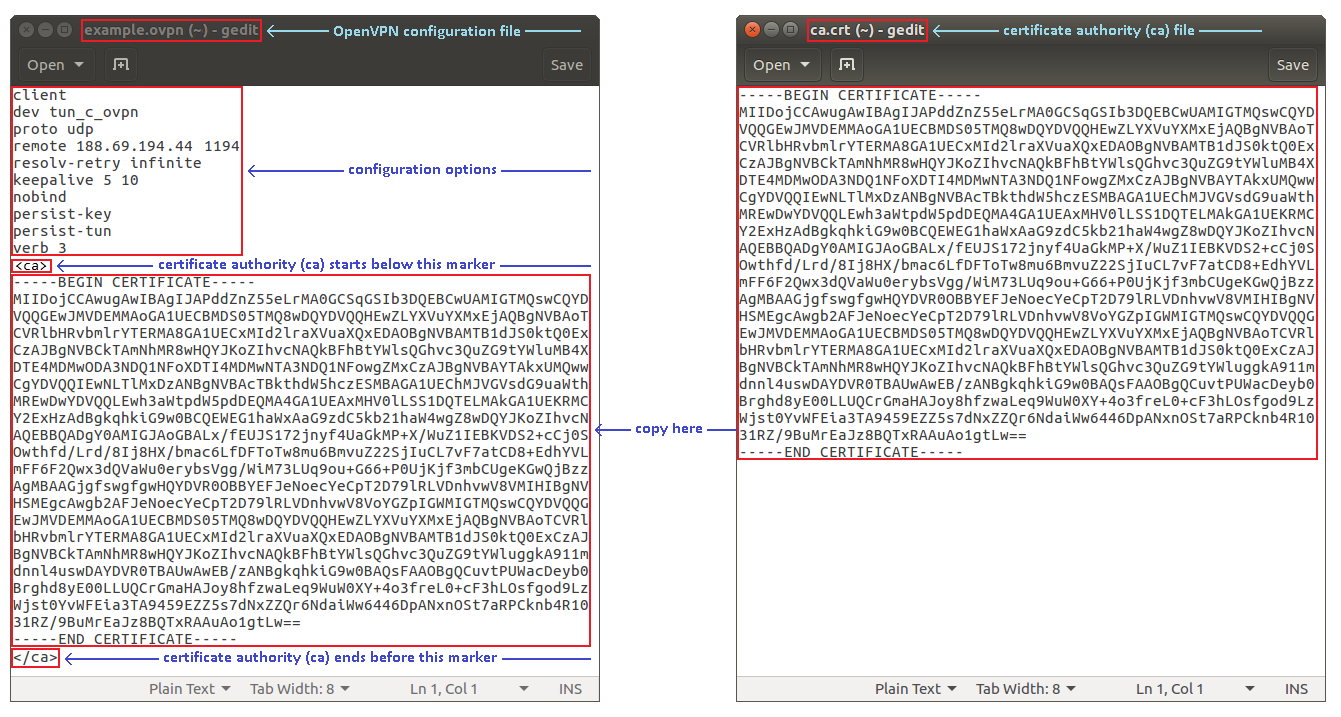
Web unix ssh ssh keys openvpn Share Improve this question Follow edited Mar 23 2022 at 16 18 Aulis Ronkainen 2 712 44 30 27 asked Apr 15 2011 at 22 05 unleashed Add a comment 2 Answers Sorted by 8 To complement barbaz answer You need to convert the p12 file to CA certificate client certificate and client private key

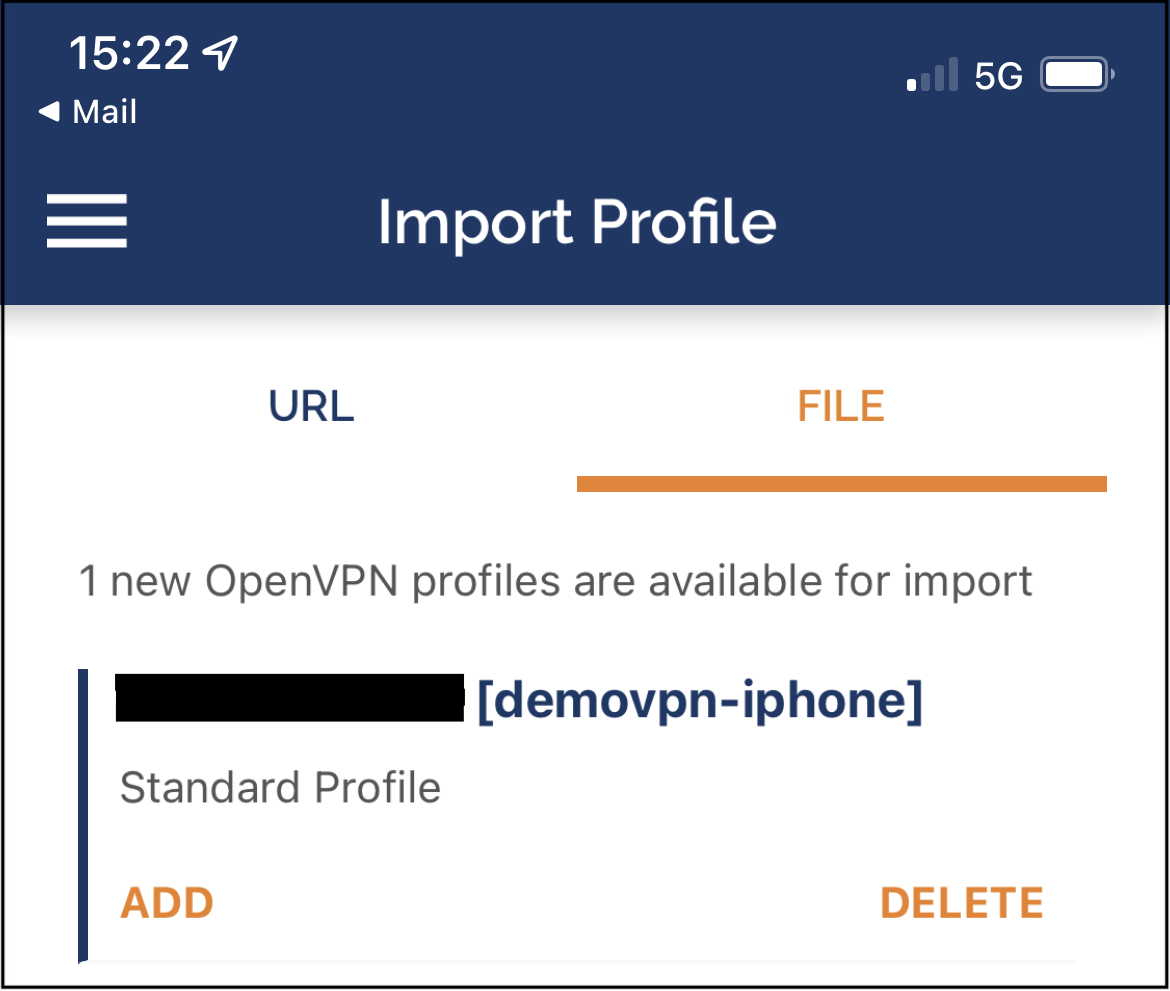
Web May 6 2020 nbsp 0183 32 Start the OpenVPN app and tap the FILE menu to import the profile Then navigate to the location of the saved profile the screenshot uses storage emulated 0 openvpn and select your ovpn file Tap the IMPORT button to finish importing this profile
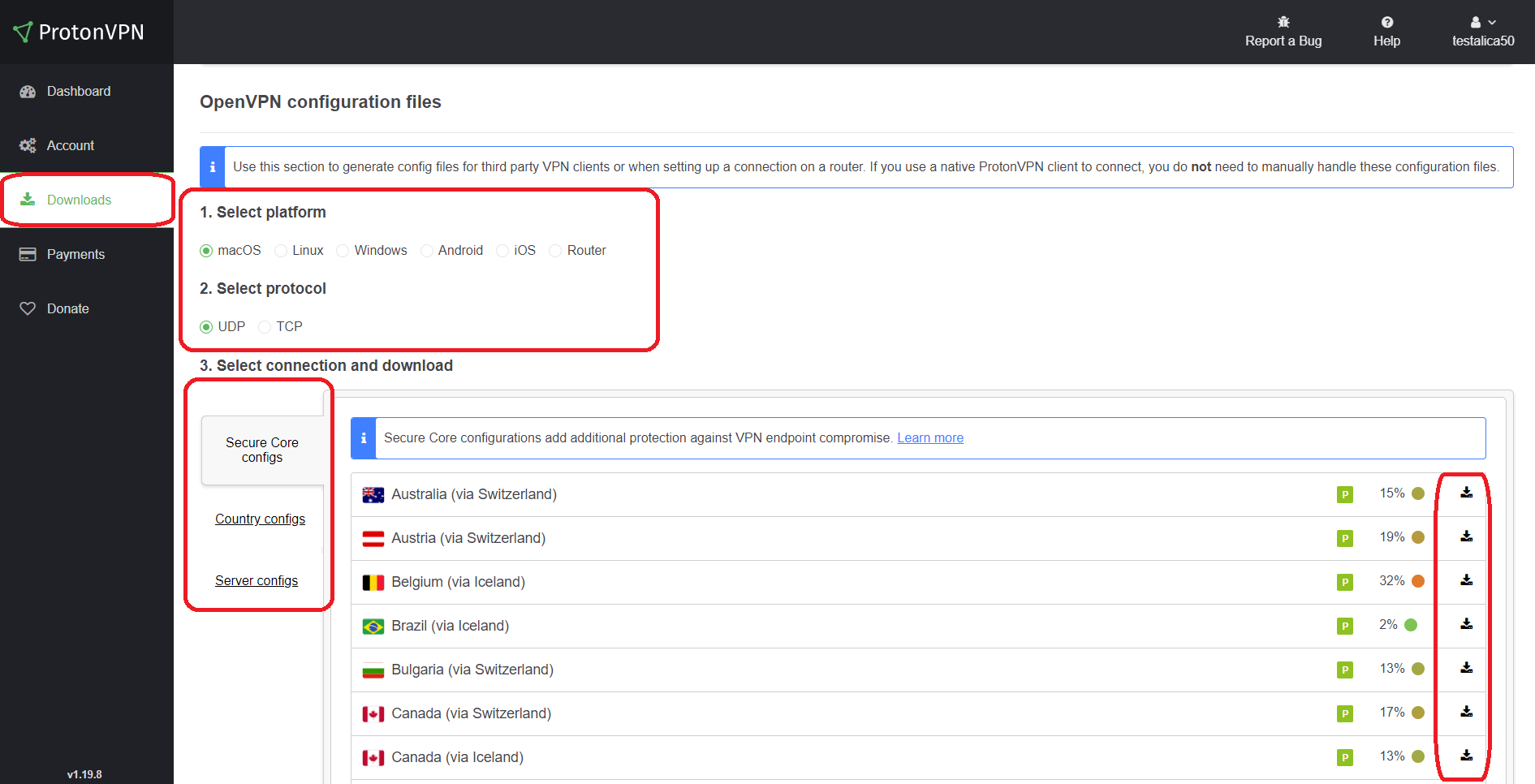
Web Mar 30 2017 nbsp 0183 32 Member From Bulgaria Registered 2013 02 23 Posts 277 Website Well first you should forget about the ovpn file extension as you probably already noticed it s a conf file for the Linux client In etc openvpn client you can simply add all Web 1 An OpenVPN configuration file Sign in to account protonvpn go to Downloads OpenVPN configuration files and download an OpenVPN configuration file for Linux Learn how to download an OpenVPN configuration file from Proton VPN 2 Your OpenVPN username and password
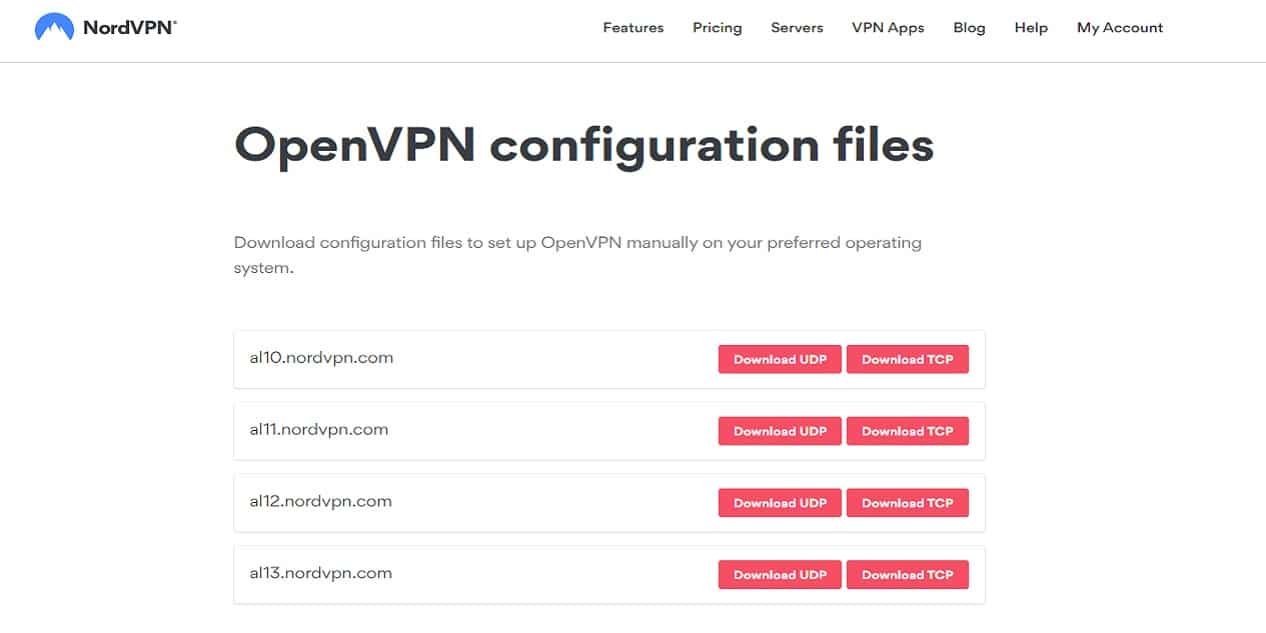
Web Oct 6 2023 nbsp 0183 32 To get this working you re going to need to download your VPN provider s OpenVPN configuration files ovpn In general a provider that supports Linux without supplying a native Linux client makes its OpenVPN configuration files available on its website This goes for VPN providers that support routers as well