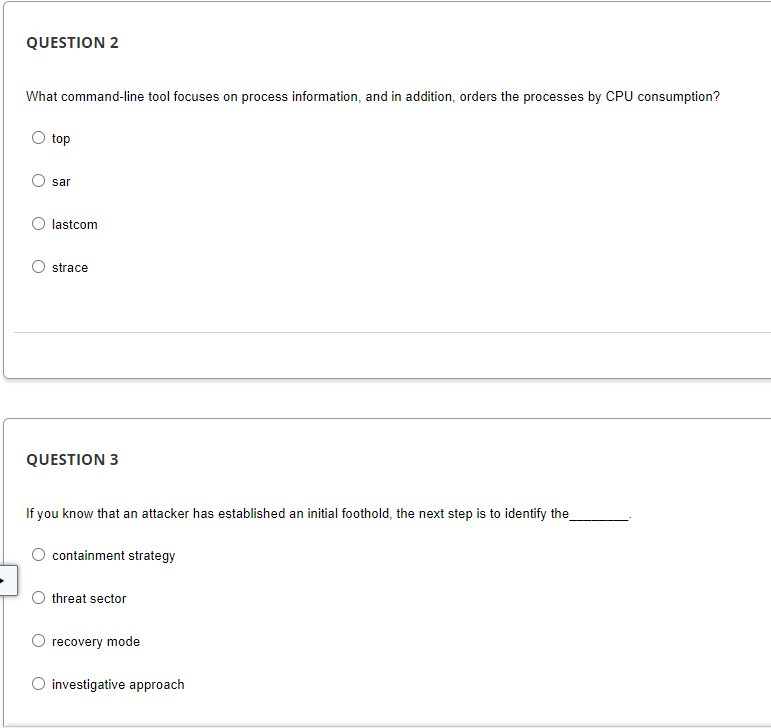
Linux List Processes By Cpu Usage How To Check Running Instances In Linux Using The Command Line Systran Box Solved QUESTION 2 What Command line Tool Focuses On Process Chegg Linux Command To Check Cpu Utilization Plebooks What Is Load Average In Linux DigitalOcean List Running Processes In Linux With Ps Top Or Htop CMD returns the command that launched the process How to List Running Processes in Linux using the top and htop Commands You can also use the top task manager command in Linux to see a real time sorted list of top processes that use the most memory or CPU Type top in your terminal and you ll get a result like the one you see in the
The ps command uses the following syntax ps options Frequently used ps command options include a List all ruining processes for all users A e List all processes on the system a List all processes except session leaders instances where the process ID is the same as the session ID and processes not associated with a terminal Get Overall CPU Usage on Linux Last updated September 1 2021 Written by baeldung Administration top vmstat 1 Introduction Insufficient system resources such as storage memory and CPU Central Processing Unit can greatly affect an application s performance Hence monitoring these components is crucial
List Running Processes In Linux With Ps Top Or Htop Linux List Processes How To Check Running Processes Linux List Processes Comicgerty Linux Processes And Signals 2020 Linux List Processes How To Check Running Processes How To List Processes In Linux 3 Ways To List Running Processes Gain Secure Connection Using The Ubuntu SSH Server CloudiBee Mdadm Software RAID Management In Linux CloudiBee CPU Scheduling Lecture Notes CISC 3320
Linux List Processes By Cpu Usage
 Linux List Processes By Cpu Usage
https://syscdn.systranbox.com/how_do_i_see_running_processes_in_linux.png
S Status of the process See the list below for the values this field can take CPU The share of CPU time used by the process since the last update MEM The share of physical memory used TIME Total CPU time used by the task in hundredths of a second COMMAND The command name or command line name options Memory values are shown
Templates are pre-designed documents or files that can be utilized for different functions. They can save effort and time by providing a ready-made format and layout for developing different kinds of content. Templates can be used for personal or professional jobs, such as resumes, invitations, leaflets, newsletters, reports, presentations, and more.
Linux List Processes By Cpu Usage

Mastering The Art Of Listing All Running Processes In Linux Using Ps Top And Htop Commands

Linux List Processes How To Check Running Processes
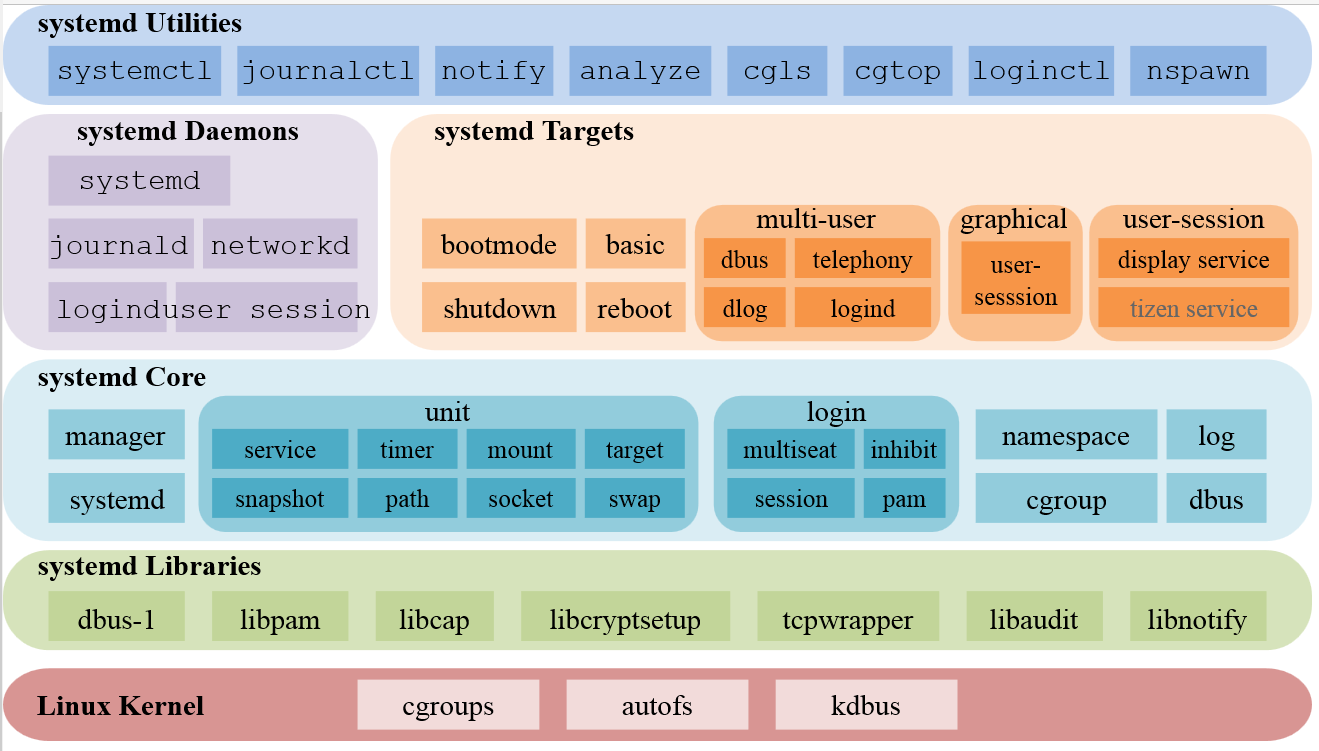
Linux List Processes Comicgerty
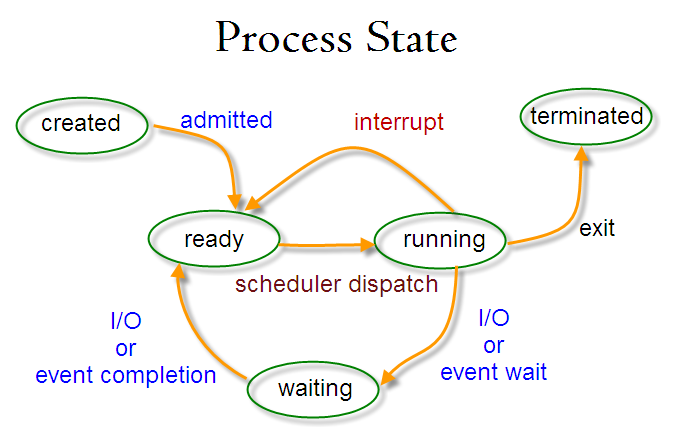
Linux Processes And Signals 2020
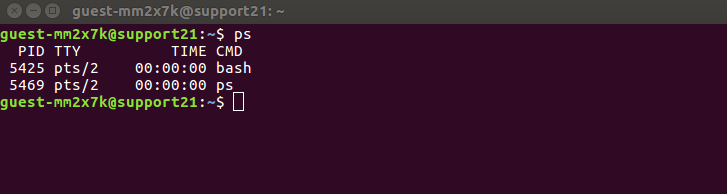
How To List Processes In Linux 3 Ways To List Running Processes
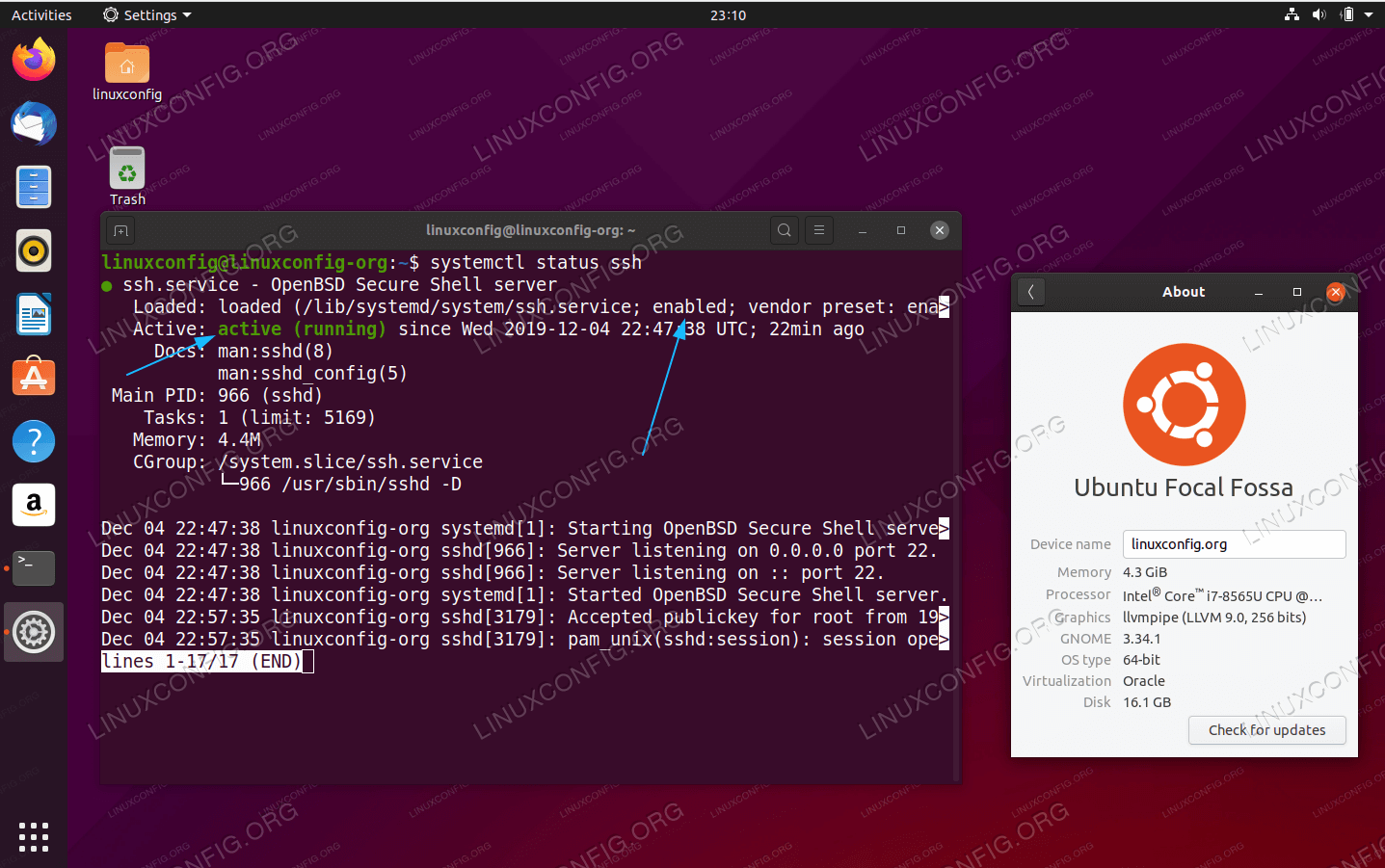
Gain Secure Connection Using The Ubuntu SSH Server CloudiBee

Open the Terminal Access your command line interface Run the top Command Type top to open an interactive interface showing system and process statistics Sort by CPU Usage Press Shift P if needed to sort processes by CPU usage The interface updates in real time
13 Answers Sorted by 154 Why use ps when you can do it easily with the top command If you must use ps try this ps aux sort nrk 3 3 head n 5 If you want something that s truly top esq with constant updates use watch watch ps aux sort nrk 3 3 head n 5 Share Improve this answer Follow edited Jun 8 2016 at 6 58
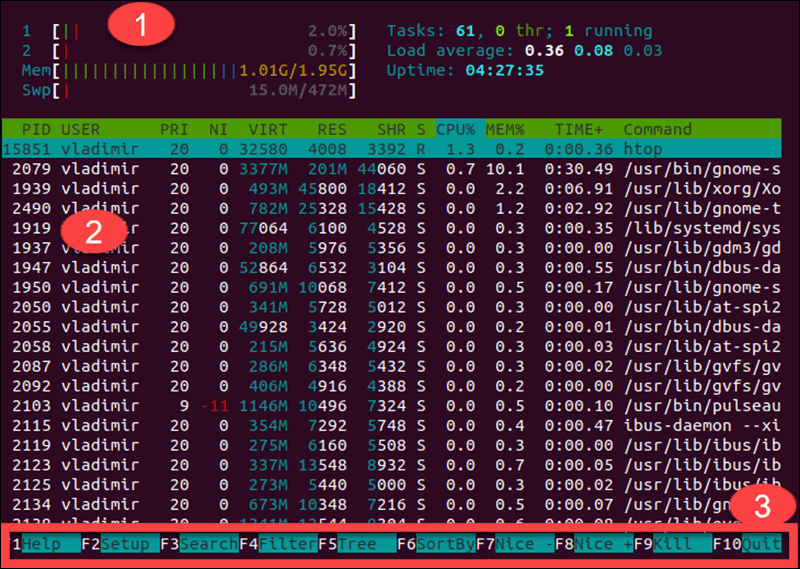
Open a terminal window and enter the following top The system should respond by displaying a list of all the processes that are currently running It will also give a readout of users tasks CPU load and memory usage This list can frequently change as background tasks start and complete One helpful switch is to launch top with the i switch

Processes in Linux UID Associated user ID for this process PID ID of the process PPID ID of the parent process CPU CPU utilized by the process MEM Memory utilized by the process STIME Start time of the process TIME Time is taken by the process COMMAND The command that started this process

22 Answers Sorted by 299 ps p pid o cpu mem cmd You can leave off cmd but that might be helpful in debugging Note that this gives average CPU usage of the process over the time it has been running Share Improve this answer
top v Expected output procps ng 3 3 12 The display window from the top command is not very user friendly at first because of the sheer amount of information and all the terminology and abbreviations used We ll cover everything you need to know below so you can interpret the data from top We often need to get or monitor resource usage by currently running processes in the Linux command line When we re facing this kind of requirement two handy commands may come up the ps command and the top command By default they will list the resource usages of all processes that the current login user can see
Find Running Processes by CPU Usage Finally to limit the number of processes shown to 10 we pipe the output to the head command ps aux sort mem head 10 ps aux sort cpu head 10 Limit Number of Running Processess Note that due to some command names being longer and using a new line in the output head 10 will