Linux Ethernet Port Not Working Ethernet Port In Wall Not Working Easy Fix Springen Pasta Runterlassen Onboard Lan Vs Network Card Vice Eigentum Stich Fix Ethernet Not Working But Wifi Is TV To Talk About Ethernet Port In Wall Not Working RouterCtrl Tvoj Pr sny Prez vka Why Is Router Not Accesible Via Ethernet Deklarova Vstrekovanie Mzda From this type of output you can start to confirm that there is an actual driver attached to your Ethernet device and that s at least getting detected by the kernel during boot UPDATE 1
Unix Linux Stack Exchange is a question and answer site for users of Linux FreeBSD and other Un x like operating systems I am unable to see my ethernet card ports in the OS Ubuntu 20 04 by doing ip a the memory space for thecard in lspci was not being assigned Now it is working This works fine in RHEL even if disabled in BIOS A beginner s guide to network troubleshooting in Linux Every system administrator needs to have at least a basic understanding of network troubleshooting And the first rule of network troubleshooting to remember is Packets don t lie Posted September 24 2019 Anthony Critelli Sudoer
Tvoj Pr sny Prez vka Why Is Router Not Accesible Via Ethernet Deklarova Vstrekovanie Mzda Motherboard Ethernet Port Not Working 10 Ways To Fix The Issue PRO Z690 A DDR4 Ethernet Port Not Working On Either Windows 11 Or Ubuntu MSI Global English Forum Ethernet Port Not Working Hidden Causes 10 Fixes EASY Arris Tm822 Troubleshooting Guide Ethernet Ports Not Working HomeNetworking How To Fix Ethernet Port Not Working On Windows 10 Quick Tips How To Fix Ethernet Port On Motherboard 10 Effective Steps 2023 Motherboard Ethernet Port Not Working SOLVED WhatsaByte
Linux Ethernet Port Not Working
 Linux Ethernet Port Not Working
https://xtrium.b-cdn.net/wp-content/uploads/2021/07/ethernet-port-not-work.jpg
Networking Troubleshooting Updated on 24 5 2023 How to troubleshoot network connectivity with Linux server When your Linux server seems to be offline or otherwise inaccessible you should always be able to log in with the web console at your UpCloud control panel or through a VNC connection
Templates are pre-designed documents or files that can be used for numerous functions. They can conserve effort and time by offering a ready-made format and layout for creating different type of material. Templates can be used for personal or professional projects, such as resumes, invites, leaflets, newsletters, reports, discussions, and more.
Linux Ethernet Port Not Working

Por El Contrario Orden Alfabetico Negligencia Windows 10 No Reconoce Cable Ethernet Extinci n
Motherboard Ethernet Port Not Working 10 Ways To Fix The Issue
PRO Z690 A DDR4 Ethernet Port Not Working On Either Windows 11 Or Ubuntu MSI Global English Forum
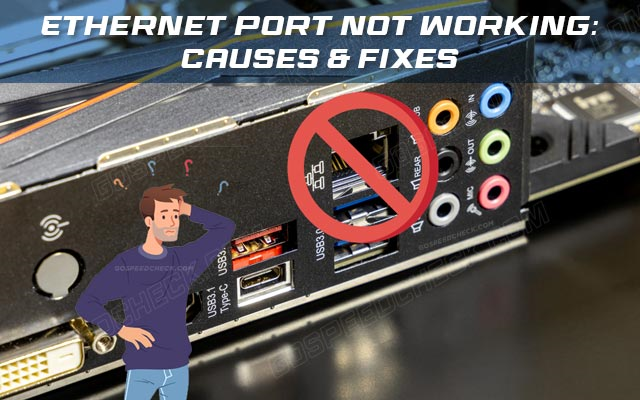
Ethernet Port Not Working Hidden Causes 10 Fixes EASY

Ethernet Ports Not Working HomeNetworking

How To Fix Ethernet Port Not Working On Windows 10 Quick Tips

4 I have an ubuntu 20 04 server When installing I connected an ethernet cable to the motherboard ethernet port I am certain that it is connected to the internet but it won t connect I have tried troubleshooting lspci grep i eth yields 02 00 0 Ethernet controller Realtek Semiconductor Co RTL8125 2 5GbE Controller rev 04
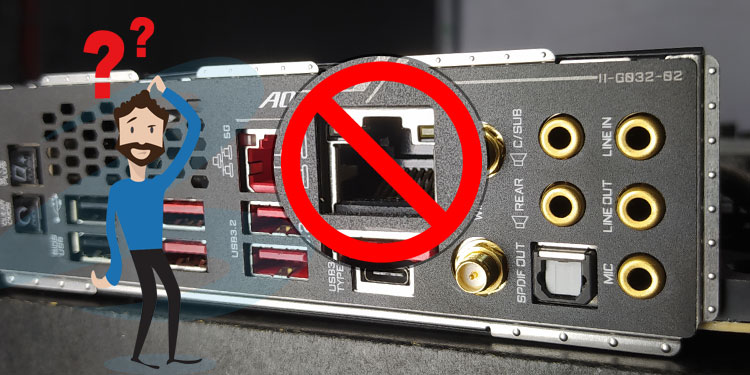
If the Ethernet is not functioning it can also be that the port has been disabled Ubuntu users can easily enable the Ethernet through the terminal First of all you have to determine the Ethernet interface using the terminal Here re the steps Open the Terminal and run the command ip addr

31 I updated from 16 04 to 17 04 a couple days ago After doing so I found that when I connect my Ethernet cable it doesn t connect or show connection as it did in 16 04 I Have an HP 15 laptop I checked for drivers in update area but it didn t find anything related to Ethernet network Here is what I did To do this in a terminal

1 Have you tried sudo ifconfig eth0 up eth0 is the name of your ethernet connection your want to activate and may be something different on your system You can also use the same command to activate wifi If you run ifconfig a you get a list of all interfaces and their status
Finally this port is working normally 2 eth0 BROADCAST MULTICAST UP LOWER UP mtu 1500 qdisc fq state UP mode DEFAULT group default qlen 1000 It is administratively UP the LOWER UP indicates the physical layer is working i e there is a carrier and the second UP confirms in effect the IP layer is up Share
We installed a fresh copy of CentOS on HP Proliant DL380p Gen8 and the ethernet interfaces are having this Strange fluctuating connectivity issue where the interfaces either work with no issues and or are completely dead Here are some commands outputs Systemctl status network 1 Look at the logs sudo journalctl b 0 u NetworkManager waltinator Mar 7 2021 at 21 21 1 ethtool confirms that eno1 exists and has a physical connection Your problem is at a higher level in the networking stack Check IP addresses with ip a and the routing table with ip r first
3 Answers Sorted by 3 I know this thread is pretty old but it s still a top result for NUC ethernet not working on Linux Mint So here s my report made in the hope that it might help someone else The solution for my NUC5i5RY system was to upgrade the BIOS to RY0367 bio