Linux Display File Contents In Hex Column Command In Linux Display File Contents In Columns YouTube GitHub Xfgusta xdump Display File Contents In Hexadecimal And ASCII Unix Linux Display File Content From Some Muti line Pattern To The Tac Command In Linux Display File Content In Reverse Order YouTube Display File Contents In Columns With The column Command YouTube Sorted by 19 Yes you can open any block device as a file As a matter of fact the philosophy of Linux is everything is a file The block device you want to access is likely dev hda or dev sda Since it is a very big file I suggest you use wxHexEditor wxHexEditor dev sda From the website wxHexEditor is not an ordinary hex editor but
The hexedit command provides a way to edit binary files but to view and save the content in a file for later analysis without editing try the xxd command Credit Metamorworks Getty It can also display multiple files concatenated together Hexdump is a command line tool used to show the raw bytes of a file in various ways including hexadecimal available on Linux FreeBDS OS X and other platforms Outputs hexadecimal content of a file or standard input or creates a file based on a hex dump
Display File Contents In Columns With The column Command YouTube Linux Display File In Terminal Linux Unix Linux Display File Content From The Beginning Up To A Multi How To Display File Contents In Column Format In Linux Terminal How To View Files In Linux Using Cat More Or Less Commands How To Display Contents Of A File In Linux Liquid Web View The Contents Of A File In Linux Command Line View The Contents Of A File In Linux Command Line
Linux Display File Contents In Hex
 Linux Display File Contents In Hex
https://i.ytimg.com/vi/Z5_PcRkvvrE/maxres2.jpg?sqp=-oaymwEoCIAKENAF8quKqQMcGADwAQH4AYwCgALgA4oCDAgAEAEYZSBTKEUwDw==&rs=AOn4CLAB3eKBnpyqYcMis12OV5gFrO4PKQ
Specify a format string to be used for displaying data f format file file Specify a file that contains one or more newline separated format strings Empty lines and lines whose first non blank character is a hash mark are ignored L color when Accept color units for the output
Pre-crafted templates provide a time-saving service for producing a varied series of files and files. These pre-designed formats and designs can be used for numerous individual and professional projects, including resumes, invites, flyers, newsletters, reports, discussions, and more, enhancing the material development procedure.
Linux Display File Contents In Hex

How To Display File Contents In Text File Using Cat Command In Linux
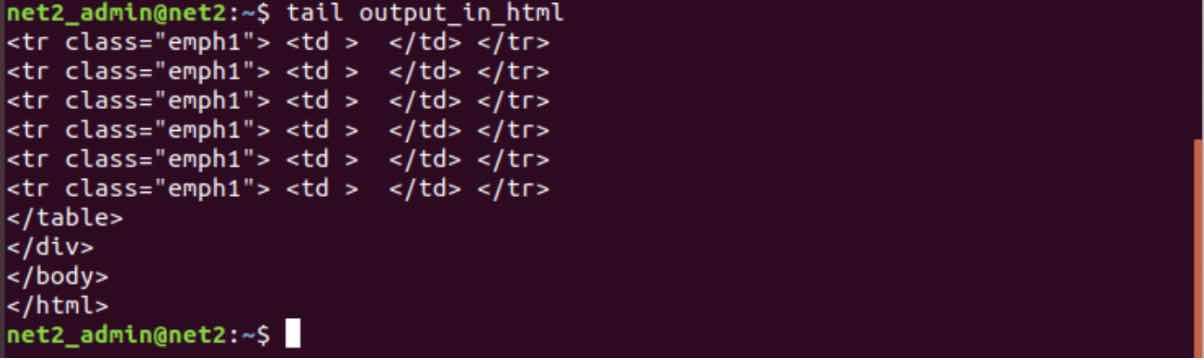
Linux Display File In Terminal

Linux

Unix Linux Display File Content From The Beginning Up To A Multi
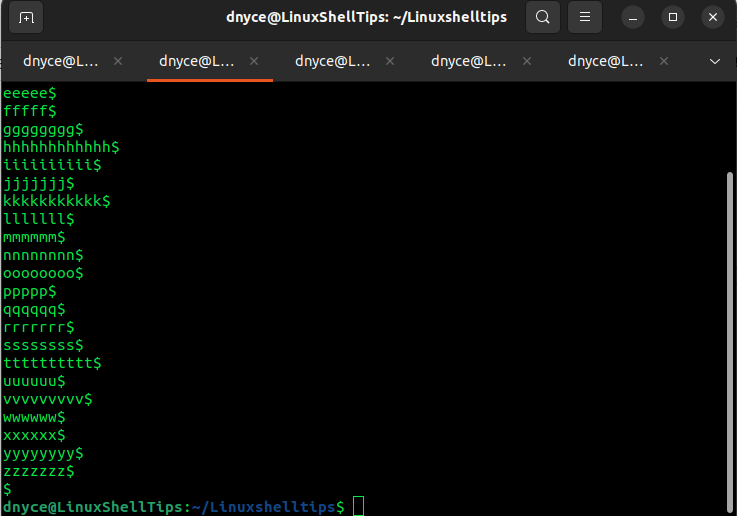
How To View Files In Linux Using Cat More Or Less Commands
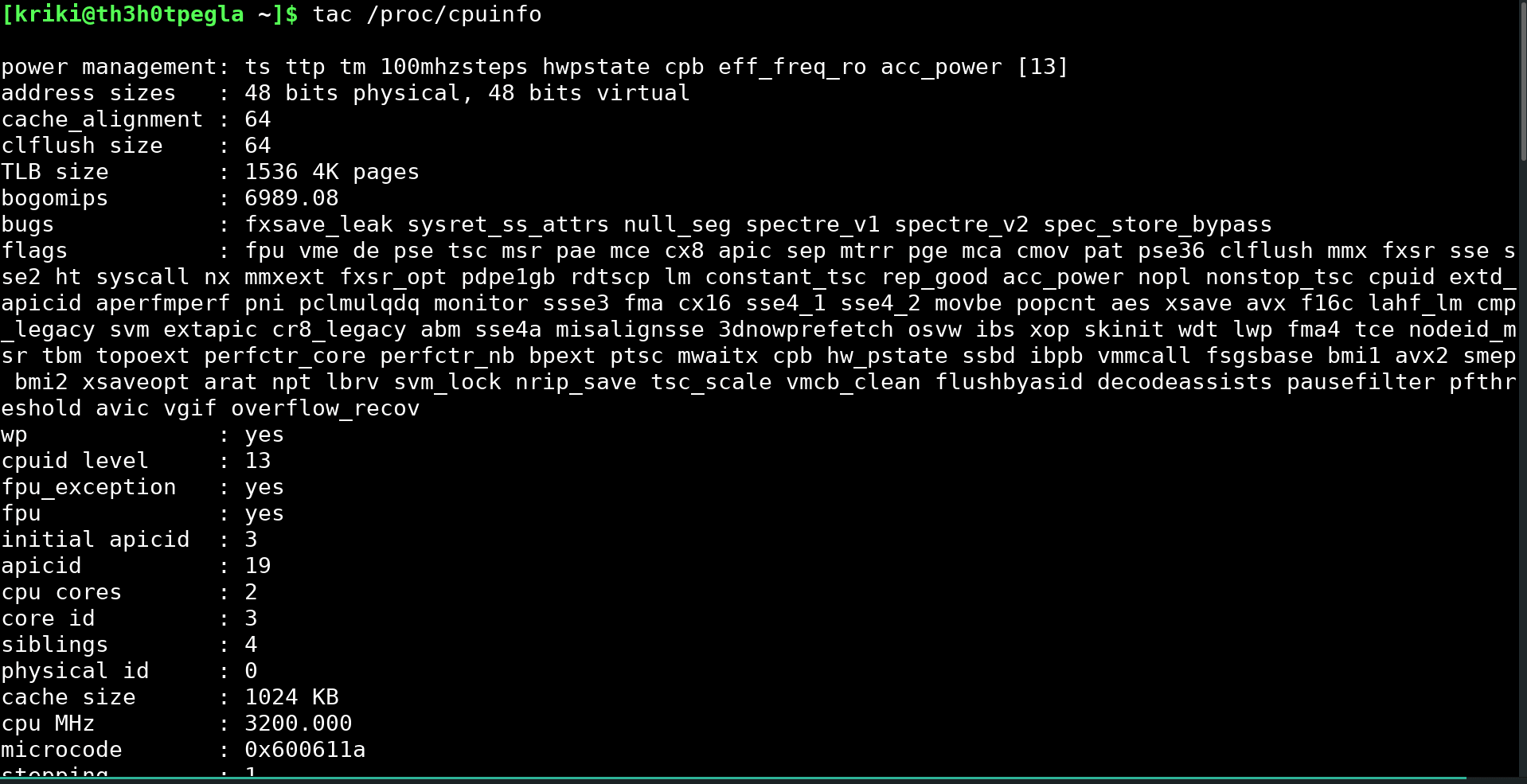
How To Display Contents Of A File In Linux Liquid Web

Unix Linux Stack Exchange is a question and answer site for users of Linux FreeBSD and other Un x like operating systems It only takes a minute to sign up I wanted to have the last 4 bytes in hex of a binary file Here is what I did that works od A n t x1 w1 v myFile bin tail n 4 sed s g paste sd mgouin Feb 17
The hd or hexdump command in Linux is used to filter and display the specified files or standard input in a human readable specified format For example if you want to view an executable code of a program you can use hexdump to do so Syntax hd OPTIONS FILES Options b One byte octal display

Hexdump is a built in Linux utility to filter and display the contents of different files in hex decimal octal or ASCII formats It functions well as an inspection tool and can be used for data recovery We can also use it to view the executable code of different programs hexdump has the following basic syntax hd OPTIONS FILES

Utility is a filter which displays the specified files or standard input if no files are specified in a user specified format OPTIONS highlights the respective string with the color specified Conditions if present are evaluated prior to highlighting The full syntax of a color unit is as follows Negate the condition

You can use the xxd command to transform a file in Vim to hex representation doing xxd enters command line mode matches whole file as a range filters that range through an external command xxd is that external shell command
DESCRIPTION hexedit shows a file both in ASCII and in hexadecimal The file can be a device as the file is read a piece at a time You can modify the file and search through it OPTIONS s sector Format the display to have entire sectors m maximize Try to maximize the display color Display colors Hexdump is a popular Linux command which can be used to display the contents of the file in a specific human readable format It can dump contents into various formats such as hexadecimal ASCII octal or decimal It is normally used to analyze machine code by security or malware analysts or compiler programmers Generally used to analyze
File Display the type of file cat Display the content of the file and outputs it on stdout You can use vi emacs command to edit the file in Unix environment If you do not have expertise in using vi emacs you might find it little difficult to edit the file