Linux Command To See Memory Usage By Process Linux How To Fix Vmmem High Memory Usage In Windows 10 2024 How To Check Linux CPU Usage Or Utilization Atlantic Net High Memory Usage In Windows 11 How To Reduce It In 6 Steps Fix High Memory Usage In Windows 11 22H2 How do you measure the memory usage of an application or process in Linux From the blog article of Understanding memory usage on Linux ps is not an accurate tool to use for this intent Why ps is wrong Depending on how you look at it ps is not reporting the real memory usage of processes
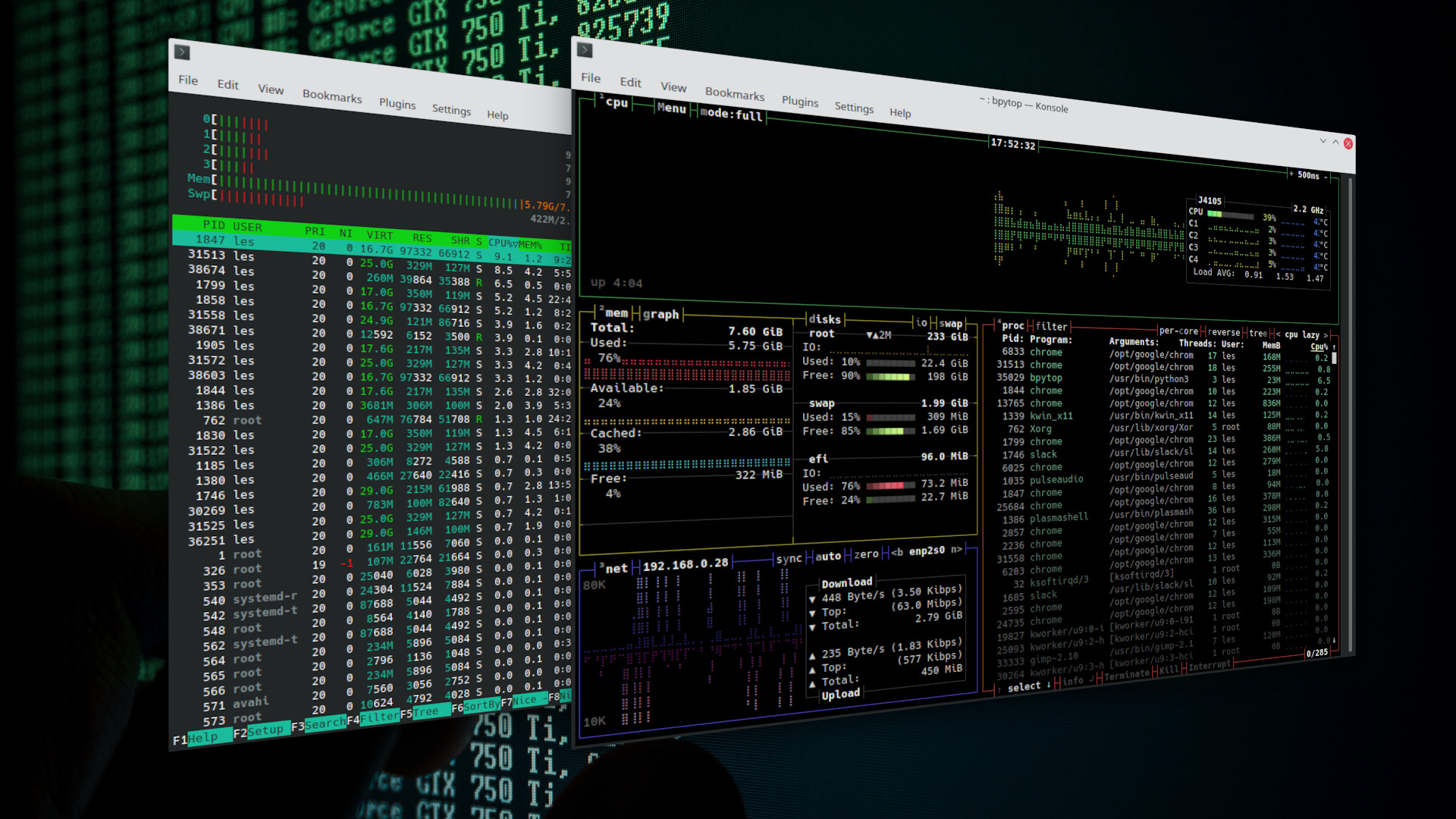
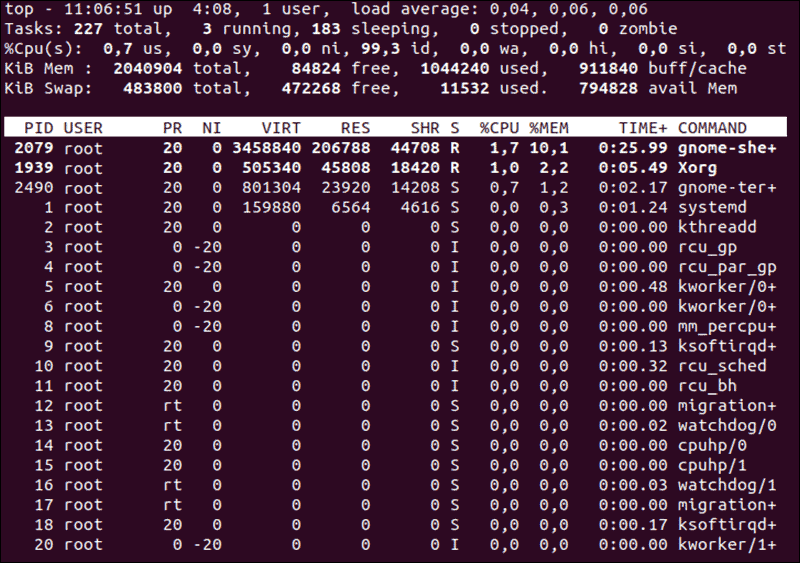
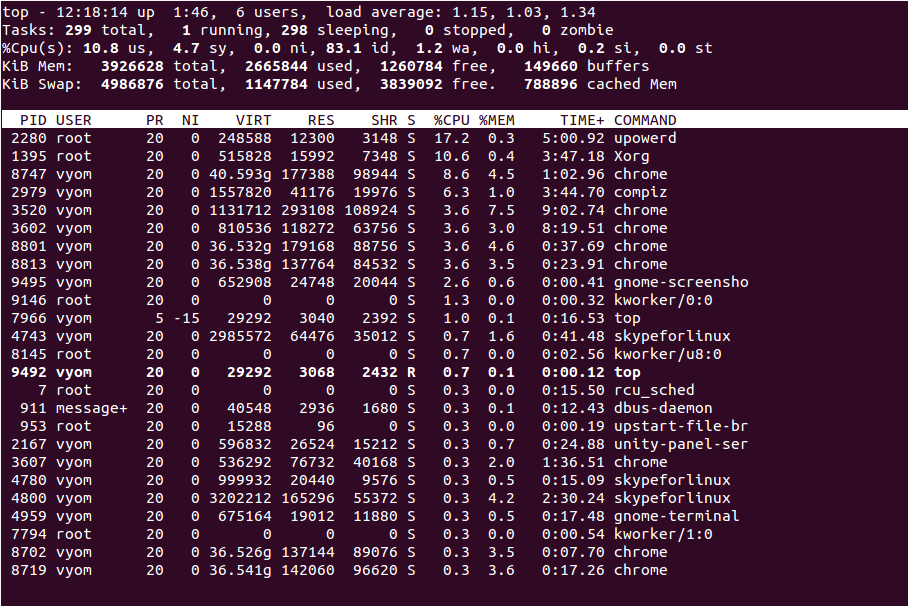
One of the best commands for looking at memory usage is top One extremely easy way to see what processes are using the most memory is to start top and then press shift m to switch the Linux comes with different set of commands to check memory usage The free command displays the total amount of free and used physical and swap memory in the system as well as the buffers used by the kernel The vmstat command reports information about processes memory paging block IO traps and cpu activity
Fix High Memory Usage In Windows 11 22H2 Linux Cpu Memory Usage Jsp634 jp Memory Layout Of A C Program Part Codingfreak Photos Hot Sex Picture Does Windows 11 Use More RAM Than Windows 10 How To Check RAM GPU And CPU Usage In Windows 11 Linux Memory Usage By Process Jasidentity Microsoft Edge High Memory And Cpu Utilization Top 8 Ways To Fix Usage How To View Your Command History In Linux Tom s Hardware Odvolanie Polomer Esej Python Cpu And Ram Usage On Remote Linux Machine
Linux Command To See Memory Usage By Process
 Linux Command To See Memory Usage By Process
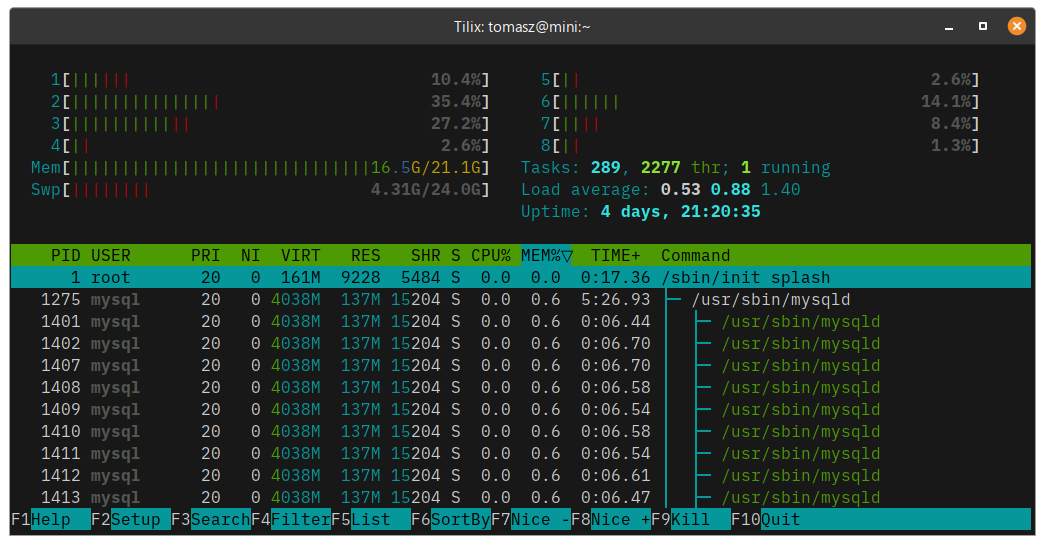
https://opensource.com/sites/default/files/uploads/1_htop.png
The proc meminfo file reports statistics about memory usage on Linux Use the cat command less command or grep command egrep command as follows on your Linux box cat proc meminfo more proc meminfo Each line of the proc meminfo file consists of a parameter name followed by a colon the parameter value and an option unit of
Templates are pre-designed documents or files that can be utilized for numerous purposes. They can save effort and time by providing a ready-made format and layout for producing different type of material. Templates can be used for personal or expert tasks, such as resumes, invitations, flyers, newsletters, reports, presentations, and more.
Linux Command To See Memory Usage By Process
How To Check Cpu Usage In Linux Ksk net jp
Linux Cpu Memory Usage Jsp634 jp

Memory Layout Of A C Program Part Codingfreak Photos Hot Sex Picture

Does Windows 11 Use More RAM Than Windows 10

Linux Memory Usage By Process Jasidentity

Microsoft Edge High Memory And Cpu Utilization Top 8 Ways To Fix Usage
Access to a command line terminal User with sudo privileges The apt package manager Commands to Check Memory Use in Linux cat Command to Show Linux Memory Information Entering cat proc meminfo in your terminal opens the proc meminfo file This is a virtual file that reports the amount of available and used memory

Quick Links How Linux Uses RAM The free Command The vmstat Command The top Command to Display Current RAM Use Reading proc meminfo Key Takeaways There are a variety of Linux commands that can display information about your RAM Some are better for certain uses that others
8 Obtaining memory usage through ps is pretty unreliable If you have a newer kernel it should support proc pid smaps which gives you some detailed information on each processes memory usage Below is a pretty dirty and quick script to loop through each process that is open and grab the Size Rss Pss and Shared Clean Dirty usage
This will show you top 10 process that using the most memory ps aux sort mem head Using top when you open top pressing m will sort processes based on memory usage But this will not solve your problem in Linux everything is either file or process So the files you opened will eating the memory too
The ps command in Linux can tell us all sorts of information about the running processes on our system The command also reports memory usage for each running process In this tutorial you ll see how to list processes on Linux sorted by their memory consumption In this tutorial you will learn How to use ps command to sort by memory usage
The procedure to check memory usage in Linux is as follows Open the terminal application Type top command Press Enter to run the command Once the top command has loaded take a look at the mem column Brief explanation of above options used in above command The o or format option of ps allows you to specify the output format A favorite of mine is to show the processes PIDs pid PPIDs pid the name of the executable file associated with the process cmd and the RAM and CPU utilization mem and cpu respectively Additionally I use sort to sort by either mem or cpu
How to check RAM usage with free The free Linux command provides a very quick and easy way to see a system s current memory utilization The output requires a little knowledge to interpret but we ll cover that below A few switches are also handy to know Here s what free shows us on our test system