Linux Command To Check Memory Usage In Gb Get Memory Use Statistics With This Linux Command line Tool Check Cpu Usage Polarfad Linux Command Check Memory Slots Linux Command To Check Memory Slots Yellowmilk Omettere Per Conto Di Credo Microsoft Defender Memory Usage Adattamento Linux comes with different set of commands to check memory usage The free command displays the total amount of free and used physical and swap memory in the system as well as the buffers used by the kernel The vmstat command reports information about processes memory paging block IO traps and cpu activity
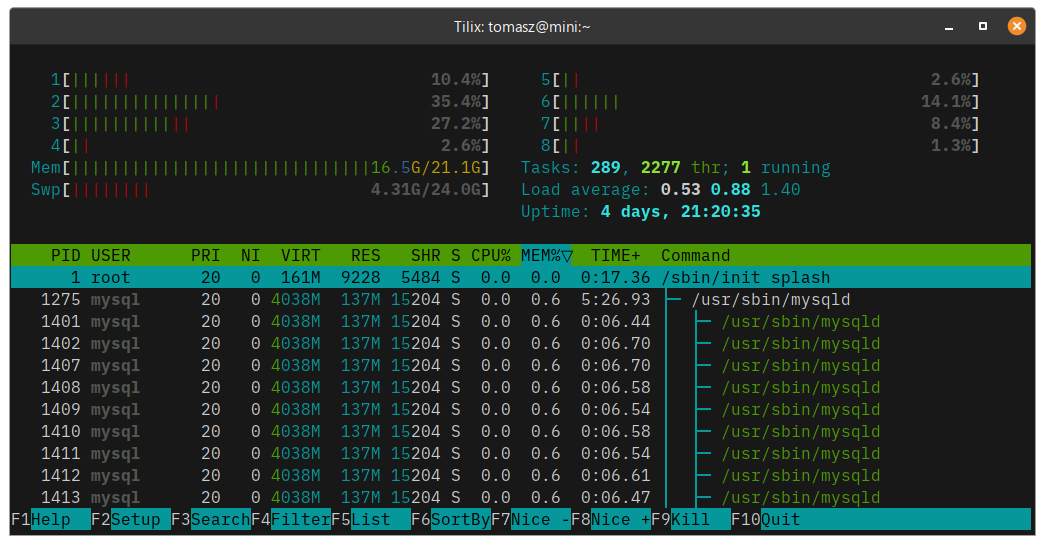
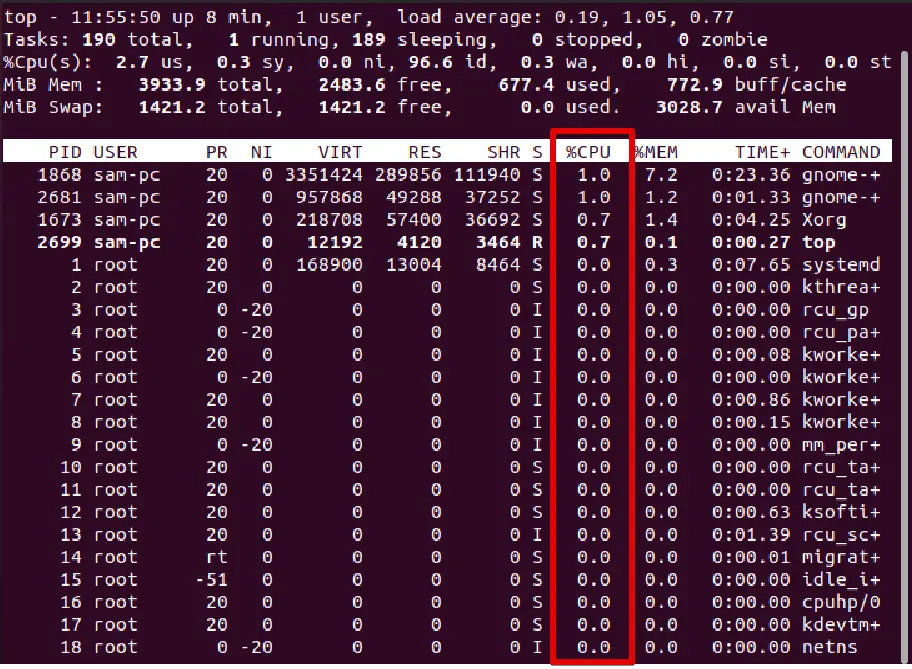
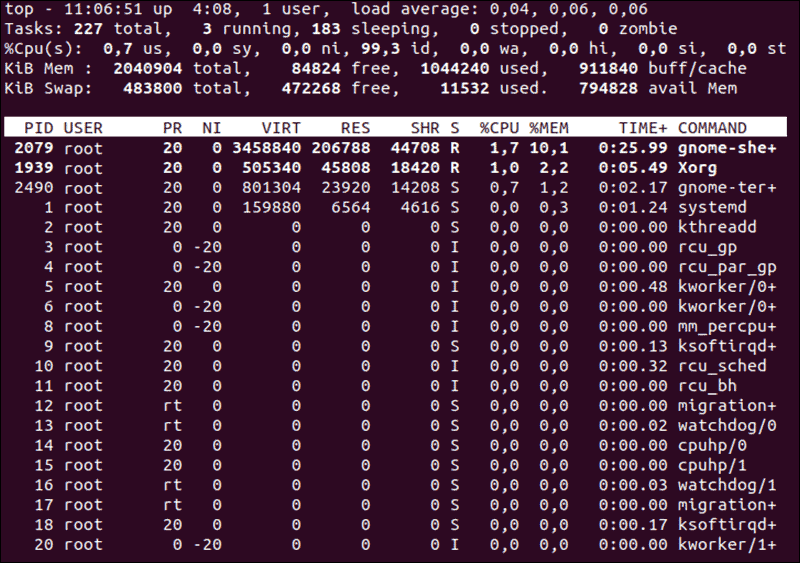
The procedure to check memory usage in Linux is as follows Open the terminal application Type top command Press Enter to run the command Once the top command has loaded take a look at the mem column This command displays a real time view of your system s CPU and memory usage Let us see how to use these commands quickly on Linux to get memory utilization information from the shell prompt free command examples Type the free command at shell prompt to display amount of free and used memory in the system in human readable format from proc meminfo free free m Output total used free shared buffers cached Mem 2010 1965 45 0 152 776 buffers cache 1036 974
Omettere Per Conto Di Credo Microsoft Defender Memory Usage Adattamento Linux Cpu Memory Usage Kachoutei jp How To Use The Pmap Linux Command To Check Memory Usage How To Check Memory Usage Percentage In Linux CertSimple How To Check Memory Usage On Windows 10 11 RAM Usage Command To Check CPU And Memory Utilization In Linux Ubuntu Simple Guide How To Check Memory In Linux System Microsoft Edge High Memory And Cpu Utilization Top 8 Ways To Fix Usage Command To Check Memory Utilization History In Linux Linux World
Linux Command To Check Memory Usage In Gb
 Linux Command To Check Memory Usage In Gb
https://opensource.com/sites/default/files/uploads/1_htop.png
1 free The free command in Linux has the simplest output It shows the amount of free and used memory on your Linux system You can see the free and used physical memory i e RAM the swap usage and the buffer used by the Linux kernel All you have to do is to type free in the terminal and hit enter
Pre-crafted templates use a time-saving option for developing a varied variety of documents and files. These pre-designed formats and layouts can be utilized for different personal and expert projects, including resumes, invites, leaflets, newsletters, reports, discussions, and more, streamlining the content development procedure.
Linux Command To Check Memory Usage In Gb
8 Commands To Check Linux CPU Usage ByteXD
Linux Cpu Memory Usage Kachoutei jp
How To Use The Pmap Linux Command To Check Memory Usage

How To Check Memory Usage Percentage In Linux CertSimple
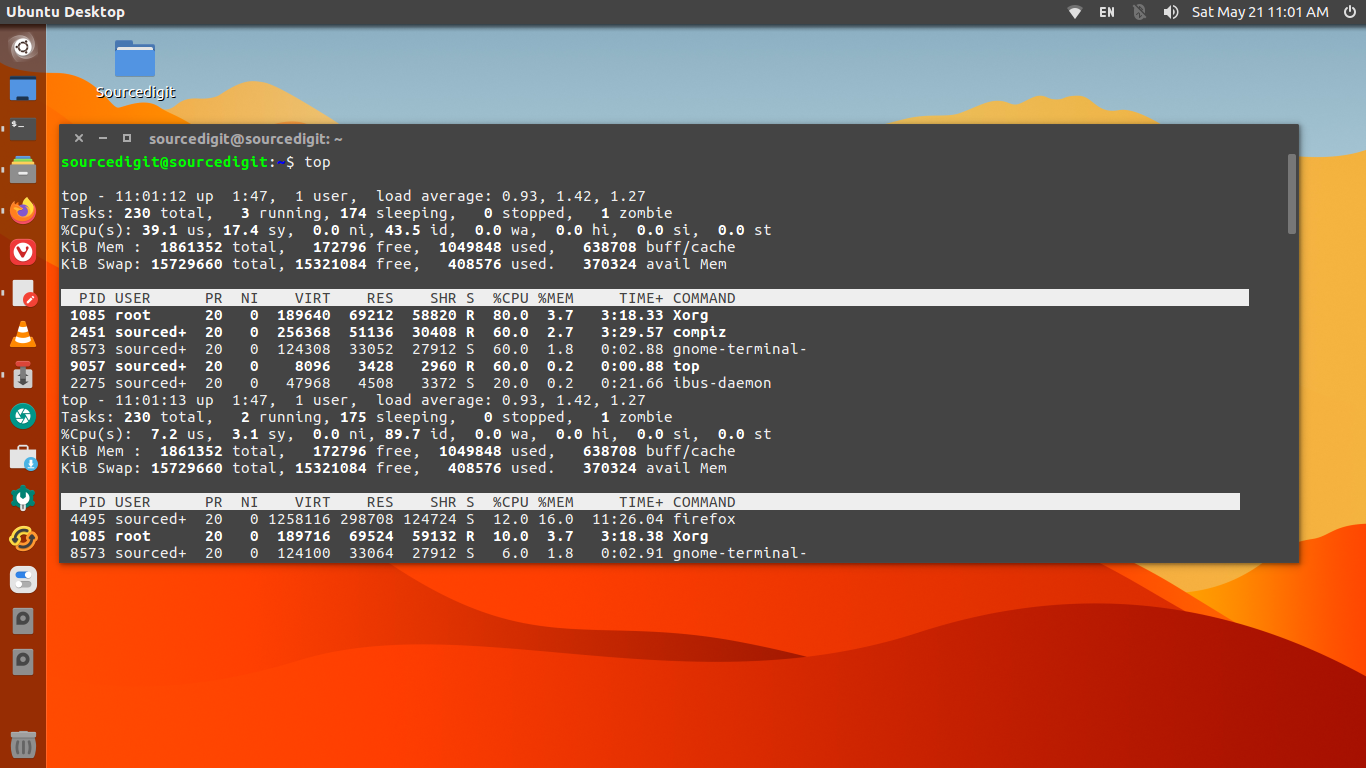
Command To Check CPU And Memory Utilization In Linux Ubuntu

Simple Guide How To Check Memory In Linux System
Access to a command line terminal User with sudo privileges The apt package manager Commands to Check Memory Use in Linux cat Command to Show Linux Memory Information Entering cat proc meminfo in your terminal opens the proc meminfo file This is a virtual file that reports the amount of available and used memory

How to Check Memory Usage From the Linux Terminal Is it Chromium using up all of the RAM Need to find out what s using up the memory on your Linux system There are four ways you can check it from the command line How To Geek Newsletter Log in TrendingWindows PC Optimization iPhone
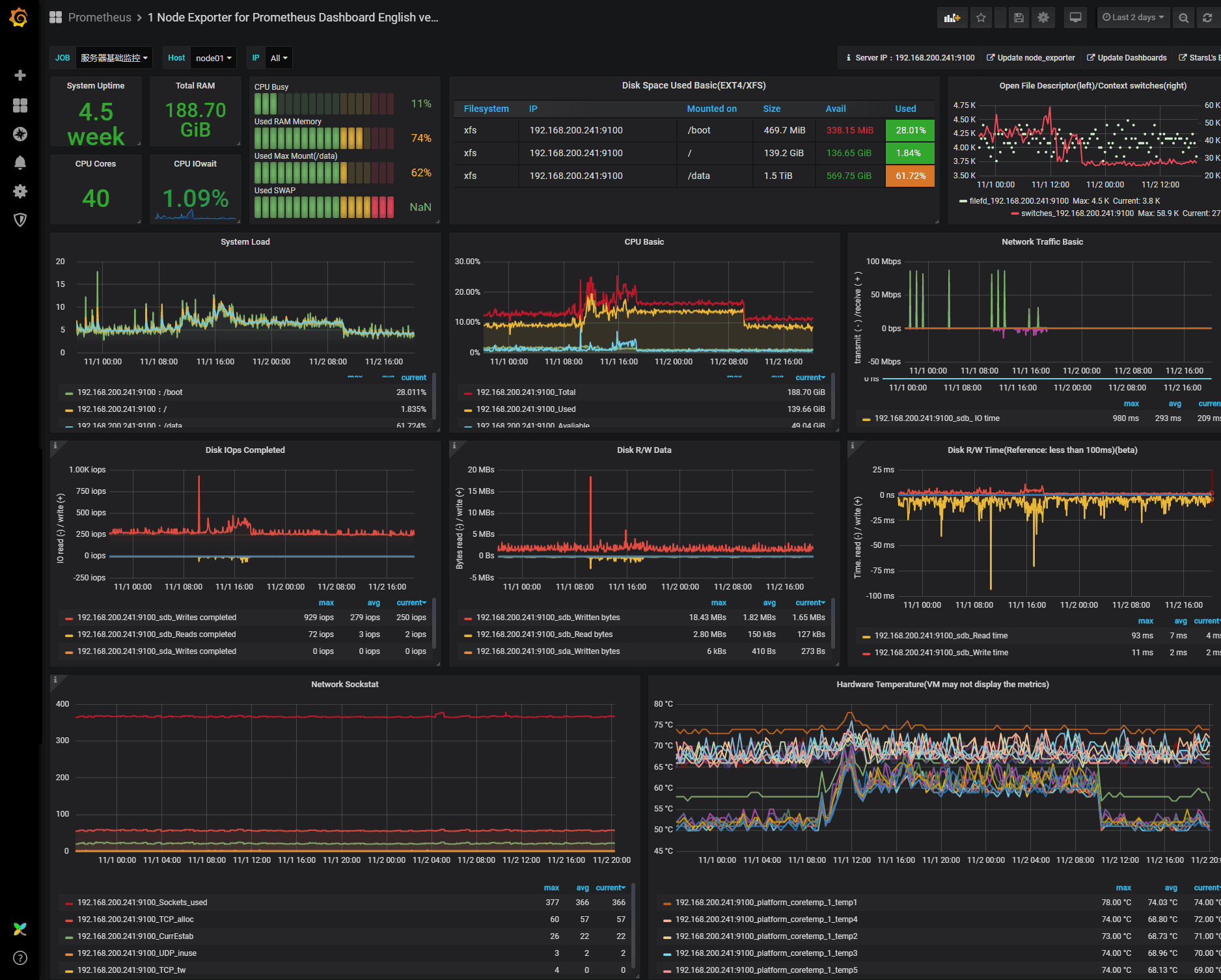
There is a command line option which does that M Detect memory units Show memory units k M G and display floating point values in the memory summary So it is sufficient to run top like that top M If M does not work you can press E while already in top From man top procps ng version 3 3 9

Free is the most commonly used command for checking the memory usage of a Linux system It displays information about the total used and free memory Generally free is invoked with the h option that means print the output in human readable format free h total used free shared buff cache available Mem 3936 1087 252 130 2596 2427 Swap 0 0 0
1 Display System Memory Free command used to check the used and available space of physical memory and swap memory in KB See the command in action below free total used free shared buffers cached Mem 1021628 912548 109080 0 120368 655548 buffers cache 136632 884996 Swap 4194296 0 4194296 2 Display Memory in Bytes
The free Linux command provides a very quick and easy way to see a system s current memory utilization The output requires a little knowledge to interpret but we ll cover that below A few switches are also handy to know Here s what free shows us on our test system The top command shows you your Linux system s total and free amount of memory as well as the used physical and swap memory The most important column in this case is MEM because it tells you how much physical memory each process used Then you can identify the rogue app that s eating too much memory and kill it
In this tutorial we will show you eight powerful commands to check memory usage on a Linux system including RAM and swap Creating swap space on a Linux system is very important The following commands can help you check memory usage in Linux in different ways free Command proc meminfo File vmstat Command ps mem Command smem Command top Command