Linux Clear Text File Clear Linux For A Week Did It Work YouTube 5 Commands To Clear Linux Terminal Arch Linux Clear Linux Fedora Compete On The ASUS ROG Strix G15 Ryzen 9 5900HX Phoronix How To Clear Bash History On Linux Linux Clear Command And Clearing Shell Terminal Screen Type the rm command a space and then the name of the file you want to delete rm file 1 txt If the file is not in the current working directory provide a path to the file s location rm path to the file file 1 txt You can pass more than one filename to rm Doing so deletes all of the specified files rm file 2 txt file 3 txt
What is the simplest way to delete the contents of a file in BASH Asked 9 years 9 months ago Modified 9 years 9 months ago Viewed 8k times 10 I need to delete all lines in a file but leave essentially an empty file with no content and no lines As best I know one can do this rm file txt 2 dev null touch file txt The rm command is often used in conjunction with xargs to supply a list of files to delete Create a file called file txt cat file txt Add list of files to delete file1 tmp file2 txt data txt Now delete all file listed in the file named file txt enter xargs rm file txt
Linux Clear Command And Clearing Shell Terminal Screen How To Clear Terminal In Linux Clear Screen In Linux PhoenixNAP KB 3 Ways To Clear Screen On Linux Terminal Linux Clear Command Hindi YouTube How To Clear A Linux Command Line Terminal Screen Download Clear Linux 36010 How To Clear Terminal Screen In Ubuntu And Other Linux How To Clear Command Prompt In Windows And Linux Clear History Domain Escalation Resource Based Constrained Delegation Hacking Articles
Linux Clear Text File
 Linux Clear Text File
https://i.ytimg.com/vi/CYffFkbO14A/maxresdefault.jpg
I want to remove all blank characters from the very beginning and the very end of a text file including n if exists basically mimicking the behaviour of trim function of most programming languages if the file was a big string linux text processing sed whitespace Share Improve this question Follow edited Apr 11 2018 at 16 41
Pre-crafted templates use a time-saving solution for creating a varied variety of files and files. These pre-designed formats and designs can be utilized for different individual and professional projects, including resumes, invitations, leaflets, newsletters, reports, discussions, and more, enhancing the content creation procedure.
Linux Clear Text File
Void Linux Solus Manjaro Antergos Sabayon Clear Linux Put To A Performance Battle Phoronix

How To Clear Terminal In Linux Clear Screen In Linux PhoenixNAP KB
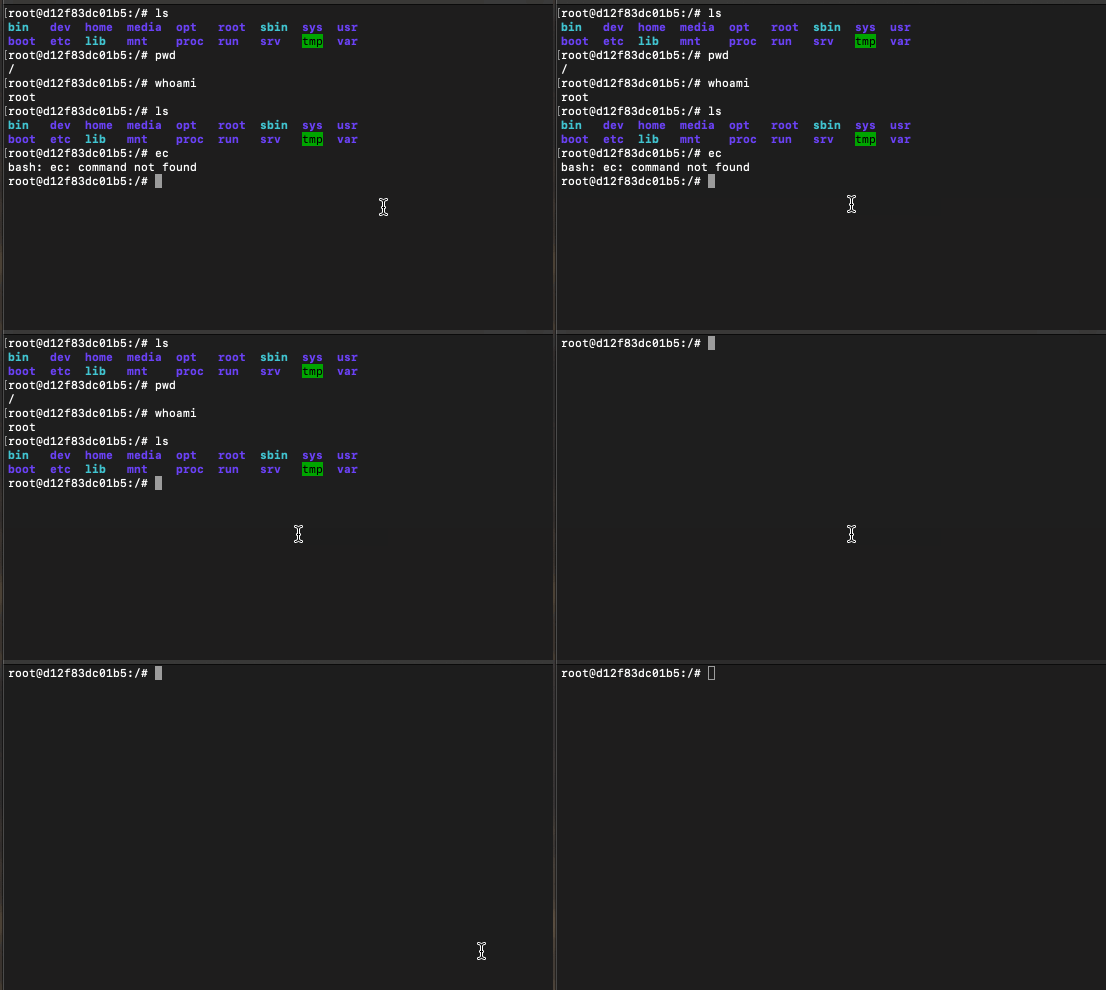
3 Ways To Clear Screen On Linux Terminal

Linux Clear Command Hindi YouTube
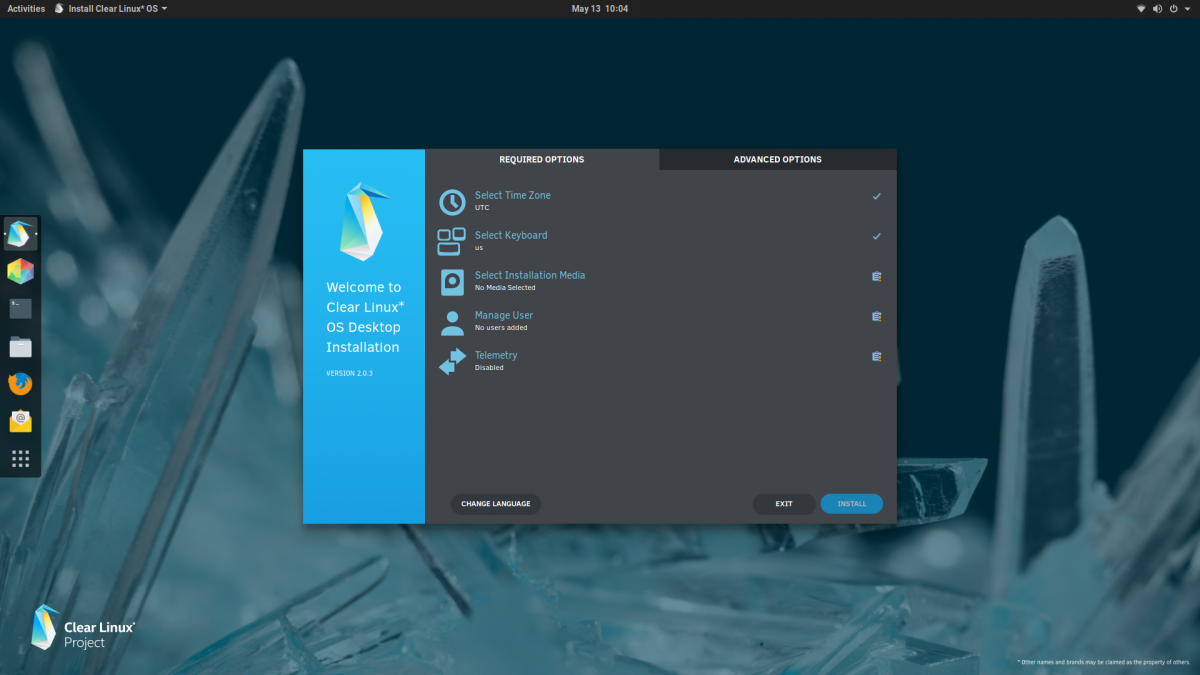
Download Clear Linux 36010

How To Clear Terminal Screen In Ubuntu And Other Linux

Sometimes we want to quickly clear only a file s content from the Linux command line and keep the empty file In this tutorial let s see how to achieve that 2 Introduction to the Problem As usual let s understand the problem through an example Let s say we have a non empty text file cat input txt Hi there I m not an empty file Bye

I want to clear the contents I know how to print the contents to the screen cat file log I know how to edit the file line by line nano file log But I don t want to delete each line one at a time Is there a way to do it in one command without destroying the file to do it command line Share Improve this question edited Jul 16 2013 at 12 18
1 Empty File Content by Redirecting to Null The easiest way to empty or blank a file content using shell redirect null non existent object to the file as below access log Empty Large File Using Null Redirect in Linux 2 Empty File Using true Command Redirection
Actually the second form touch filename doesn t delete anything from the file it only creates an empty file if one did not exist or updates the last modified date of an existing file And the third filename dev null tries to run filename with dev null as input cp dev null filename works As for efficient the most efficient would be truncate s 0 filename see here
4 Answers Sorted by 10 Doing grep f tmp file txt will display all lines containing the word text assume tmp just contains the word text If you want to display all the lines that don t contain the word text you need to use the v option to invert the match grep v text file txt
Save the above script in a file named like script py and then execute the script by firing the below command on terminal python3 script py file file is an input file where the path of the files you actually want to remove are stored In Linux you can remove delete directories with the rmdir and rm rmdir is a command line utility for deleting empty directories while with rm you can remove directories and their contents recursively To remove an empty directory use either rmdir or rm d followed by the directory name rm d dirname Copy
file txt 5 Empty or delete the contents of a large file using the dev null device file in the Linux Unix system In Linux Unix system a dev null is a special device file that removes the contents of a file and outputs an empty file In the below example we will make empty the contents of a file cat dev null file txt