Linux Check Usb Port Status Linux Check The Physical Health Of A USB Stick Flash Drive NixCraft How To Check All The Open Ports In Your Linux System SECIFI How To Check All The Open Ports In Your Linux System SECIFI Checking Switch Ports On Linux A Step by Step Guide To Verifying And Troubleshooting How To Check If Port Is In Use On Linux Or Unix Odoothaidev We Are Odoo Professional In Thailand Web Sep 11 2021 nbsp 0183 32 1 Answer In linux lsusb is a tool used to display information about the USB bus in the system and connected to the system lsusb will display the drivers and internal devices connected to your system including PID and
Web Jan 2 2023 nbsp 0183 32 Updated Jan 2 2023 USB devices not detected in Linux Try these troubleshooting tips to get things working again Readers like you help support MUO When you make a purchase using links on our site we may earn an affiliate commission Read More You ve hooked up a USB flash drive or a keyboard or mouse to your Linux PC Web Run gnome disks in terminal open the GUI interface You can also just search it in application list Click the disk you want to test gt Device Options gt Benchmark Disk gt Start Benchmark This shows speed of the USB drive not that of the USB port Share
How To Check If Port Is In Use On Linux Or Unix Odoothaidev We Are Odoo Professional In Thailand How To Check Port Number In Linux Rowwhole3 How To Check All The Open Ports In Your Linux System Linux Transmission Control Protocol Check USB Port Types In Windows 11 Tutorial Windows 11 Forum How To Check Port Number In Linux Rowwhole3 How To Check Port 8080 Status In Linux How To See If Ports Are Open Ratiosentence21 How To Check Port Number In Linux Rowwhole3 How To Check Remote Ports Are Reachable Using nc Command
Linux Check Usb Port Status
 Linux Check Usb Port Status
https://www.cyberciti.biz/media/new/faq/2019/12/Linux-check-USB-stick-for-health-issues.png
Web May 6 2022 nbsp 0183 32 443 tcp open https Nmap done 1 IP address 1 host up scanned in 47 51 seconds To check for a specific port such as 443 run nmap p 443 microsoft You can check multiple ports such as
Pre-crafted templates provide a time-saving solution for creating a diverse variety of files and files. These pre-designed formats and designs can be utilized for numerous personal and expert projects, consisting of resumes, invitations, flyers, newsletters, reports, discussions, and more, streamlining the content development procedure.
Linux Check Usb Port Status

How To Check If My Ports Are Open Shipcode
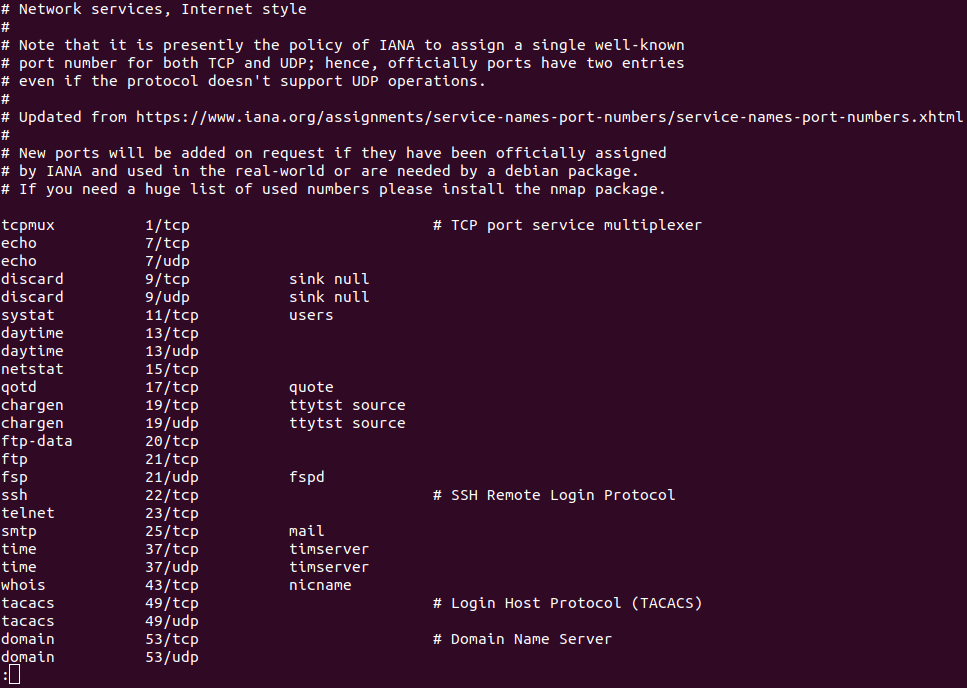
How To Check Port Number In Linux Rowwhole3

How To Check All The Open Ports In Your Linux System Linux Transmission Control Protocol
Check USB Port Types In Windows 11 Tutorial Windows 11 Forum
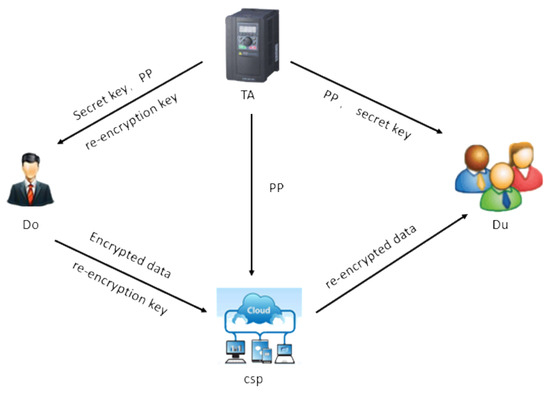
How To Check Port 8080 Status In Linux
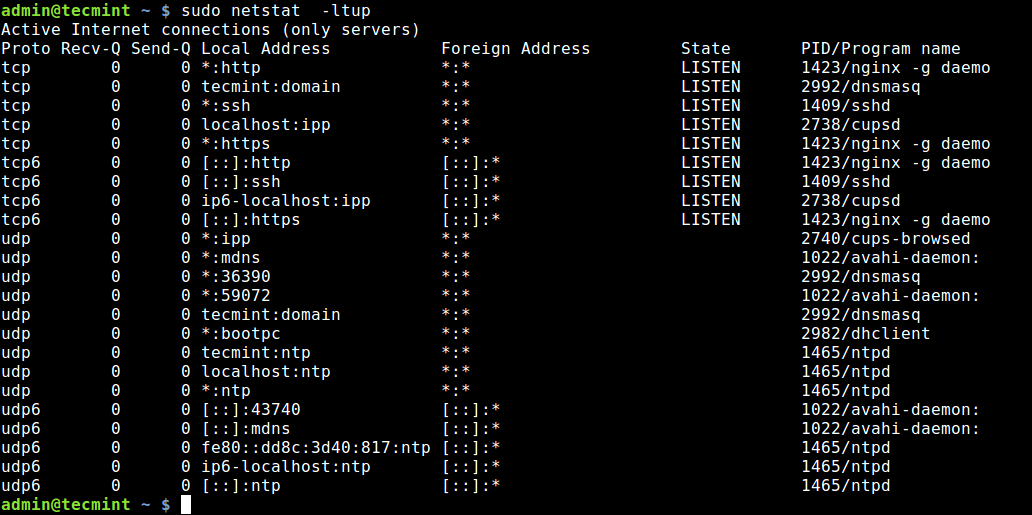
How To See If Ports Are Open Ratiosentence21

Web Jun 4 2011 nbsp 0183 32 8 I want to list usb ports in linux and then send a message to the printer connected to it That message is sensed by the printer to open the cash drawer I know I can use echo e and a port name but my difficulty is finding the port name How can I list the available ports or the ports that are currently used linux usb Share
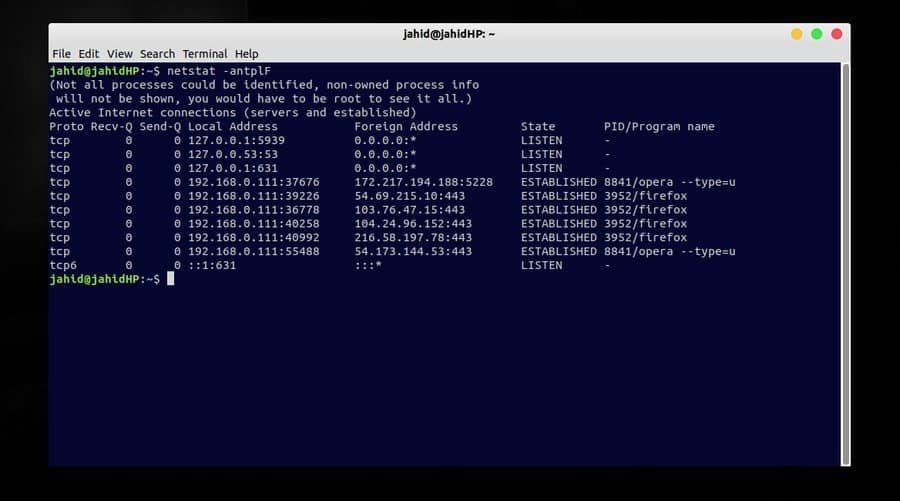
Web Feb 15 2022 nbsp 0183 32 sudo apt get install hwinfo If you do not want to install an app try running cat proc mounts Another thing you can try which lists active USB devices is lsusb lsdev less will list all hardware devices When looking for USB devices look for either objects labeled as USB or objects labeled as PCI
Web Aug 22 2022 nbsp 0183 32 Check connected USB devices graphically Your distribution file manager can be used to view USB storage devices connected to your computer As you can see in the screenshot of Nautilus GNOME File Manager below The connected devices are shown in the sidebar Only USB Storage devices are shown here

Web May 24 2023 nbsp 0183 32 1 Introduction When working with a Linux machine it s common to use USB devices such as external hard drives flash drives and other peripherals to transfer data install software or backup important files However before we can begin using a USB device we need to ensure that it s properly connected to our system

Web Feb 14 2013 nbsp 0183 32 1 Answer Sorted by 4 I usually list the files in dev plug in the device list the files in dev again and look to see which special file appeared You could also redirect the output of each listing to two different files and use diff to show you which special file appeared when you plugged in the device
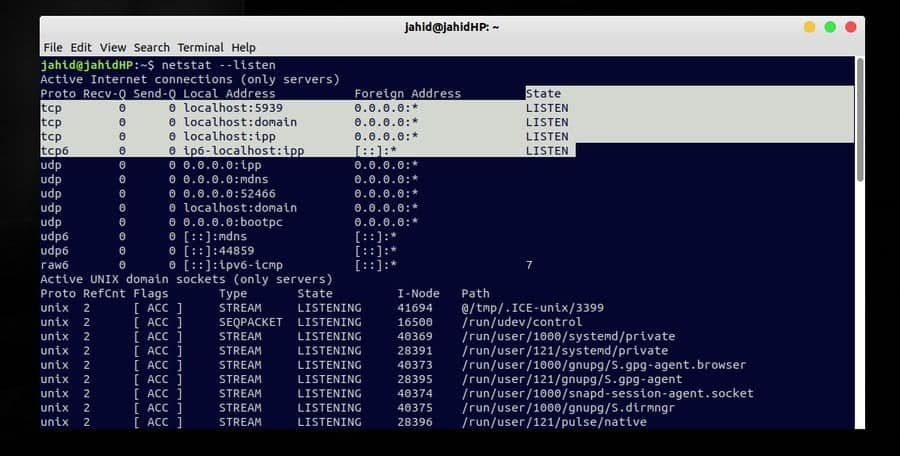
Web Jun 6 2020 nbsp 0183 32 Check Listening Ports with netstat netstat is a command line tool that can provide information about network connections To list all TCP or UDP ports that are being listened on including the services using the ports and the socket status use the following command sudo netstat tunlp The options used in this command have the following Web Jan 5 2011 nbsp 0183 32 lsusb List usb buses and device details This command shows the USB controllers and details about devices connected to them By default brief information is printed Use the verbose option quot v quot to print detailed information about each usb port
Web To detect your USB device in a terminal you can try lsusb example