Linux Change Usb Drive Permissions How To Change File Permissions In Linux Systran Box How To Change File Permissions In Linux Systran Box Total Permissions Reset For Windows 10 Default Permissions On Local Google Drive Sharing Permissions Explained A Detailed Guide Pin By Baby Purple Bat Thinks If You On Posts Memes That Made Me Hehe 1 Answer Sorted by 0 From the documentation I am seeing you can add this to etc udev rules d openauto rules SUBSYSTEM usb ATTR idVendor ATTR idProduct MODE 0660 GROUP plugdev Naturally set the MODE and GROUP to your desired permission set and group owner for your system
On Linux users often have the issue that normal users can t access some USB devices while root can Most pages on the internet try to address this issue individually for each device but most users don t need that granularity they just want it to work This post provides a method Installation Run this in your favourite shell Be sure that the Windows system s you connect the drive to have Fast Boot turned OFF or the drive will look funny to Linux Beware some Windows updates turn Fast Boot ON waltinator Oct 21 2021 at 21 52 Be careful not to write to an NTFS drive from a Unix based OS It may corrupt the drive
Pin By Baby Purple Bat Thinks If You On Posts Memes That Made Me Hehe Google Drive Sharing Permissions Explained A Detailed Guide Store n Go Secure Pro USB Drive USB 3 2 Gen 1 64GB Verbatim Online Shop Verbatim USB 2 0 DRIVE PIN STRIPE 32GB I Lager Billig How To Use A USB Drive To Increase RAM In Windows PC How To Create A Bootable USB Drive With MacOS Catalina Installer How To Change File Permissions On Windows 7 with Pictures Steps 7 11 How To Move Your Operating System To Another Hard Drive Buy Yoiimiya USB Floppy Drive 3 5inch USB External Floppy Disk Drive
Linux Change Usb Drive Permissions
 Linux Change Usb Drive Permissions
https://syscdn.systranbox.com/1666668689362.jpg
2 Change the permission of the owner to read only chmod u w test1 txt 3 List the directory contents to view the new permission settings We should now see that the permissions for test1 txt
Templates are pre-designed files or files that can be utilized for numerous purposes. They can save effort and time by offering a ready-made format and layout for producing various type of material. Templates can be used for individual or professional projects, such as resumes, invitations, flyers, newsletters, reports, discussions, and more.
Linux Change Usb Drive Permissions
5 Things You Can Do With Your USB Flash Drive TheTechieGuy

Google Drive Sharing Permissions Explained A Detailed Guide
Store n Go Secure Pro USB Drive USB 3 2 Gen 1 64GB Verbatim Online Shop

Verbatim USB 2 0 DRIVE PIN STRIPE 32GB I Lager Billig
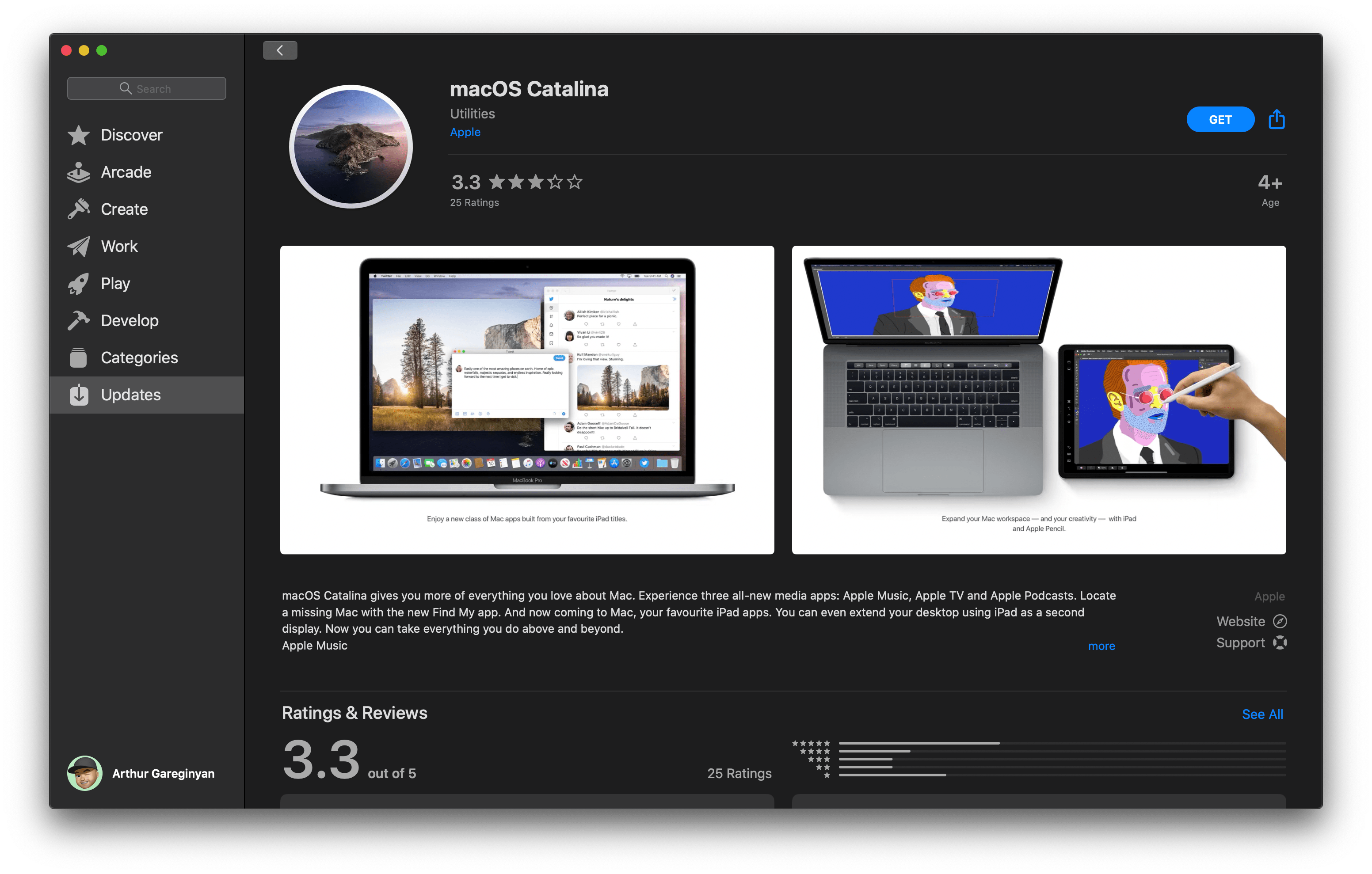
How To Create A Bootable USB Drive With MacOS Catalina Installer

How To Change File Permissions On Windows 7 with Pictures

First you need to identify the vendorID and productID of your USB device For that use lsusb command lsusb vvv From the lsusb output find your USB device s entry and look for idVendor and idProduct fields In this example we have idVendor 0x067b and idProduct 0x2303 Next create a new udev rule as follows

2 Answers Sorted by 2 This might help someone in my case the problem wasn t permissions to read the path to the device itself but to the media user directory Probably some problem caused by multiple dist upgrades the initial installation was very old So if you put in ls media user
23 To enable everyone rw access the key is umask 0 option to mount command sudo mount o umask 0 uid nobody gid nobody dev something mnt somewhere umask 0 is enough uid and gid just for sake of clarity so you don t see more root owners than necessarily

Linux already has FAT support for read write although they do not support permissions If you want an NTFS partition mounted with ownership applied to a specific user group specify it in the mount switches mount o uid username gid groupname dev sdc path to mount If you change to ext3 as suggested above you can use chown

Closed 7 years ago I want to reformat a SanDisk Cruzer Edge USB flash drive but it appears read only sudo dd if dev zero of dev sdg dd failed to open dev sdg Read only file system I checked the readonly status with hdparm sudo usr sbin hdparm dev sdg SG IO bad missing sense data sb 70 00 05 00 00 00 00 14 00 00 00 00
To do that follow the steps below Launch an Ubuntu Terminal Paste the following command in the command prompt df EXPLANATION df Shows used and available space on each disk partition Hit ENTER Here dev sda refers to physical disks as HDD Hard Disk Drive or SSD Solid State Drive 223 Reaction score 43 Credits 2 078 Sep 17 2021 1 I have used the following to change ownership from root to qw qw qw desktop sudo chown qw dev sdi1 I received no error however file manager Ubuntu 21 04 still reports the owner as root What am I doing wrong Fanboi Well Known Member Joined Apr 16 2021 Messages 499
The best way is chown R user mnt point where user represents your user name or user ID and obviously mnt point represents the mount point of your file system If the root group has write permission as well and you want another group to have it then you can use chown R user group mnt point If the root group doesn t have write