Line Feed In Excel Cell Adding A Line Feed In Excel Mac Os X Greatpassl Adding A Line Feed In Excel Mac Os X Hcfer cunfuxiao7305 CSDN Adding A Line Feed In Excel Mac Os X Nasveplus Carriage Return In Excel How To Insert Carriage Return In Excel Verkko 25 helmik 2011 nbsp 0183 32 How do I add a line feed to cell in Excel
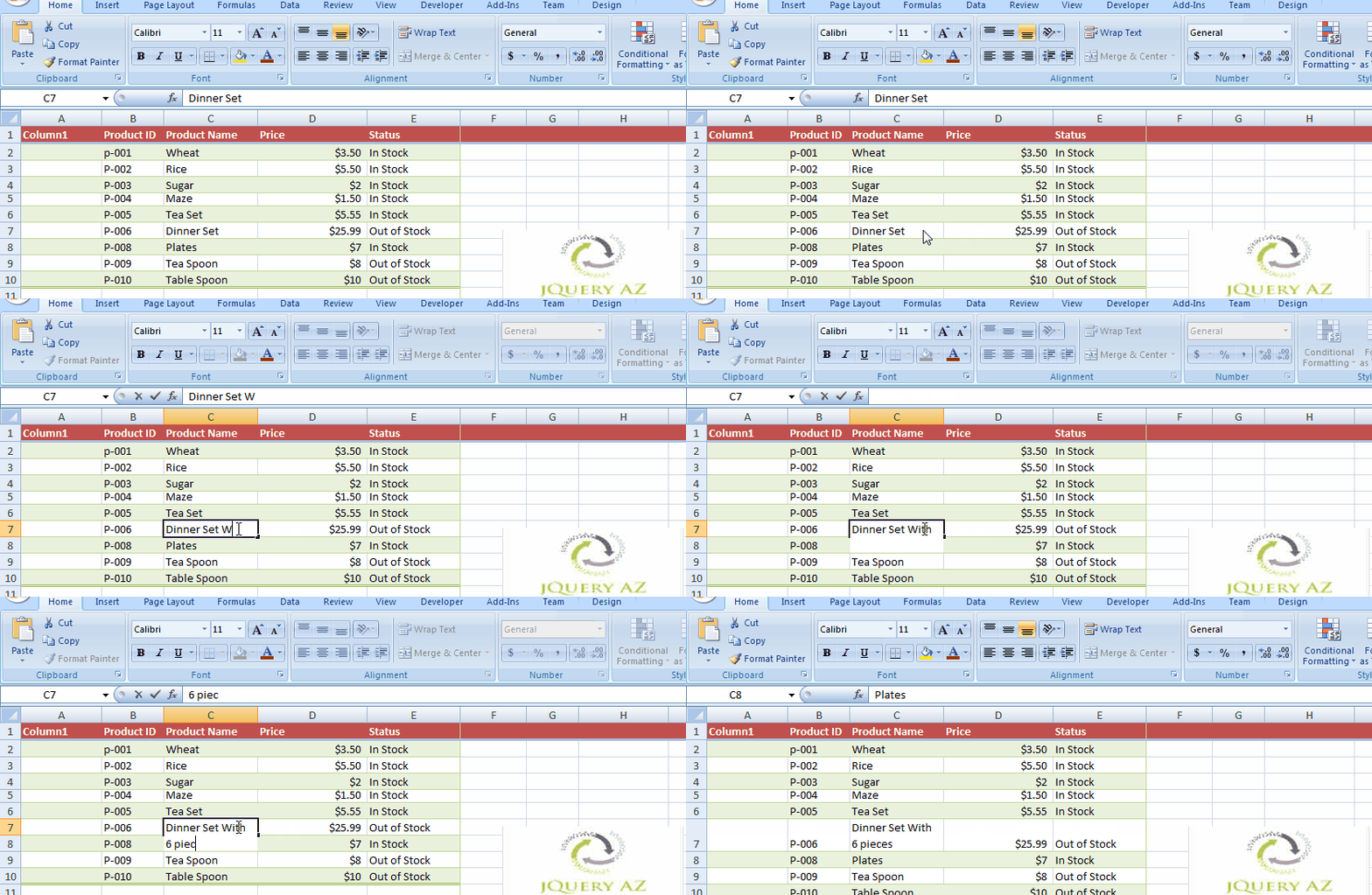
Verkko The easiest way to create a line break in an Excel cell is using the Alt Enter keys in Windows Below is a table containing some text in a single line Step 1 Double click on cell A1 place the cursor where you want Verkko 17 jouluk 2015 nbsp 0183 32 Try using the Alt Enter key This will create a new line feed in the cell
Carriage Return In Excel How To Insert Carriage Return In Excel Solved Line Feed In Enum Item Name plus Question On Property Node Can You Put A Line Feed In A Measure Header Alias Solved NOR ing The Binary Numbers 0101 1010 Would Result In Chegg 26 2 Cornrows Hairstyles Hairstyle Catalog Start New Line In Excel Cell 3 Ways To Add Carriage Return Cut And Paste List Into Excel Porunit How To Display Power Query Results With Line Feed Or Carriage Return How To Insert Remove Carriage Return In Excel with Examples
Line Feed In Excel Cell
 Line Feed In Excel Cell
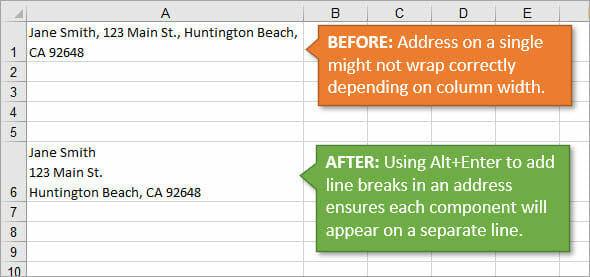
https://www.excelcampus.com/wp-content/uploads/2021/03/Add-Line-Breaks-to-Address-with-Multiple-Lines-in-Excel.jpg
Verkko 28 toukok 2013 nbsp 0183 32 Watch this short video to see the steps for adding a line break in a cell Then see how to find the line breaks in Excel and replace them with space
Templates are pre-designed files or files that can be used for different purposes. They can conserve effort and time by supplying a ready-made format and layout for producing various kinds of content. Templates can be utilized for individual or professional jobs, such as resumes, invitations, flyers, newsletters, reports, discussions, and more.
Line Feed In Excel Cell
Go To Next Line In Excel Cell Windows Kurtstudent

Solved Line Feed In Enum Item Name plus Question On Property Node
Can You Put A Line Feed In A Measure Header Alias
Solved NOR ing The Binary Numbers 0101 1010 Would Result In Chegg
Start New Line In Excel Cell 3 Ways To Add Carriage Return
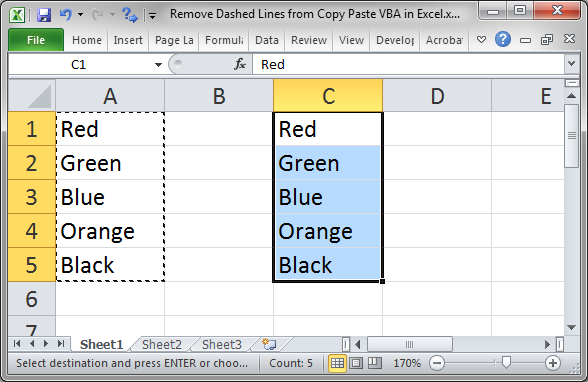
Cut And Paste List Into Excel Porunit

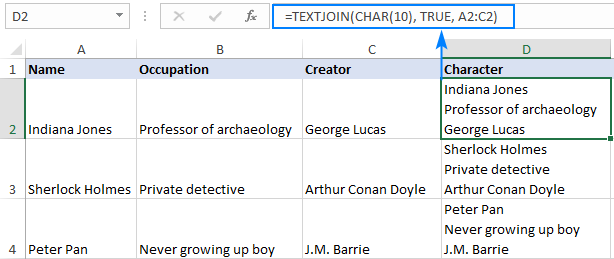
Verkko To add a line break with a formula you can use the concatenation operator amp along with the CHAR function In the example shown the formula in E4 is B4 amp CHAR 10 amp C4 amp CHAR 10 amp D4 Add a line
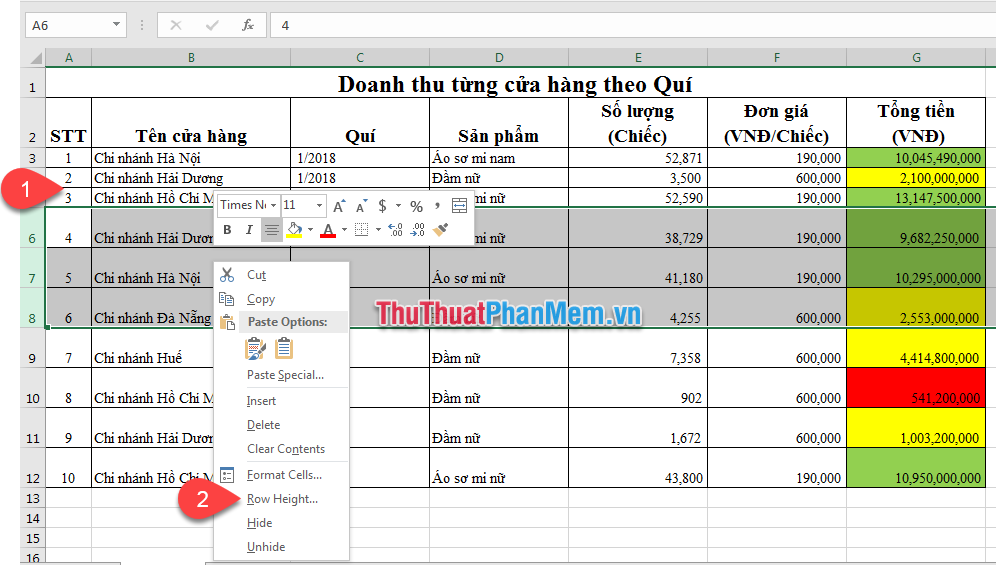
Verkko Method 1 Cell Wrapping Often you only need to set the cell to wrap text and you can set the width of the cell to whatever is desired
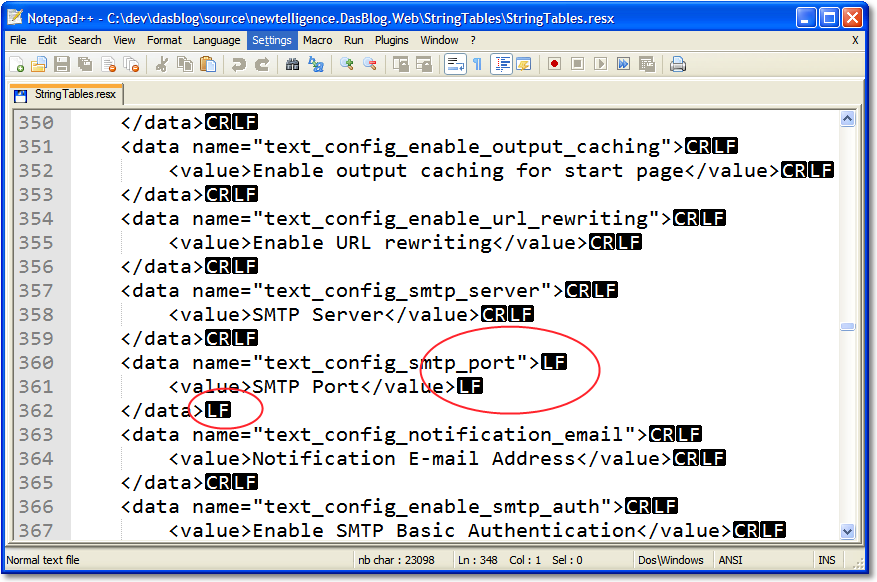
Verkko Click the location inside the cell where you want to break the line or insert a new line and press Alt Enter

Verkko 29 tammik 2021 nbsp 0183 32 To add a line break first click inside the cell or cells where you want to add a break Click once more in the precise location where you want to insert the break Because our example uses first
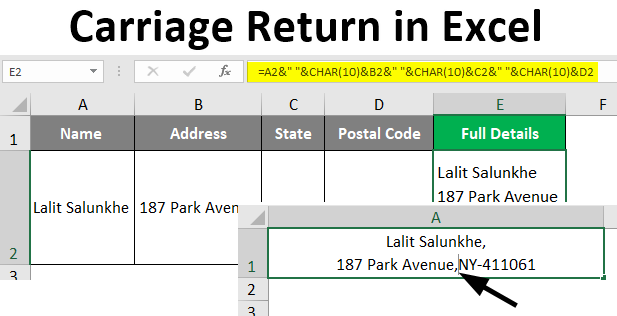
Verkko 21 jouluk 2021 nbsp 0183 32 Related All the Best Microsoft Excel Keyboard Shortcuts First open your spreadsheet and type your text until you need a new line While your cursor is
Verkko 5 toukok 2022 nbsp 0183 32 Excel line feed within cell To whon it may concern I have been trying in vain to automate a line feed into an excel cell I start with a SQL query that I call from Verkko Place the cursor in the Find what field and use the keyboard shortcut Control J hold the Control key and press the J key You may not see anything but this puts the line
Verkko 2 lokak 2023 nbsp 0183 32 Written byAfia Kona Last updated Oct 2 2023 Get FREE Advanced Excel Exercises with Solutions When working with large amounts of text data users