Line Break Vs Paragraph Break Use Margin To Indent Paragraph In HTML And CSS Adjusting Line Spacing Direct Mail How To Create A Macro Using Vba In Excel 2016 Mac Safasvictory Sketchanet Platform Documenatation Vigorelle Review UPDATED 2022 3 BIG Reasons It Works So maybe I m misunderstanding what you re referring to but I ve heard them referred to as soft versus hard line breaks That gets confusing because similar terms are used to refer to other things e g word wrapping but those are the terms I ve seen used Usually they re implemented differently with the return vs shift return like you re
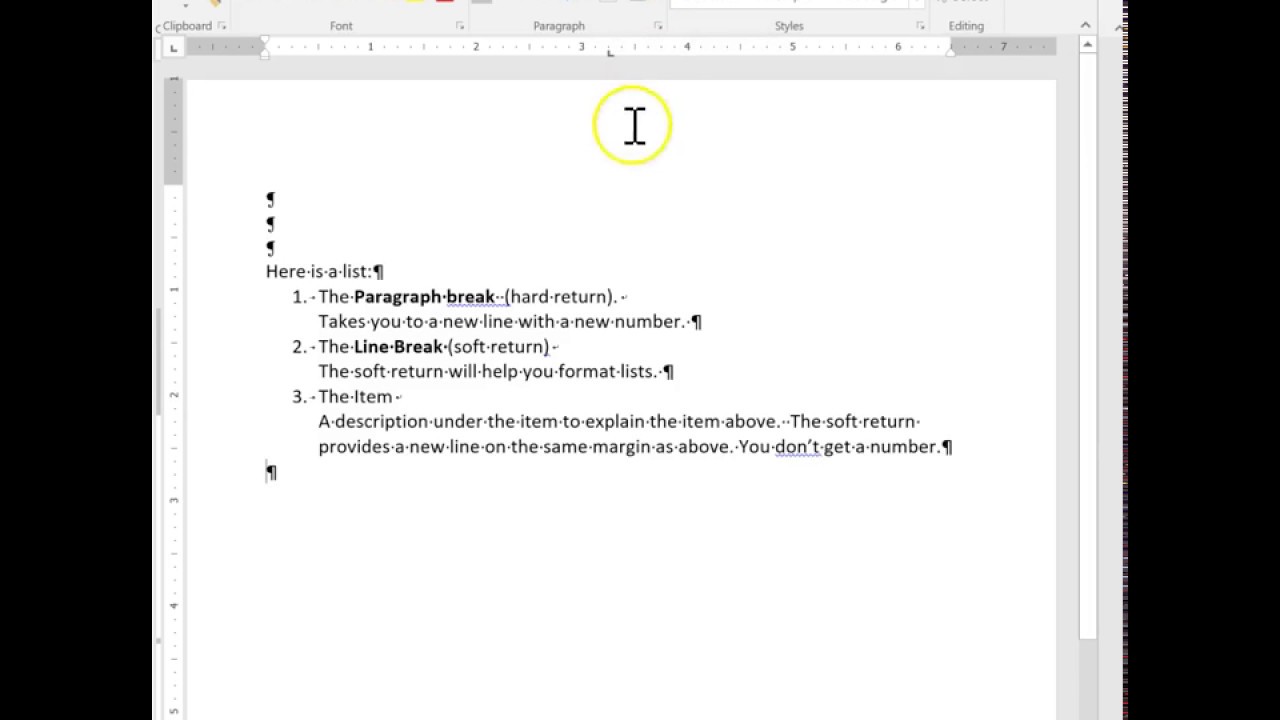
Press Shift Enter Line breaks are used to delimit a specific text or break a line before a word that would otherwise be hyphenated see more about automatic hyphenation and manual hyphenation To remove line breaks follow the two step procedure I Replace two consecutive line breaks with one paragraph break 1 Open the Find and Replace dialog box by doing one of the following A paragraph break hit Enter or Return on the keyboard is always more meaningful than a line break hit Shift Enter or Return on the keyboard A paragraph break inserts what looks like a double space in between one line of text and another and allows screen reader users to parse the information on the page more readily
Vigorelle Review UPDATED 2022 3 BIG Reasons It Works HTML Line Breaks And Paragraphs Use Paragraph Breaks In Text Content EdTech Help Word 2010 Insert Line Break Remove Carriage Return Word 2010 Jointdelta How To Change Orientation Of One Page In Word Microsoft Word 365 HTML Line Break With Examples COPA Guide ITI COPA HTML PRACTICALS TEXT PARAGRAPH AND LINE BREAK TAGS The Secret To Converting Paragraph Breaks Into Line Breaks And Creating Comma Separated Lists
Line Break Vs Paragraph Break
 Line Break Vs Paragraph Break
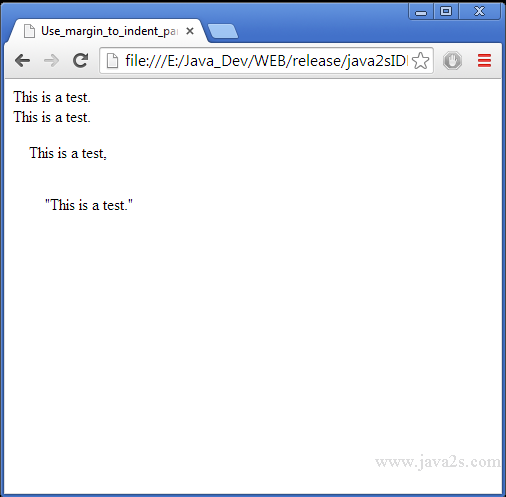
http://www.java2s.com/Tutorials/HTML_CSSImage/Text/CSS_Text/Use_margin_to_indent_paragraph_in_HTML_and_CSS_Example.PNG
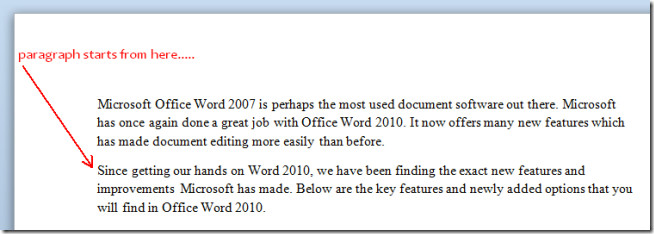
Steps Change the text paragraph into 2 or more columns To change the paragraph into the column Go to the Layout tab click on the column and then select one of the column options Now position the cursor at the beginning of the line in the left column that you want to break Then strike press the Shift Ctrl Enter
Pre-crafted templates use a time-saving option for producing a varied series of files and files. These pre-designed formats and designs can be utilized for numerous individual and professional projects, including resumes, invites, flyers, newsletters, reports, discussions, and more, improving the content production procedure.
Line Break Vs Paragraph Break
Paragraph And Line Breaks In MS Word YouTube
HTML Line Breaks And Paragraphs

Use Paragraph Breaks In Text Content EdTech Help
Word 2010 Insert Line Break
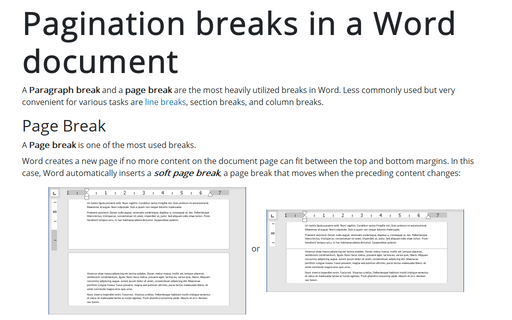
How To Change Orientation Of One Page In Word Microsoft Word 365
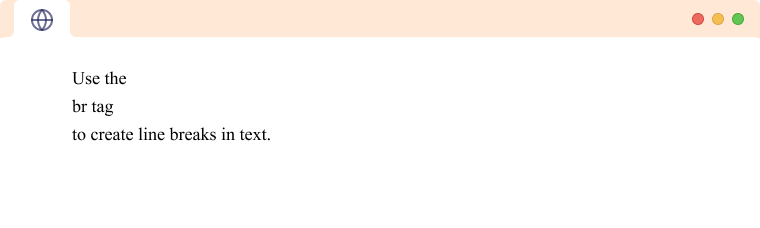
HTML Line Break With Examples

Loose Break text using the least restrictive line break rule Typically used for short lines such as in newspapers normal Break text using the most common line break rule strict Break text using the most stringent line break rule anywhere There is a soft wrap opportunity around every typographic character unit including around any

To create a new paragraphs Press Enter Paragraphs in the content are separated by a small amount of padding between them usually the height of a line of text Visually it looks as though there is a blank line separating the two paragraphs To create Line Breaks Hold Shift and Press Enter known as a carriage return or soft return

How to tell the difference between a paragraph break and a line break in word processing and why you should know this
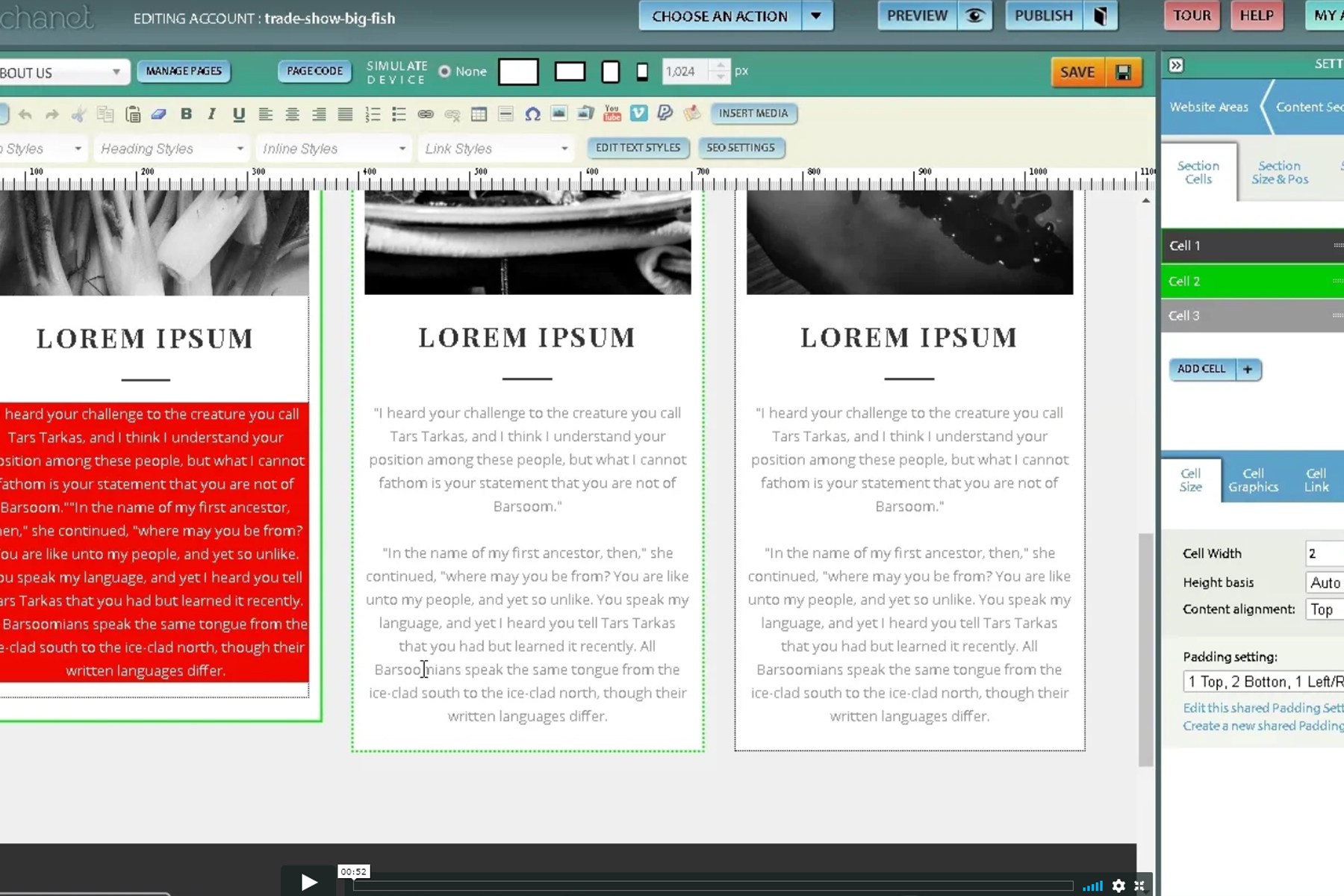
Select the paragraph or paragraphs On the Home tab in Word or on the FORMAT TEXT tab in an Outlook email select the Paragraph Dialog Box launcher Select the Line and Page Breaks tab Under Formatting select Don t hyphenate

New Paragraph How to Make Enter Perform a Single Line Break When you press Enter in Microsoft Word by default your cursor will jump ahead two lines But why does it do this and is there any way to make it only move ahead one line instead We ll show you the answers Line Break vs New Paragraph
2 Traditionally if a scene break occurred in a middle of a page in print the paragraph break was sufficient to indicate the shift This is insufficient on an ebook because an e reader s settings might mean the scene break occurs at the end or beginning of a page It s set to default on new word documents for Word 2016 that Enter creates a paragraph break whereas Shift Enter creates a Line Break But for certain documents randomly Enter and Shift Enter ONLY insert line breaks Would just like to know how to re enable Enter being paragraph break
Use options on the Line and Paragraph Breaks tab to control how lines and paragraphs break between text boxes or columns These options apply only to selected text or paragraphs Widow Orphan control Widows and orphans are single lines of text in a paragraph that print at the top or bottom of a text box or column